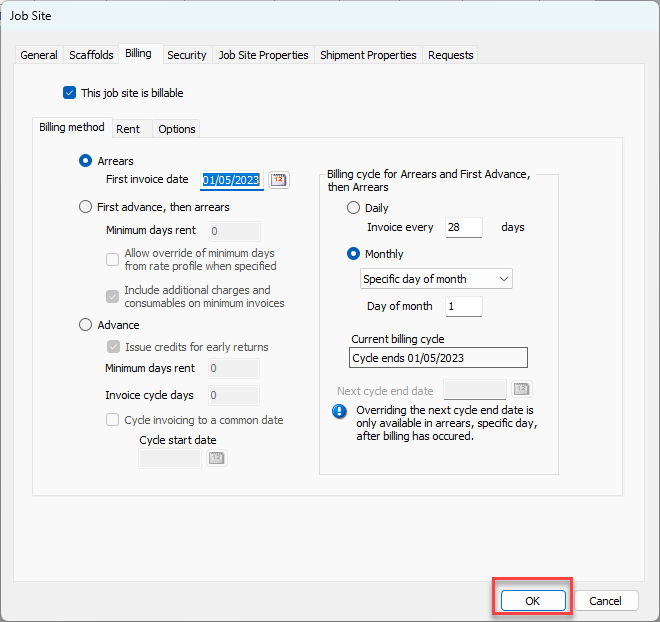
Applying the Arrears billing method is a simple procedure that requires just a few steps. Before you begin, make sure you know the following:
Whether you want to bill based on an accumulated number of days (like 14 days) or based on a specific day of the month (like, the first of the month)
The date of the first invoice
To apply the Arrears billing method:
Locate and double-click the appropriate Job Site.
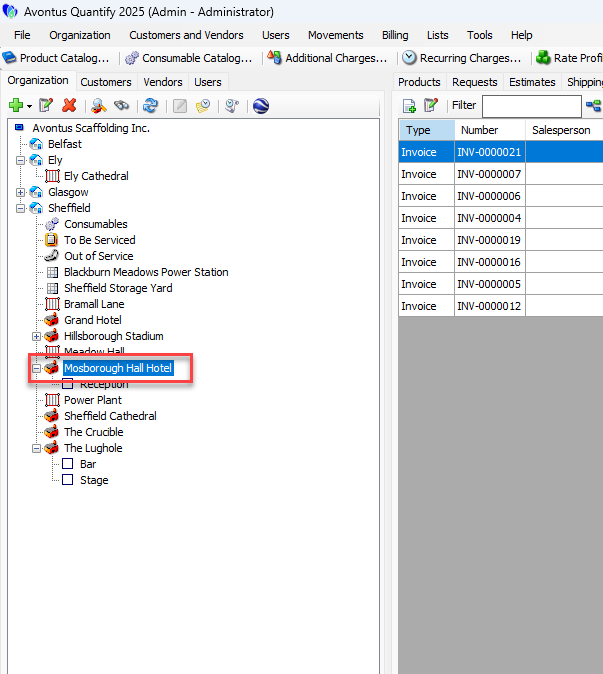
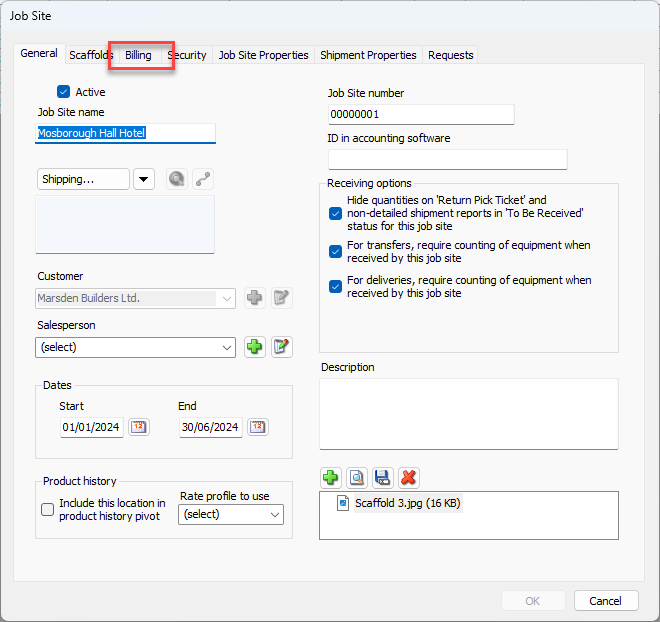
The Job Site dialog appears.
Click the Billing tab.
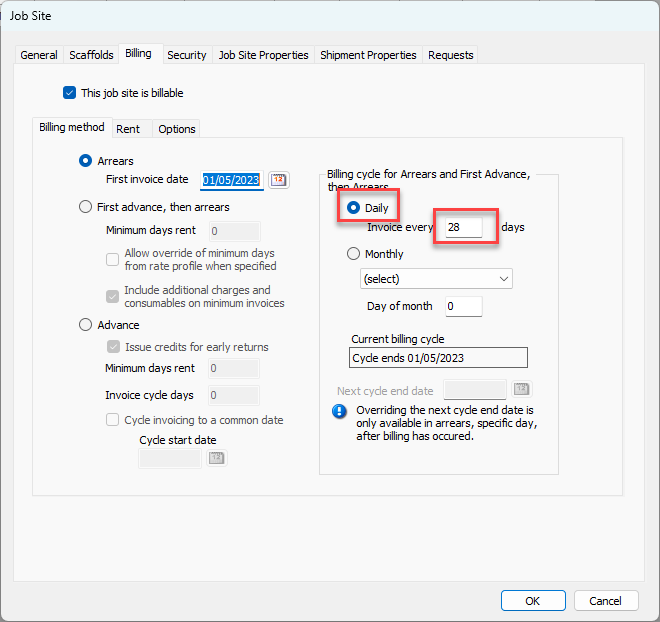
Click the Arrears radio button.
Click the Cycle Start Date calendar icon (
 ).
).
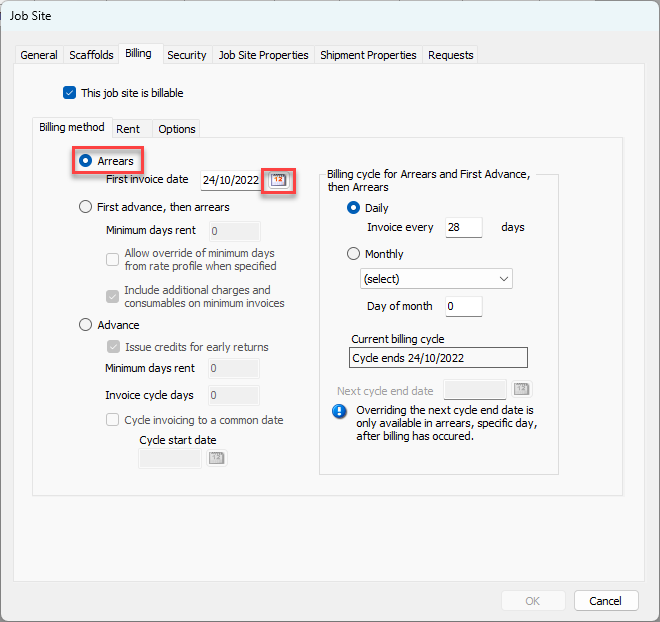
A calendar appears.
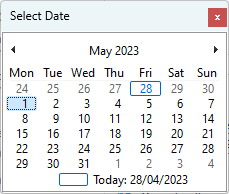
Locate and click the appropriate cycle start date.
Configure a time frame.
DailyClick the Daily radio button.
Click in the Invoice Every text field and enter the number of days between invoices.
MonthlyClick the Monthly radio button.
Click the Monthly dropdown and select the invoice day. Your options are: First day of month, Last day of month, Last Sunday of month or Specific day of month.
If you select Specific day of month click in the Day of Month text field and enter the appropriate day
Click OK.