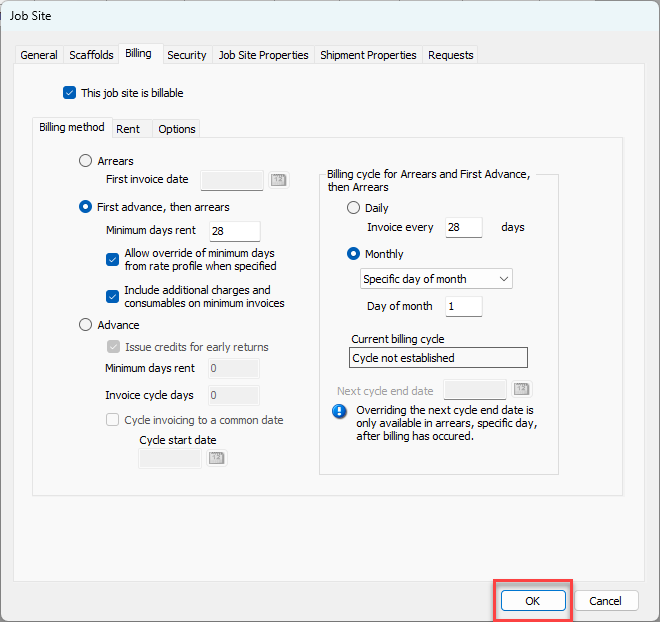
Applying the First Advance, Then Arrears billing method is a simple procedure that requires just a few steps. Before you begin, make sure you know the following:
- Whether you want to bill based on an accumulated number of days (like 14 days) or based on a specific day of the month (like, the first of the month)
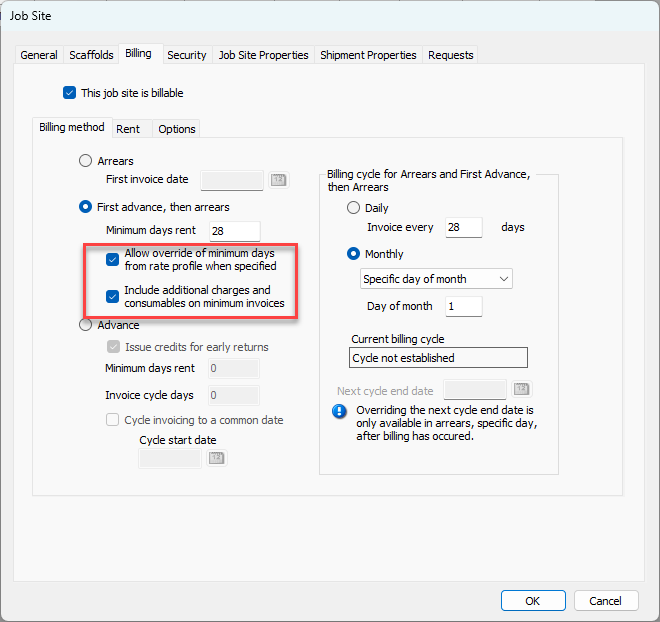
- The minimum days rent to be charged
- Whether you want to allow a specified minimum to override the minimum days specified in a Rate Profile
- Whether you want to include Additional Charges and Consumables in minimum days invoices
To apply the First Advance, Then Arrears (FATA) billing method:
- Locate and double-click the appropriate Job Site.
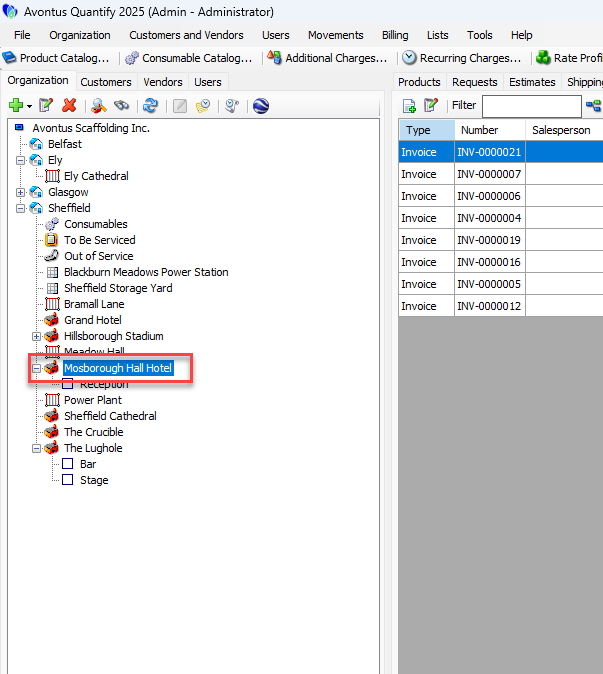 The Job Site dialog appears.
 - Click the Billing tab.
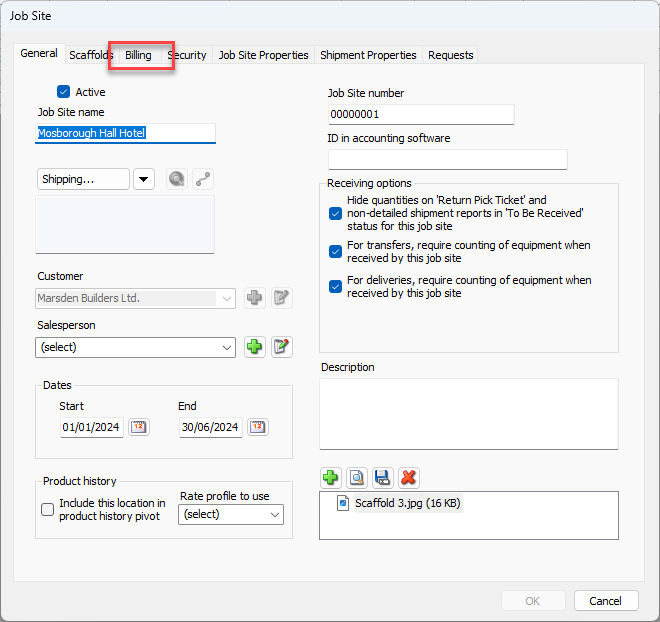 As necessary:
 - Click the First Advance, Then Arrears radio button.
- Click in the Minimum Days Rent text field and enter the minimum days rent.
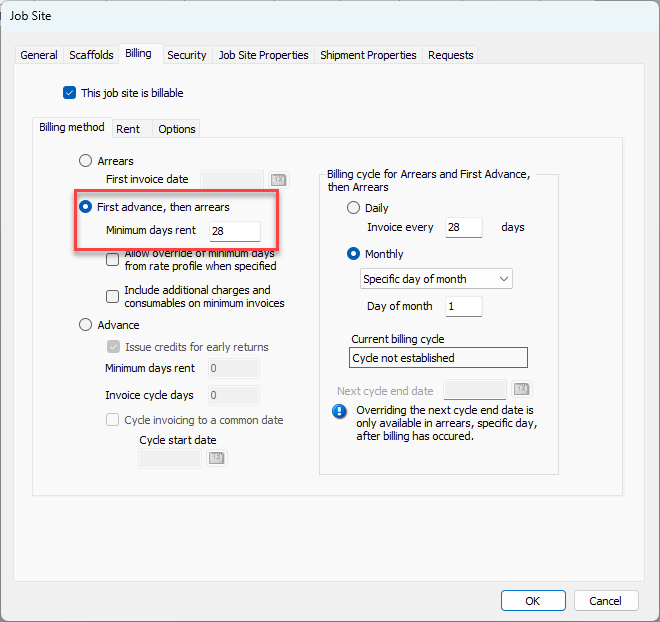
- Click the Allow override of Minimum Days from Rate Profile when Specified checkbox, to enable it, if appropriate.
- Click the Include Additional Charge on Minimum Invoices checkbox, to put a check in it, if appropriate.
- Configure a time frame.
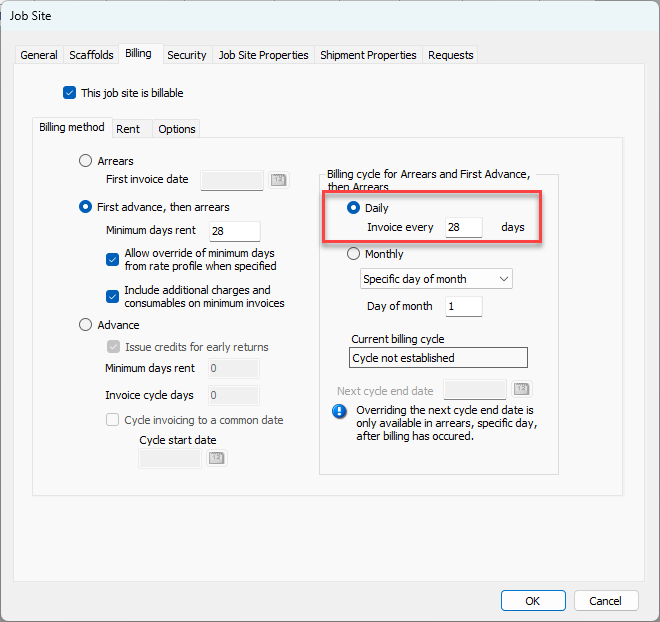
Daily- Click the Daily radio button.
- Click in the Invoice Every text field and enter the number of days between invoices.
Monthly- Click the Monthly radio button.
- Click in Monthly dropdown and select the invoice day. Your options are: First day of month, Last day of month, Last Sunday of month or Specific day of month.
- If you select Specific day of month click in the Day of Month text field and enter the appropriate day.
- Click OK.