Avontus Designer only runs on a 64-bit windows operating system and Visio.
You will also need to have installed a 64-bit version of Microsoft Office.
You will need to verify what bit version you are.
To verify the installed version of Microsoft Office:
- Open any Microsoft Office® program.
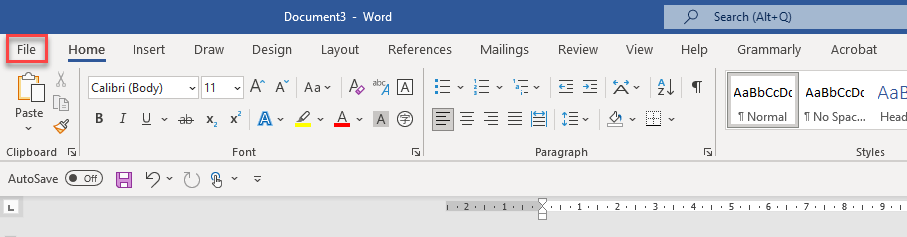
- Click File.
The Info interface appears. - Click Account.
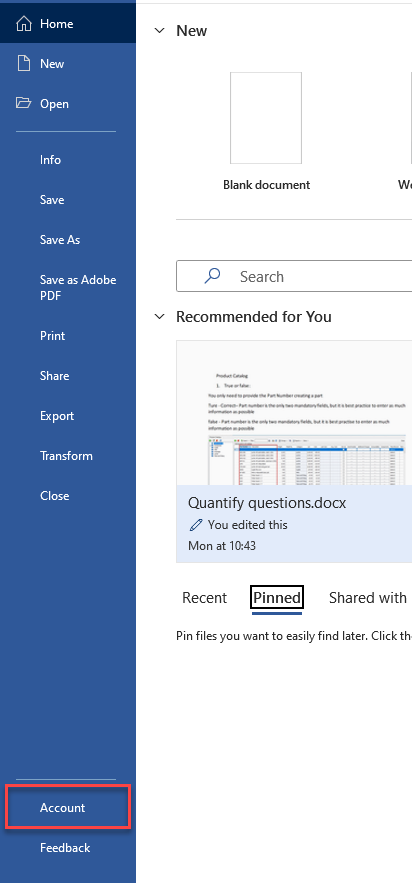
The Account interface appears. - Click About [program name].
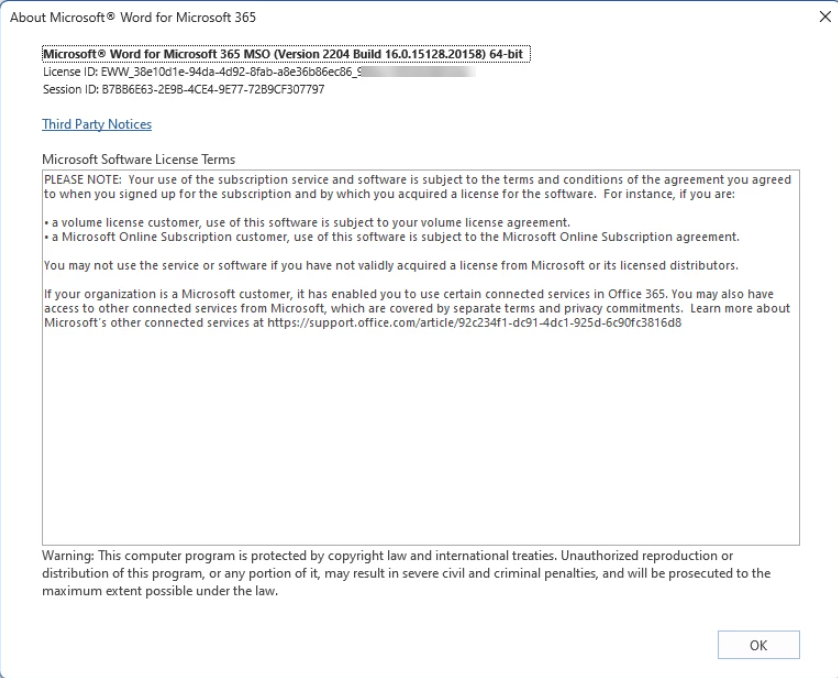
The About [program name] dialog appears, displaying the bit version with the product version.
Use the link below to download and install Microsoft Visio 2024, if needed. Please note this link will install a 60-day trial of Microsoft Visio 2024 that does not require a product key. If you have purchased your Avontus product, a licensed product key will be provided.
| Microsoft Visio® 2024 |