You may need to edit a user's details. For example, a user's email address may have changed.
Note: Users assigned to an edited role will need to log out and log back in again for the changes to take affect,
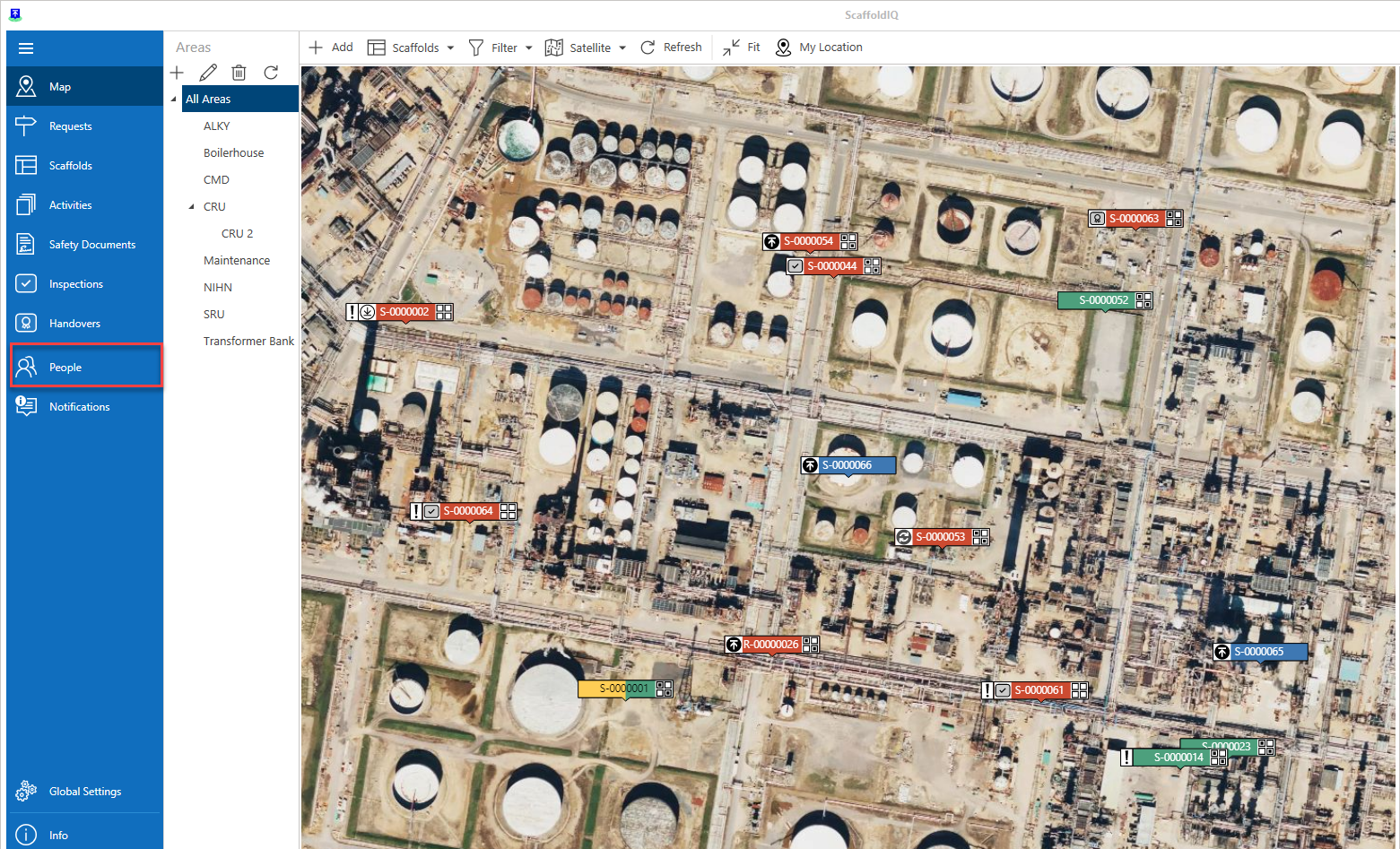
From the Map screen, click People in the Left-hand Menu
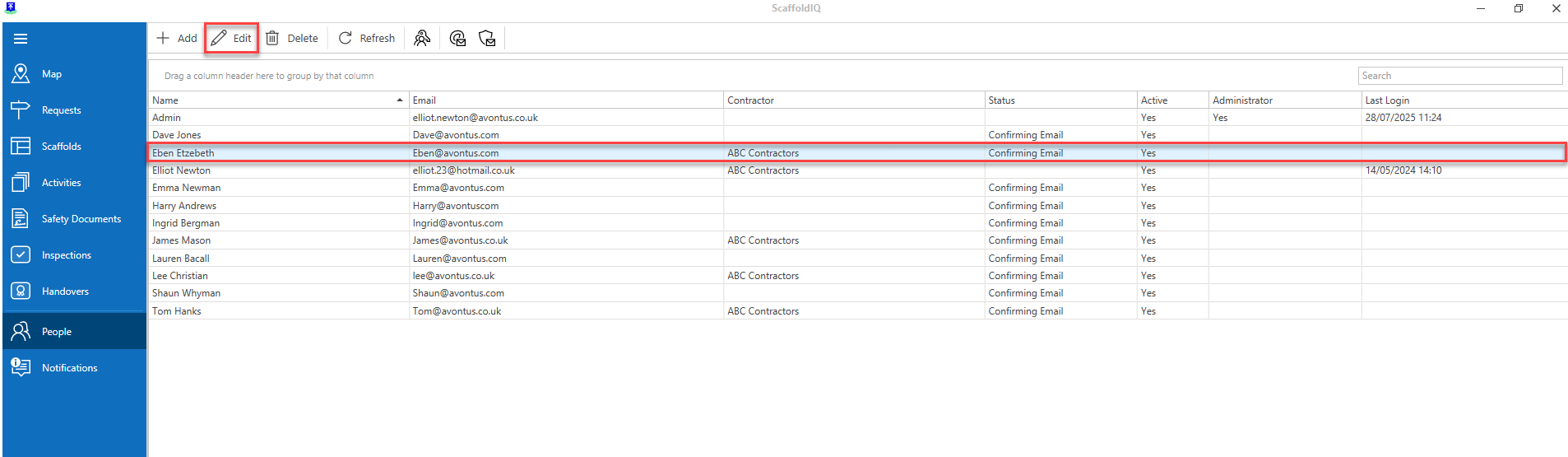
In the People screen, select a user and click Edit
Note: You can also double-click the user
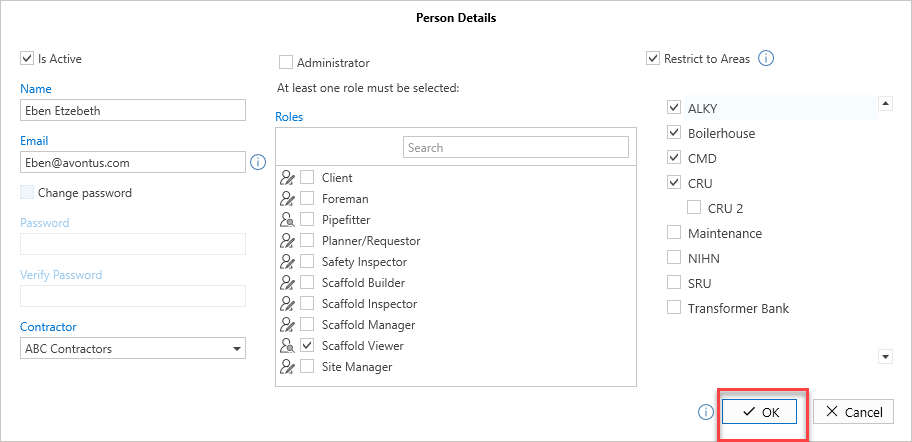
Make your required changes
Click OK