You can edit an area name, this could be to change the name of an area.
To edit an area
Go to either the Map, Requests, Scaffolds, Activities or Inspections screen.
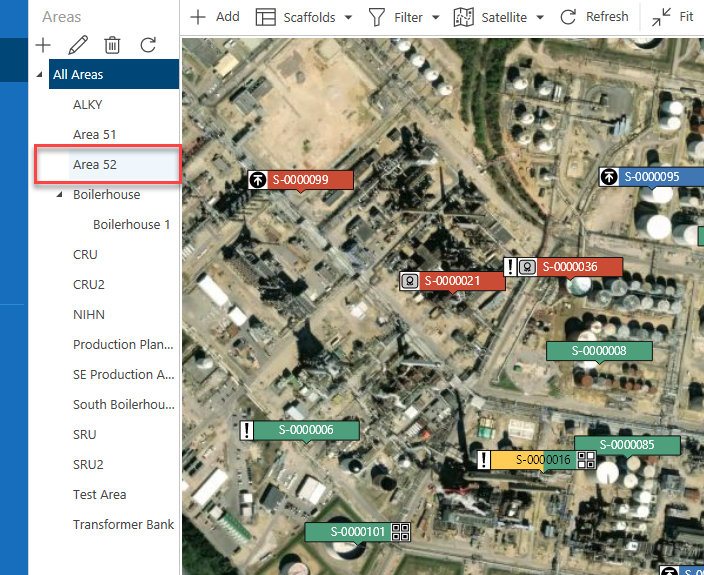
Select the area to edit
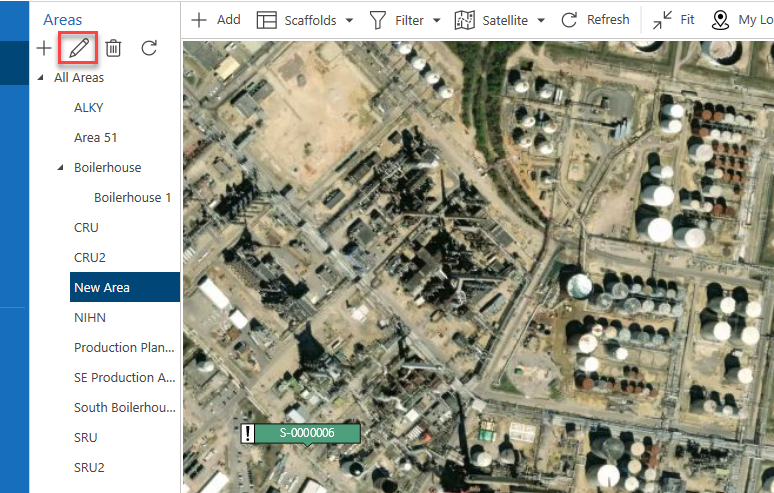
Click the Edit icon at the top of the area panel..
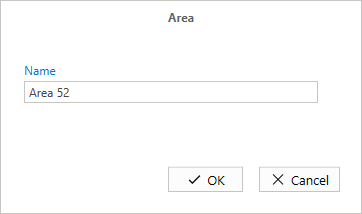
Specify what the new area name will be and click OK.
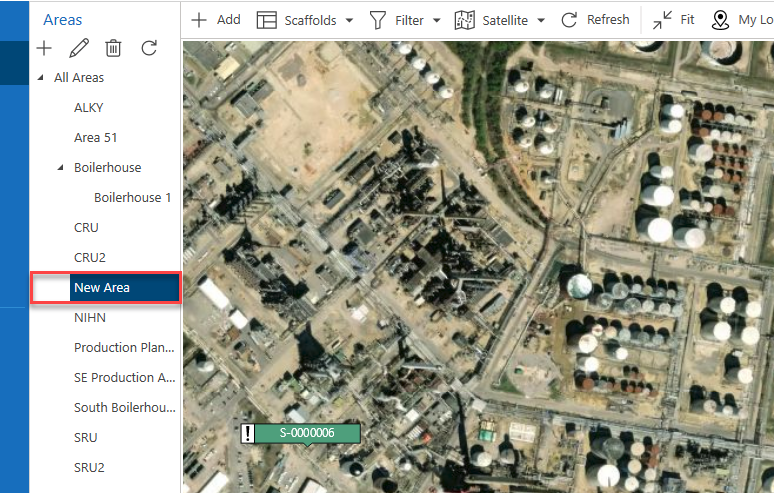
The area name will be changed.