There are two ways to launch the Avontus Viewer desktop application:
| Locate and double-click the Avontus Viewer desktop icon. If using this method, skip to step 4 |
| Click the Avontus Viewer icon in the Model tab of the 3D View window in the Avontus Designer interface. See below for these procedures. |


Launch Avontus Viewer by clicking the Avontus Viewer icon:
- Launch Avontus Designer and open the drawing you want to view in Avontus Viewer.
- Click the Model tab in the 3D View window.
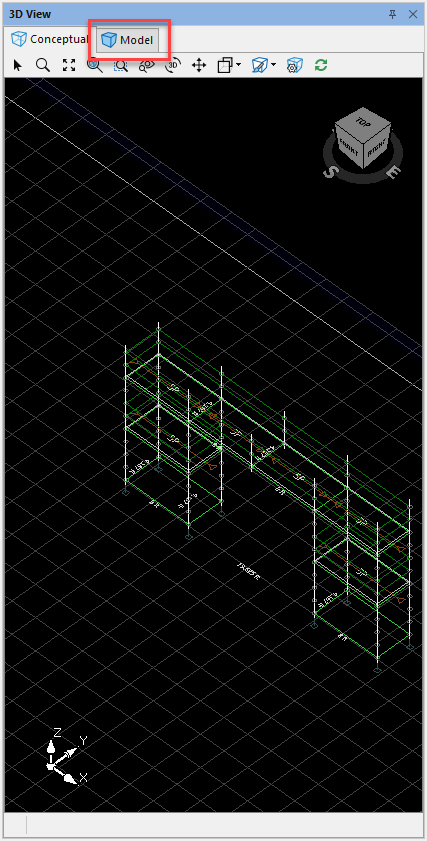 The window refreshes, displaying a 3D rendering the drawing.
 - Click the Avontus Viewer icon
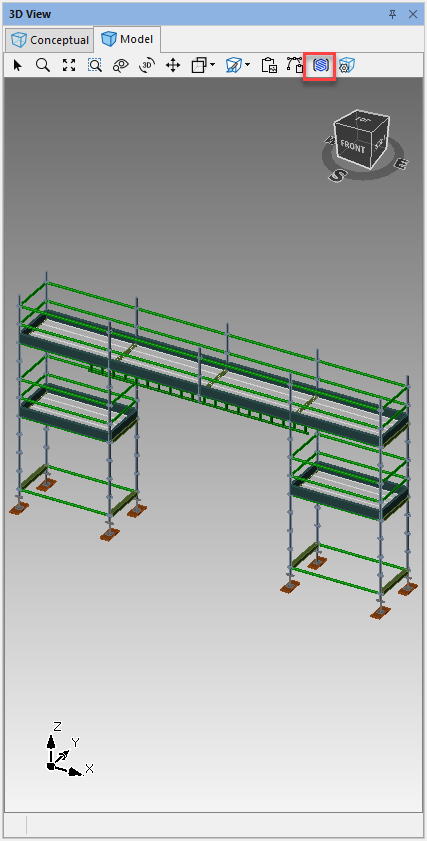 Avontus Viewer launches and displays the sign In dialog.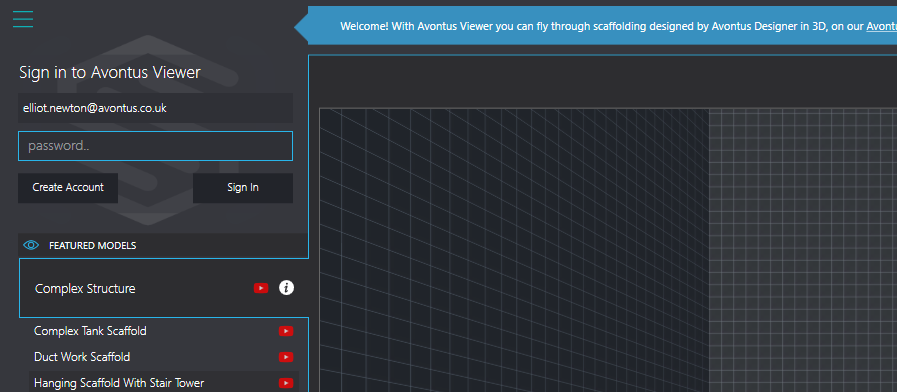
- Click in the Email Address text field and enter your email address.
- Click in the Password text field and enter your Avontus Viewer password.
- Click Sign In.
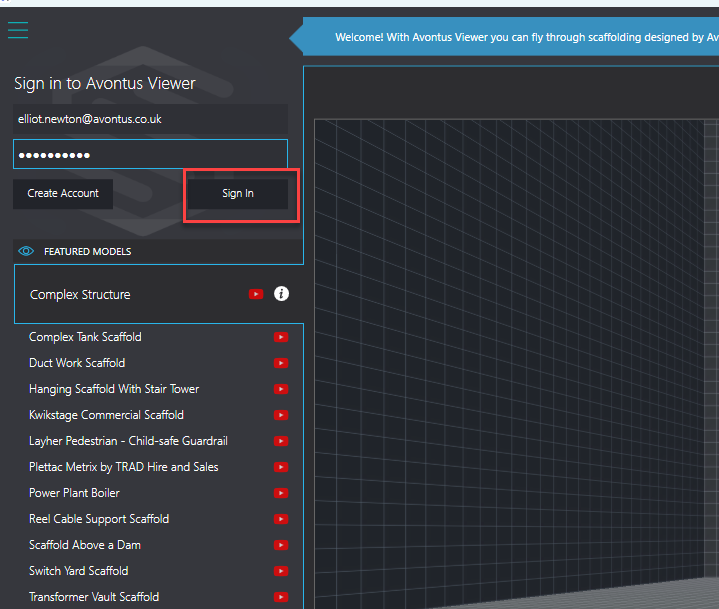
Avontus Viewer signs you in. - Click the Export button in the bottom left
You can then view your model in Avontus Viewer.