A Scaffold enter Awaiting Repair whenever it fails an inspection or a handover
- When viewing Scaffolds on the Map screen, tap the Scaffold Awaiting Repair
- Tap the status
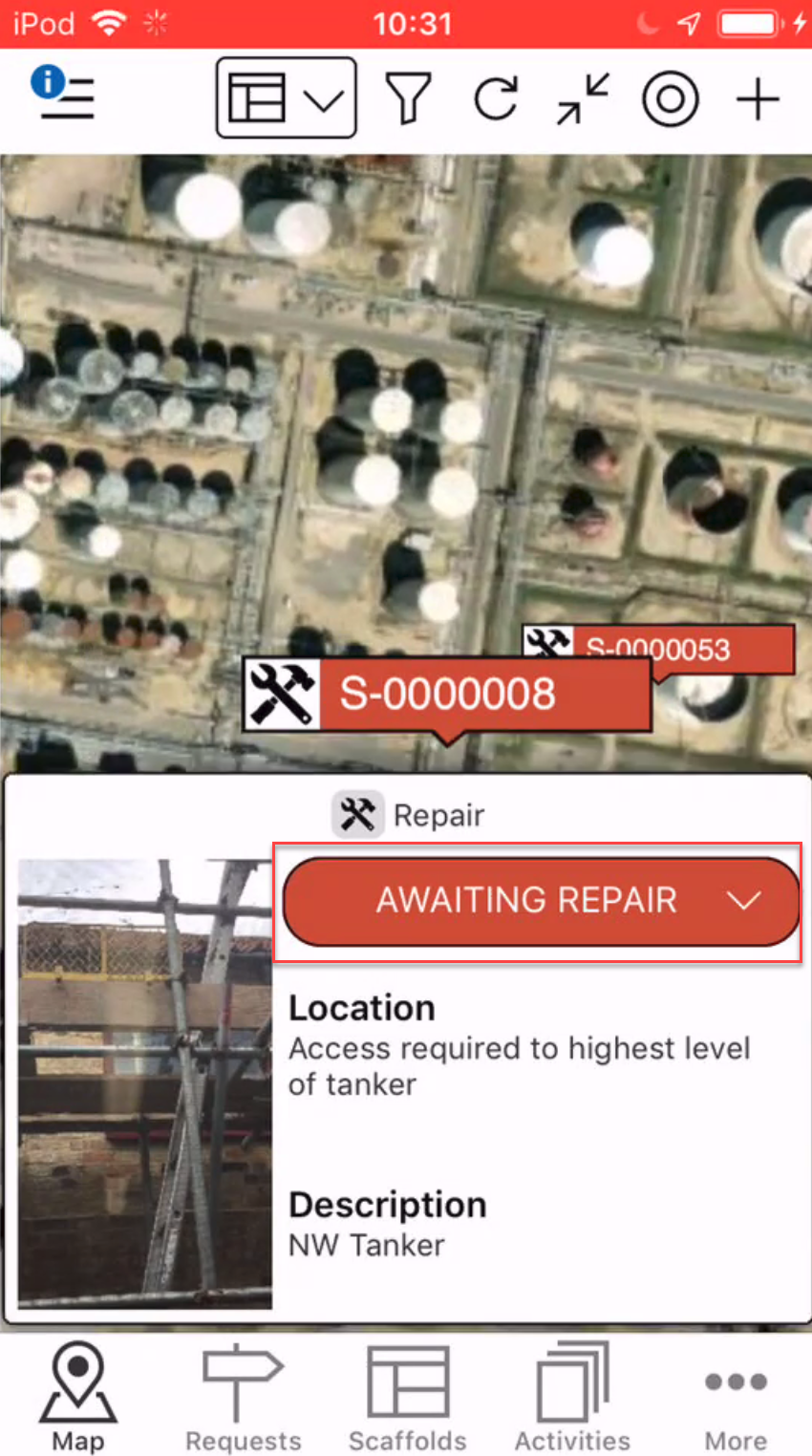
Note: You can also Repair a Scaffold from the Scaffold Details screen - Tap Being Repair
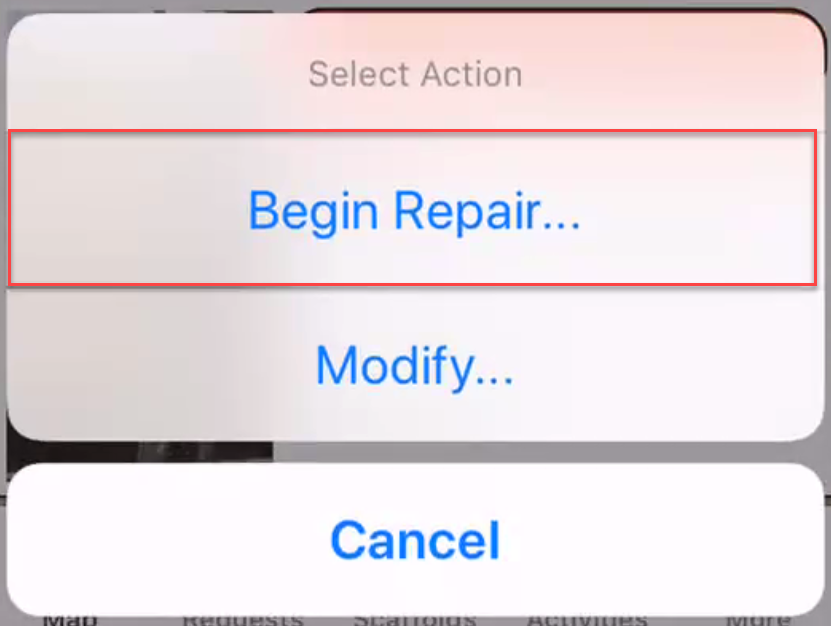
- Tap Yes, Change Status
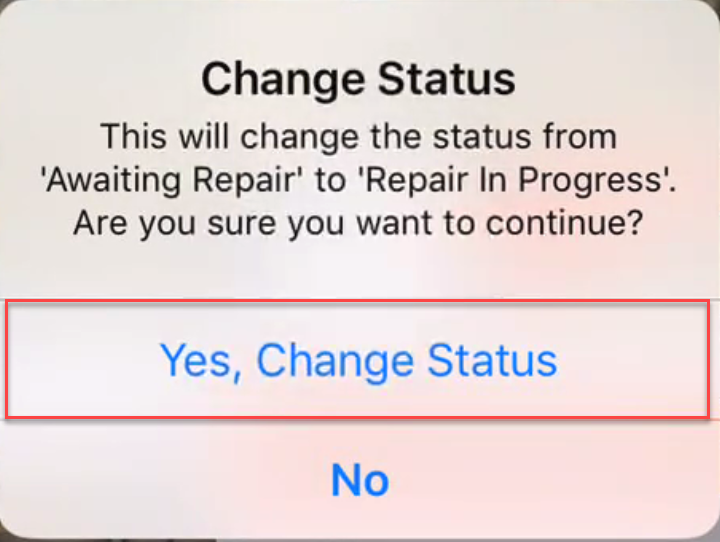
- Tap the Scaffold again, and tap the status
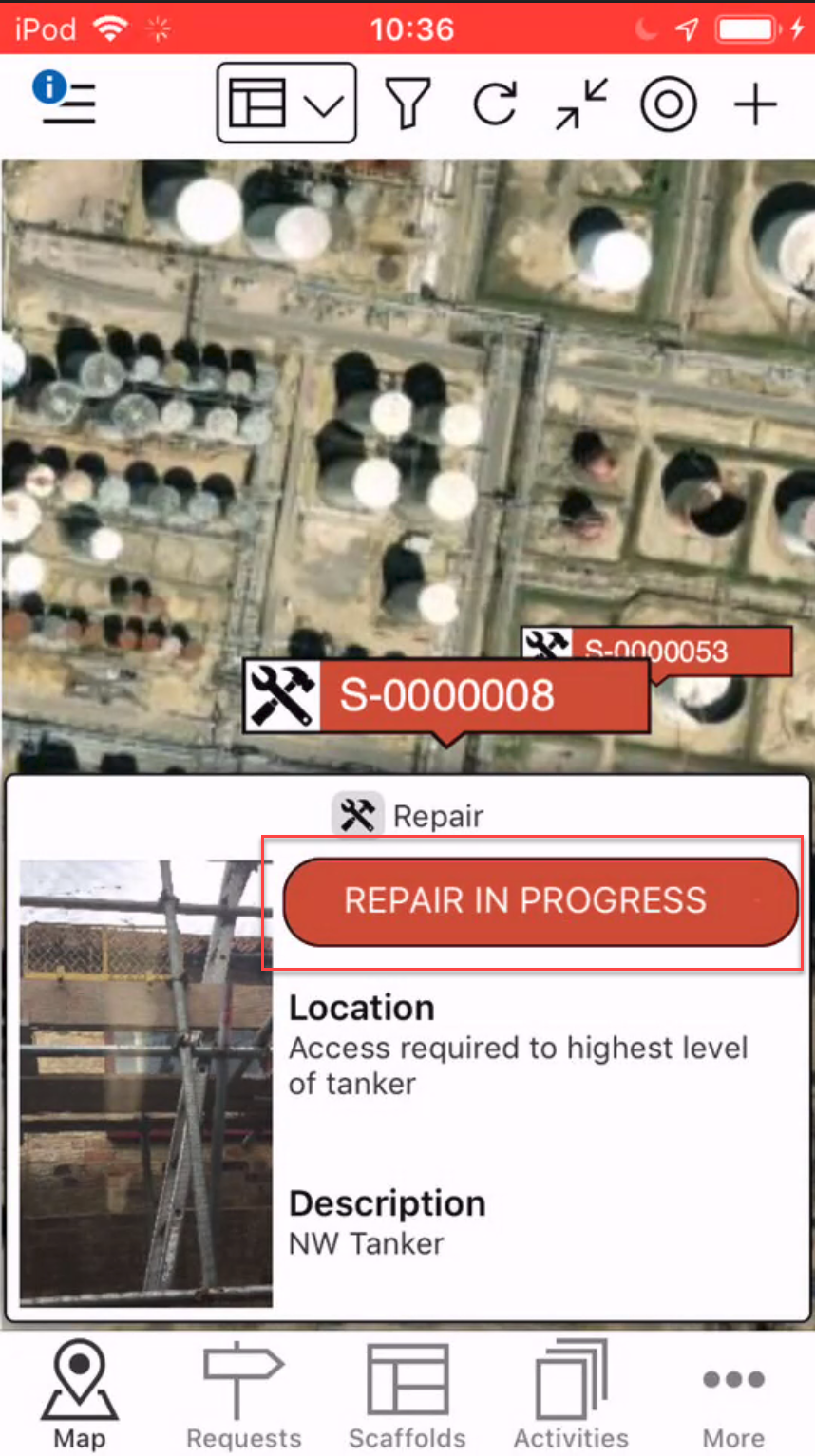
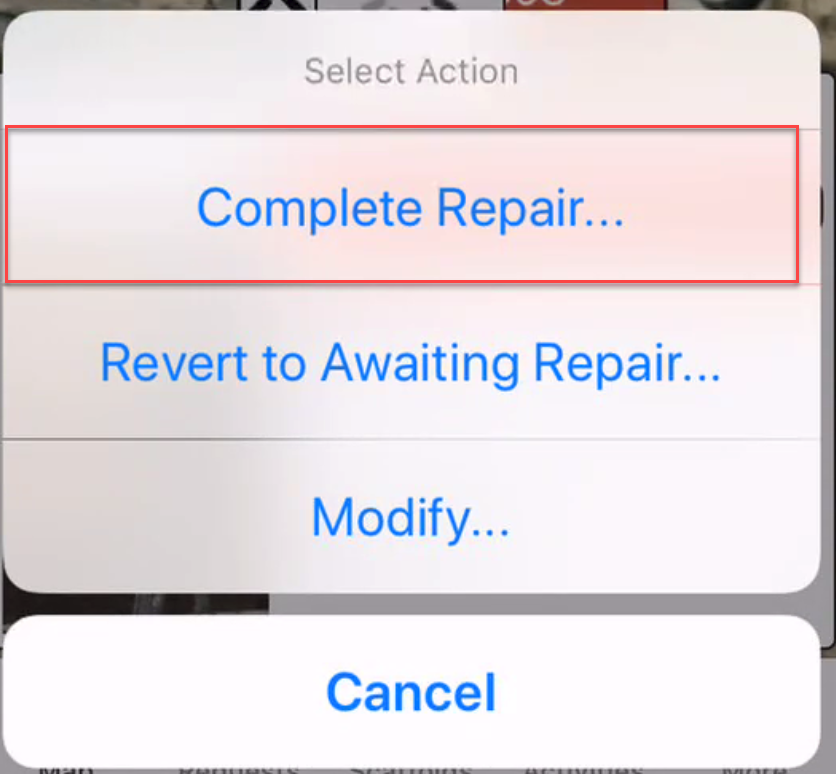
- Tap Complete Repair
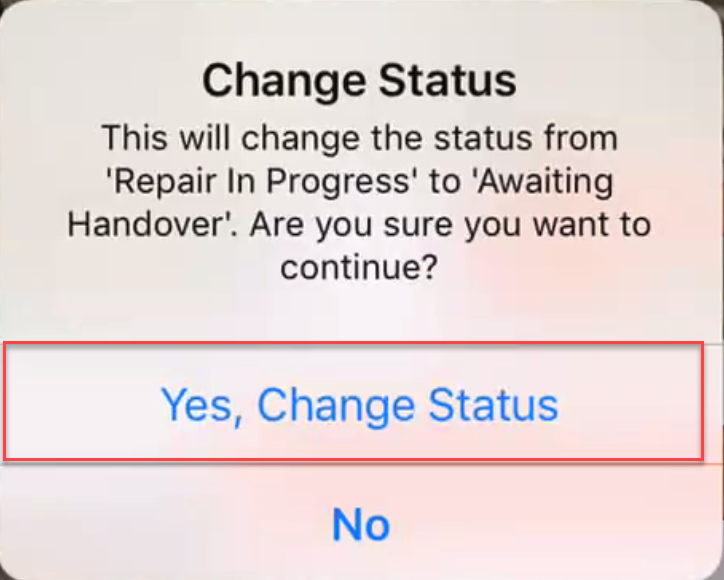
- Tap Yes, Change Status
Note: Selecting Revert to Awaiting Repair will revert the scaffold back to Awaiting Repair.
The repair will be complete, The status of the Scaffold will either change to Awaiting Handover or Standing, depending on how your workflow is set up in Scaffold Settings.