When you get the ScaffoldIQ installation file, please follow the following steps.
Note: You can find the installation file on your provisioning email or you can install the required version of ScaffoldIQ using your Web Deployment URL (https://yourdeployment/scaffoldiq-64.exe). Make sure to replace “yourdeployment” with your, personal Web deployment URL to get required version for your deployment.
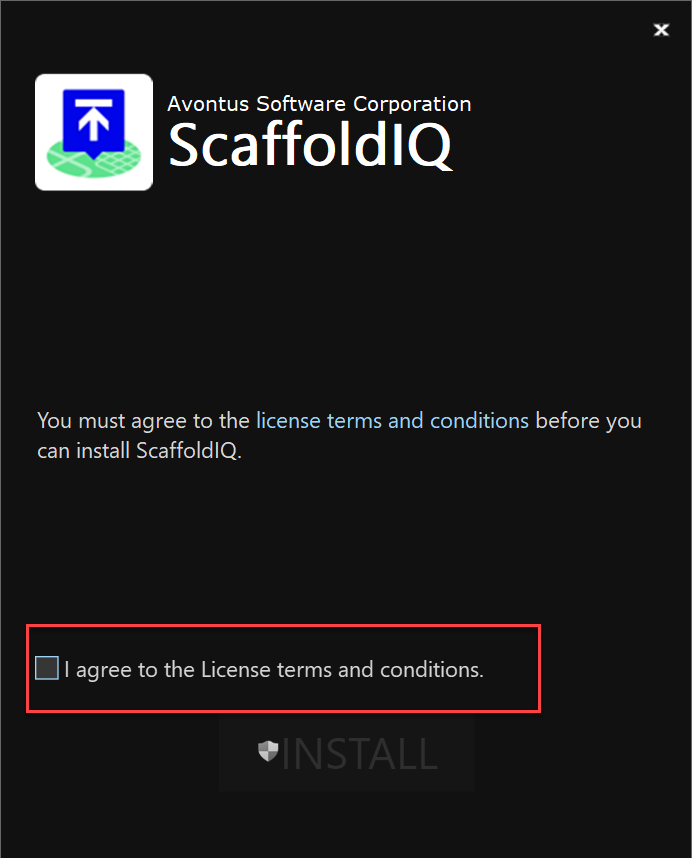
In the first step, confirm that you agree to the Licence Terms and conditions
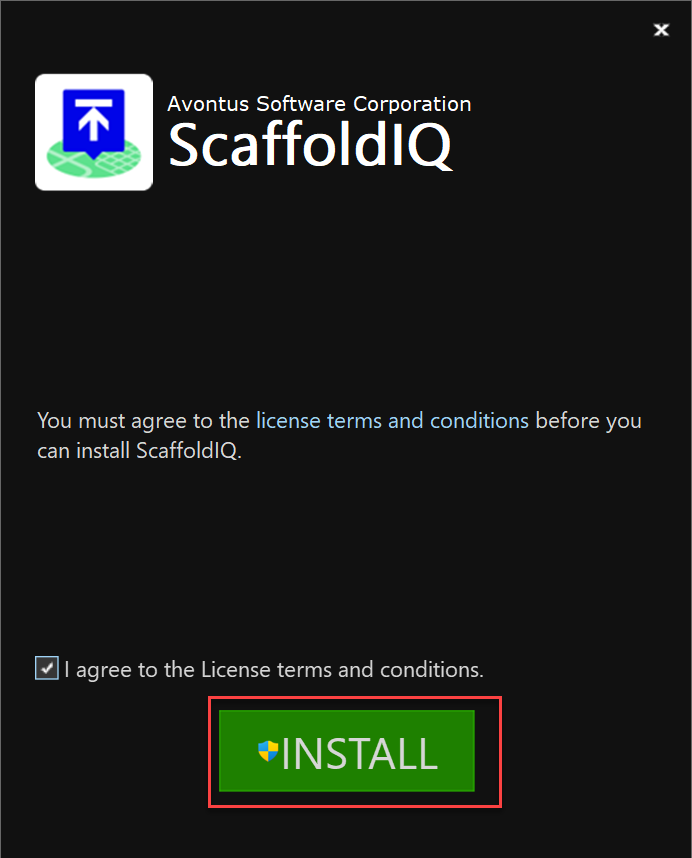
Click Install
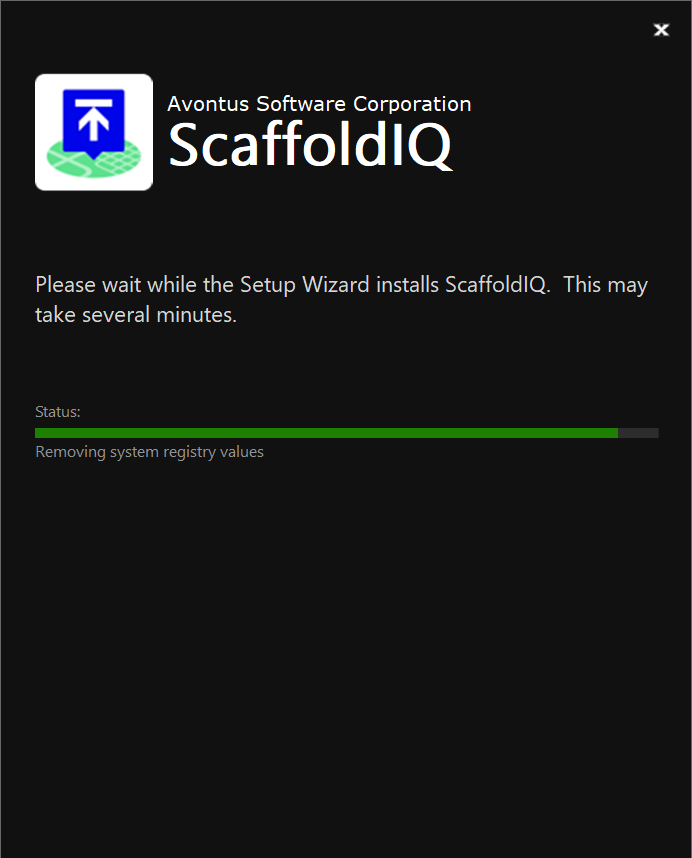
The software will begin downloading
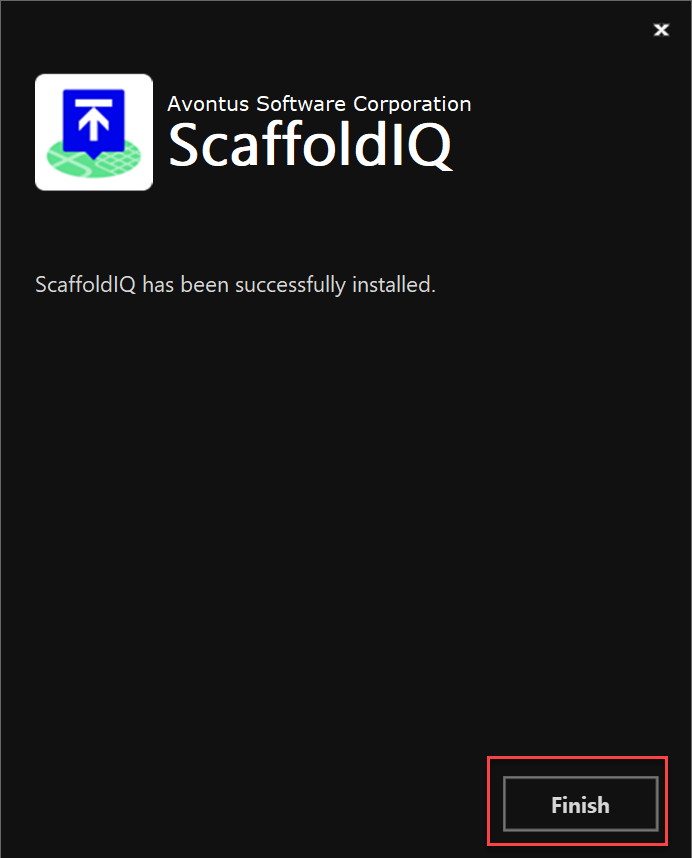
You will be notified when the download has been installed successfully.Click Finish.
Before you log in you will need to validate your account.