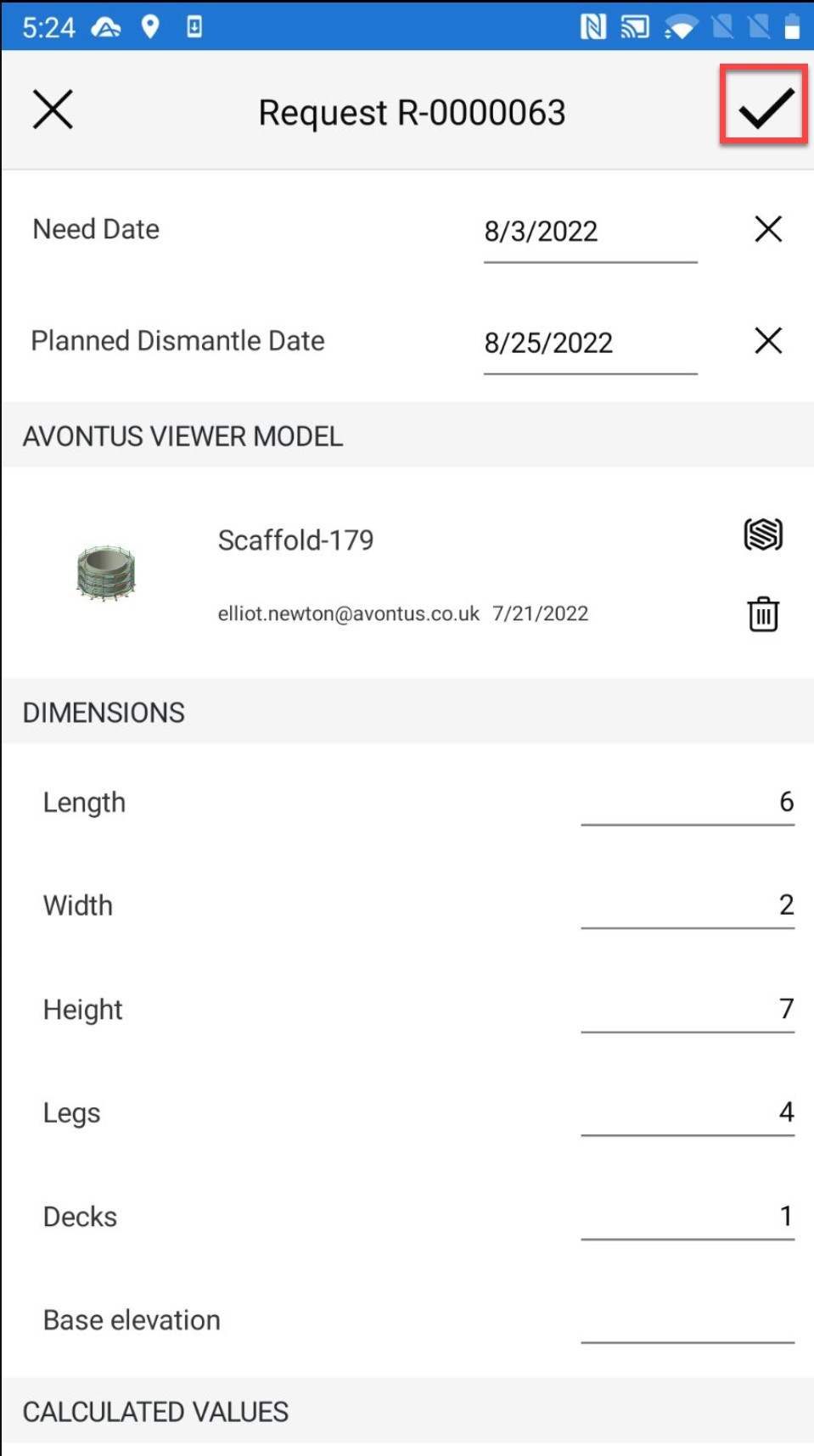
Using Avontus Viewer, users can view a 3D rendering of the scaffold to gauge an idea of what the scaffold will look like.
Note: You will need Avontus Viewer account and you will need to have Avontus Viewer installed on your device.
To upload a model
Tap the request pin and tap the details section
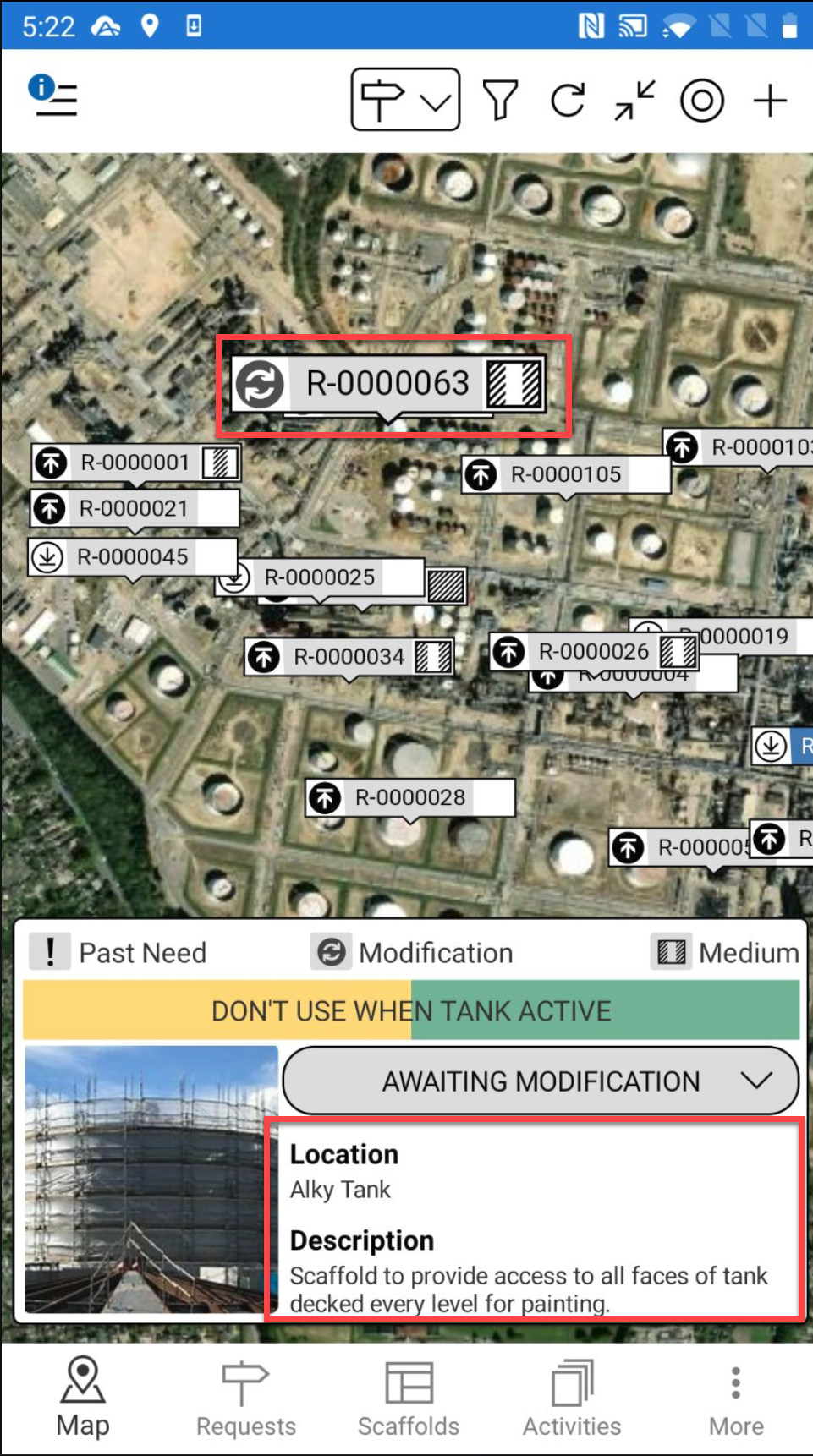
Note: You can also access the Request Details from the Request screen
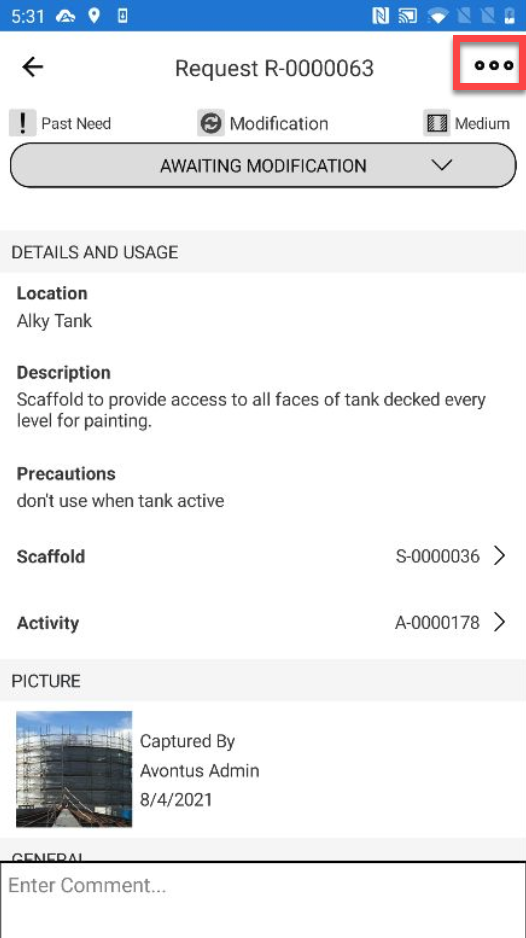
Tap ... in the top right
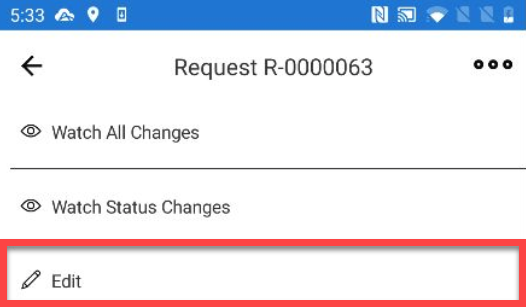
Select Edit
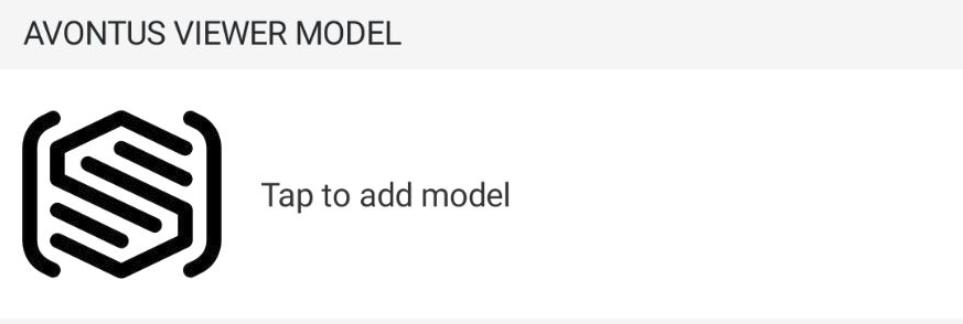
Scroll down and tap with the Avontus Viewer Model section
Select the model and tap the tick icon
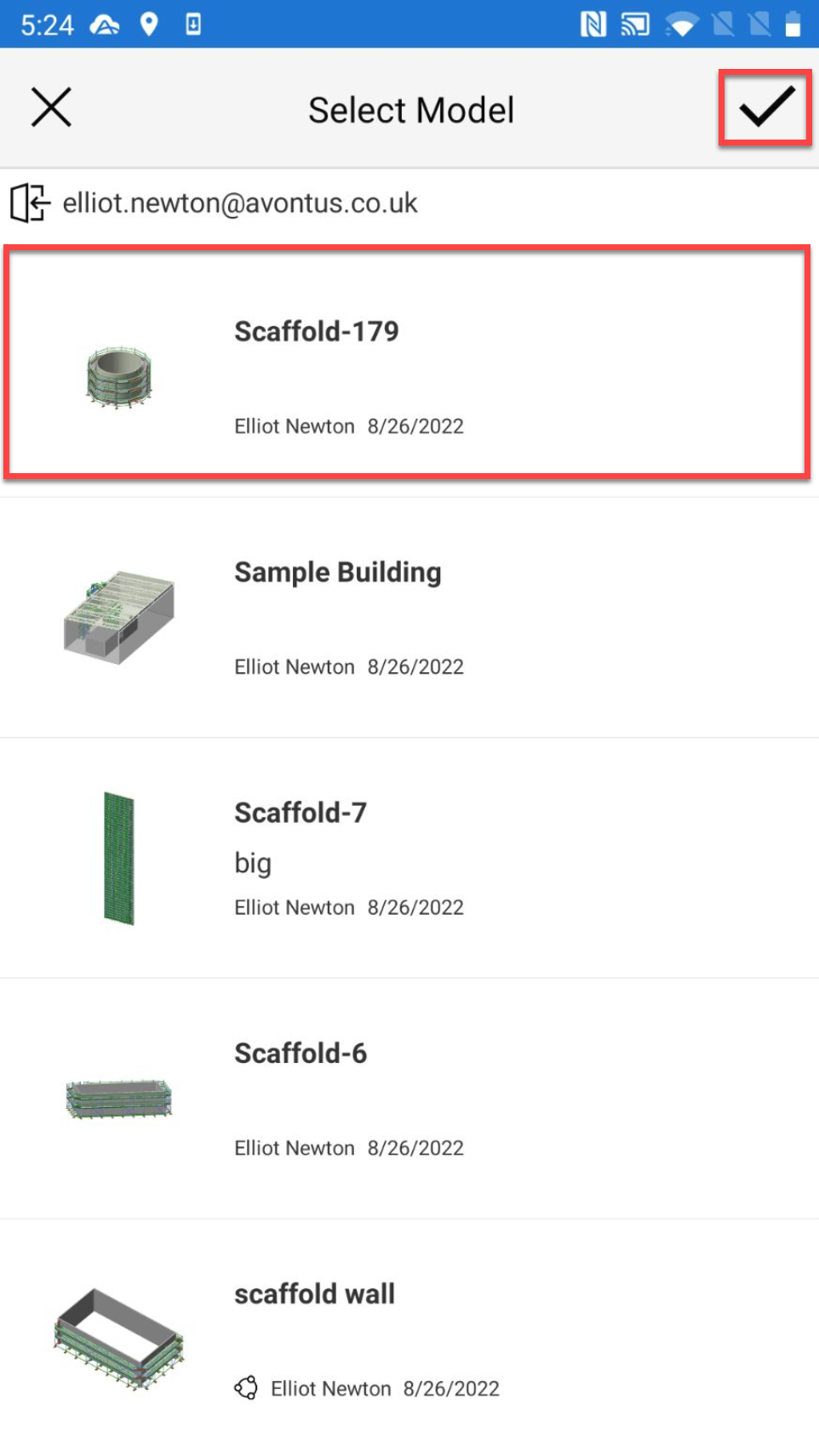
When the Scaffold model is added, tap the tick icon.