Using Avontus Viewer, users can view a 3D rendering of the scaffold to gauge an idea of what the scaffold will look like before it is erected.
Note: You will need a Avontus Viewer account and you will need to have Avontus Viewer installed on your device.
To upload a 3D model:
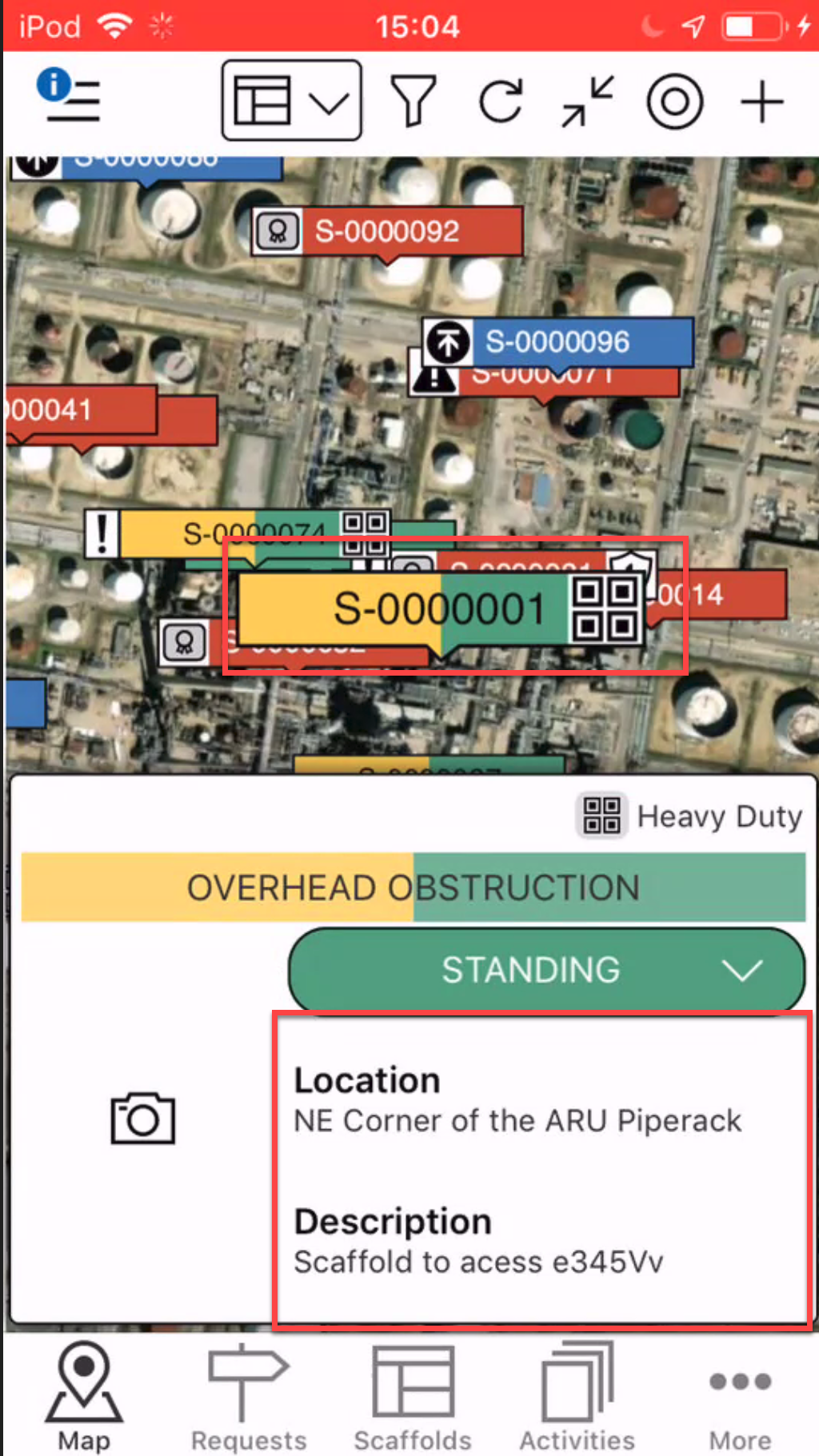
- On the Map screen, locate the scaffold to add an the Avontus Viewer Model to
- Tap the details section
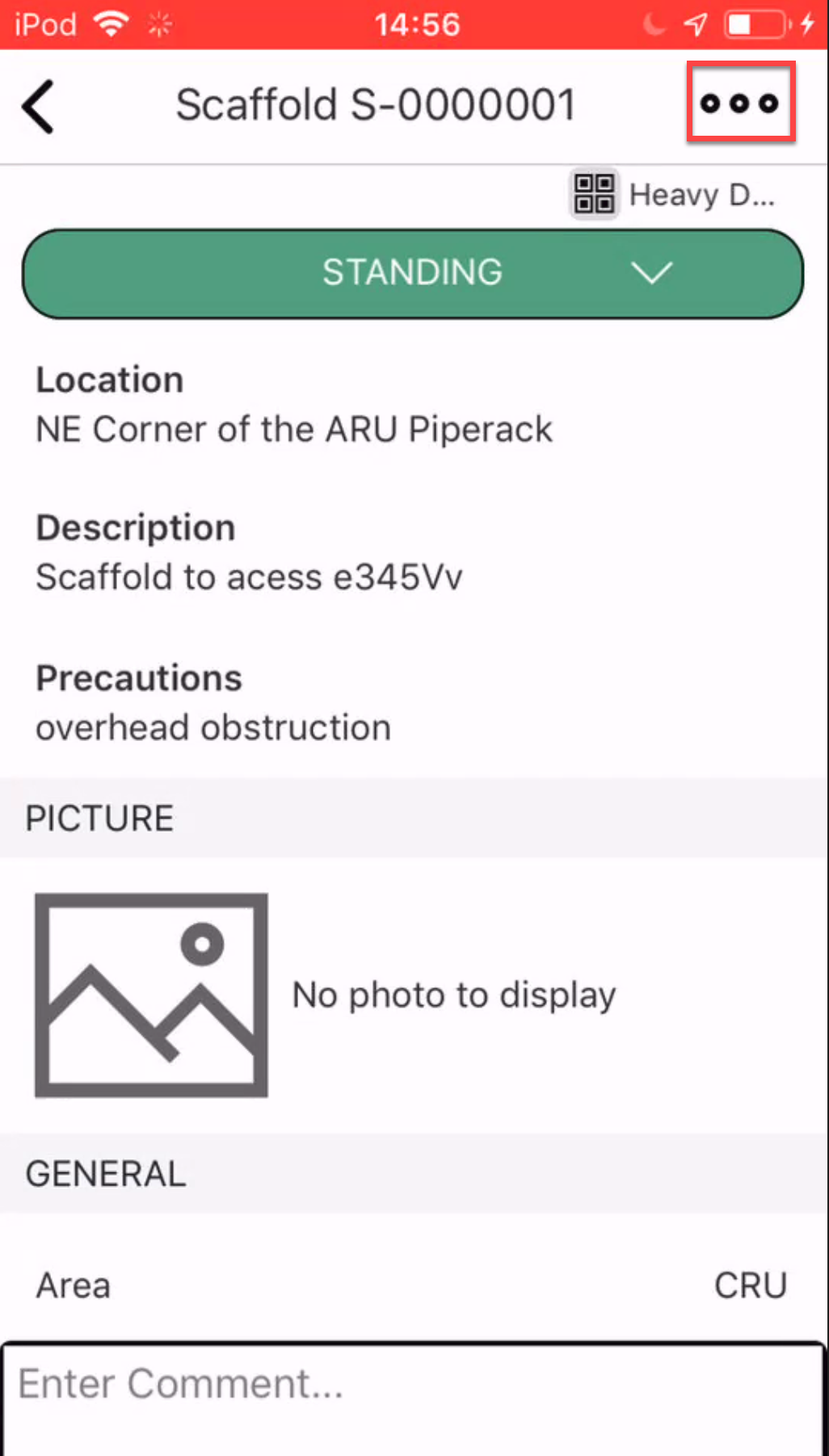
- Tap the three dots in the right
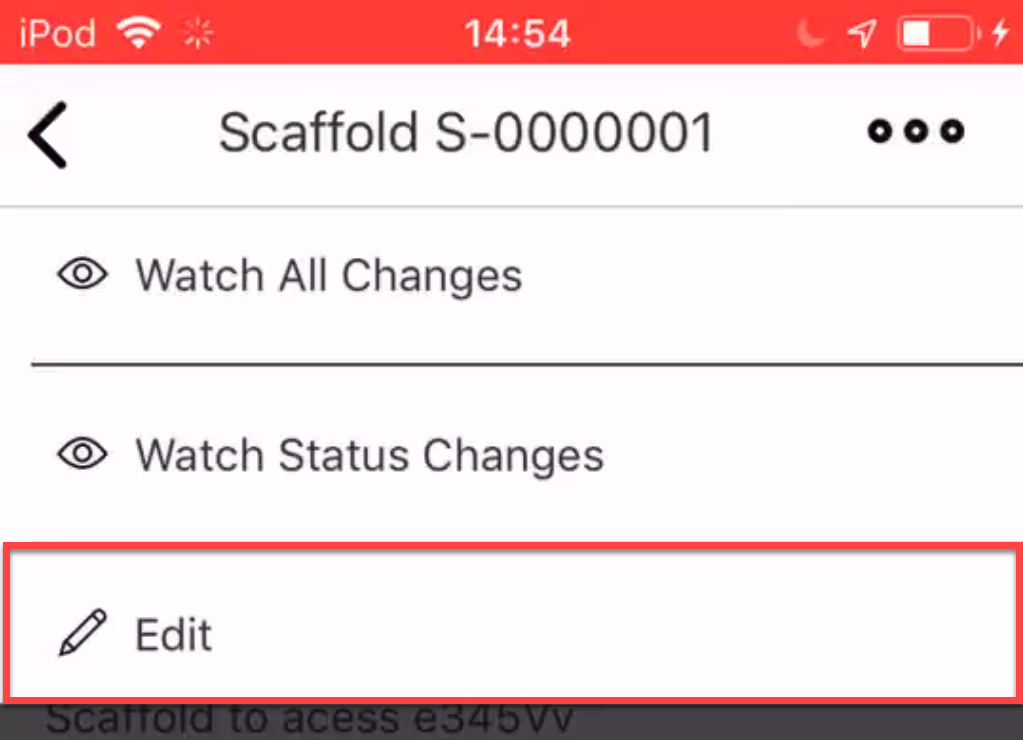
- Select Edit.
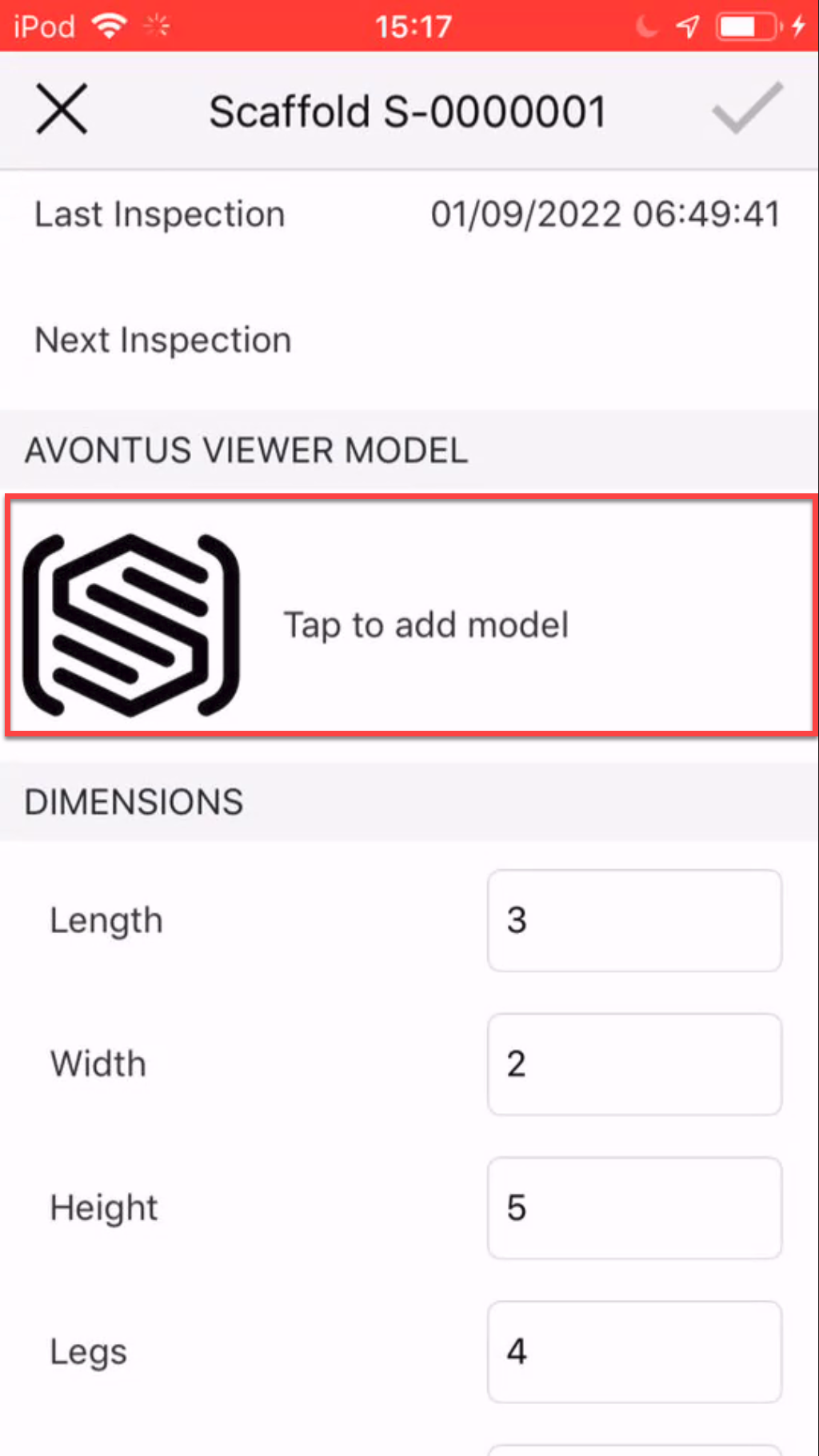
- Scroll down to the Avontus Viewer Model and tap the Avontus Viewer Model.
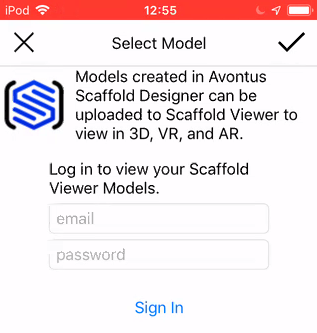
- If required, log in with your Avontus Viewer account.
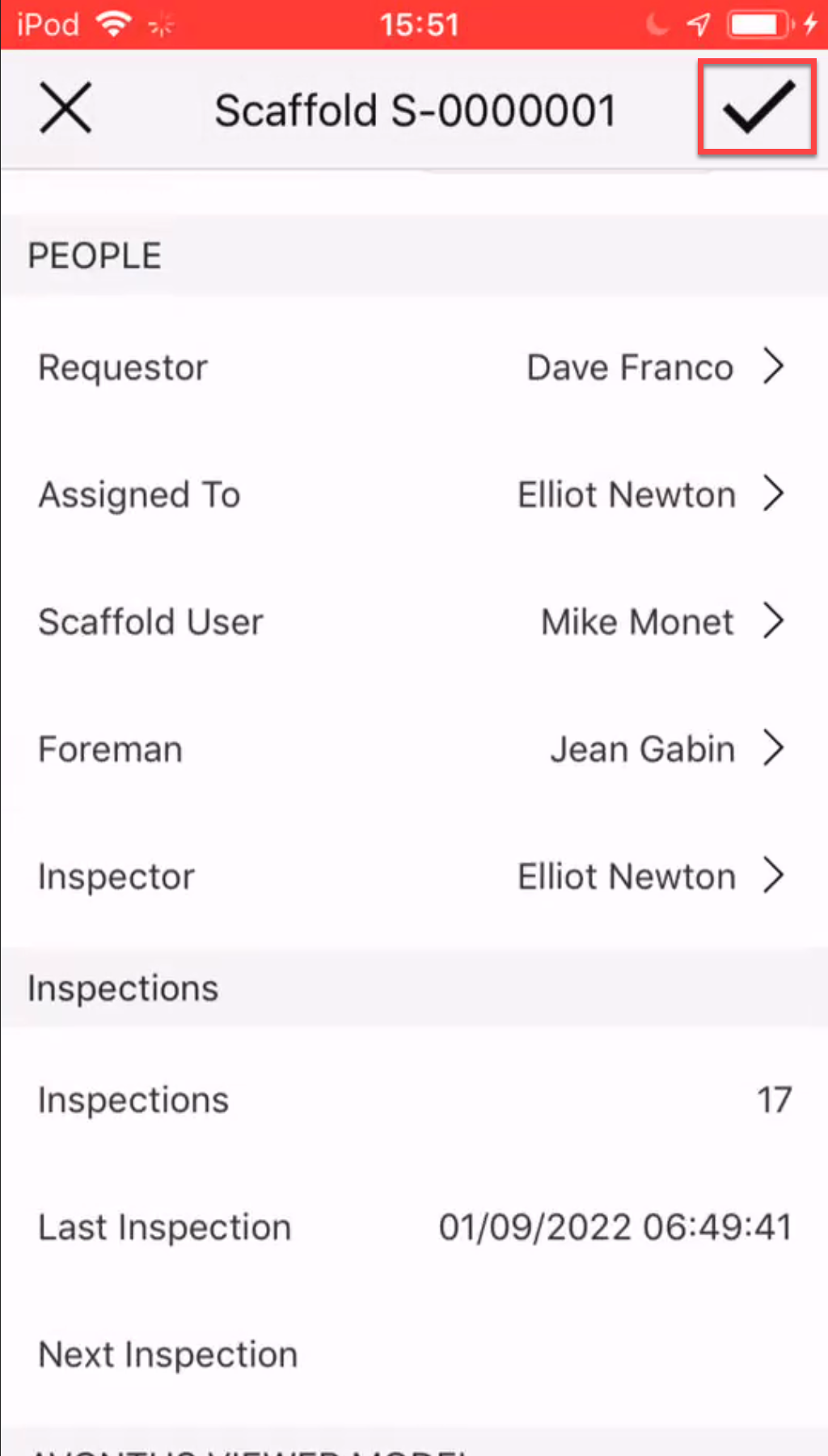
- Tap the relevant scaffold model and then tap the tick icon.
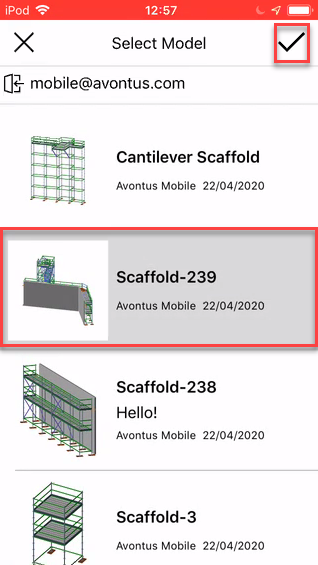
The selected model will be uploaded to the scaffold. - Tap the tick icon to save the scaffold.