You can copy the Conceptual and Model views of a Scaffold to your computer's clipboard as an image file. These images can then be pasted into an Avontus Designer drawing or used in other programs. To make this image visible in Quantify Web, refer to the Integrating with Quantify
To add a 3D rendering to a drawing:
Click the Model tab in the 3D View pane.
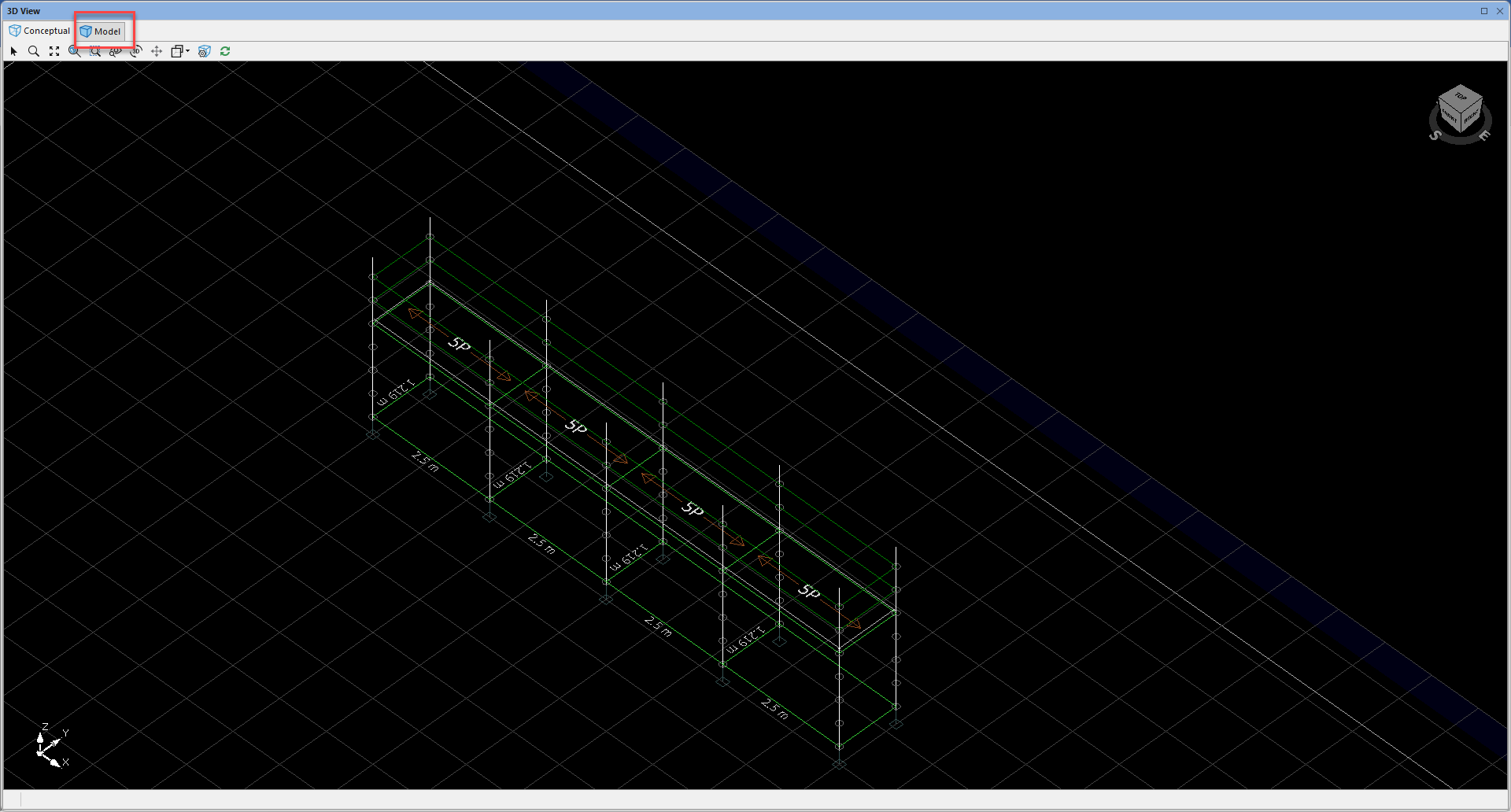
Make any desired changes, such as adjusting the angle.
Click Copy As Raster or Copy as Vector
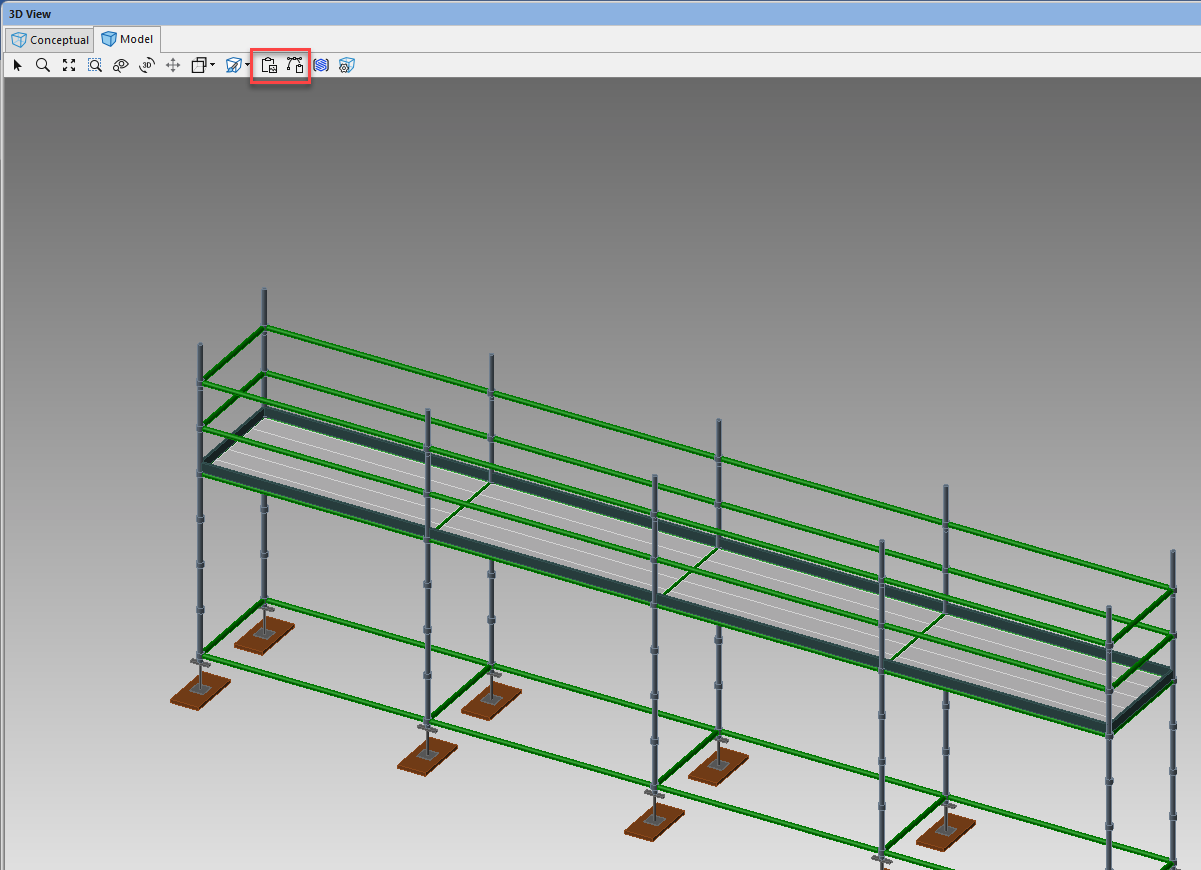
You can paste the 3D View to any page of the drawing using standard Windows commands.Right-click the Drawing Page and select Paste to paste an image of the 3D View.
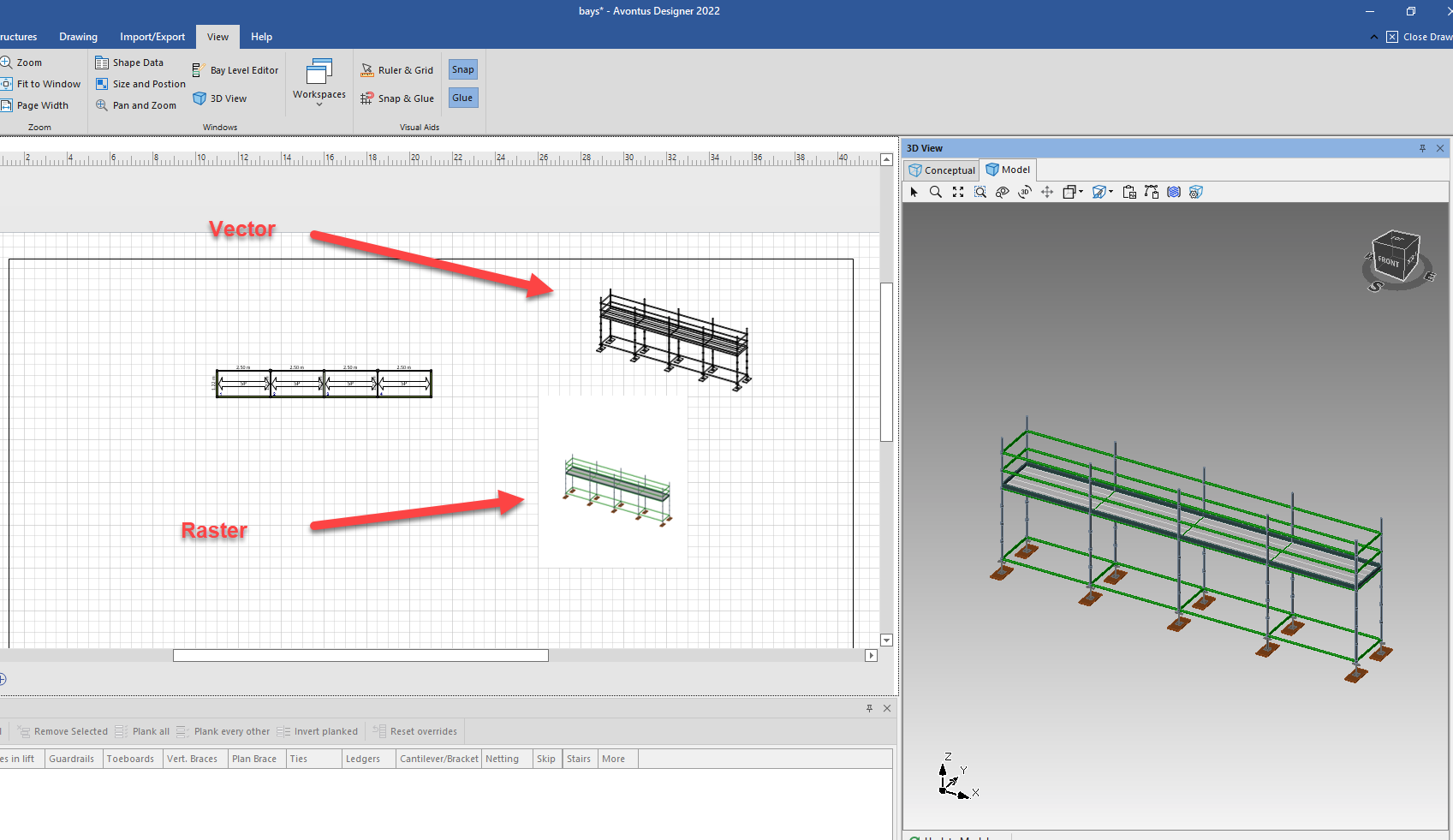
This image can be sized and moved to the desired location on the page. You may repeat these steps to add multiple 3D Views, such as different Perspectives, to the same drawing.Warning: Changes made to the drawing after adding the 3D View will not be included in the drawing image. To include these changes, delete the 3D View image and copy the updated 3D View to the drawing.