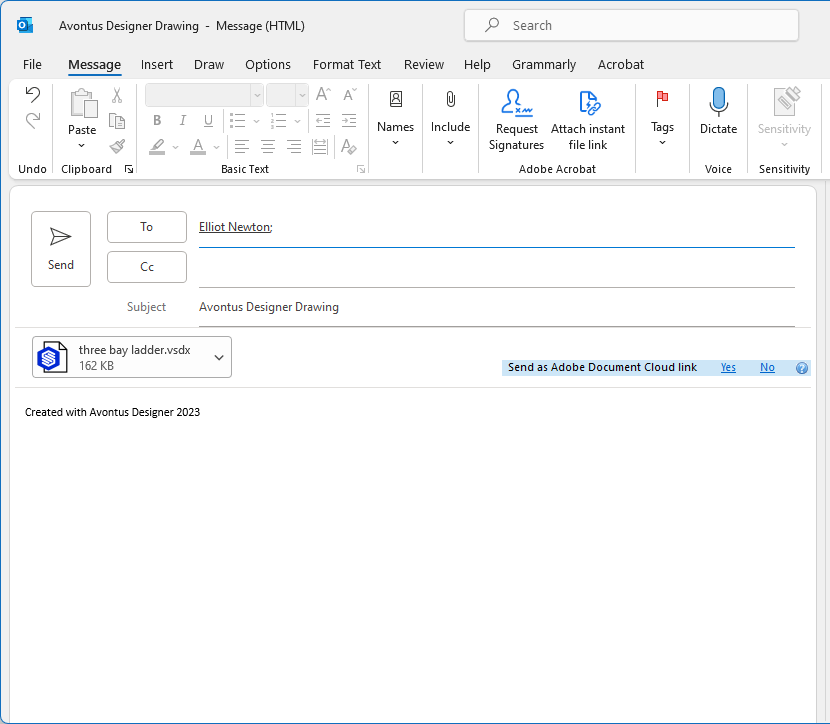
Avontus Designer enables you to email a drawing (as .pdf or as a drawing file) directly from the Home ribbon..
To email a drawing:
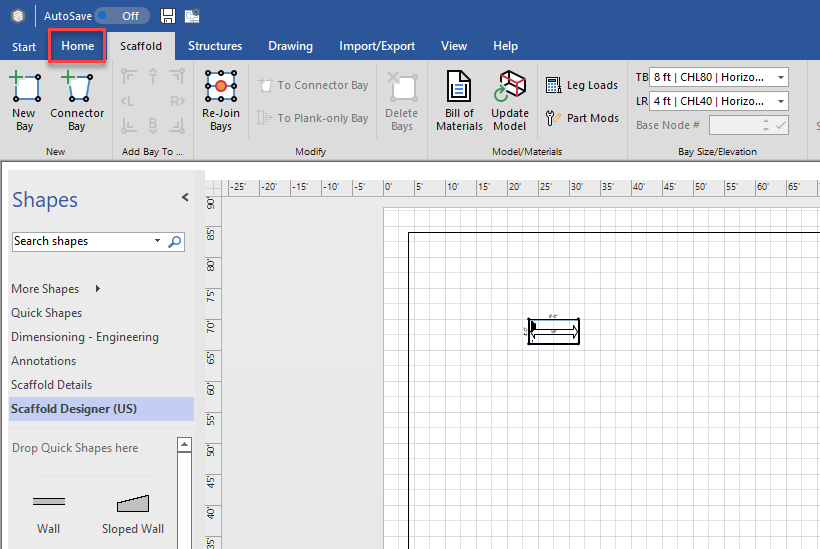
- Open the drawing you want to email and click the Home tab.
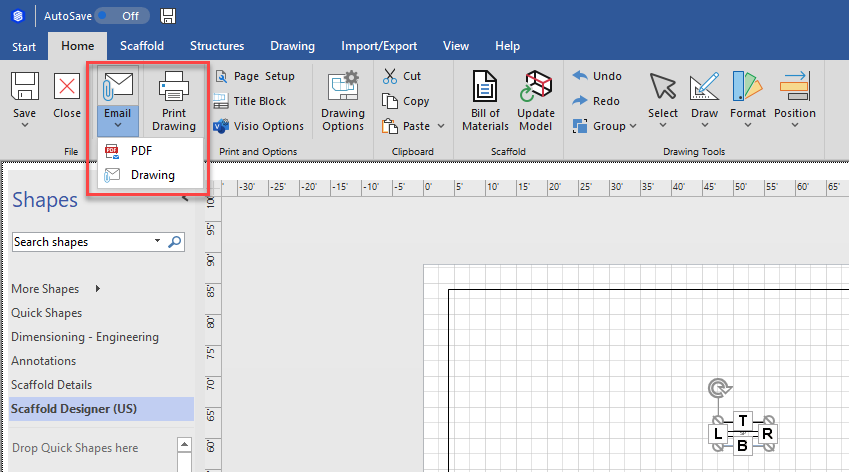
- Click Email and select the format of the file you want to email: .pdf or Avontus Designer drawing (.vsdx).
Avontus Designer generates the file. Your email application launches a blank new email, with the file as an attachment - Complete the email and send it.