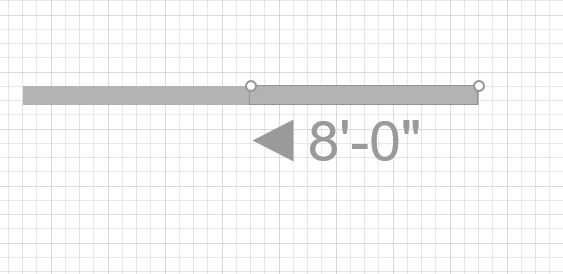
Once a Wall is on the page, you can drag and drop other Walls to it and connect them together. This connection is called glue.
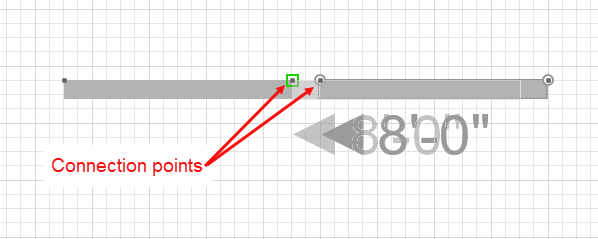
When you drag a Wall to connect it to another Wall, a green box appears, indicating that you are gluing the Walls together. It is important to make sure each Wall's connection points are aligned when you connect a Wall to the corresponding Wall's connection point.
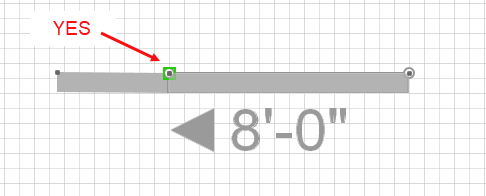
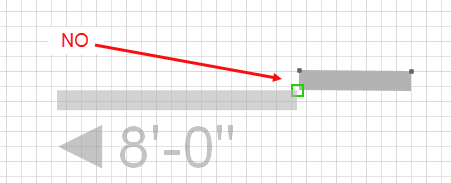
It is also important to make sure that Walls are facing the same direction.
Once Walls are connected (glued), the intersections automatically clean up.