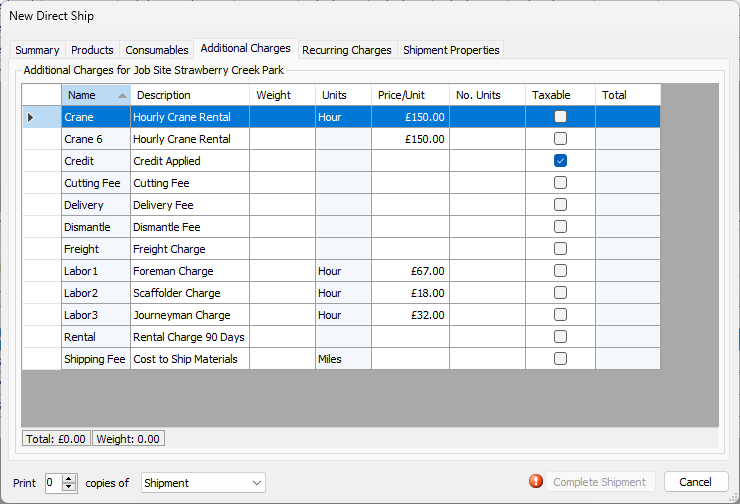
Use the Additional Charges tab to add one-time charges for items, such as freight charges. Quantify displays totals in the status bar at the bottom of the tab.
| Name | This column displays the name of each additional charge. |
| Description | This column displays a short description of each additional charge. |
| Weight | Use this column to enter the appropriate weight (per item) for each Additional Charge. |
| Units | This column displays the type of unit (Each, Hour, Linear Foot, etc.) assigned to each Additional Charge. |
| Price/Unit | Use this column to enter the unit price for appropriate Additional Charges. |
| No. Units | Use this column to enter the number of units included in the Shipment. |
| Taxable | Use these checkboxes to indicate that specific Additional Charges are taxable. |
| Total | This column displays the total cost of each Additional Charge applied to the current shipment. |