The Activities tab provides an overview of all activities related to the selected scaffold. This could be where an approver approves a completed scaffold or completed modification.
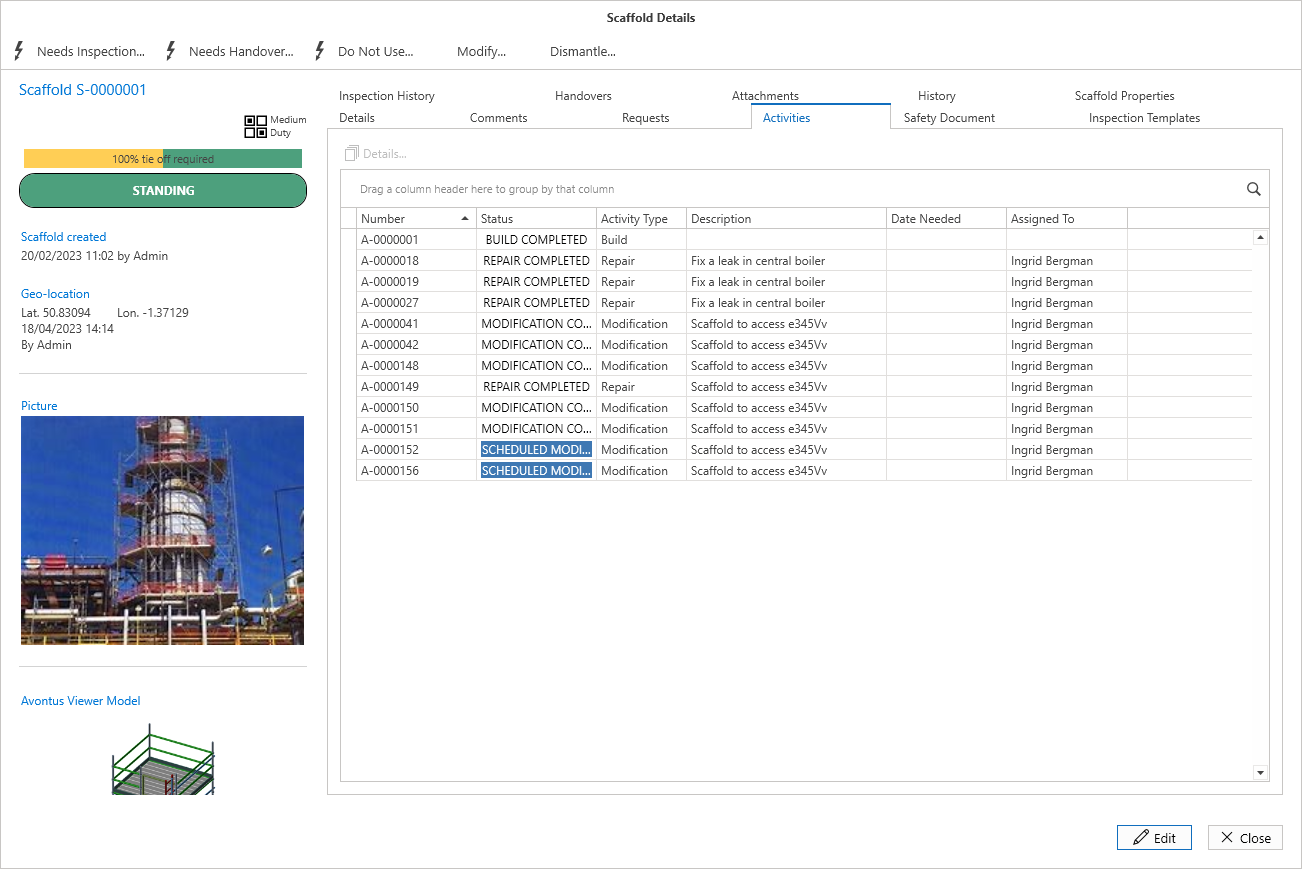
Double click on an entry in the table to be taken to the Activity Details screen where you can move the scaffold along the building process.
For more information on Activities, visit the Working with Activities guide.