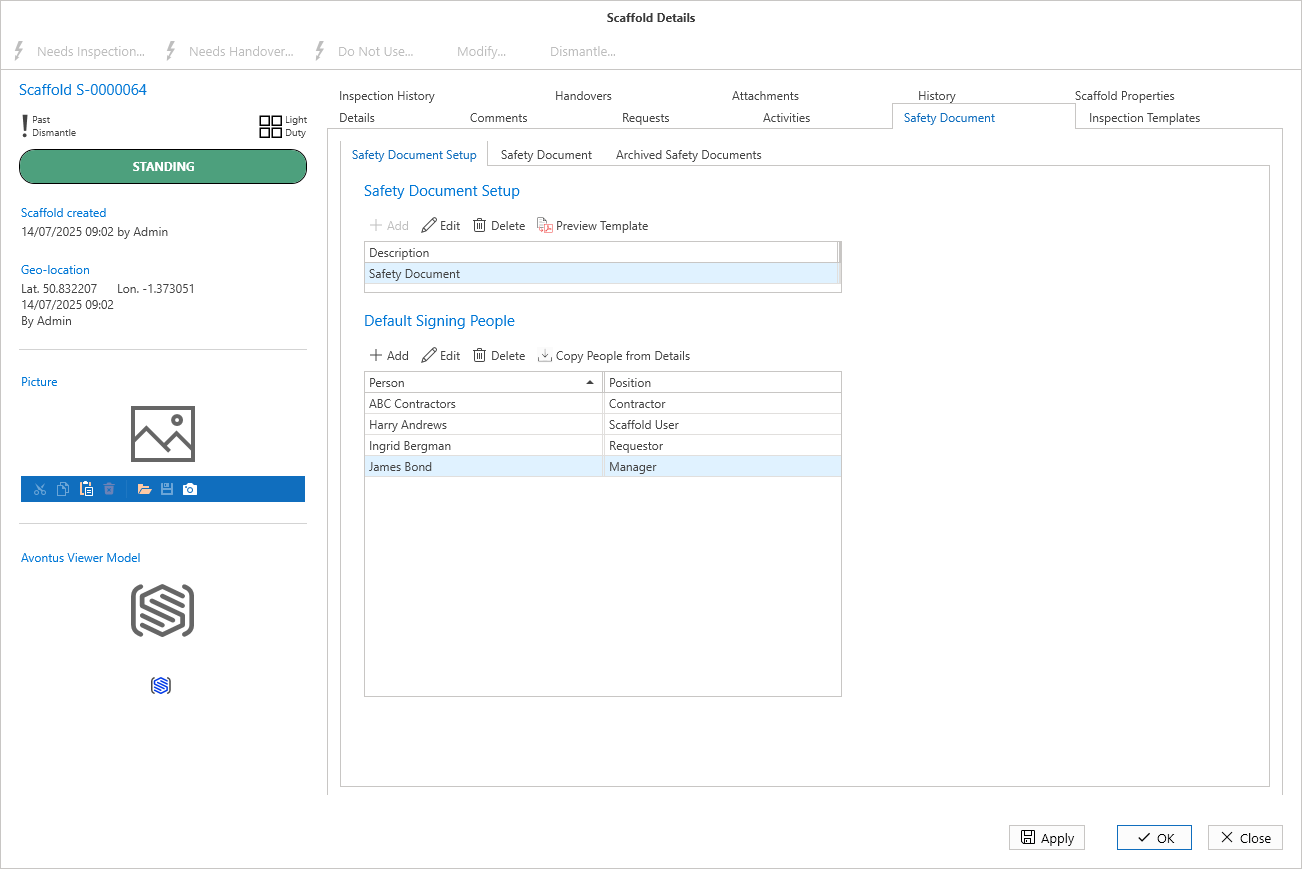
The Safety Document Template tab is where you can find any safety documents assigned to this Scaffold.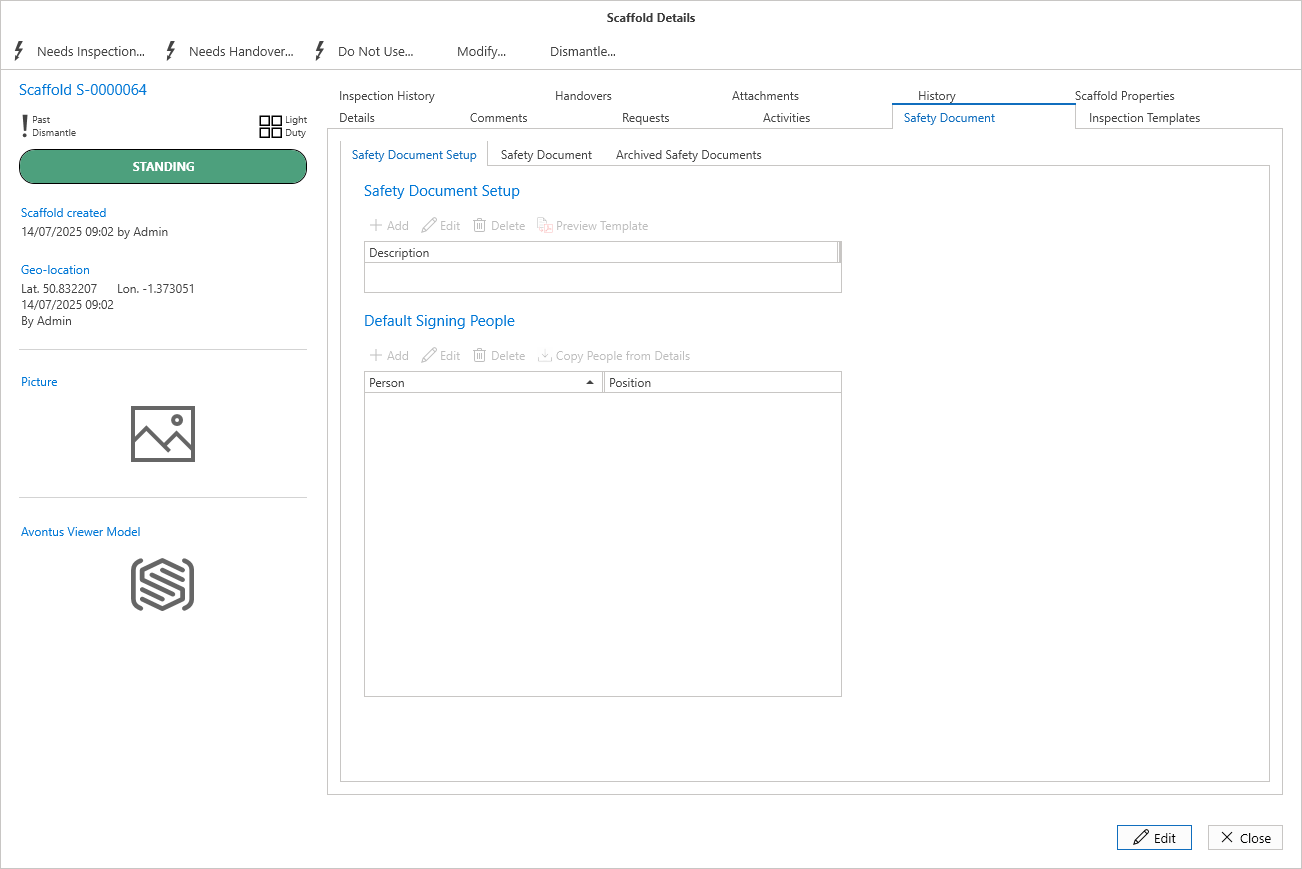
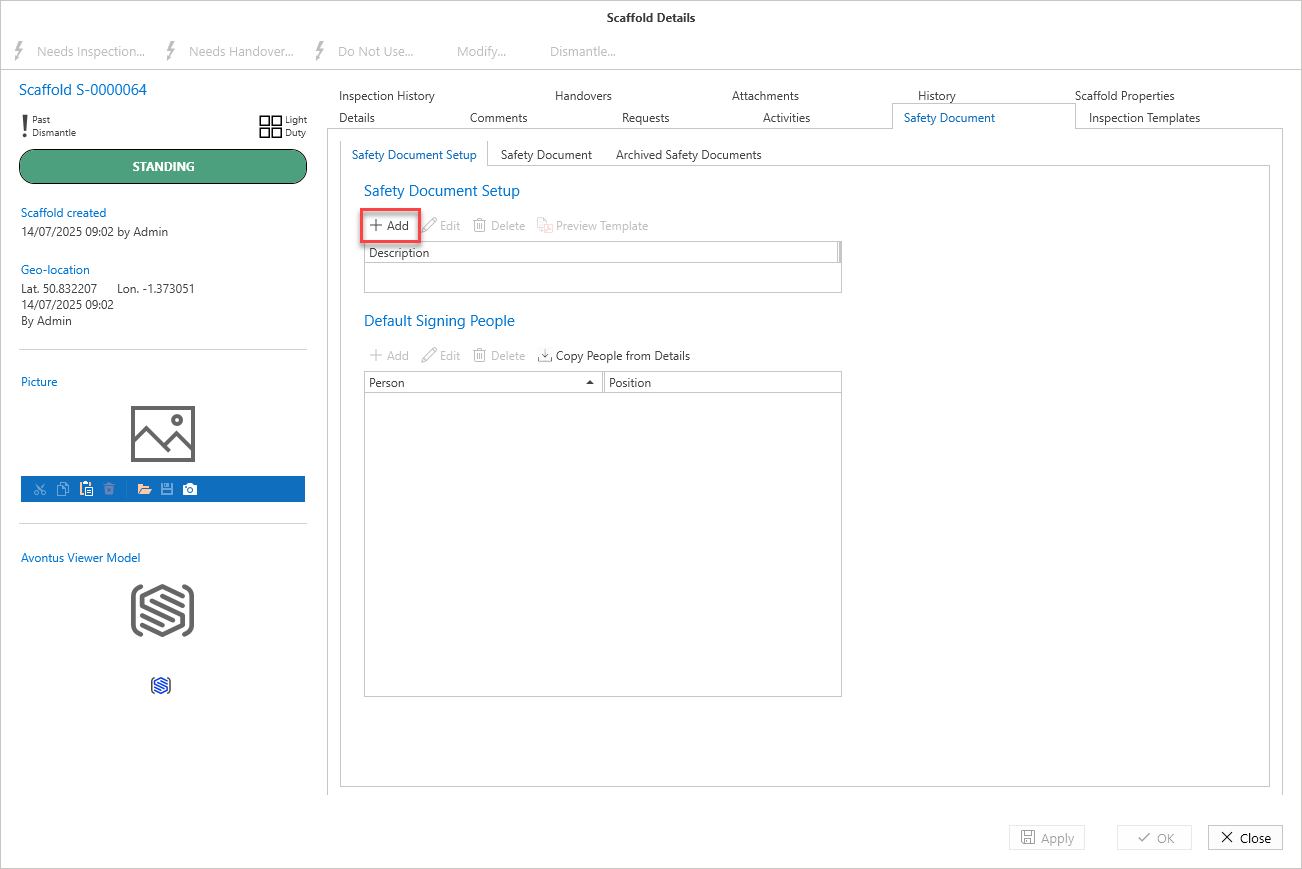
Select the add button to add a Safety Document template.
Please see assigning safety document templates for more information.
When added, you can edit the document template where you can select to enable or disable sections on this template for this scaffold.
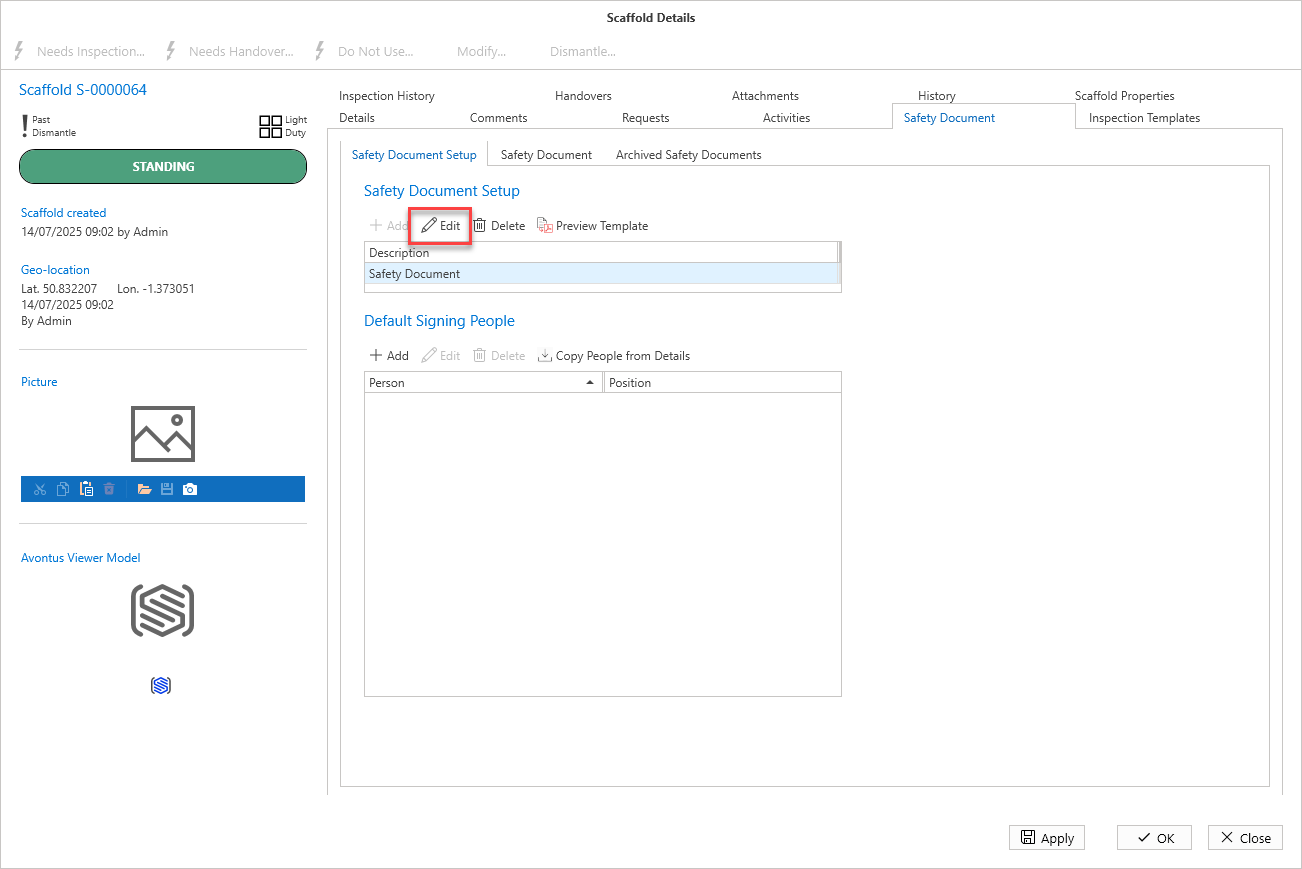
Use the Delete button to remove the template from this Scaffold.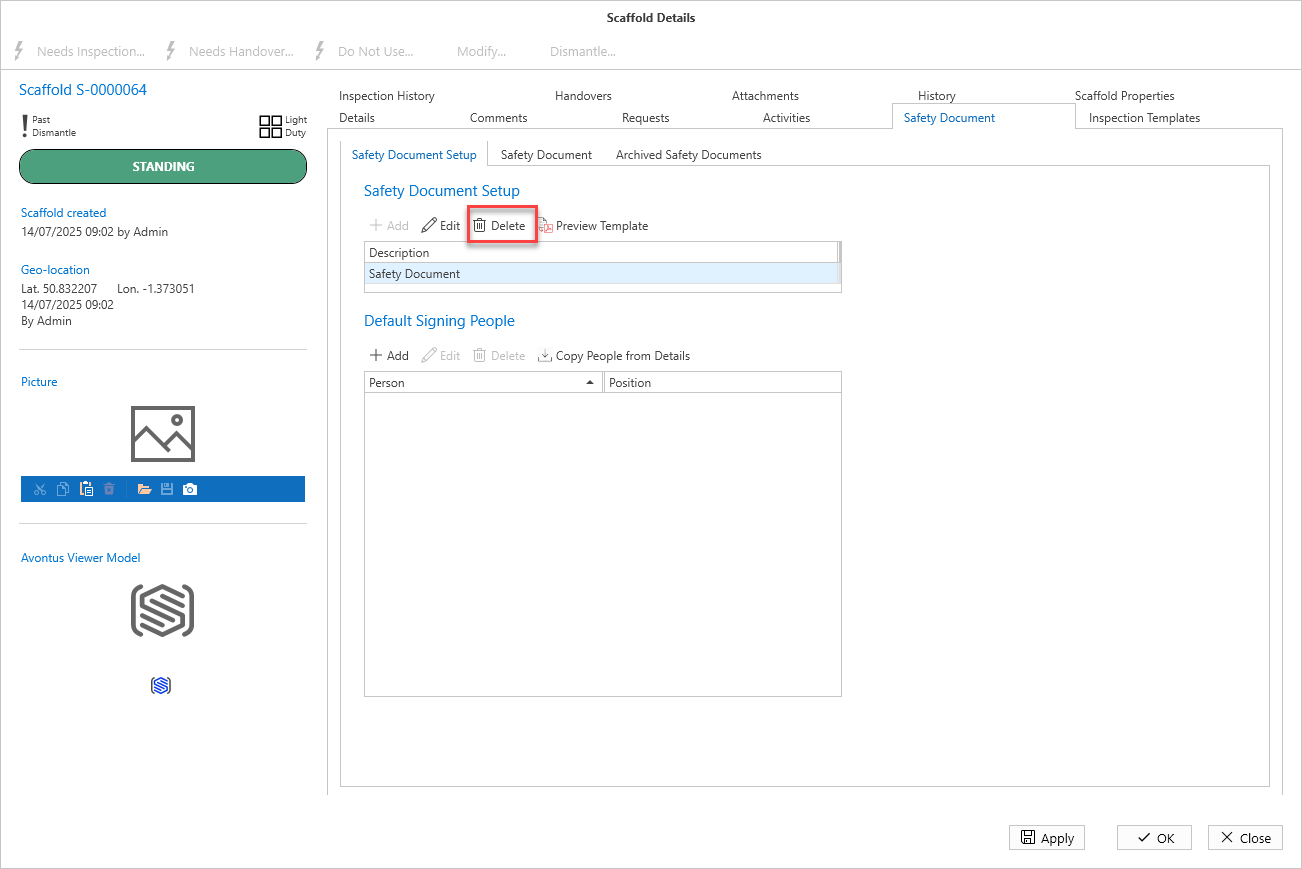
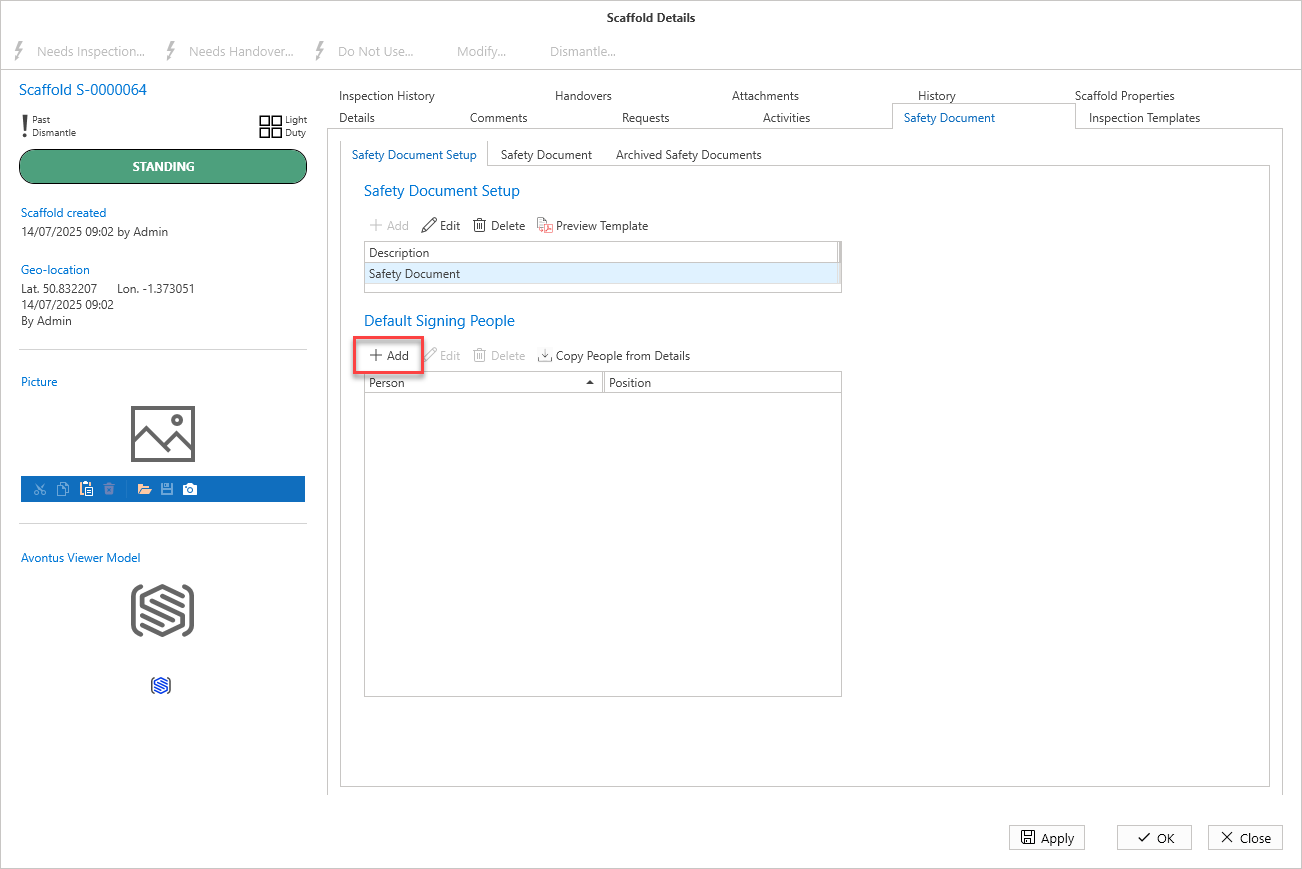
You can also Add People to the template.
Select to Add a specific user
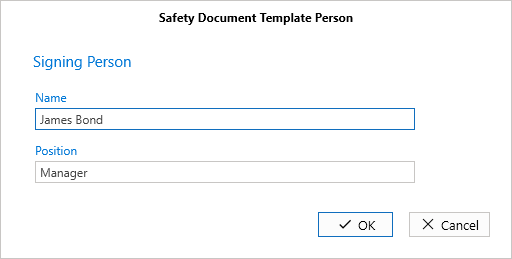
Here you will be able to provide the name of a specific person. They do not have to be a person already in your Site Application.
You can also copy all people from the details screen.
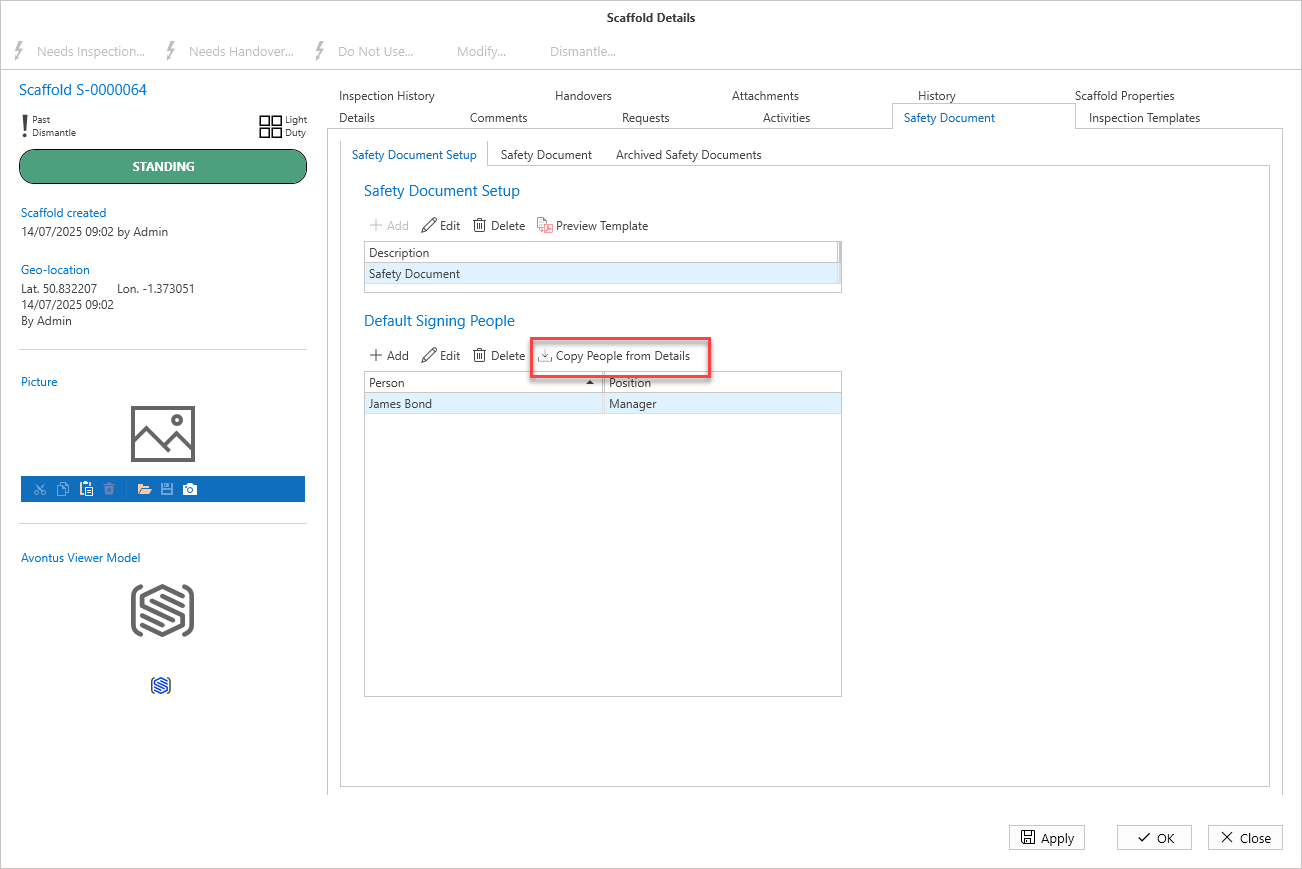
If you select Copy people from Details, any users selected in the drop-downs on the Details screen will be listed.