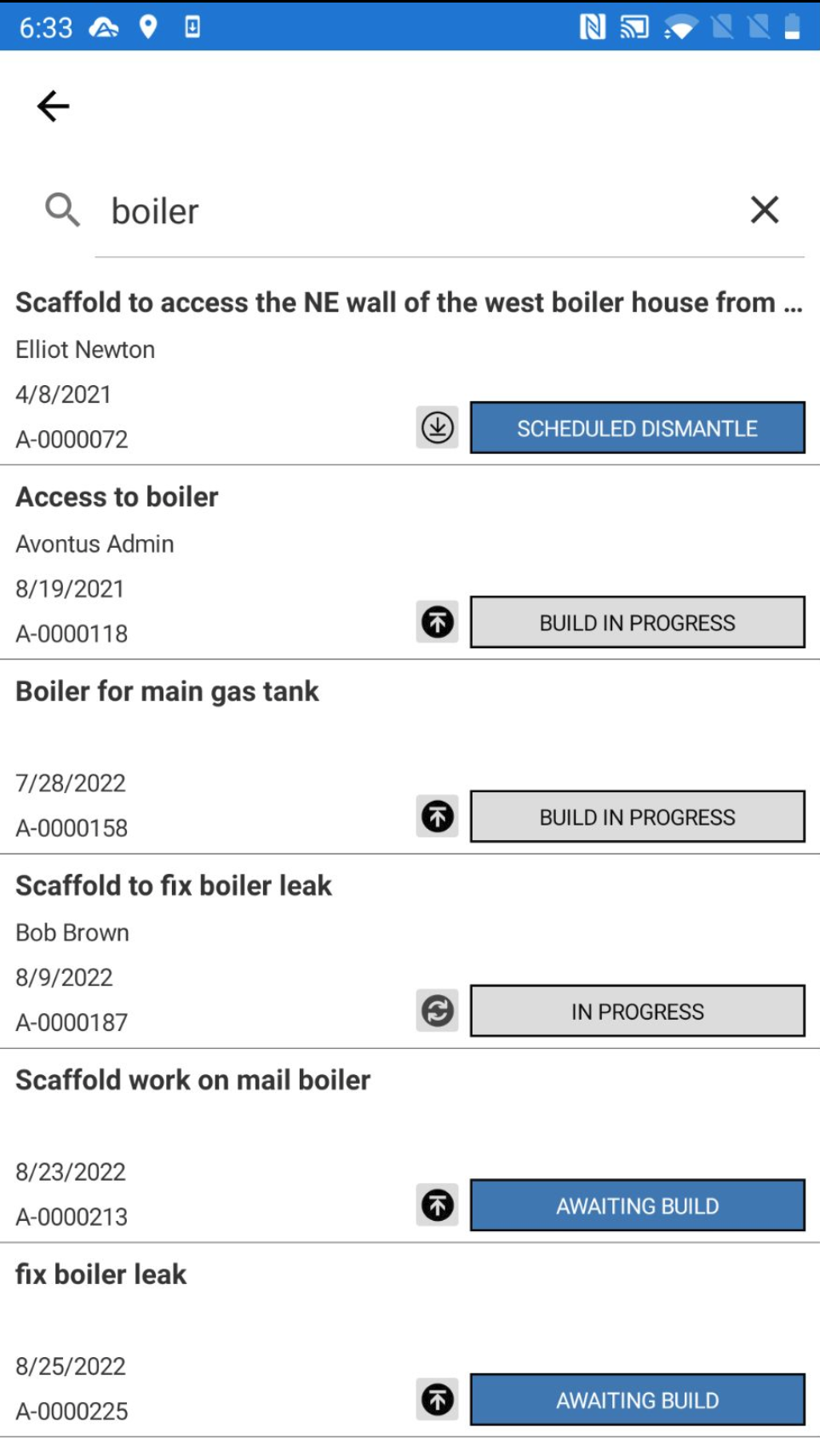
Filter
The filter feature allows you to display or hide specific activities.
Tap the filter icon to display the Filter screen.
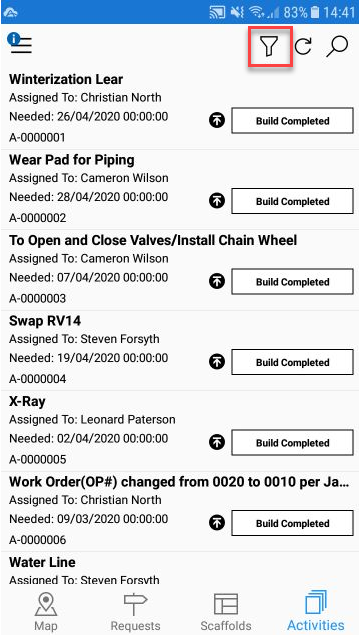
The following filters apply to the Activities screen.
Scheduled Modification - Display or hide any activities in the Scheduled Modification status.
Scheduled Dismantle - Display or hide any activities in the Scheduled Dismantle status.
Awaiting Build - Display or hide any activities in the Awaiting Build status.
Awaiting Repair - Display or hide any activities in the Awaiting Repair status.
Build In Progress - Display or hide any activities in the Build In Progress status.
Modification In Progress - Display or hide any activities in the Modification In Progress status.
Repair In Progress - Display or hide any activities in the Repair In Progress status.
Dismantle In Progress - Display or hide any activities in the Dismantle In Progress status
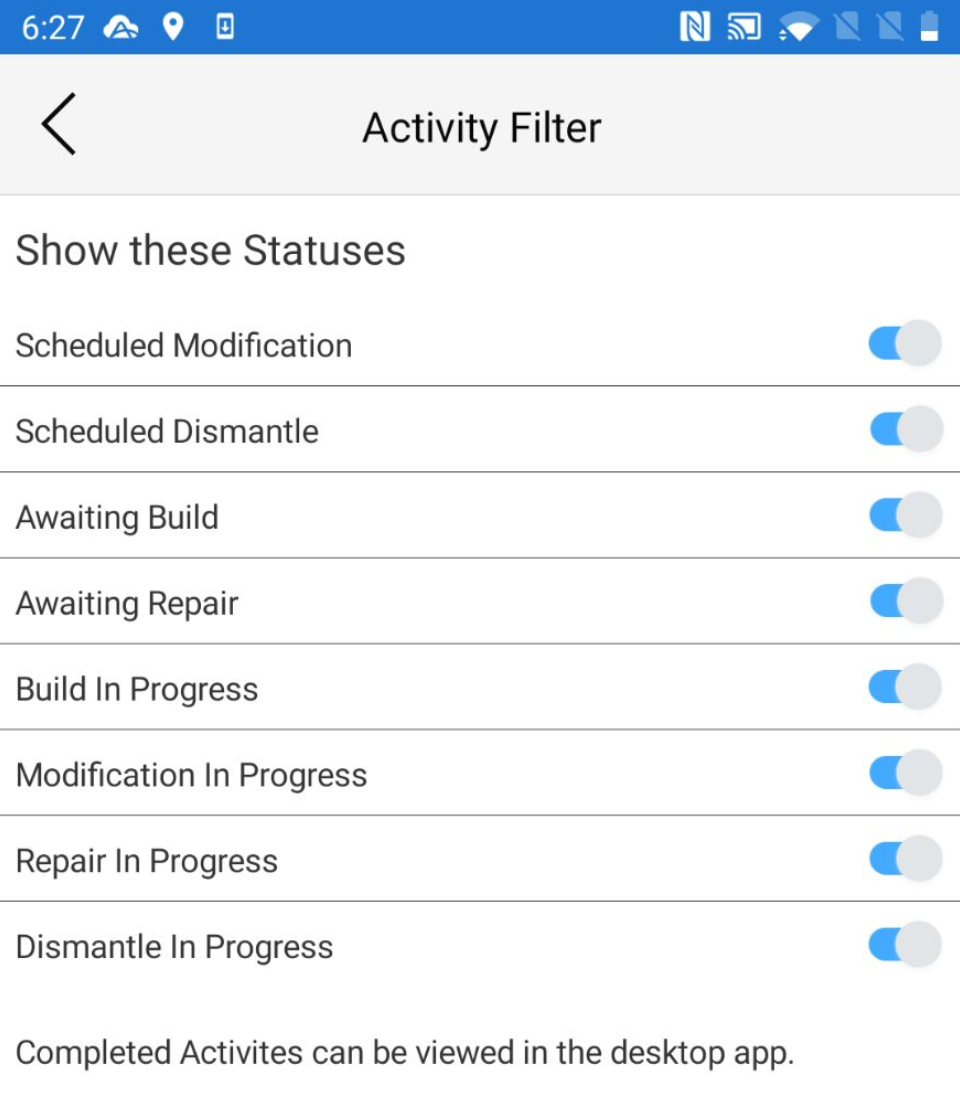
Refresh
Tap refresh to reload the screen.
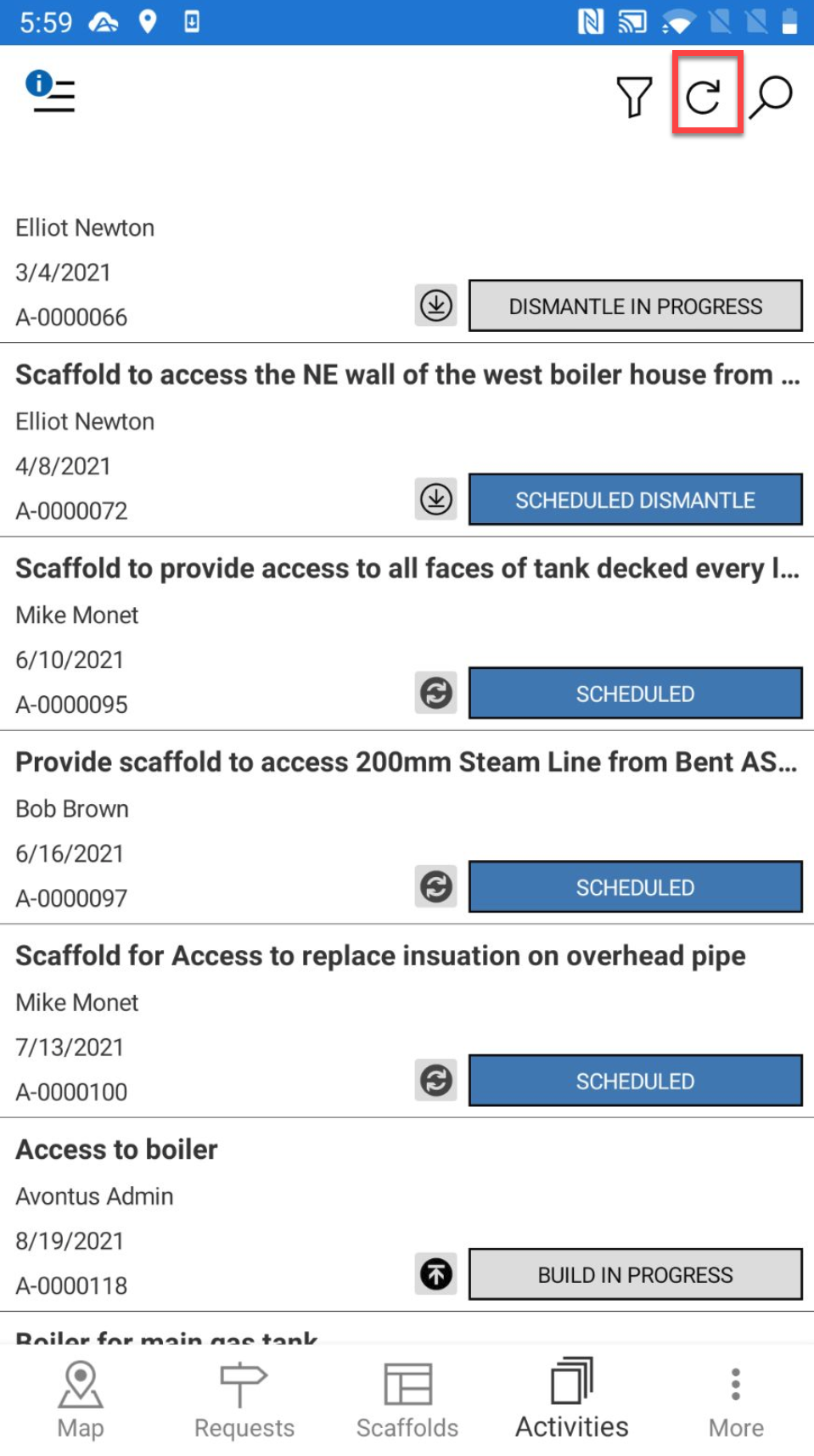
Search
Click the magnifying glass to begin searching for a specific activity.
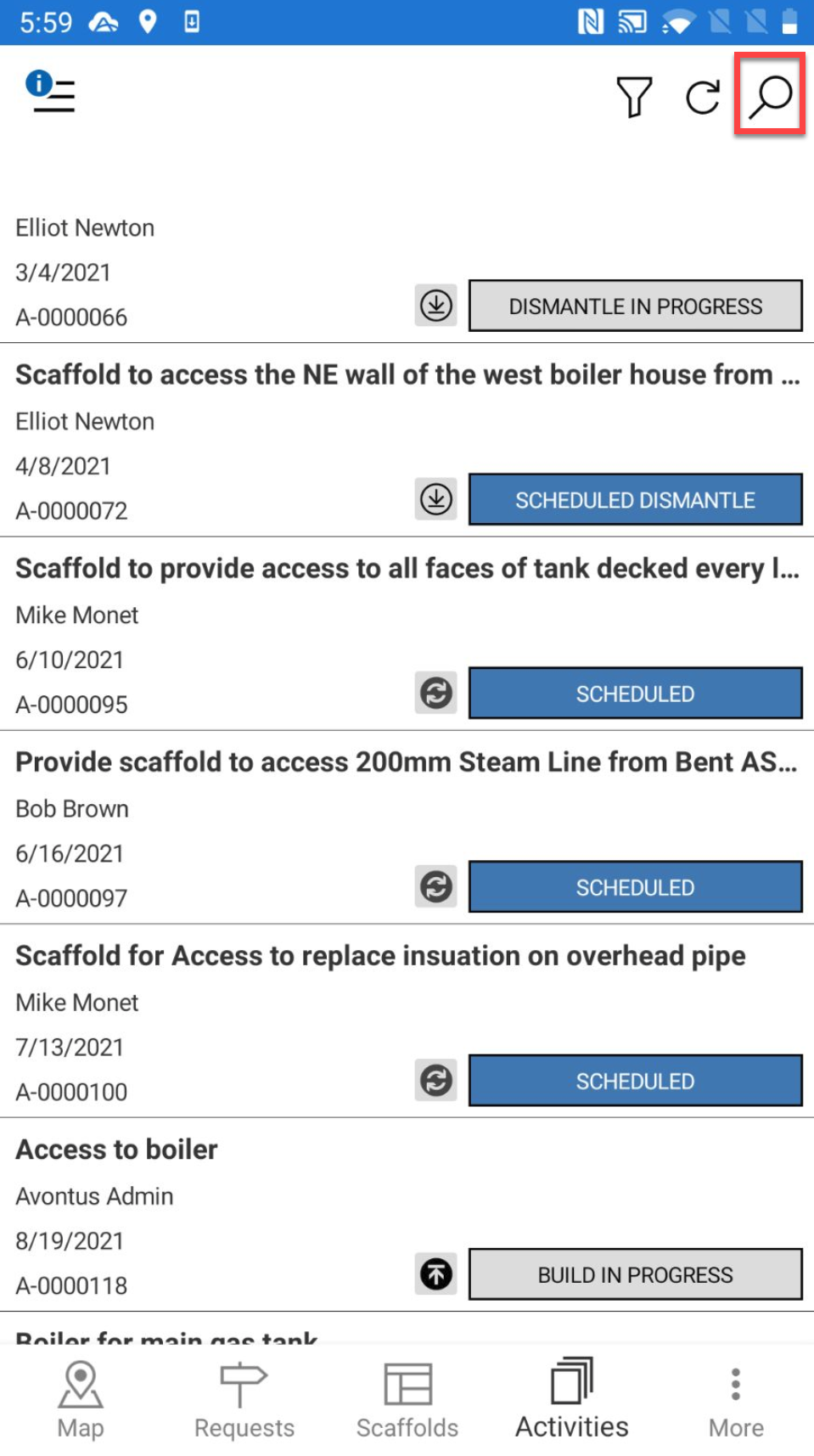
Specify your search term and the results will be displayed below. You can also search for the activity ID.