To modify an activity's details
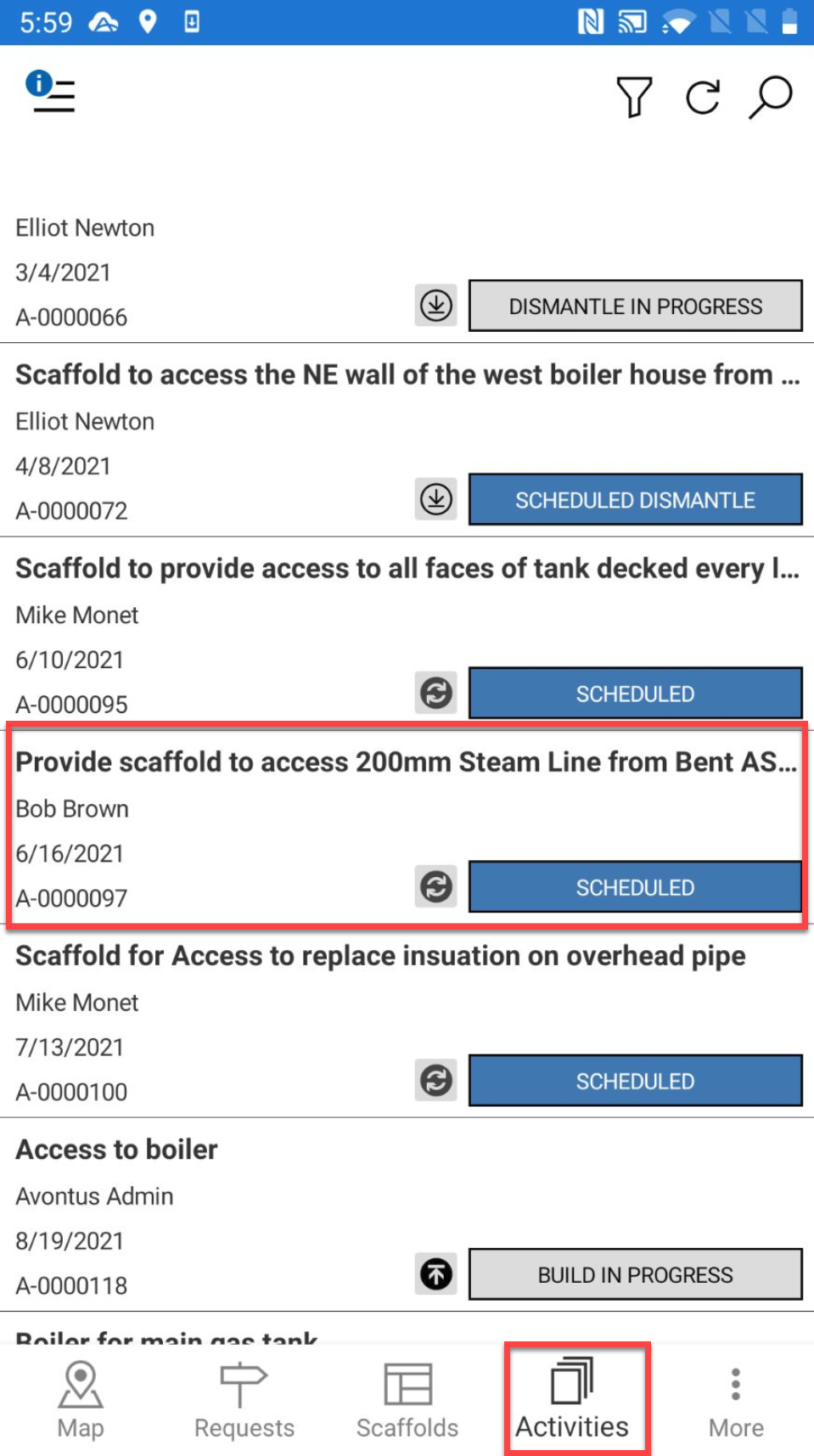
- Go to the Activities screen and select the Activity to modify.
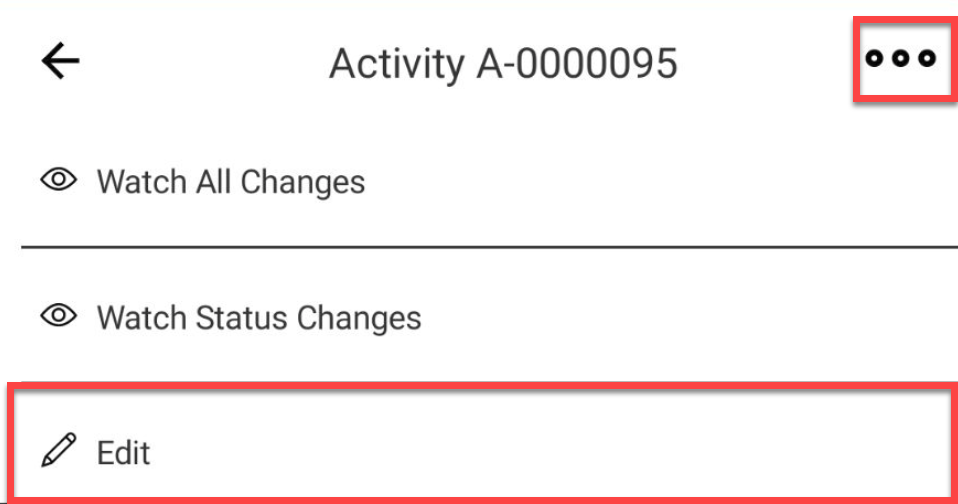
- In the Activity Details screen, tap... in the top right corner.
- Select Edit.
- Make the required changes. In this example we will change the who the activity is assigned to.
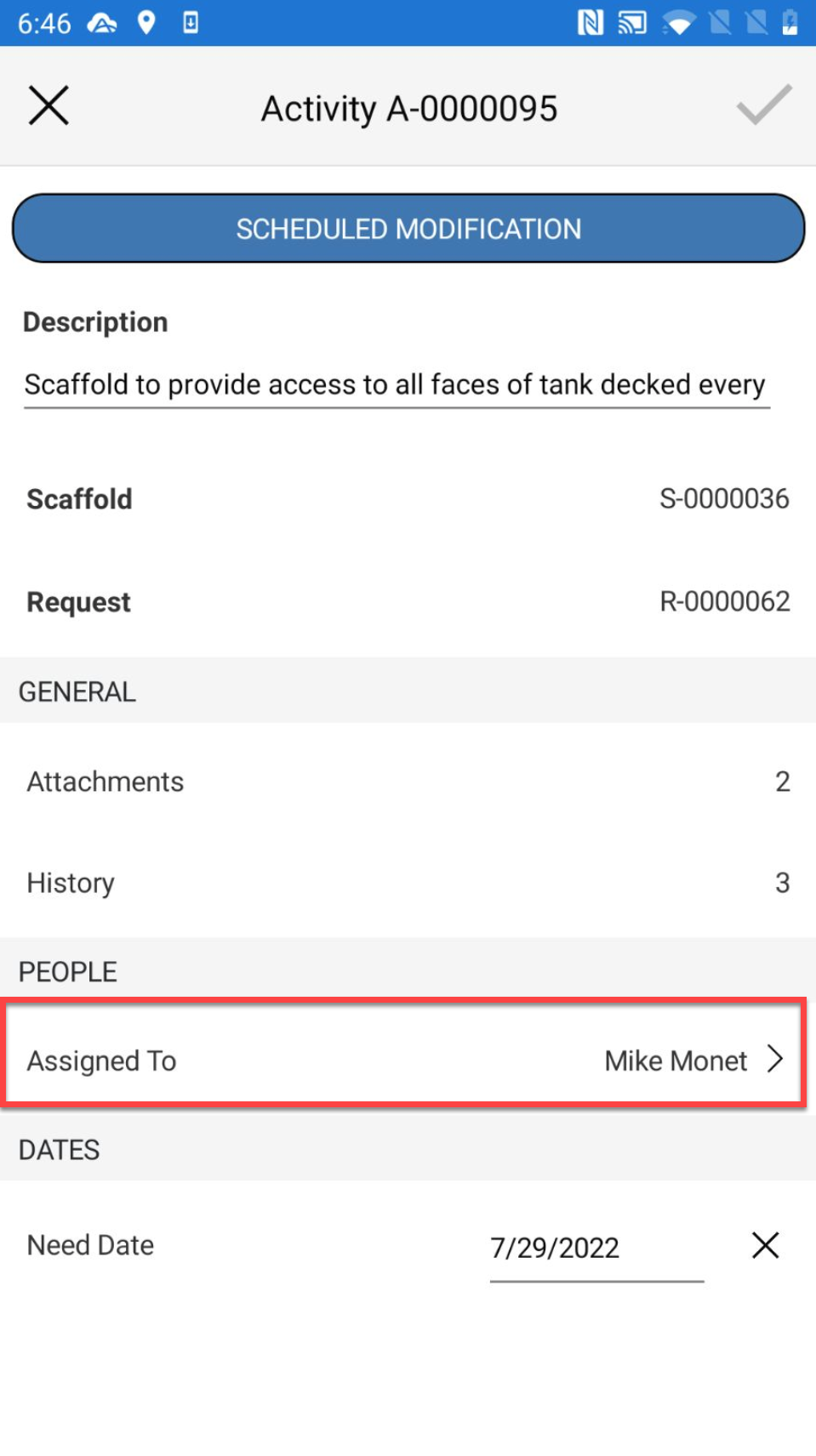
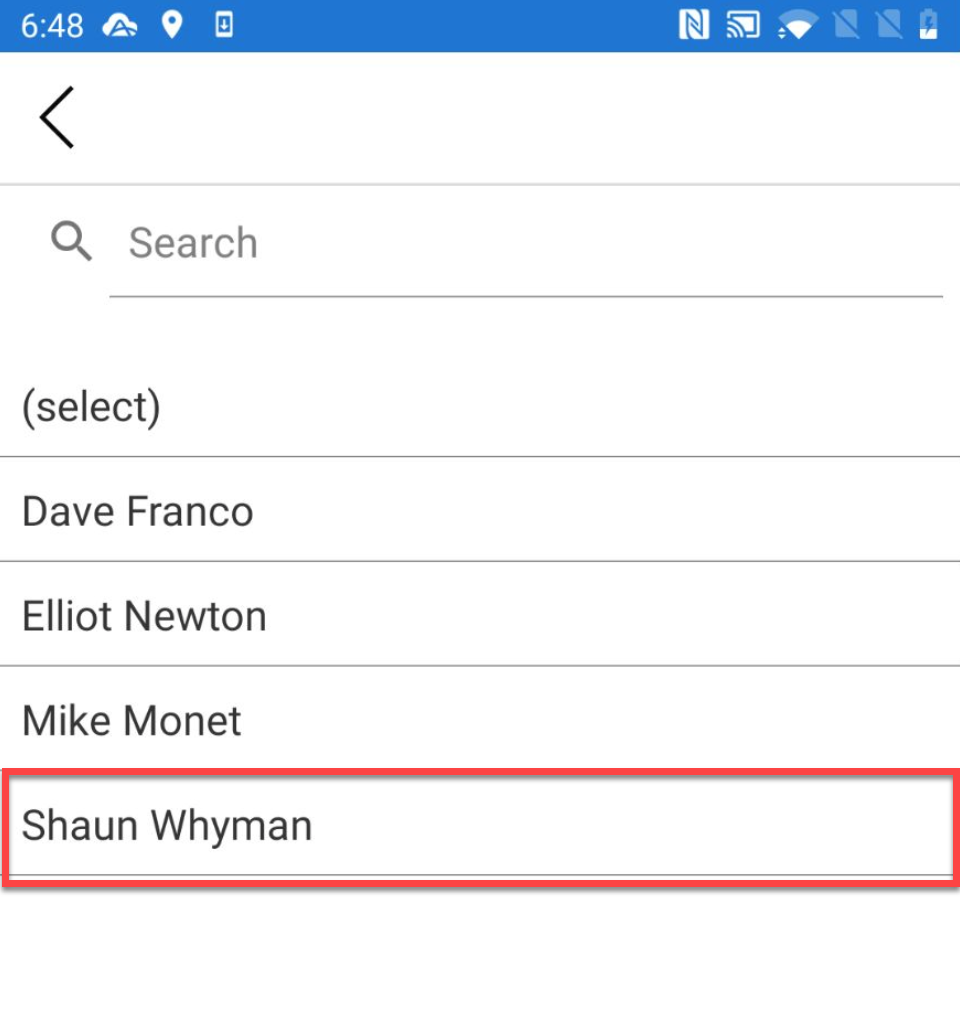
- Tap the Assigned to section and select the new user to assign the activity to.
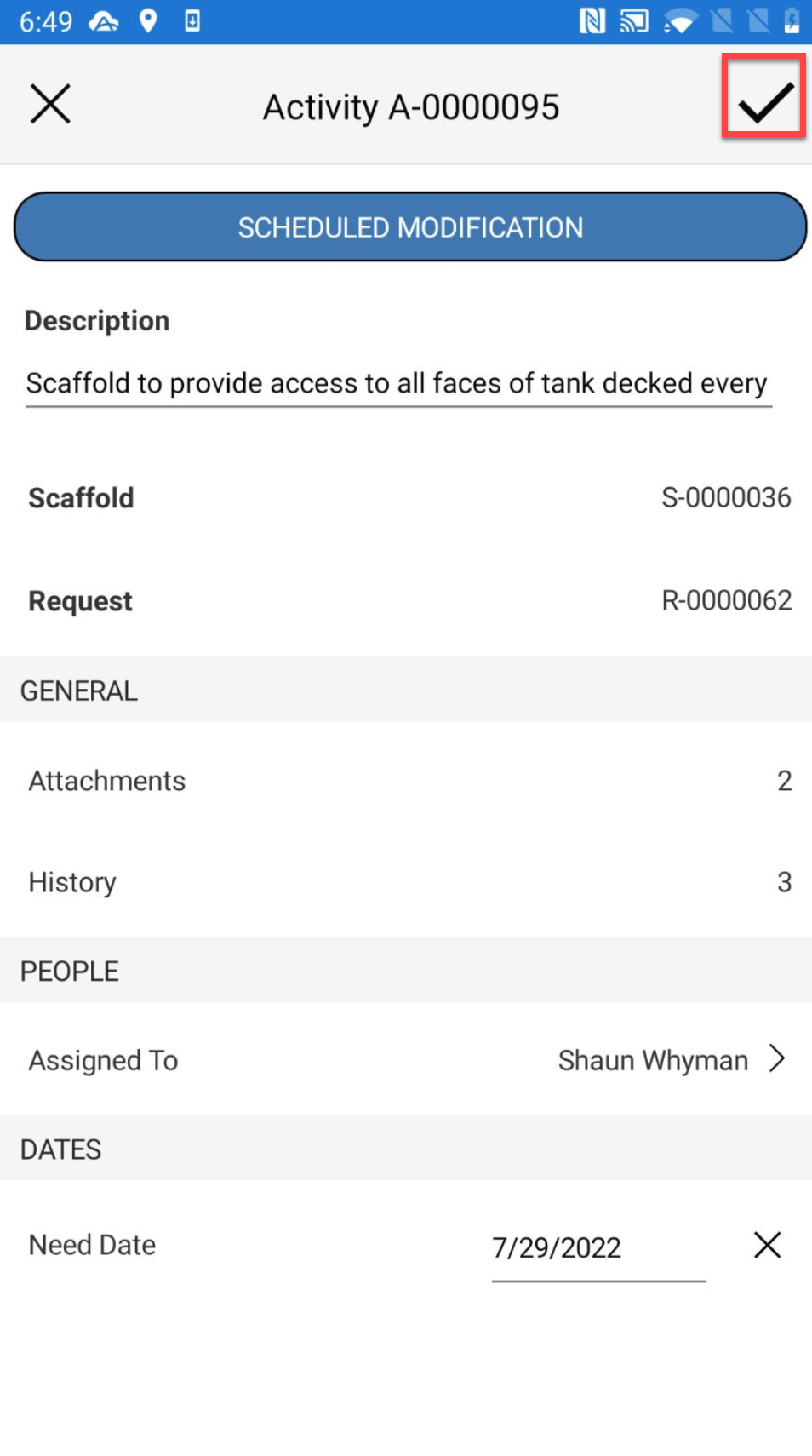
- Tap the tick icon to save the change.