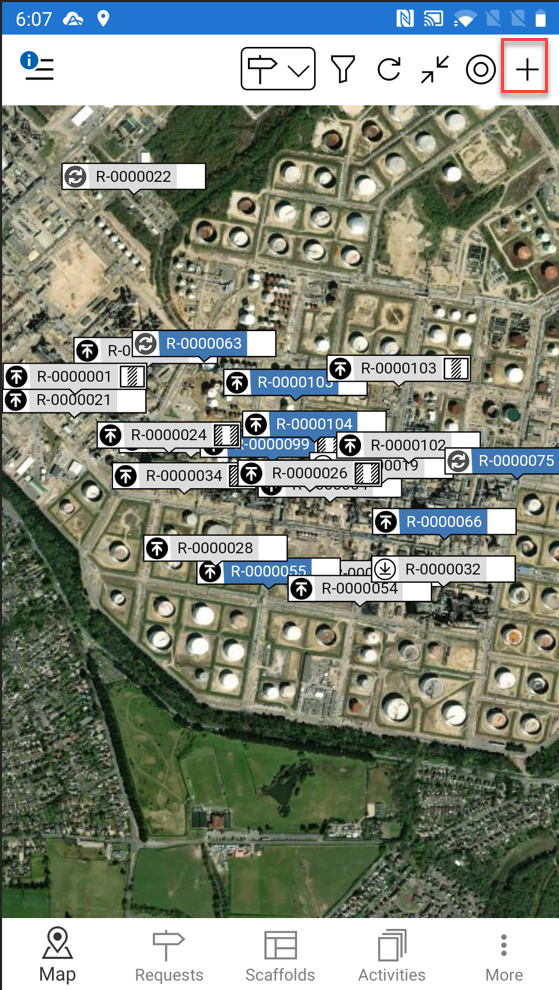
Tapping the + button (shown below) will create a new scaffold or request (depending on whether you are viewing by requests or scaffolds on the map screen – please see the Scaffold/Requests section for more information).
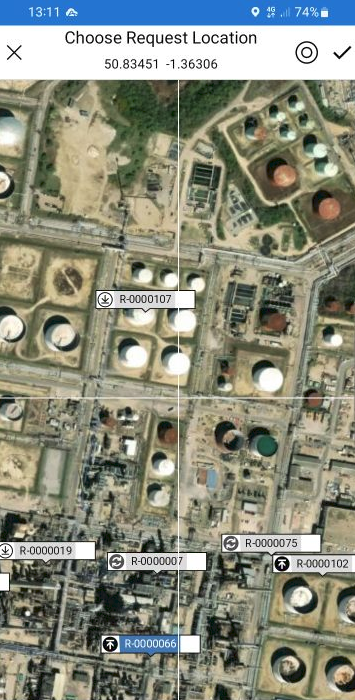
When the Add button is selected, a crosshair will appear on the map allowing the requestor to pinpoint exactly where they wish to create the request or erect the scaffold.
Note: You can tap the radar (
) button to jump to your current location.
For more information on adding a request or scaffold, please see the Adding a Request guide.