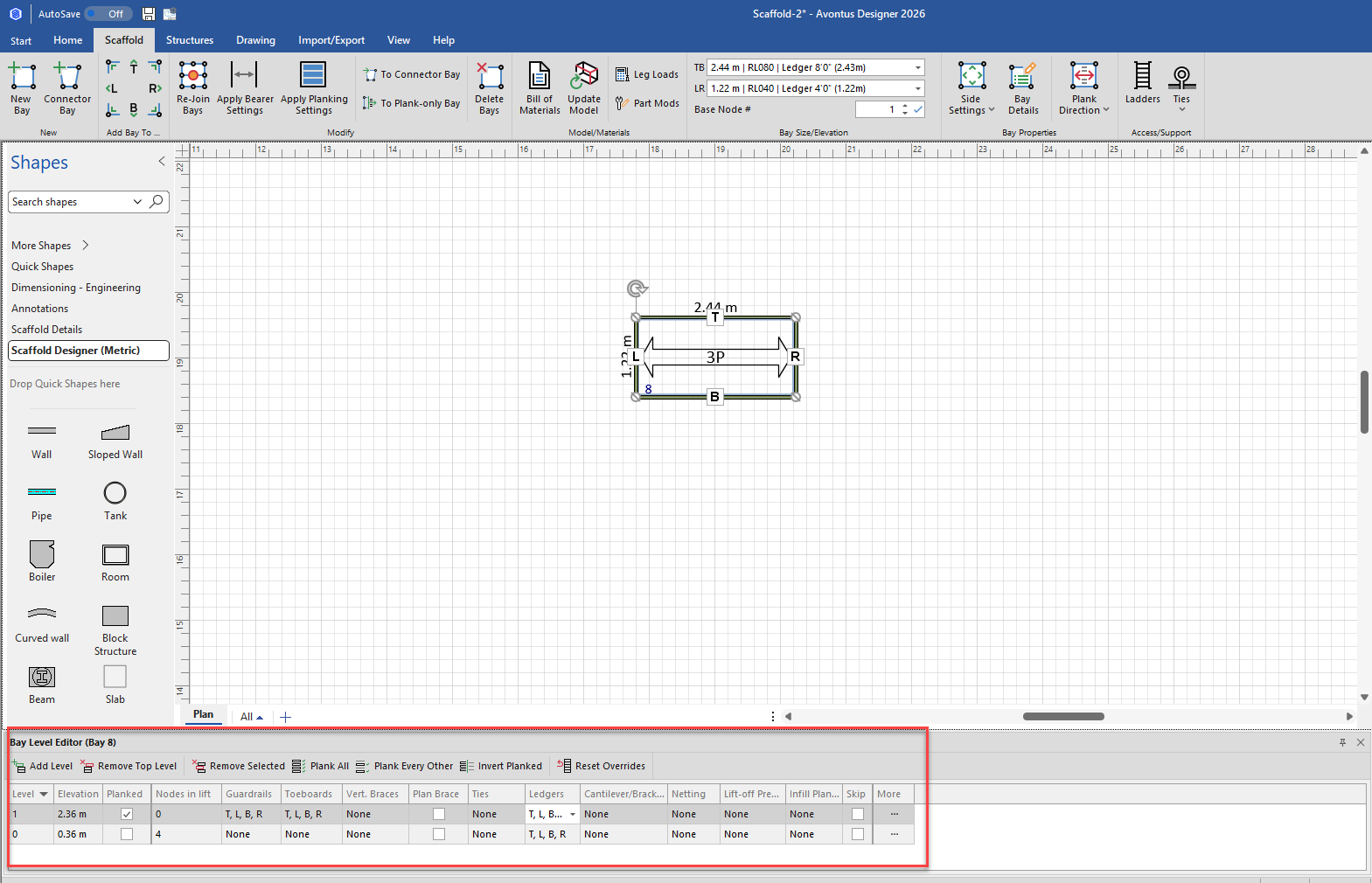
The Scaffold tab contains the New Bay control. Adding a new Bay onto the Drawing Page is a simple click-and-drag procedure.
To add a Bay to a drawing:
Click the Scaffold Tab
Click New Bay and drag the new Bay to the middle of the drawing page.
Avontus Designer adds a new default Bay to the page and updates the 3D view accordingly.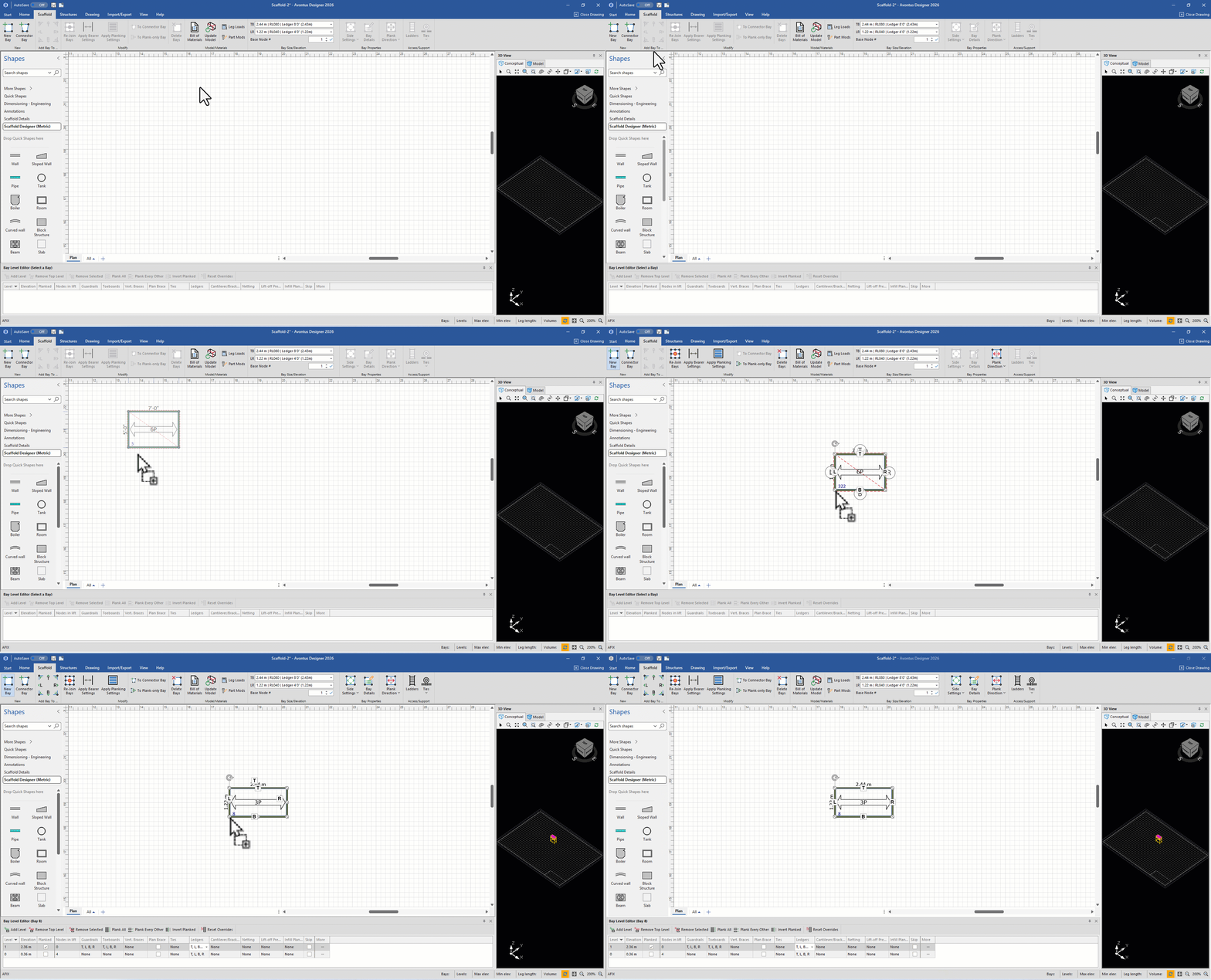
The Bay Level Editor displays the details for this Bay.