You can add a Load Rating and assign it to a Request or Scaffold.
To add a Load Rating
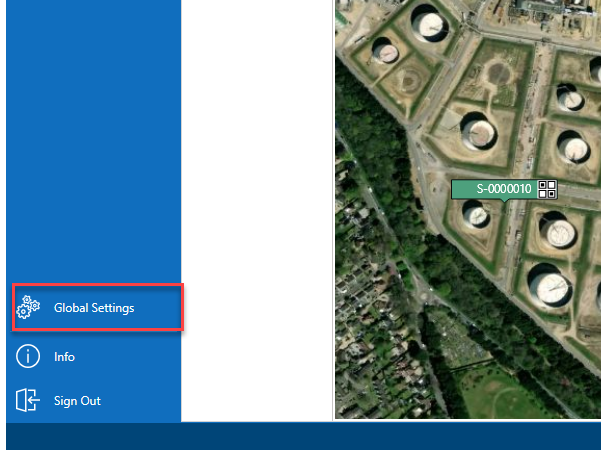
From the Map screen, select Global Settings on the panel to the left.
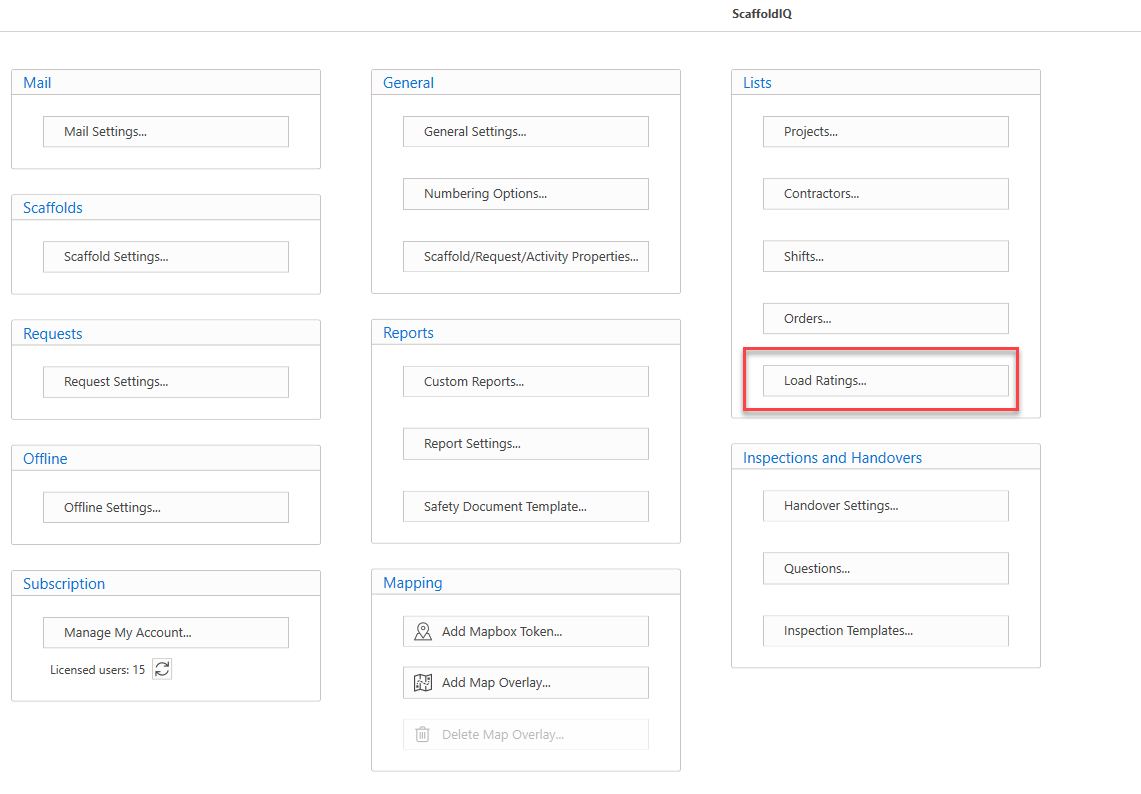
In the Global Settings screen, select Load Ratings
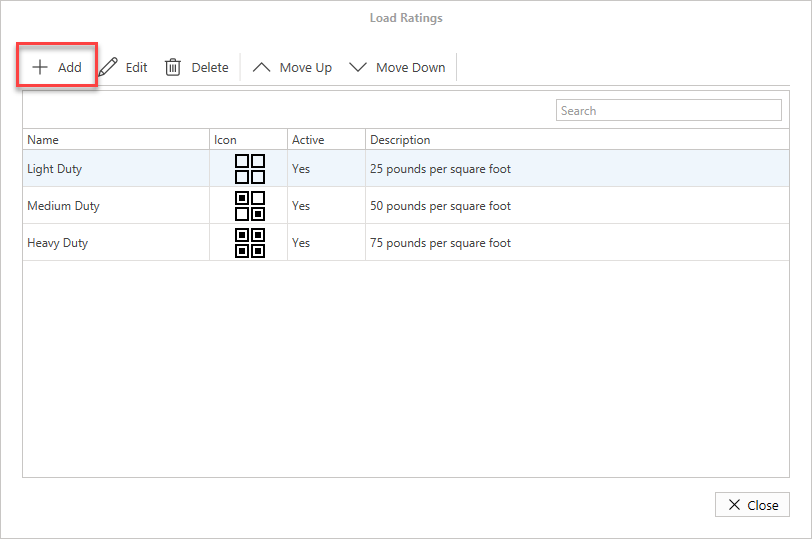
In the Load Rating screen, click Add
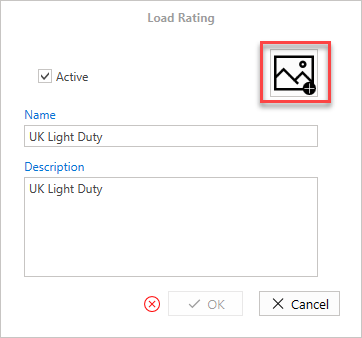
In the Load Rating screen, enter the name of the new load rating and add a description.
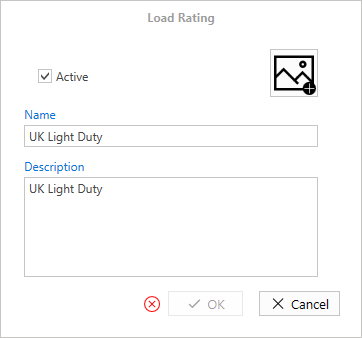
Click the image icon to upload a new icon.
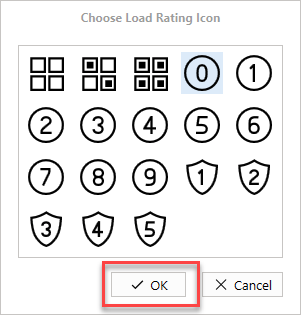
Select the desired icon and select OK
Click OK
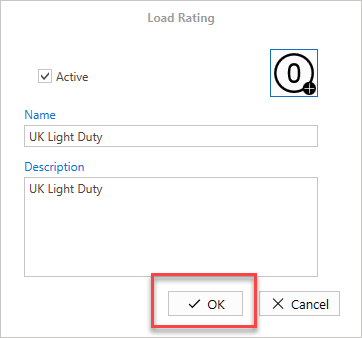
The Load Rating will be added.