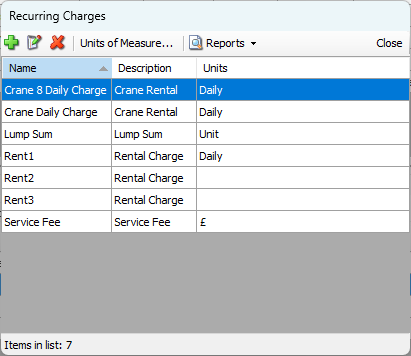
Initially, the Recurring Charges dialog is empty. To add a Recurring Charge to a Shipment, the item must first be added in the Recurring Charges dialog. The procedures below show you how to do this.
To add a Recurring Charge:
Click Recurring Charges.
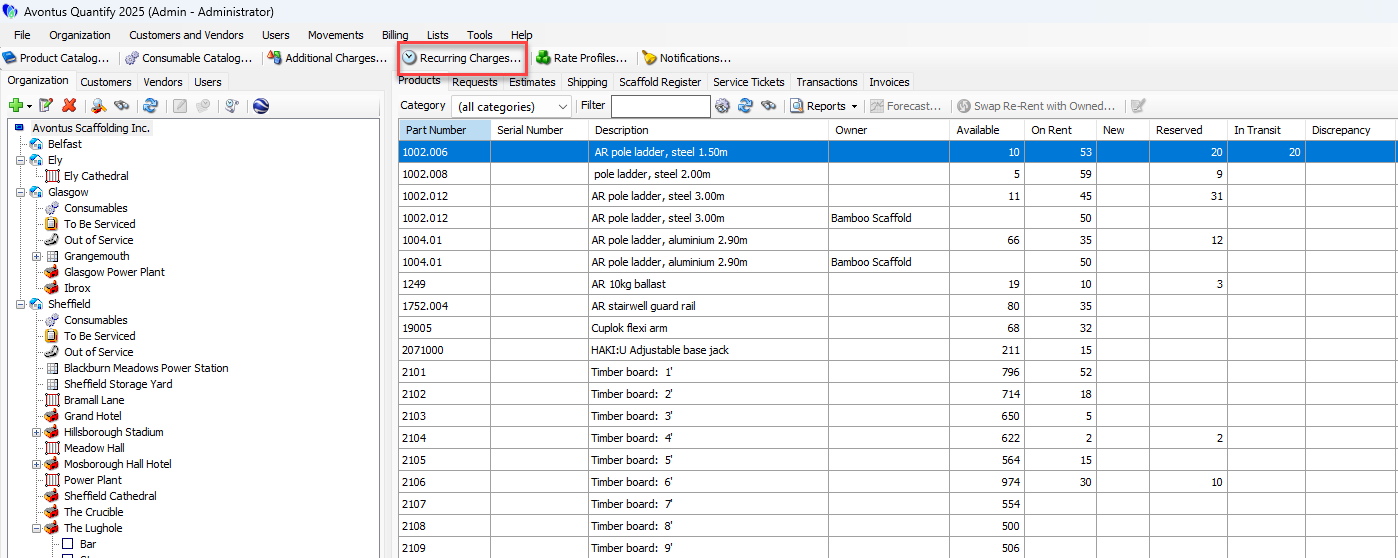
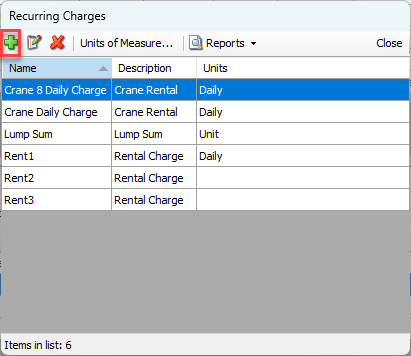
The Recurring Charges dialog appears.Click the Add button (
 ).
).
The Recurring Charge dialog appears.Click in the Name text field and enter a name for the Recurring Charge.
This field is required.Click in the Description text field and enter a description of the Recurring Charge.
Click the Units dropdown and select the Units Quantify will use for this Recurring Charge.
Note: Quantify shares the Units available here with the Additional Charges Units.
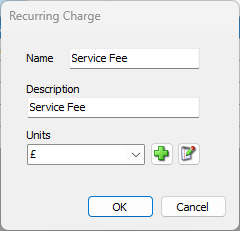
Click OK.
Once added, a Recurring Charge can be added to Shipments and Estimates and invoiced to Job Sites.