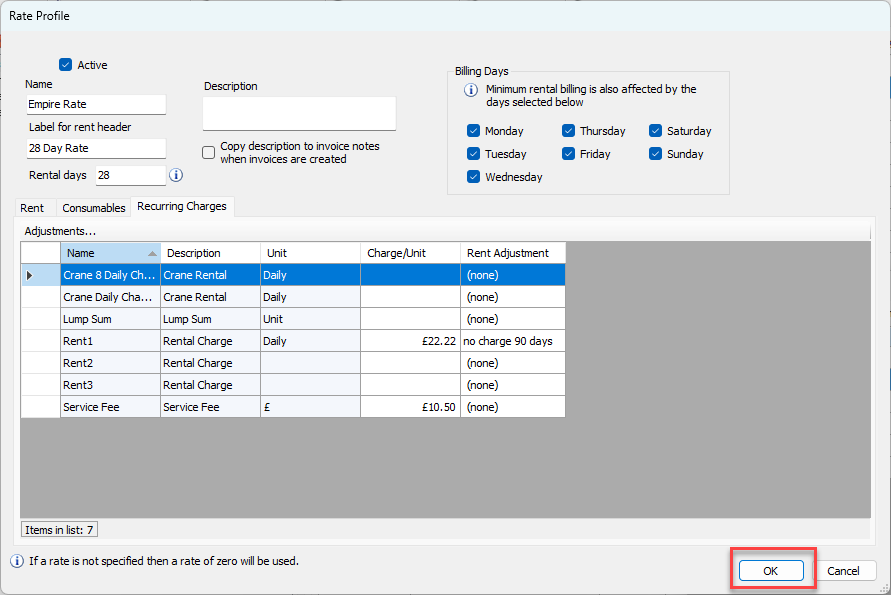
Once Recurring Charges have been added, you can add their default charge per unit to Rate Profiles. Edit any existing Rate Profiles that should have default charges per unit in the Recurring Charges tab of the appropriate Rate Profile dialog.
To update a Rate Profile
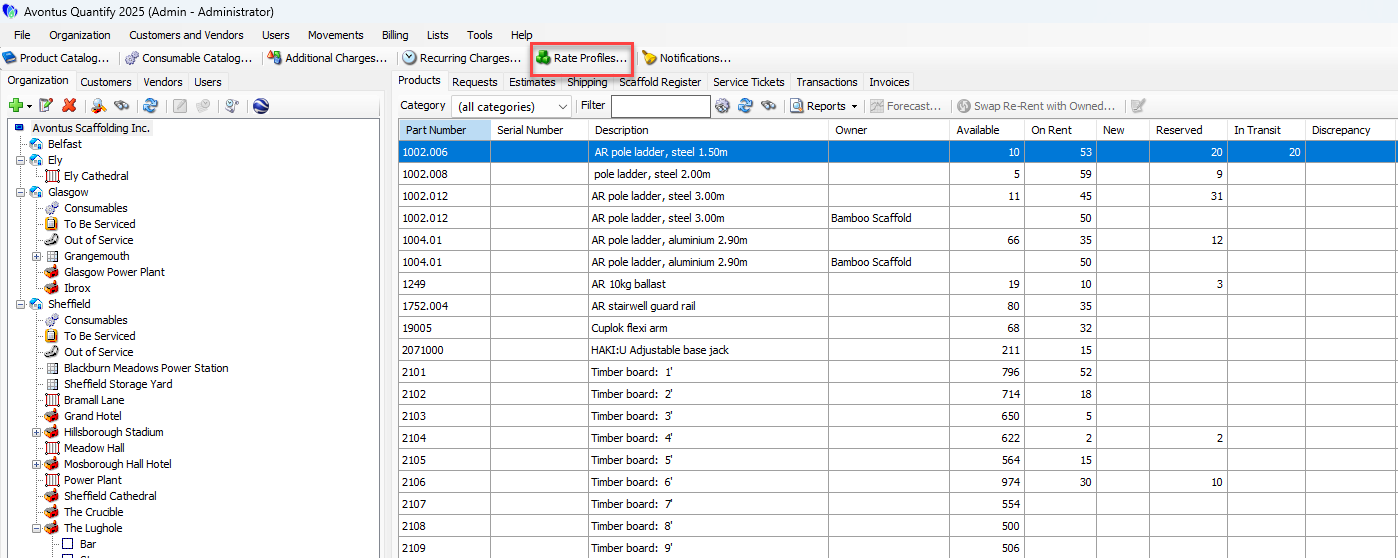
Click Rate Profiles .
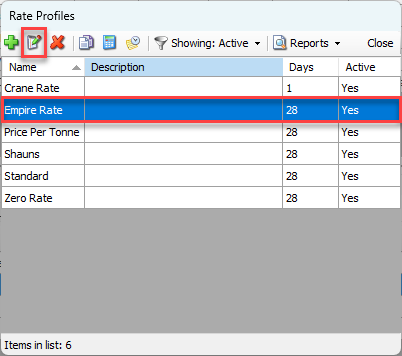
The Rate Profiles dialog appears.Click the appropriate Rate Profile and click the Edit Selected Profile button.
Note: You can also double-click the Rate Profile.
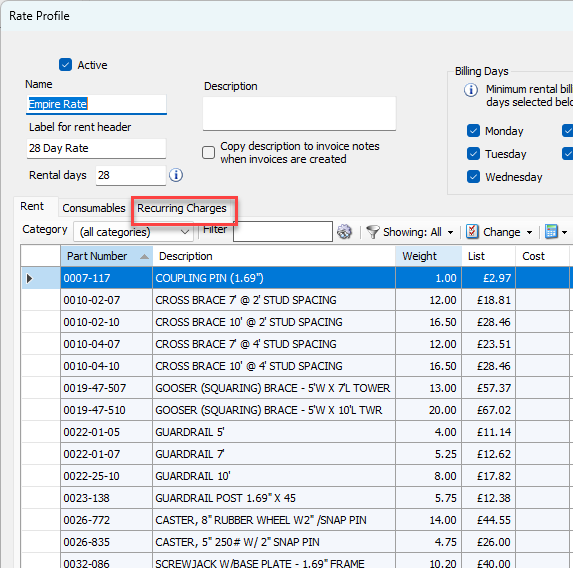
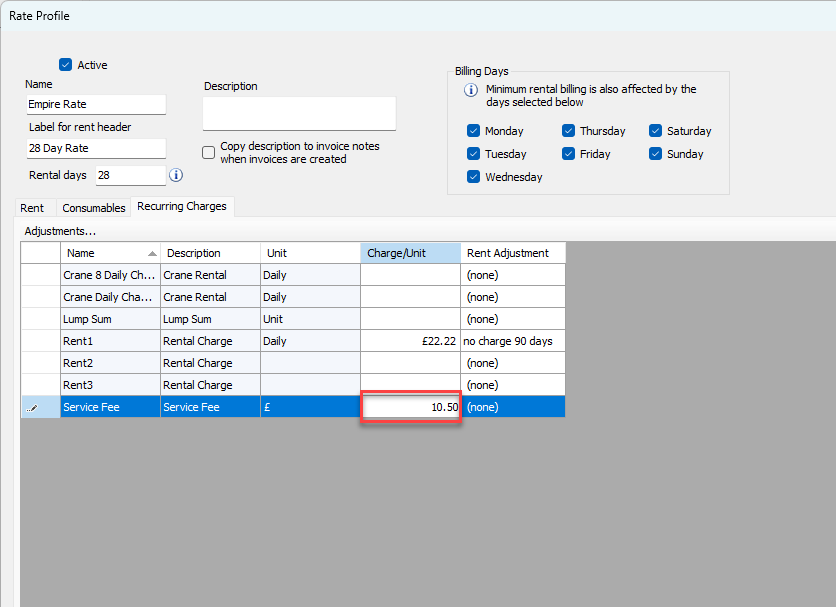
The Rate Profile dialog appears.Click the Recurring Charges tab.
The Recurring Charges already entered into Recurring Charges dialog are available in the grid.Locate the appropriate Recurring Charge, click in its cell in the Charge/Unit column and enter the appropriate charge.
The amount you enter will default on the Recurring Charges tab when the item is added to Shipments to/from Job Sites that have this Rate Profile assigned. Refer to the Adding Recurring Charges to a Shipment section of About Recurring Charges.Repeat the above step as many times as necessary.
Click OK.