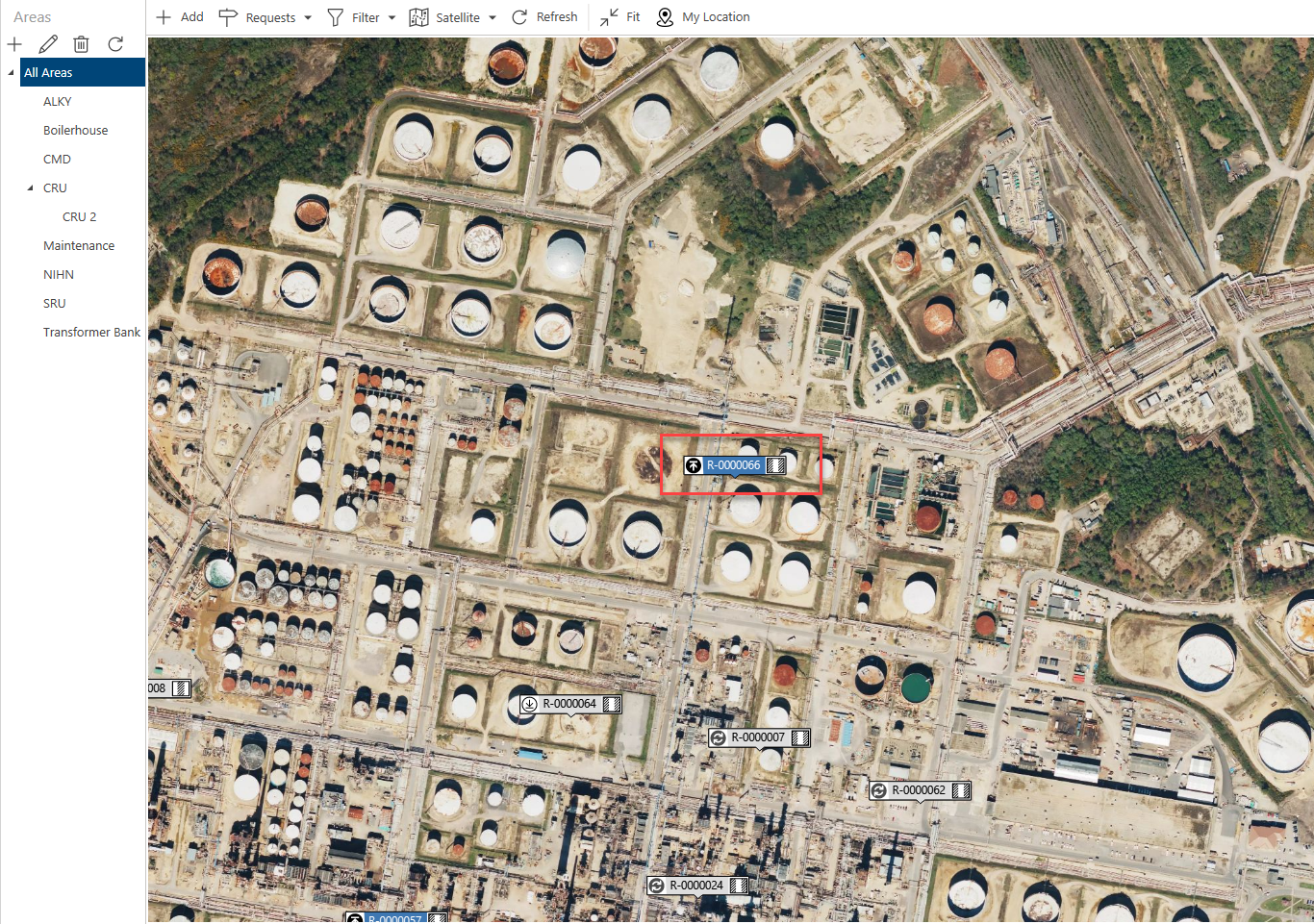
When you add a Request, you are indicating that you require a scaffold to be erected here. When created, a Request may need to be approved before you can begin work on the Scaffold. You can add a Request via the Map screen, and the Requests screen. In this example, we will add a request via the Requests screen.
To add a new Request
1. Click the Add button
2. Click and drag the crosshairs to where you want the request to go
3. Click OK
.gif)
4. Enter the known details, and click Apply and then OK, or just click OK
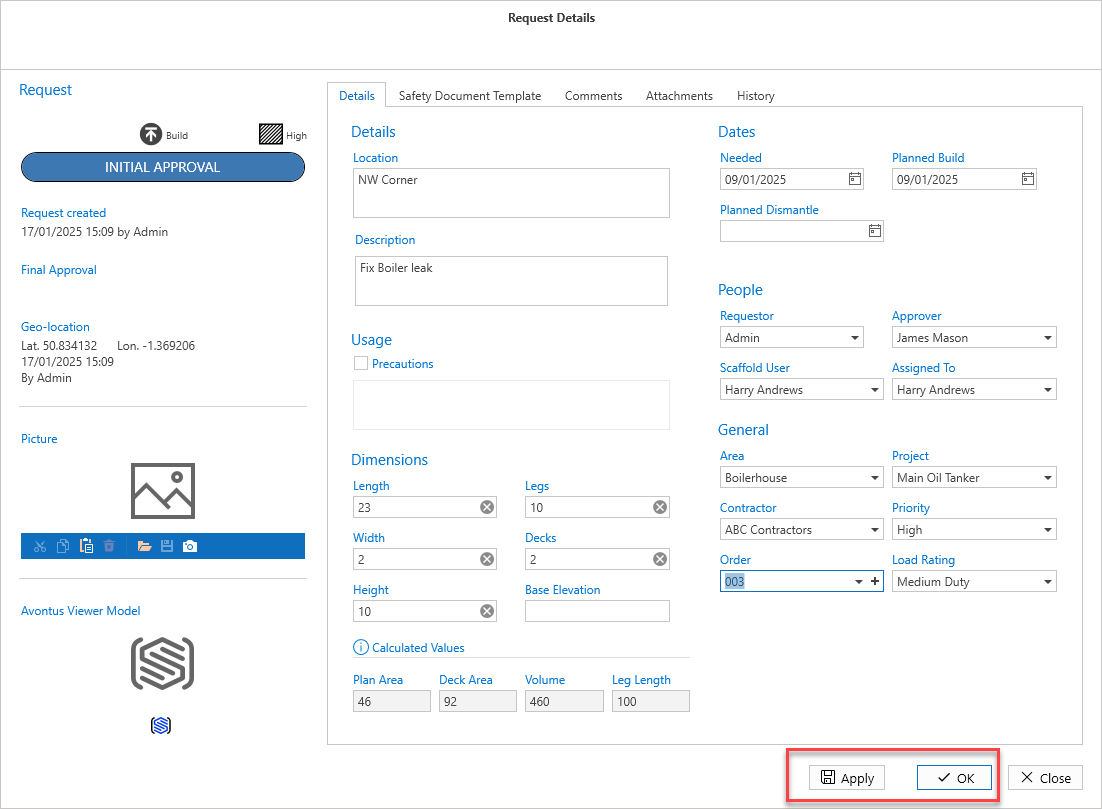
The Request will be added to the app. It will then need to be approved.