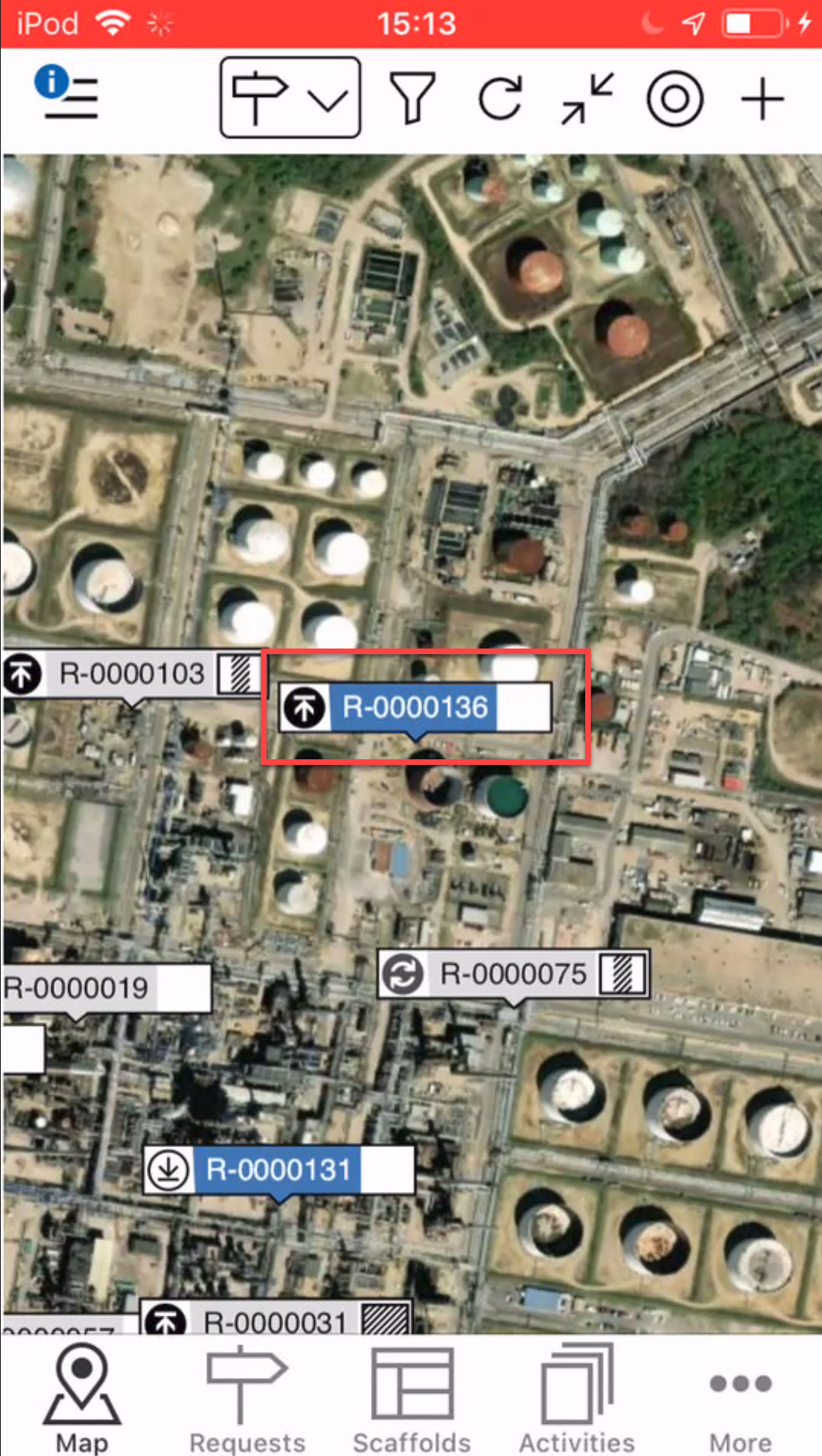
It is possible to add a request or a scaffold. If you are viewing requests in the Map screen, you will add a request. If you are viewing scaffolds in the Map screen, you will add a scaffold. In this example, we will add a request.
In the Map screen tap +.
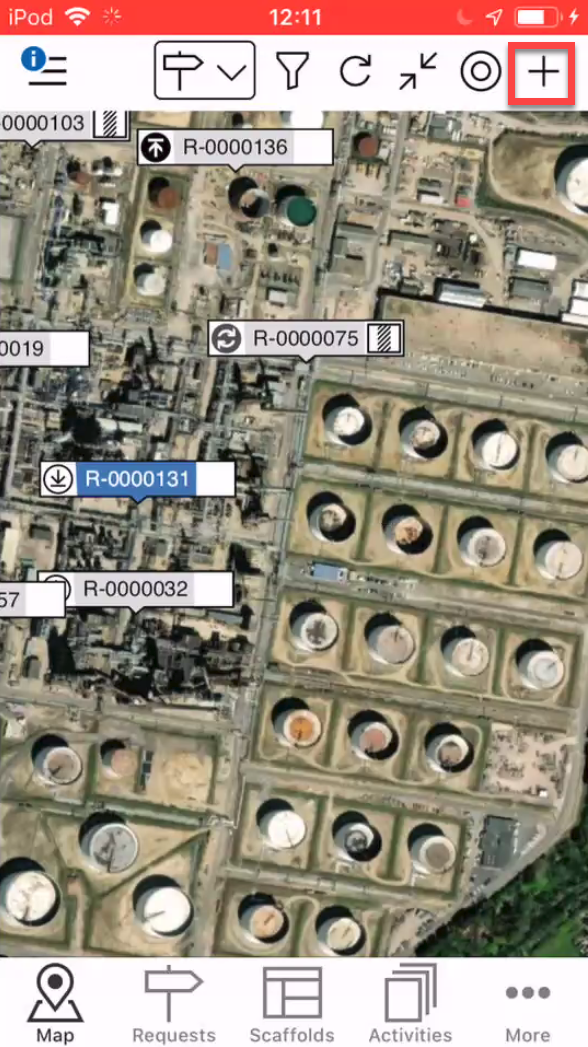
Note: You can also add a Request via the Requests screen
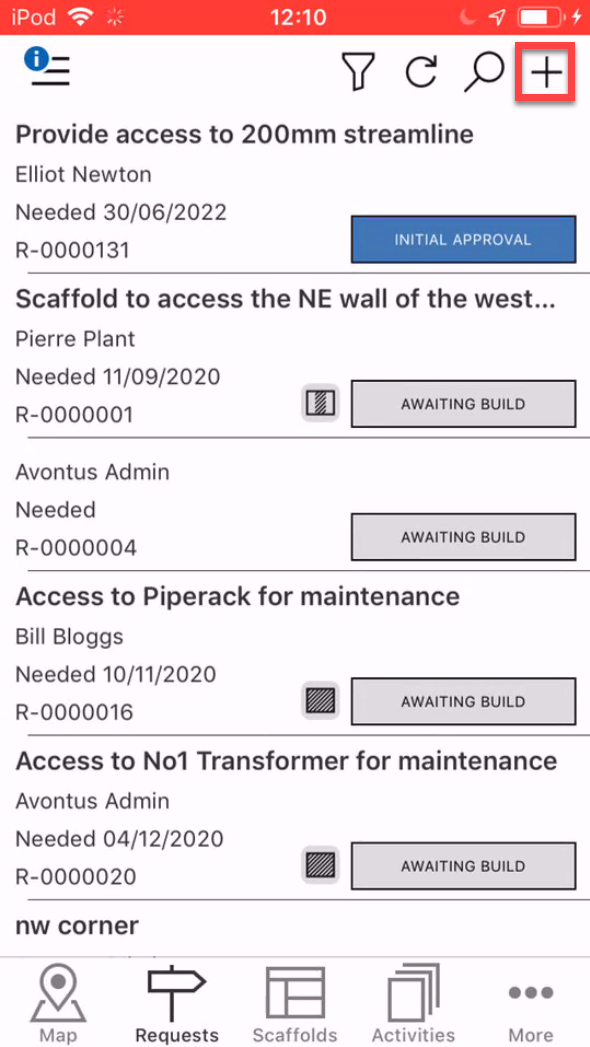
If adding a request from the Request screen this will open the Map screen where you can choose the location of the request.Choose the location of the request and tap the tick icon.
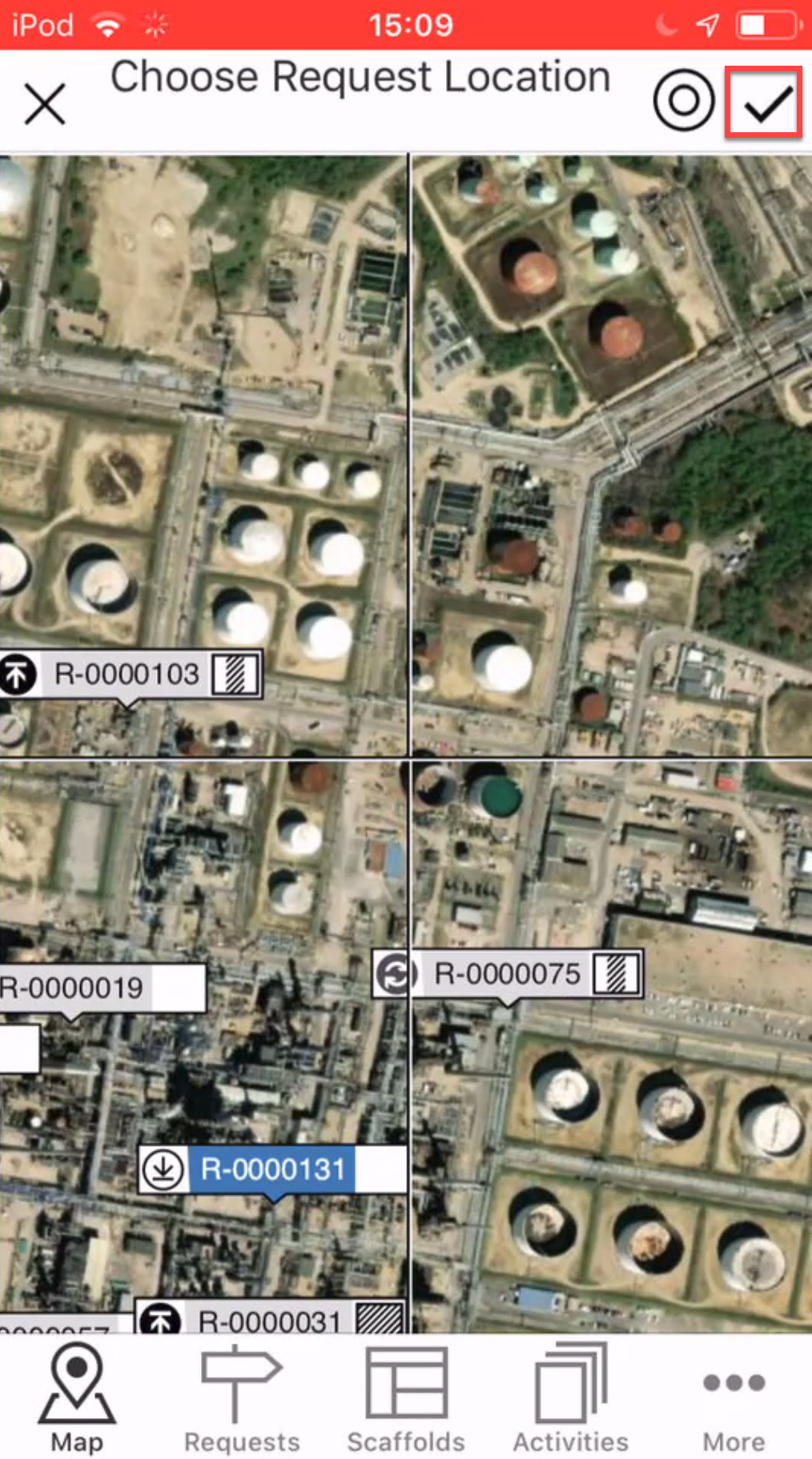
Note: Tap
 to be taken to your location
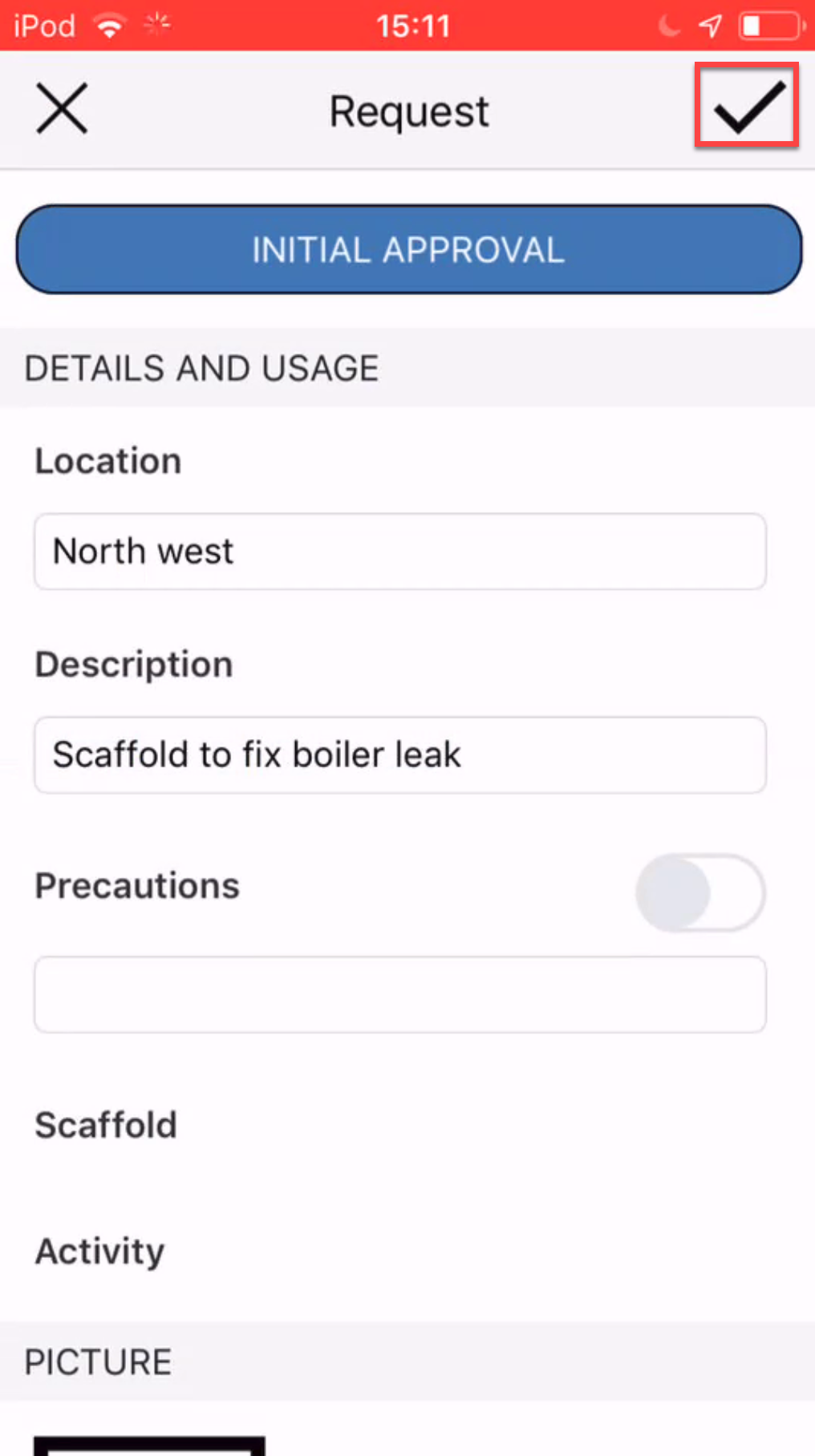
Enter the details of the request and tap the tick icon.
The Request will be displayed on the map.