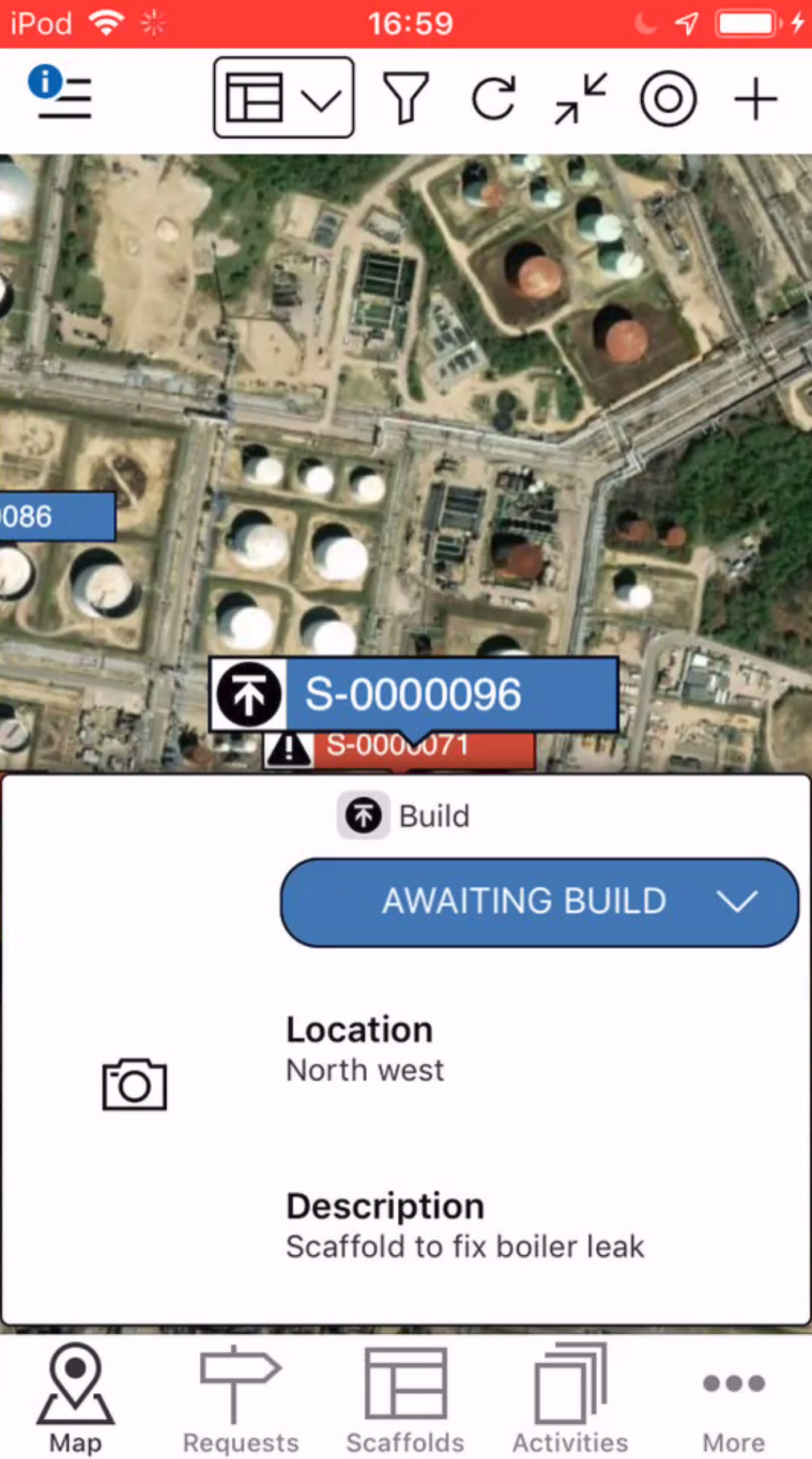
When a Request has been added, it will need to be approved. A request could be a request to erect a Scaffold, modify a Scaffold, or dismantle a scaffold.
To approve a request to change it to a scaffold.
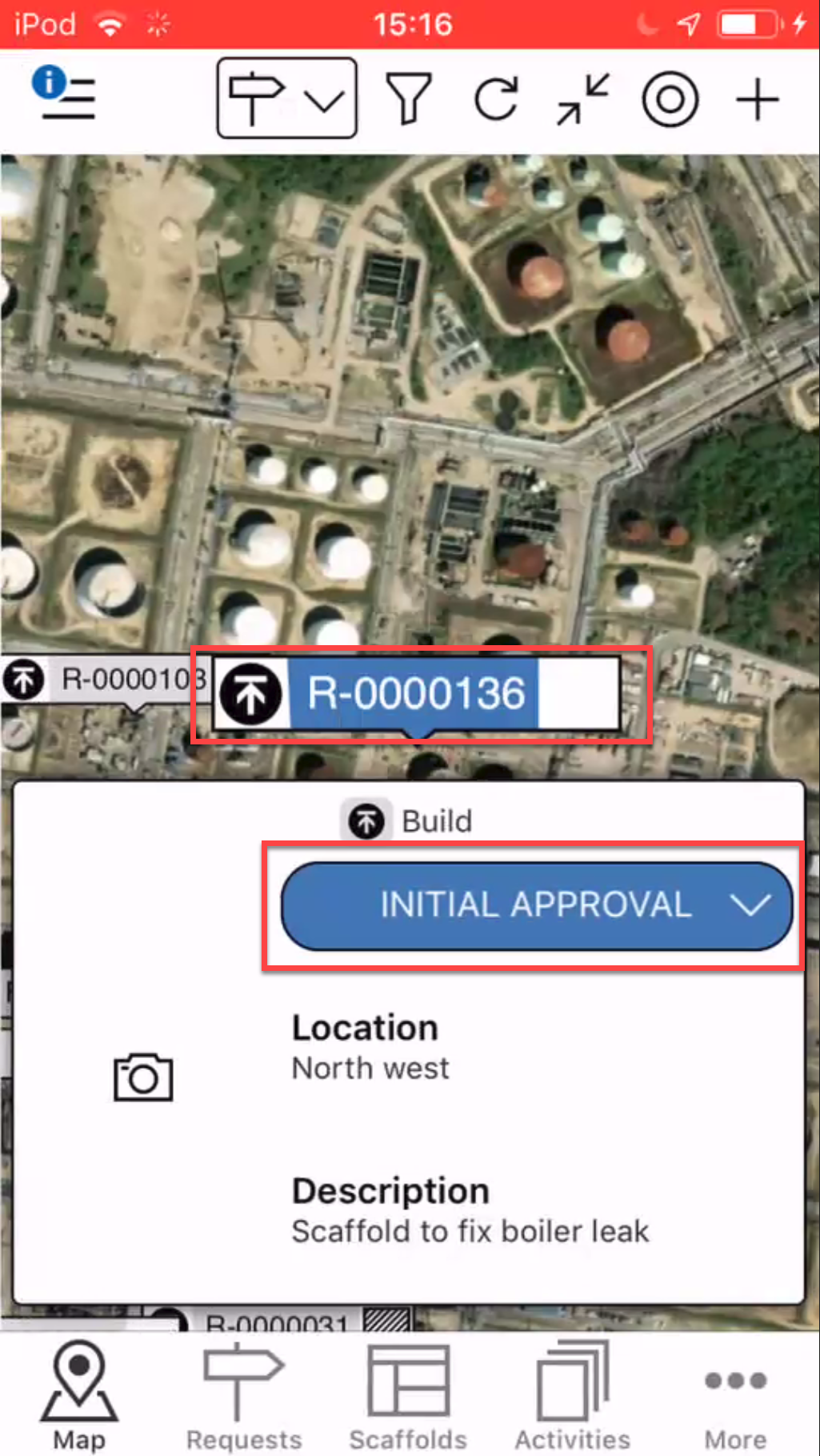
From the Map screen, tap the Request to approve
Tap the status indicator (it should say Initial Approval).
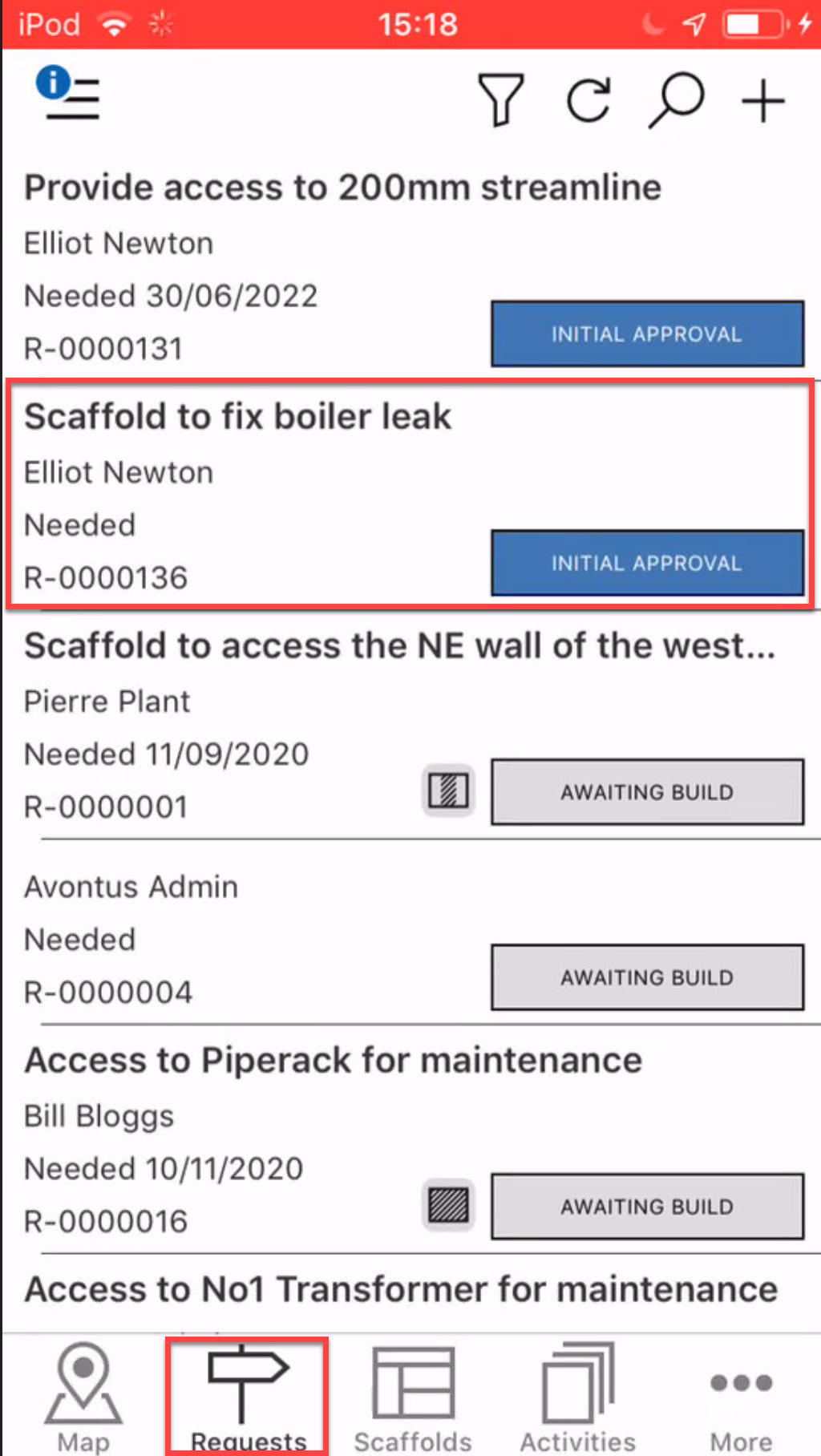
Note: You can access the Request Details where you can approve the Request from the Requests Details screen
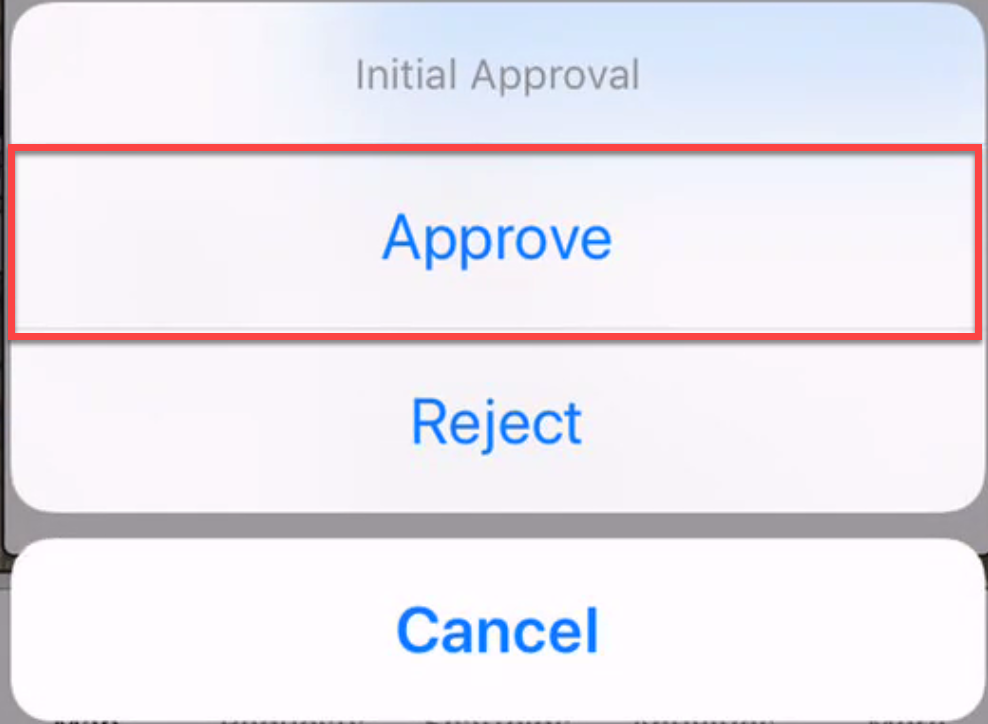
Tap Approve.
The status will change to the next step in the process, This is determined by what is set up in the Global Settings screen.
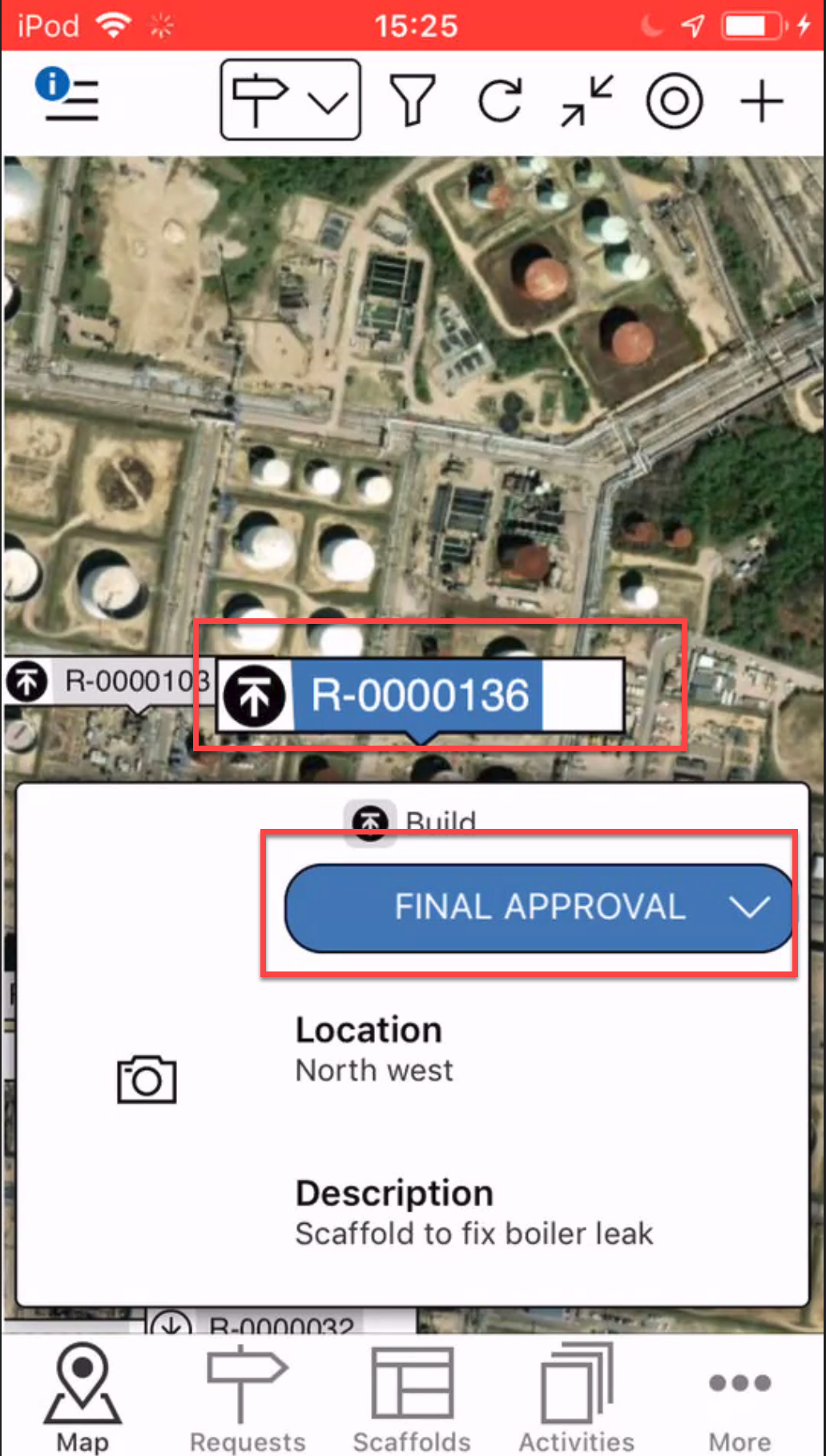
The final stage is Final ApprovalTap Final Approval
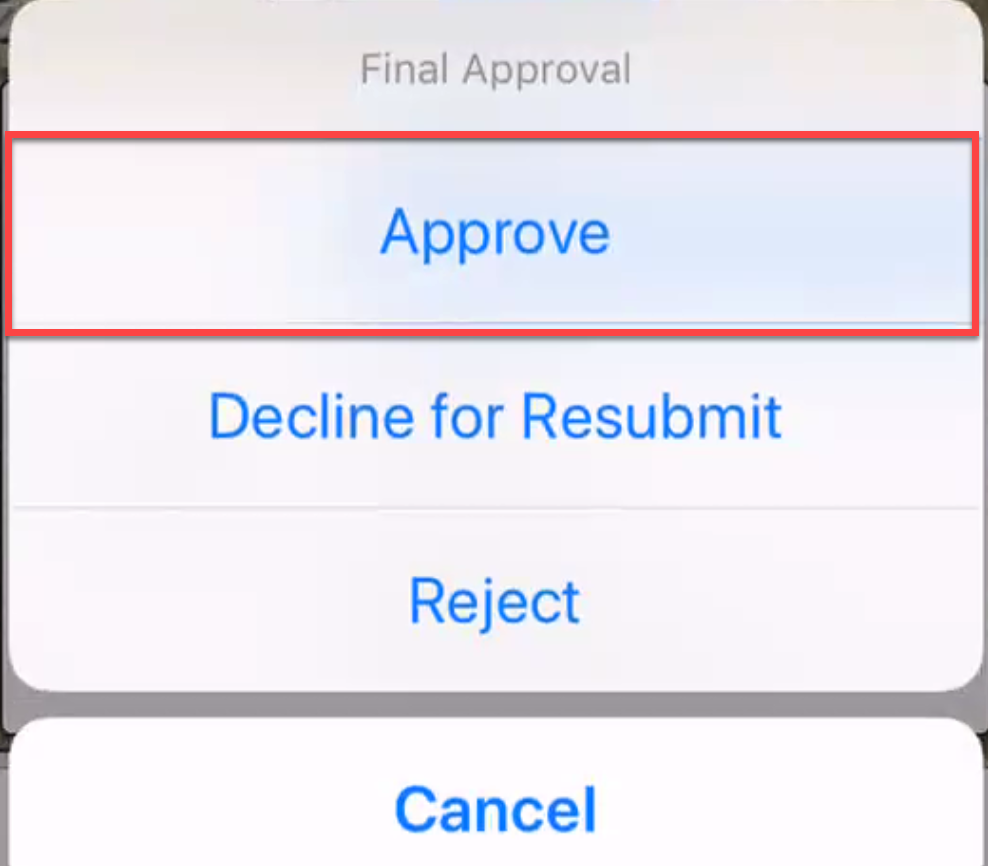
Tap Approve
The request will be approved, and status of the Request will change to Awaiting Build
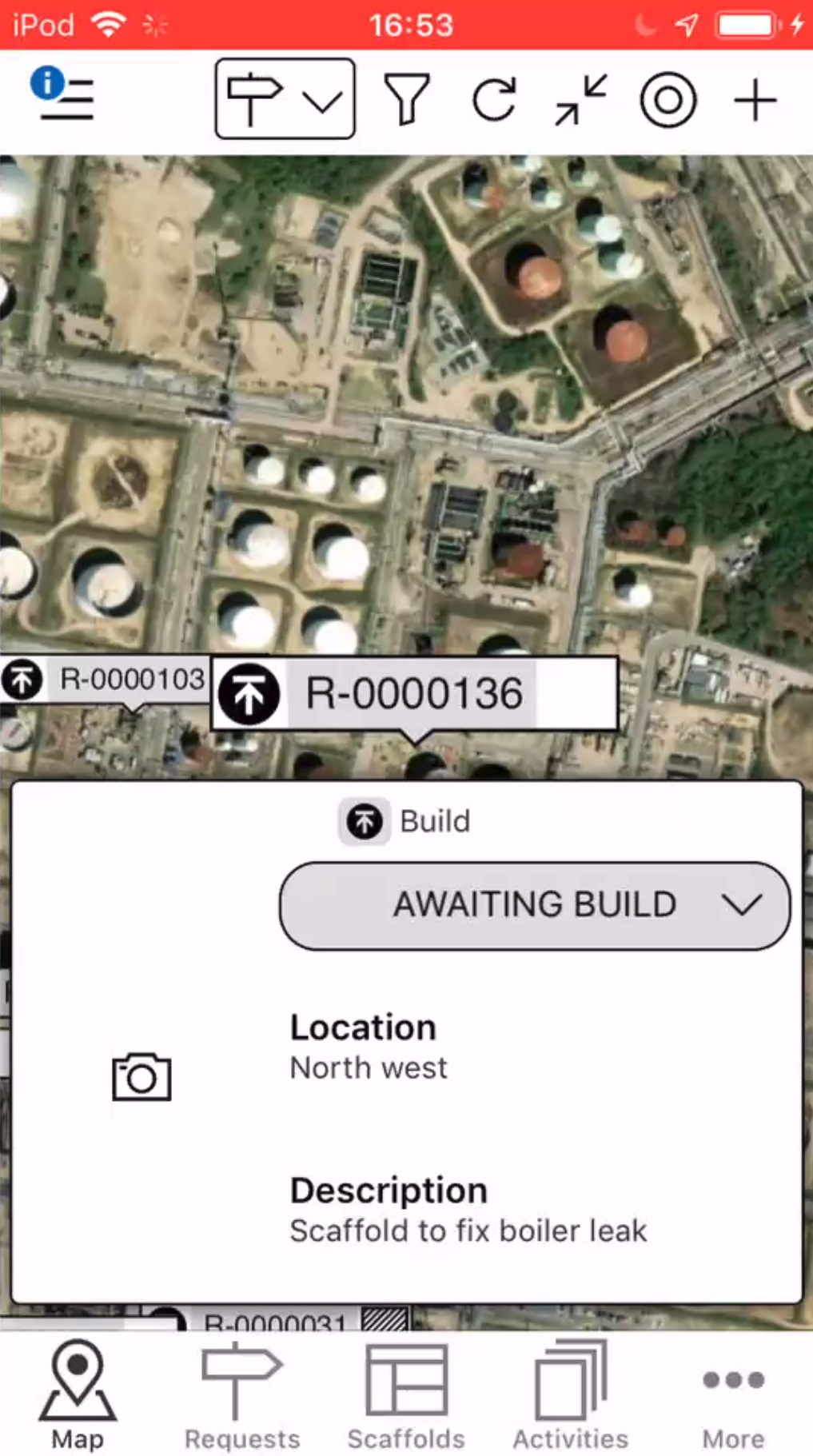
A Scaffold will also be created in the same place as the Request.