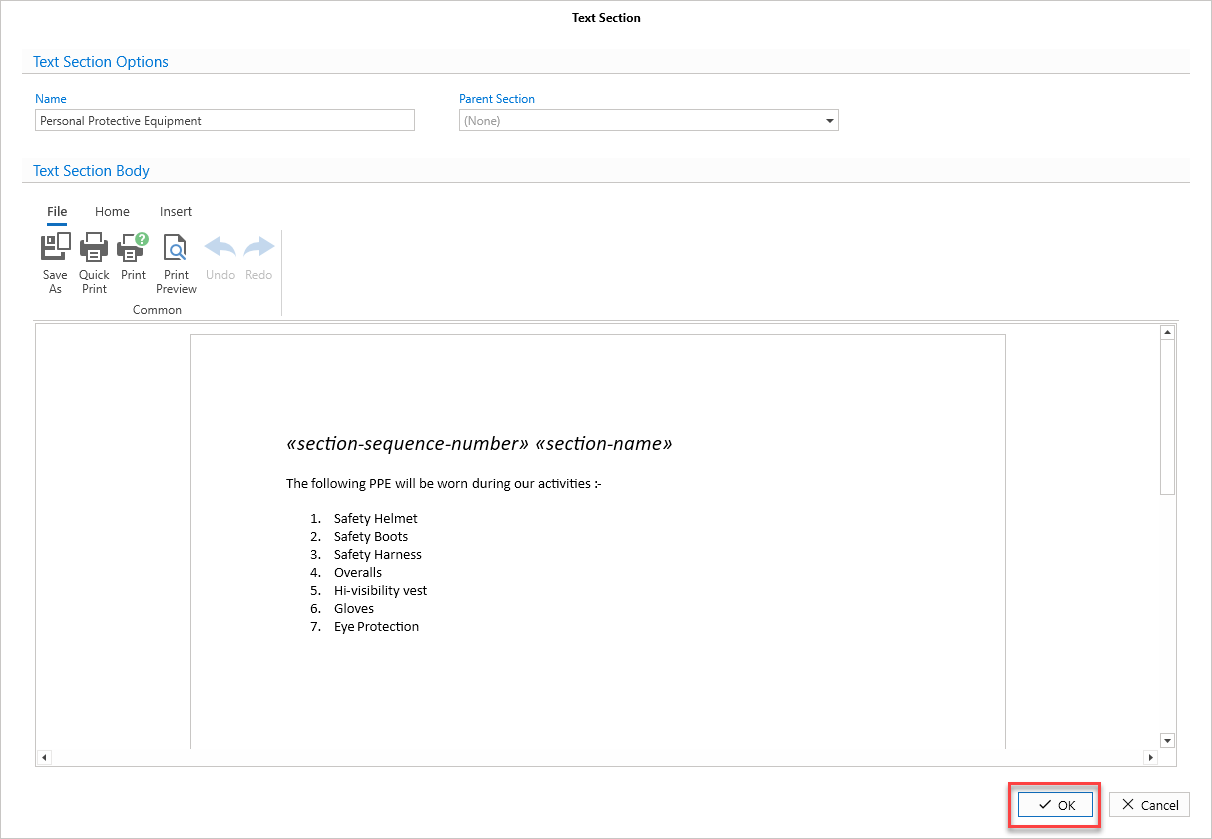
You can add a hazard or text section to your safety document template
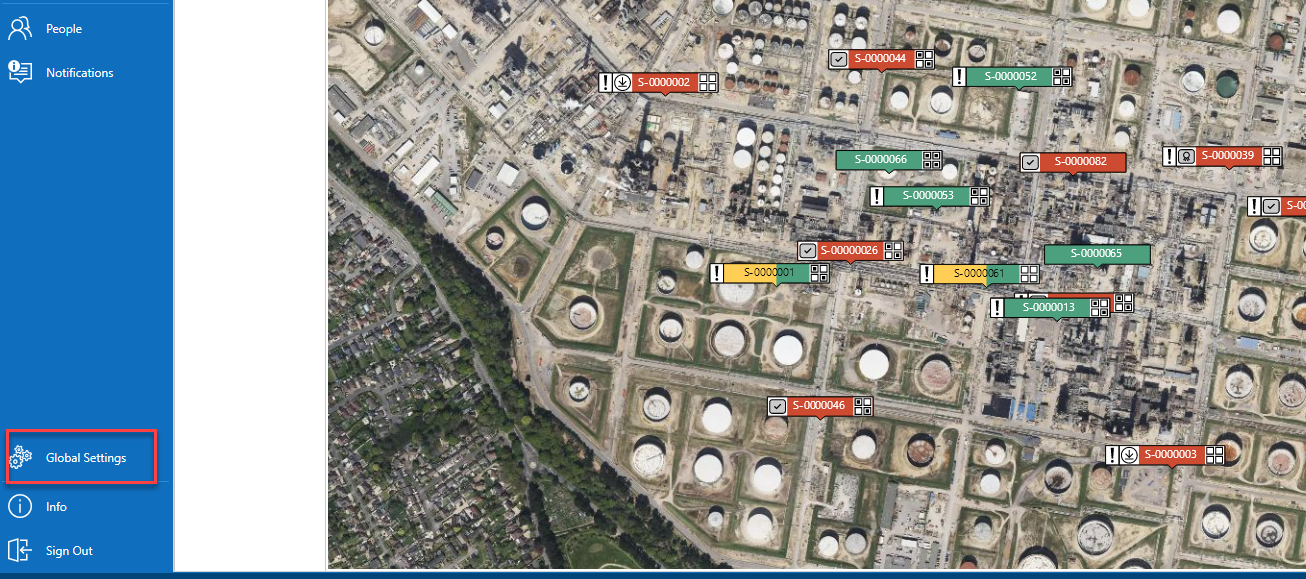
Select Global Settings
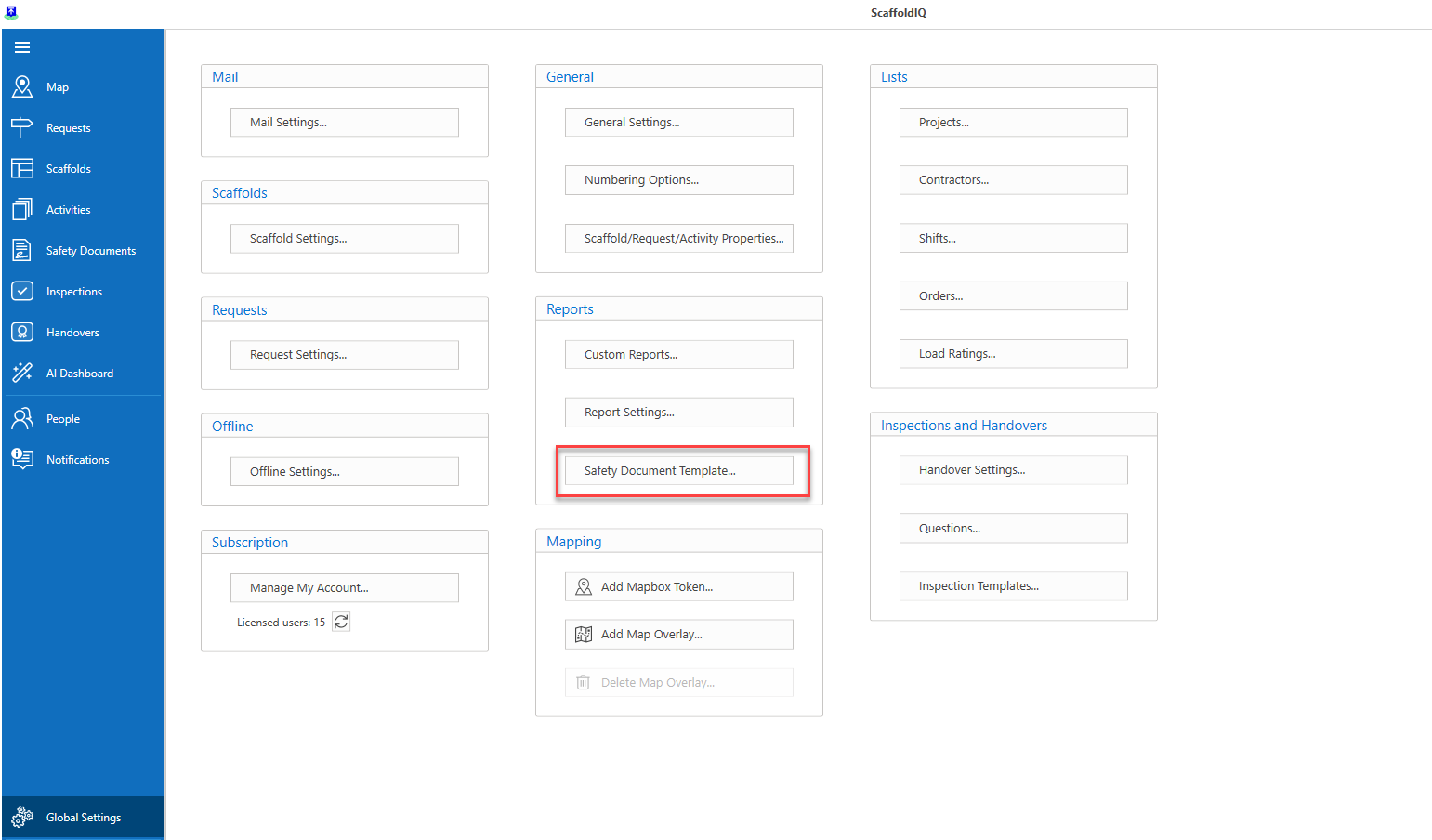
Select Safety Document Template
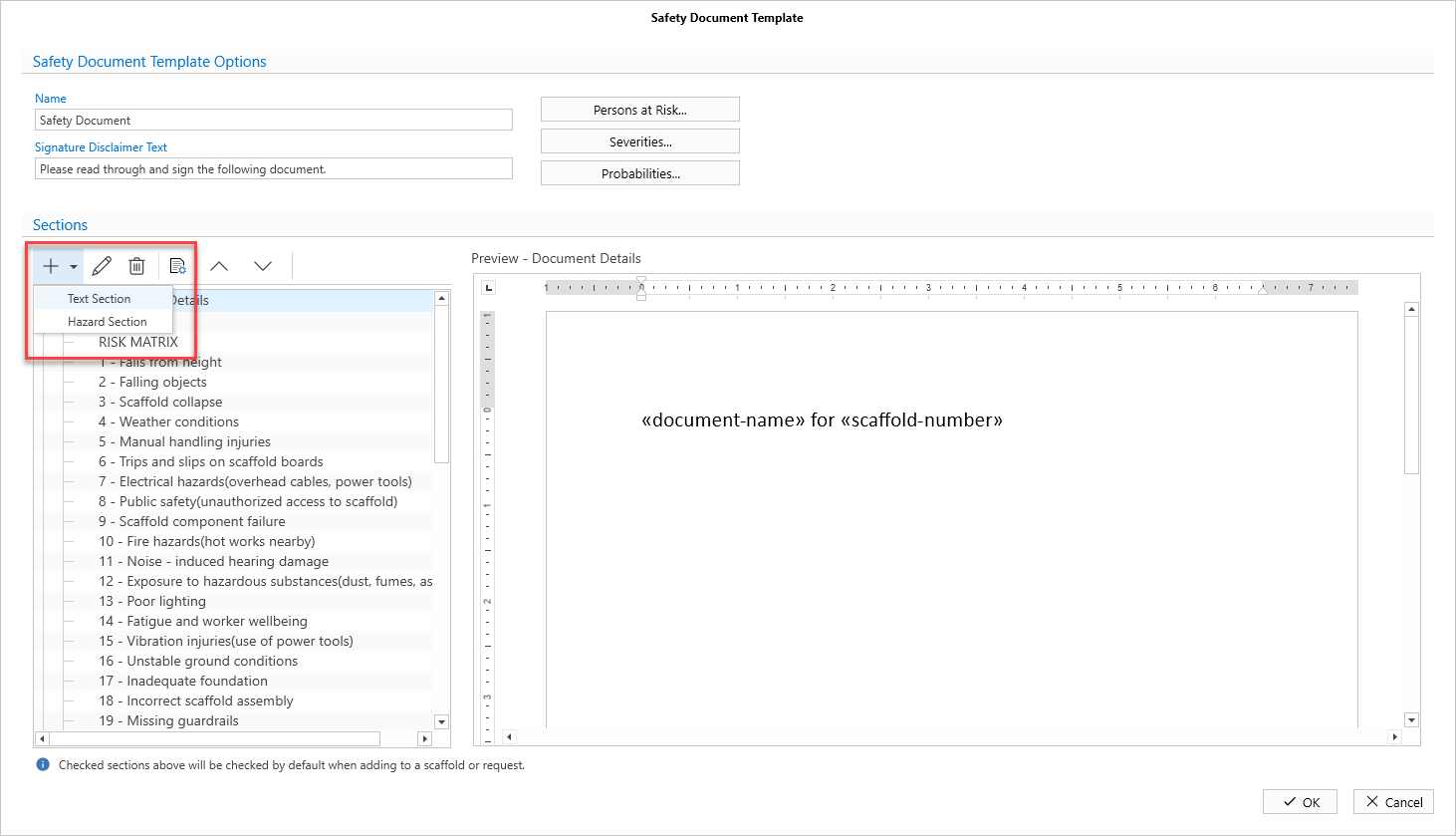
Click Add
Select either Text or Hazard
Specify the Name
Select the Parent Section, if required
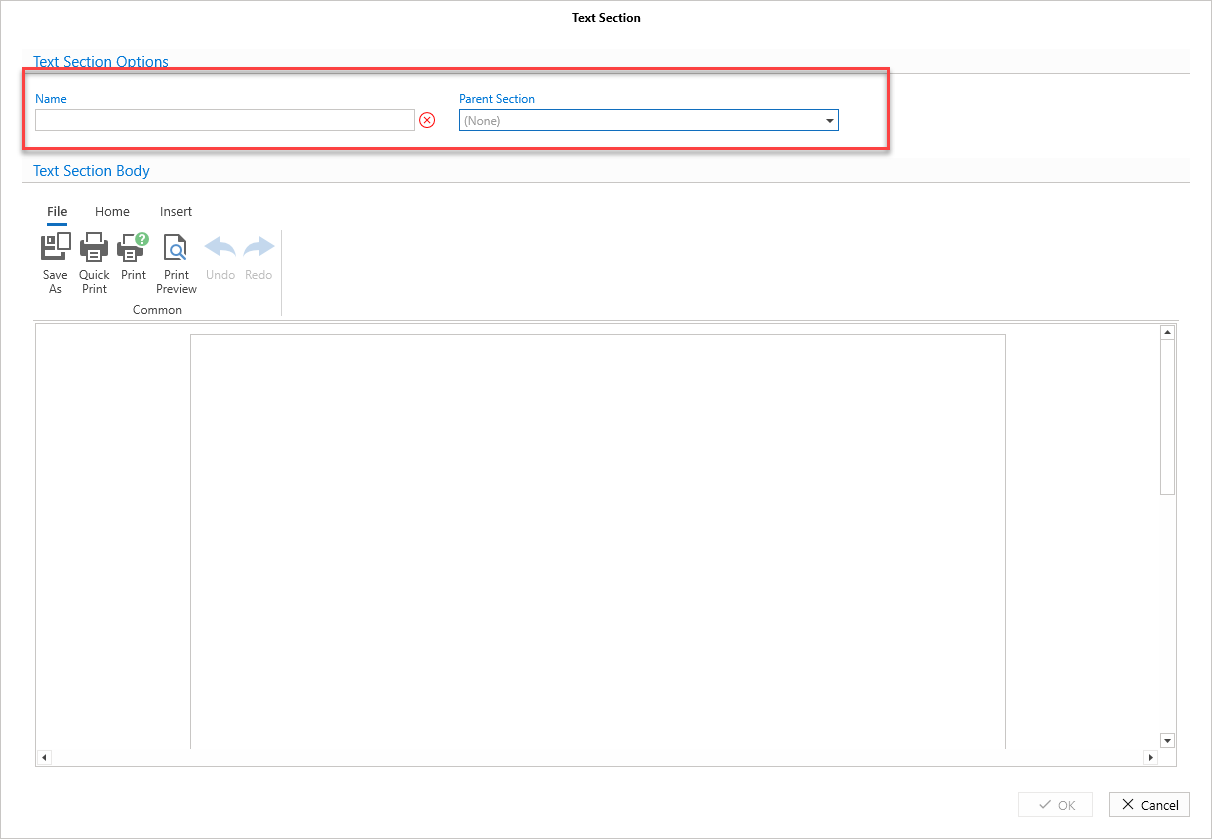
Add content to the body of the text. You can use merge fields to pull in data.
Click OK