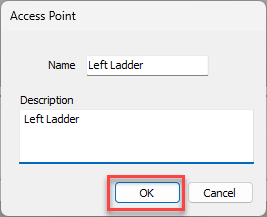
Access Points enable you to track the various access locations on a Scaffold. These may include ladders, stairs or anywhere a scaffold tag may be hung. You may add as many Access Points to a Scaffold as desired.
NOTE: The features mentioned in this article are only available in the Industrial Edition of Quantify.
To add an Access Point to a Scaffold:
Click the appropriate location, then click the Scaffold Register tab.
Select the Scaffold, click the Access Points tab in the details grid and click the Add button.
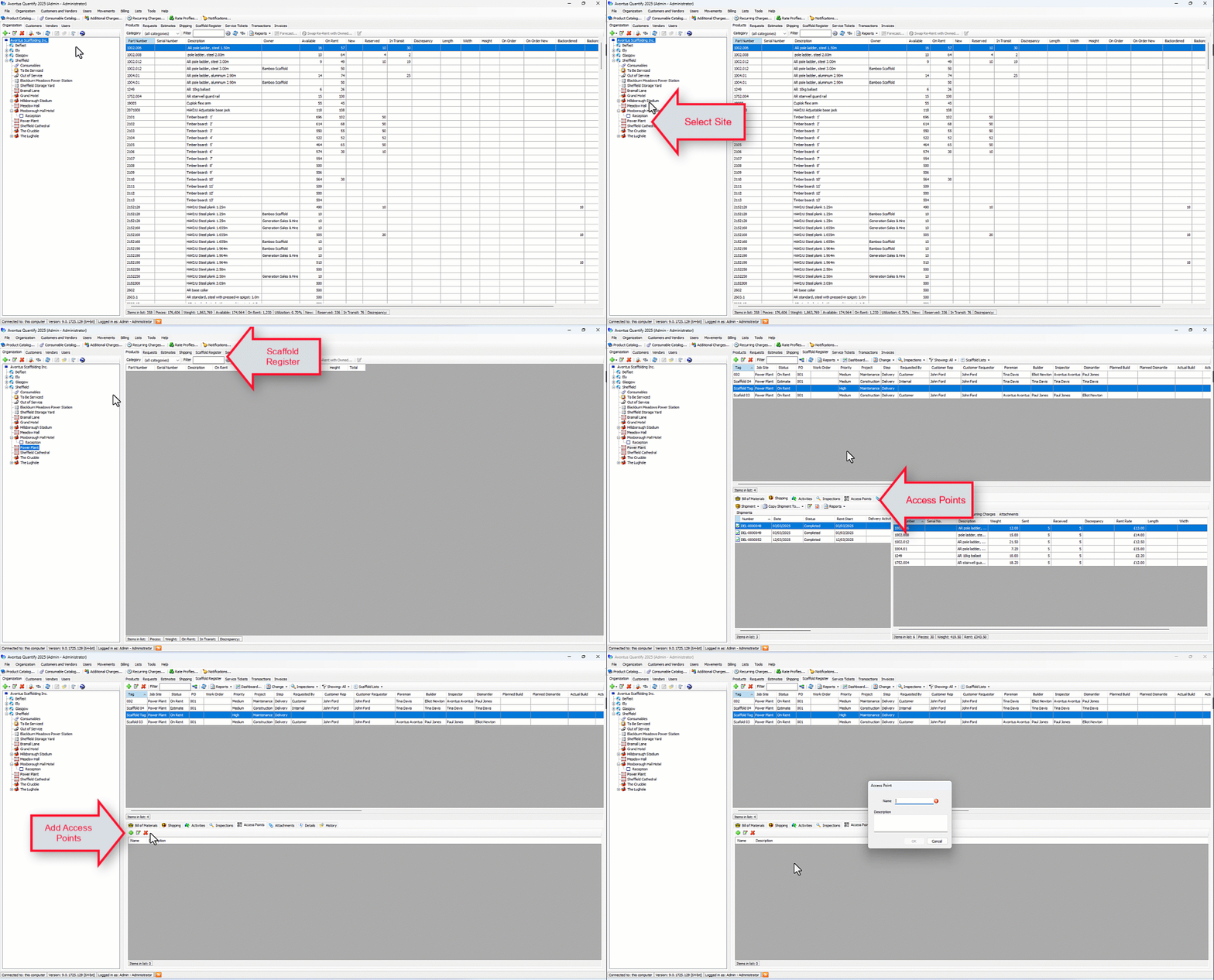
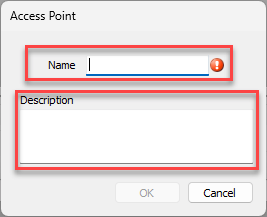
The Access Point dialog appears.Click in the Name text field and enter a name for the Access Point.
Note: This step is required.
Click in the Description and enter a description of the Access Point.
Click OK.