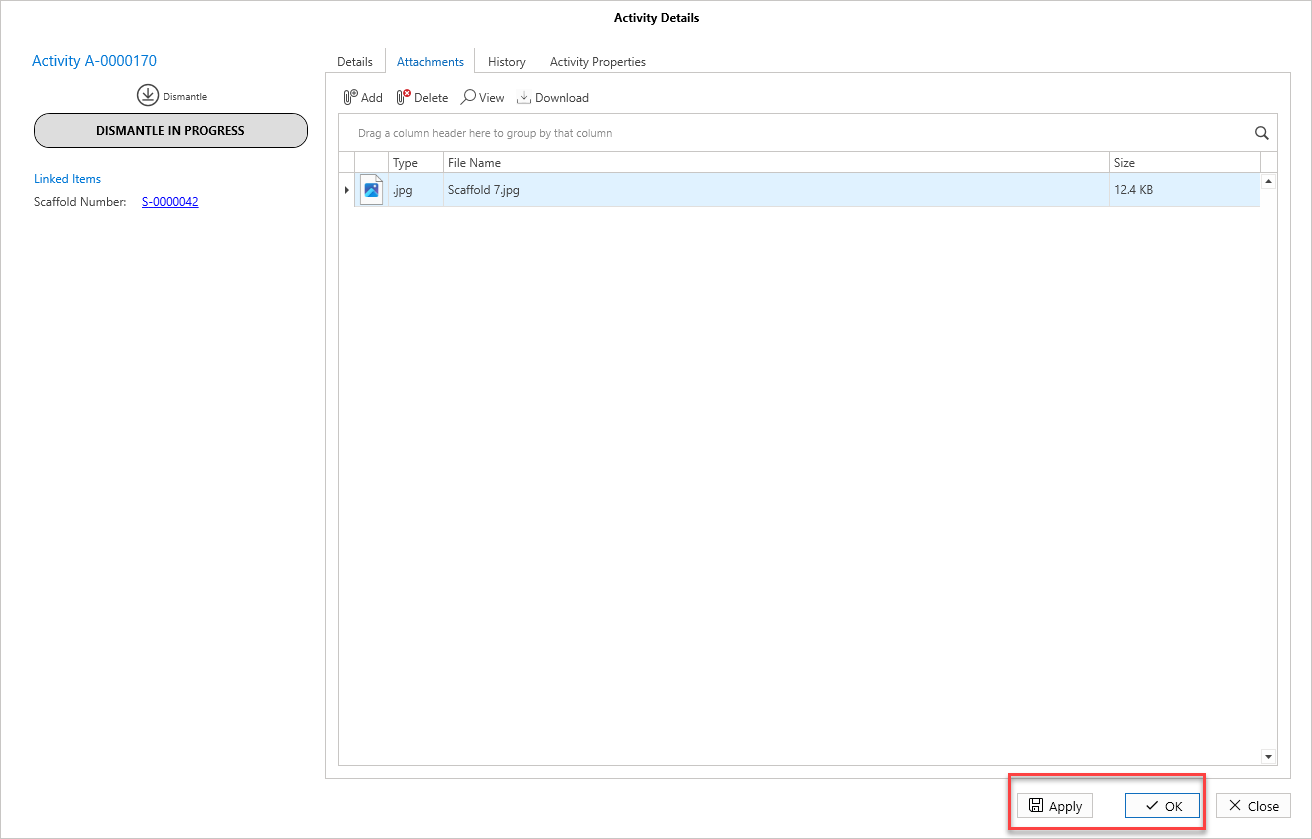
You can add attachments to Activities, this could be an image of the scaffold or a file of the inspection report.
To do this
Go to the Activity screen.
Double-click on an activity to open the Activity Details screen.
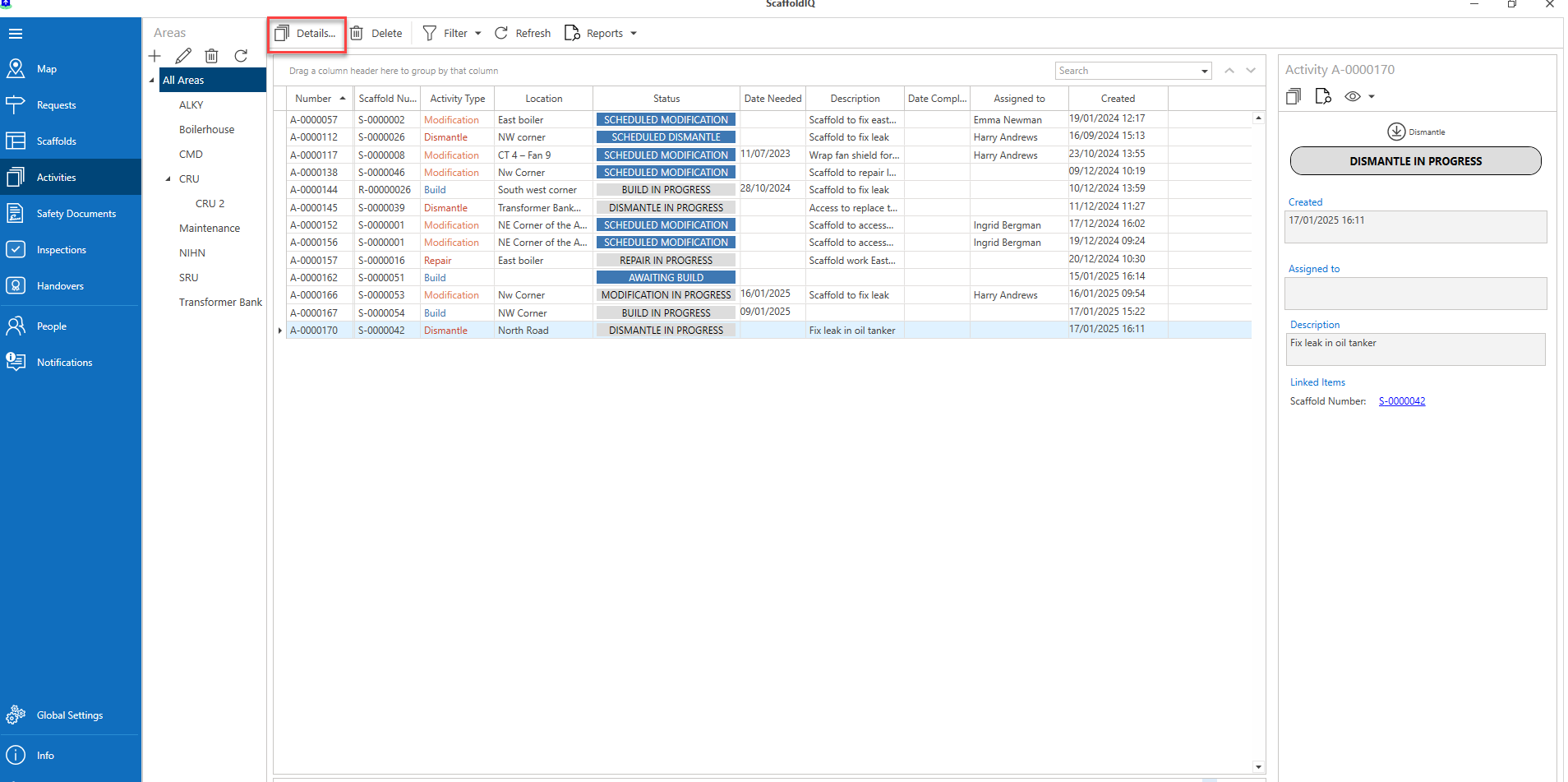
Note: You can also select the details button(s) to open the Activity Details
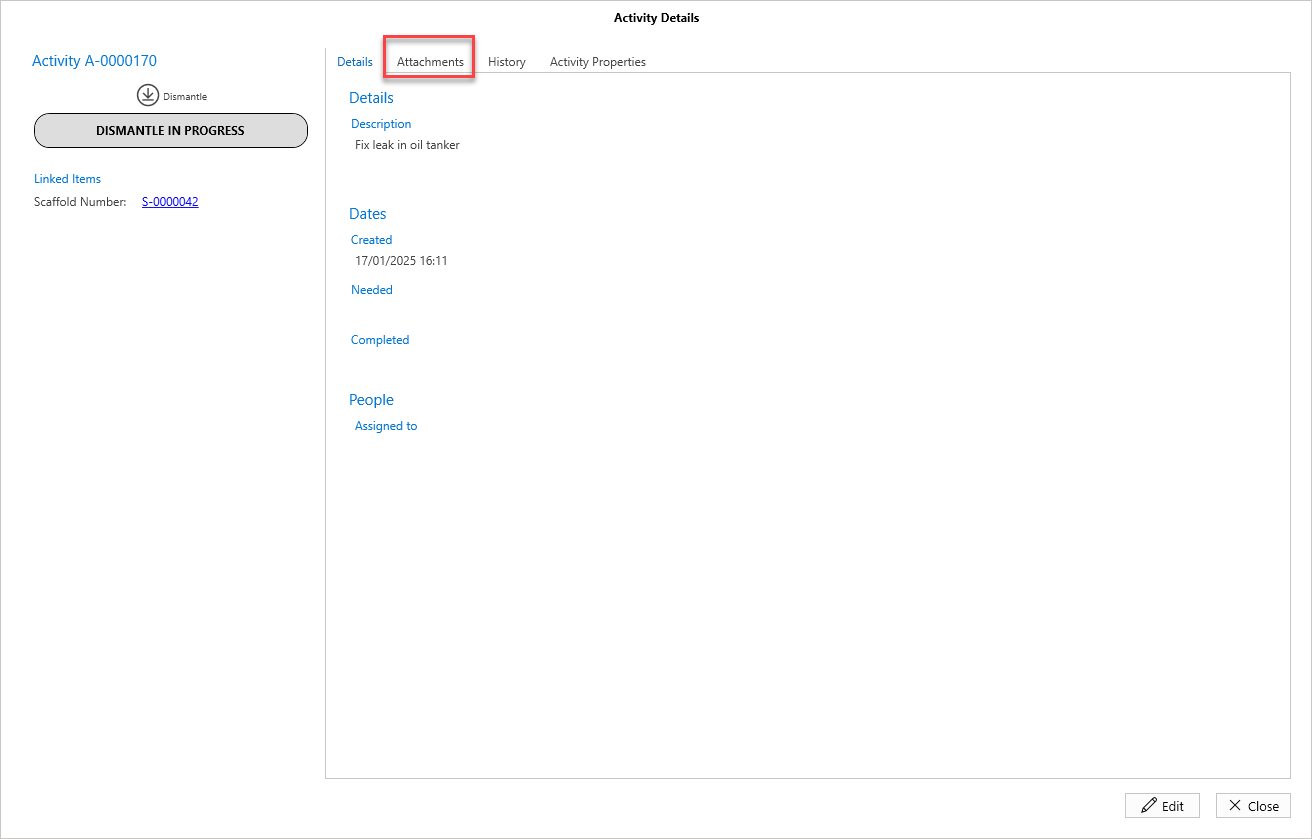
Select the Attachments tab.
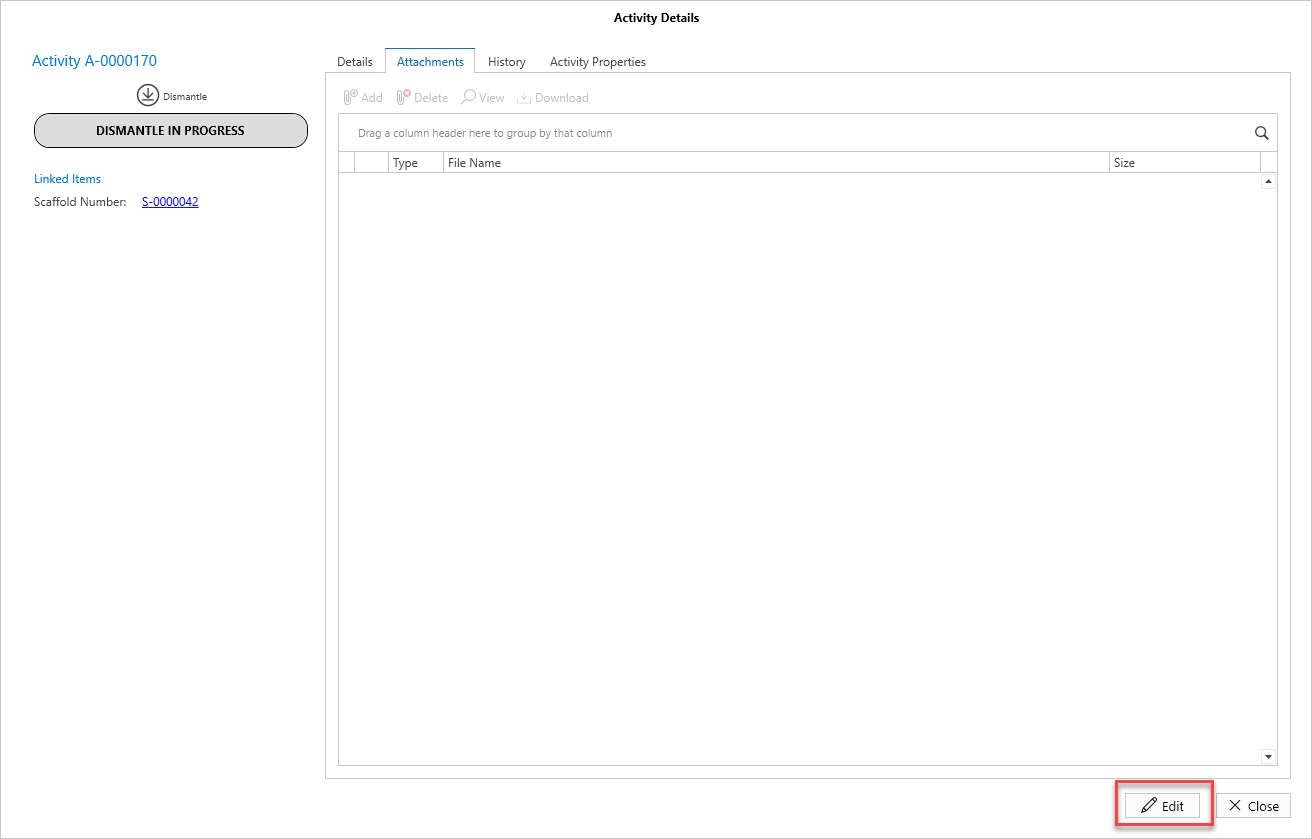
Click Edit.
Click Add
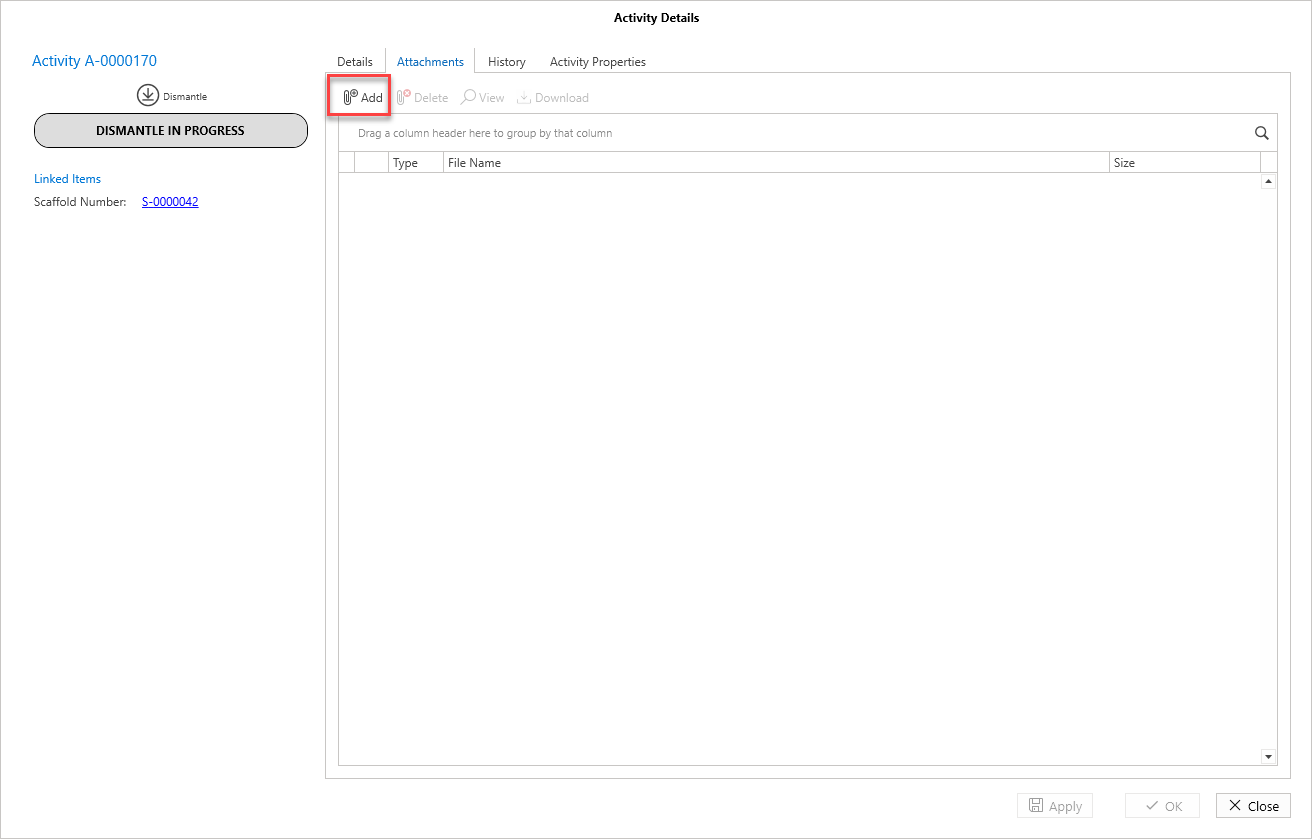
Find the required attachment
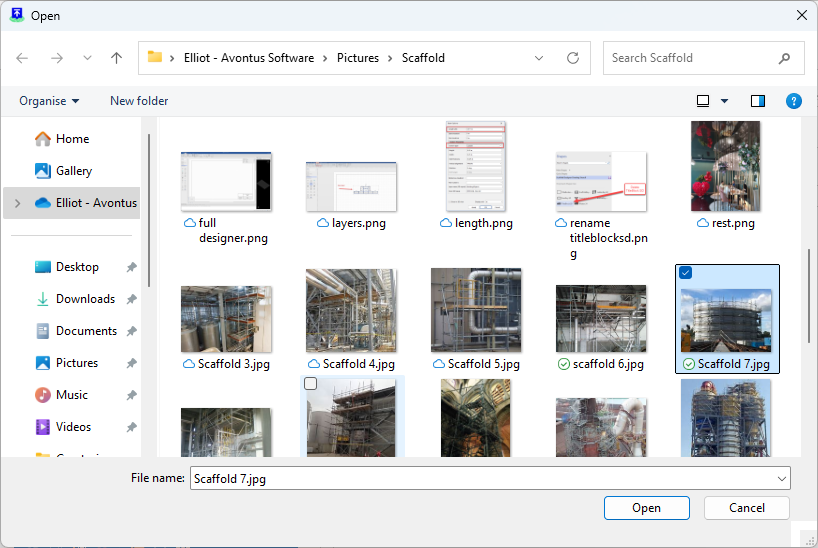
When the file has been added, click Apply and or OK.