When necessary, Quantify enables you to manually adjust quantities of Product associated with a Job Site. You can also adjust product quantities by importing files into Quantify.
Note: The imported file must be in the txt format.
To adjust quantities for a location:
Click the Tools menu and select Lock Quantify for Branch Office Adjustments.
Note: When Quantify is locked for inventory adjustments, the entire database is locked from activities that affect inventory. This includes creation of Deliveries or returns, editing Shipments and creating Transactions.
Click Yes.
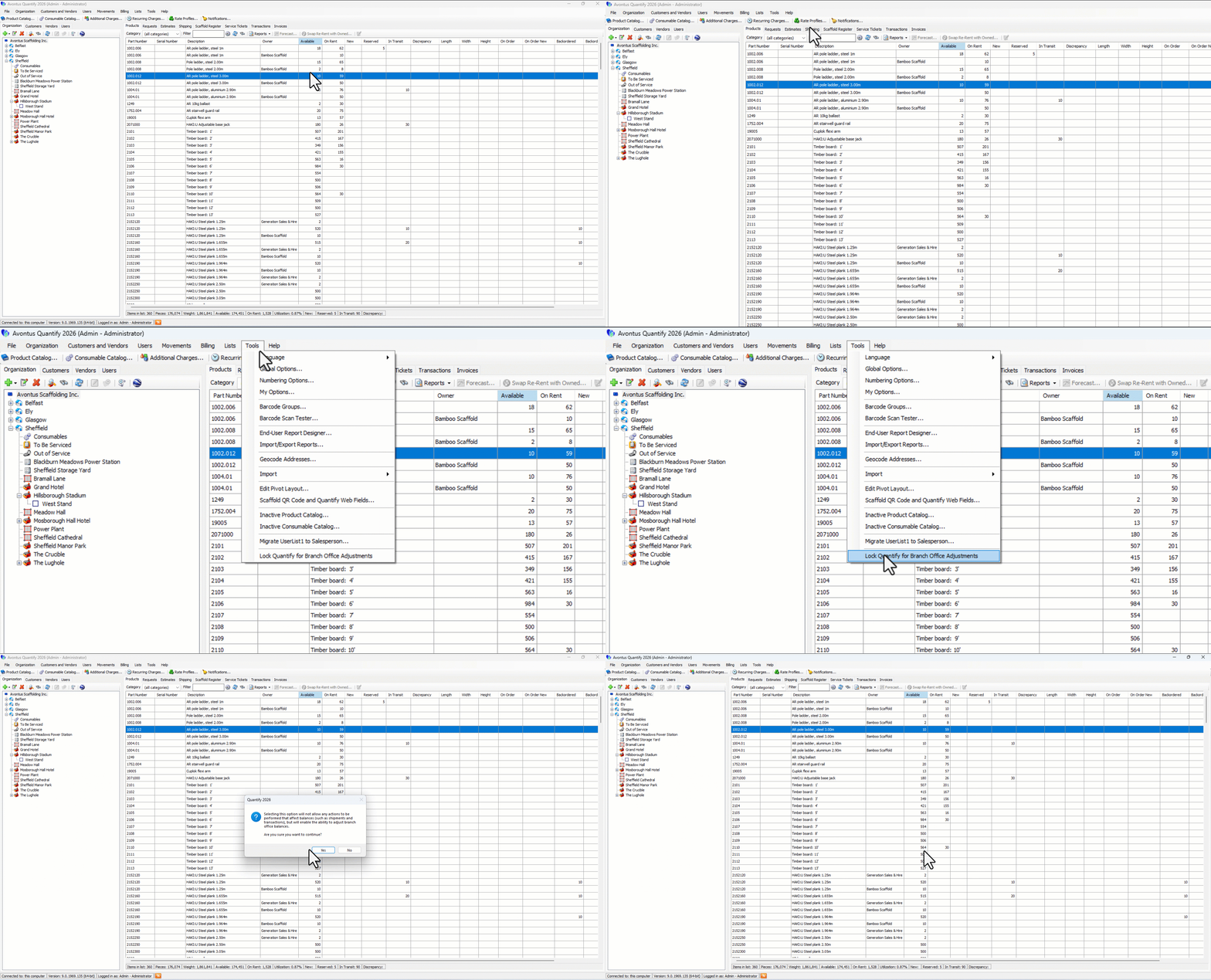
Click the appropriate Branch Office or Sub-Branch in the Organization Tree.
Select Adjust quantities for this location
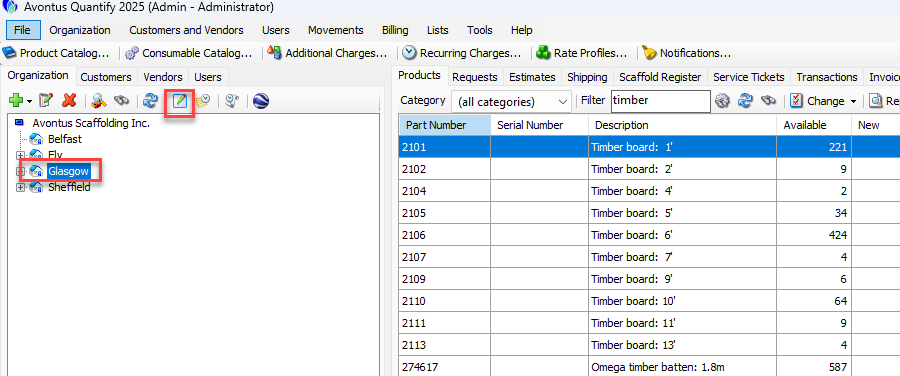
In the Adjust Properties dialog, select Import.
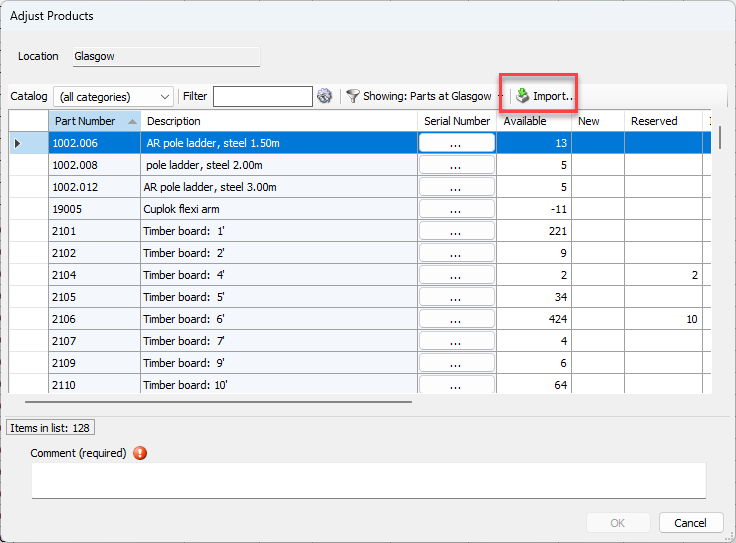
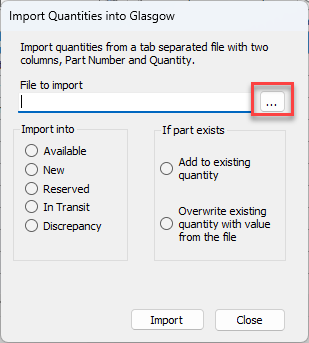
Select ...
Select the txt file
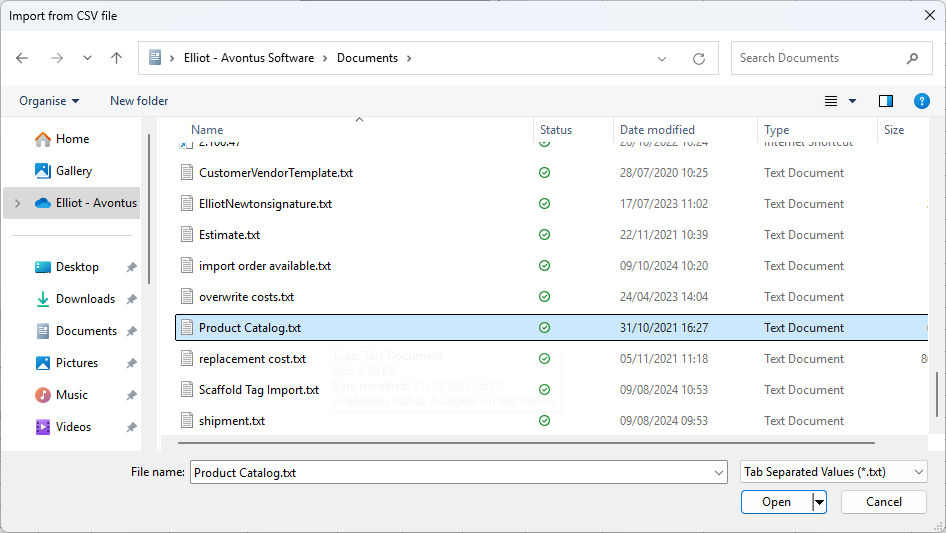
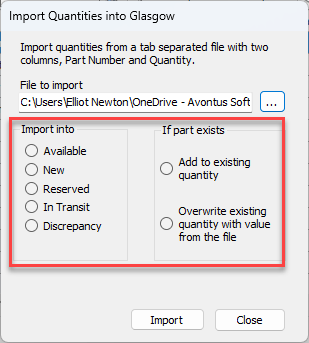
Select to import the file into one of the columns:
Available
New
Reserved
In Transit
Discrepancy
Select to add parts to Add to existing quantity or overwrite existing file. Adding to existing quantity will add to what's already there. This is the option we will select.
Click Import
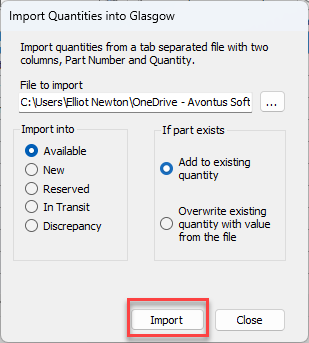
The file will be successfully imported
Click Close
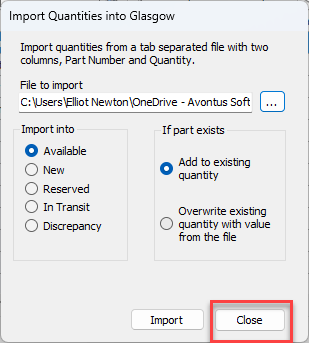
You will see the imported products have been added to the available column.