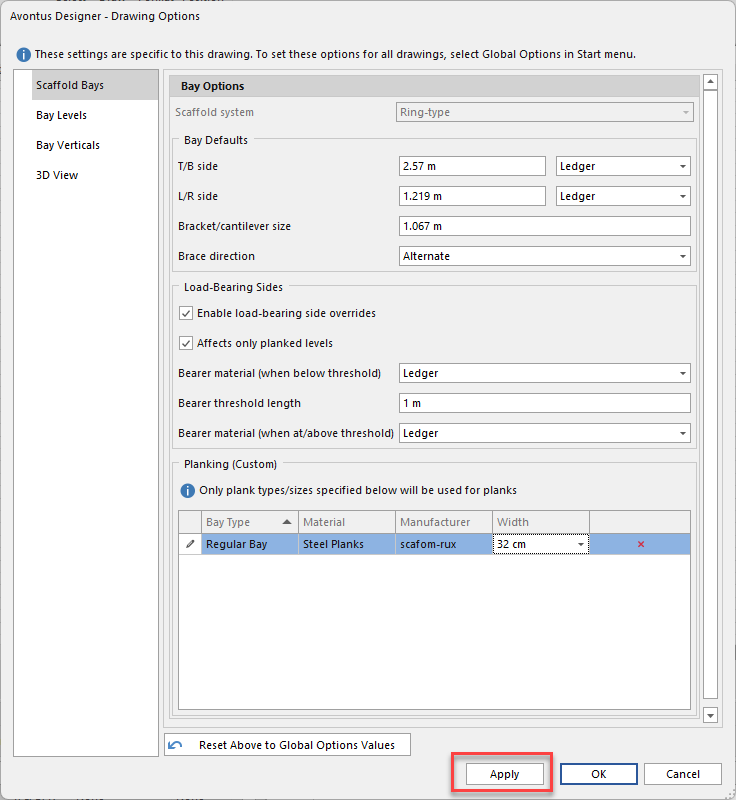
You can apply Planking options to all bays in a drawing rather than just on specific Bays.
All the options in the respective drop-downs are what’s in your material master.
To do this
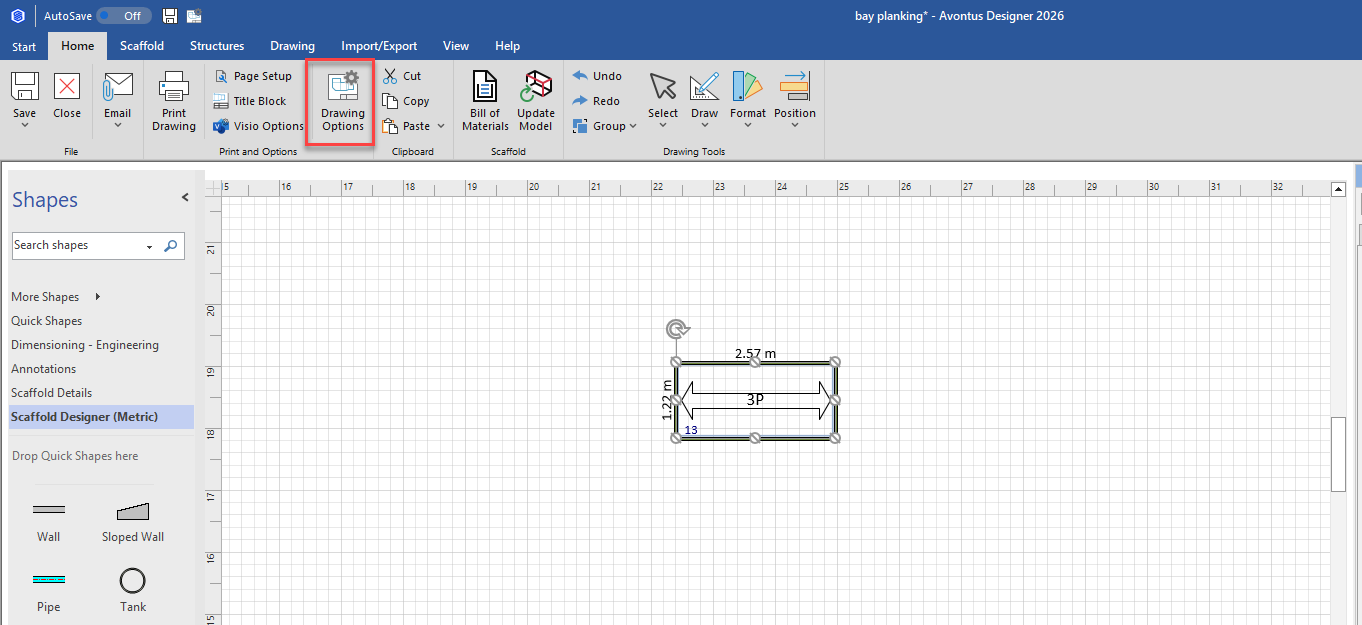
In the Home tab, select Drawing Options
In the Planking selection, specify the Bay Type
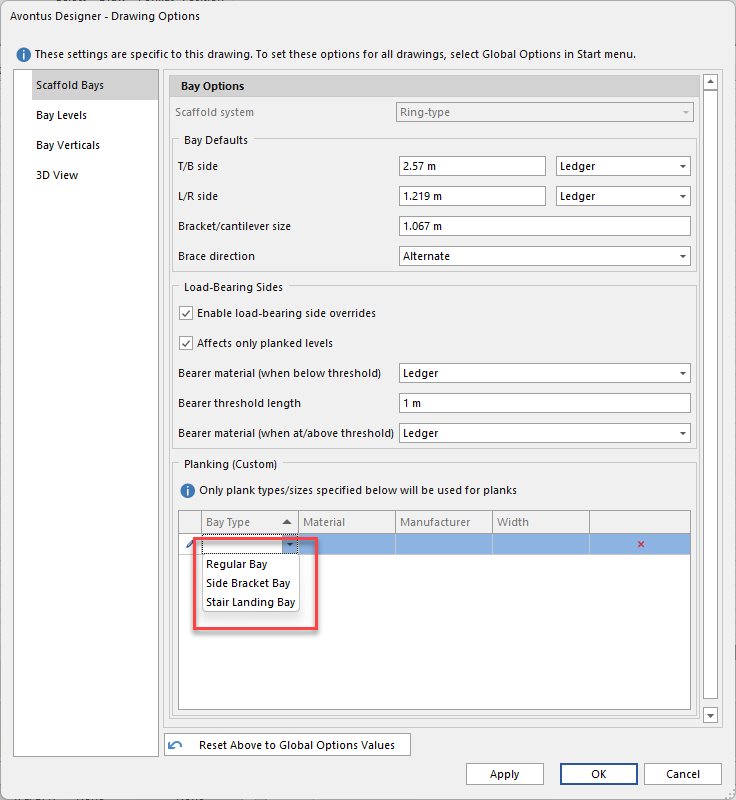
Select the Material
Select the Manufacturer
Set the Width
Click Apply