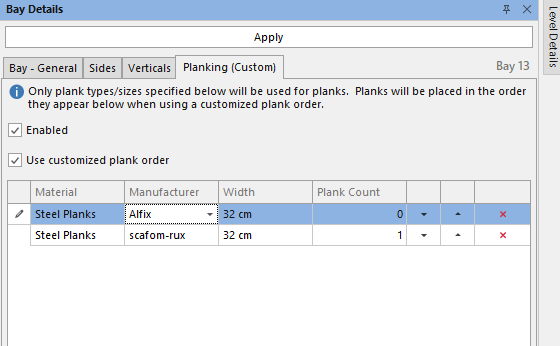
You can apply planking options to a specific bay in the Bay Details. These options will only apply to the selected Bay
To do this:
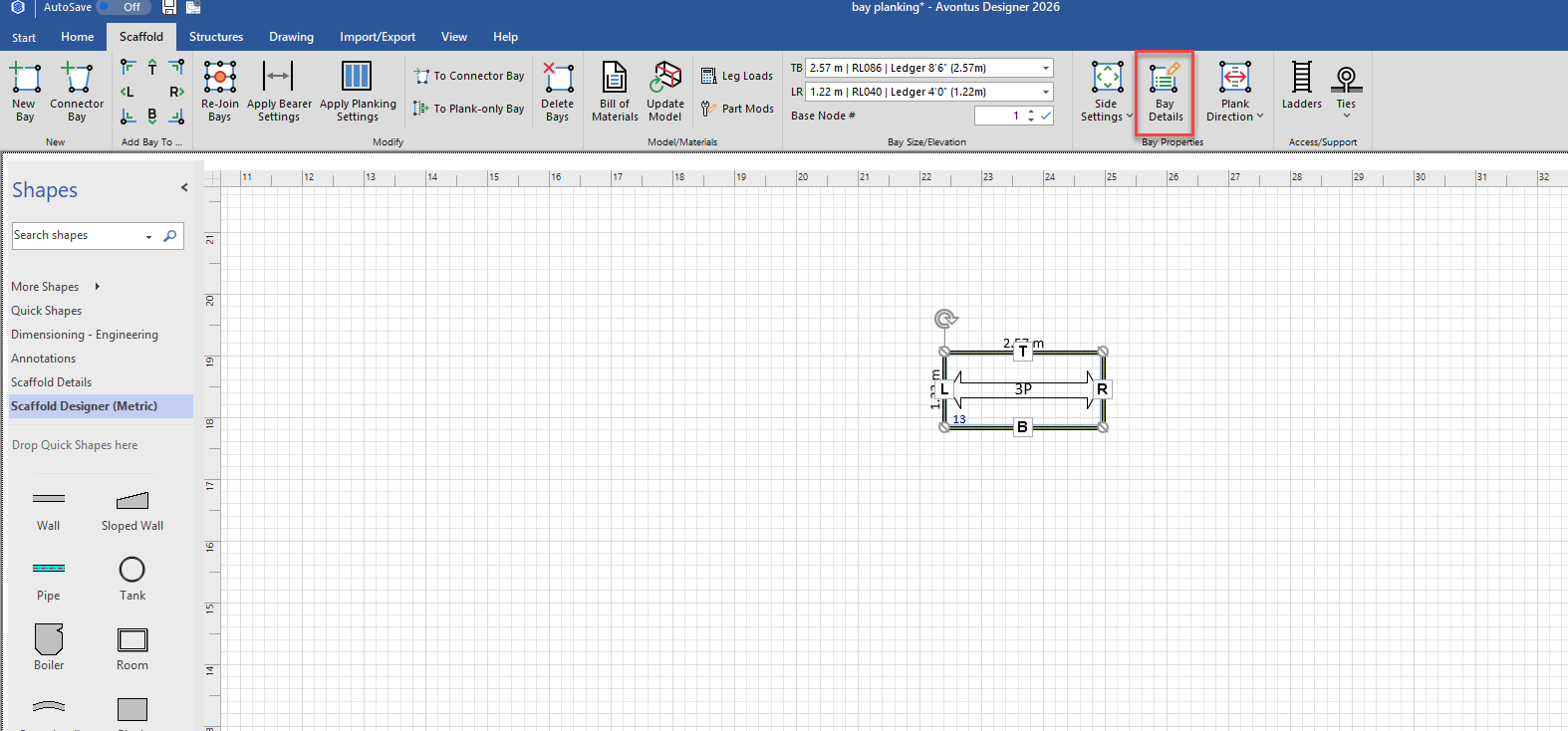
Click on the Bay
Select Bay Details
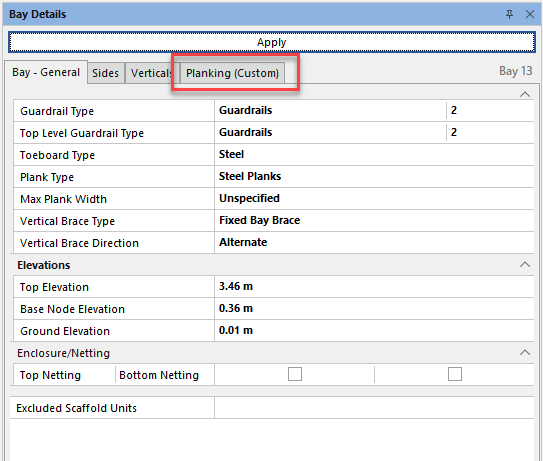
In Bay Details, select Planking (Custom)
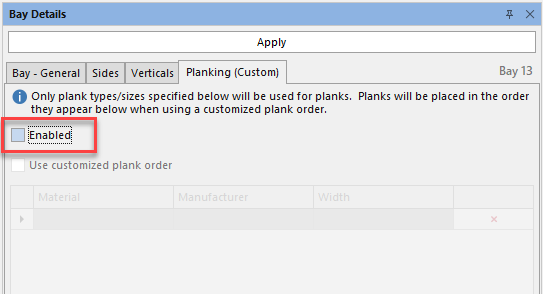
Click Enabled
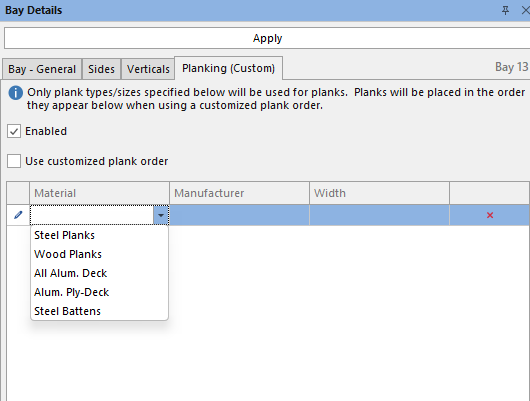
Select the Material
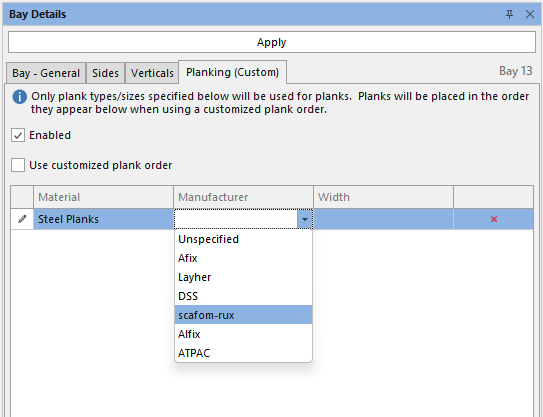
Select a Manufacturer
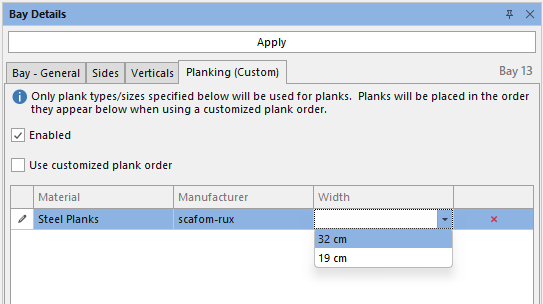
Select the Width
Click Apply
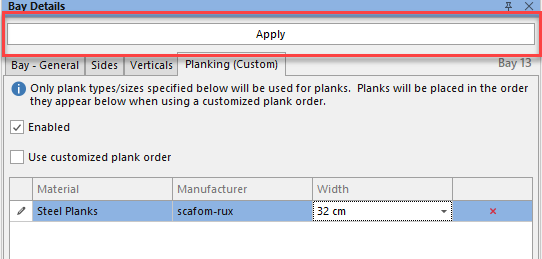
These planking options will be applied to the Bay.
Additionally, you also have the option to specify the plank order, and number of planks used.
Click the use customized plank order checkbox
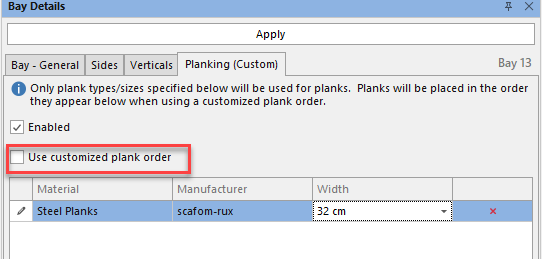
Enter the number of Planks in the Plank column, and use the arrows to order the planks.