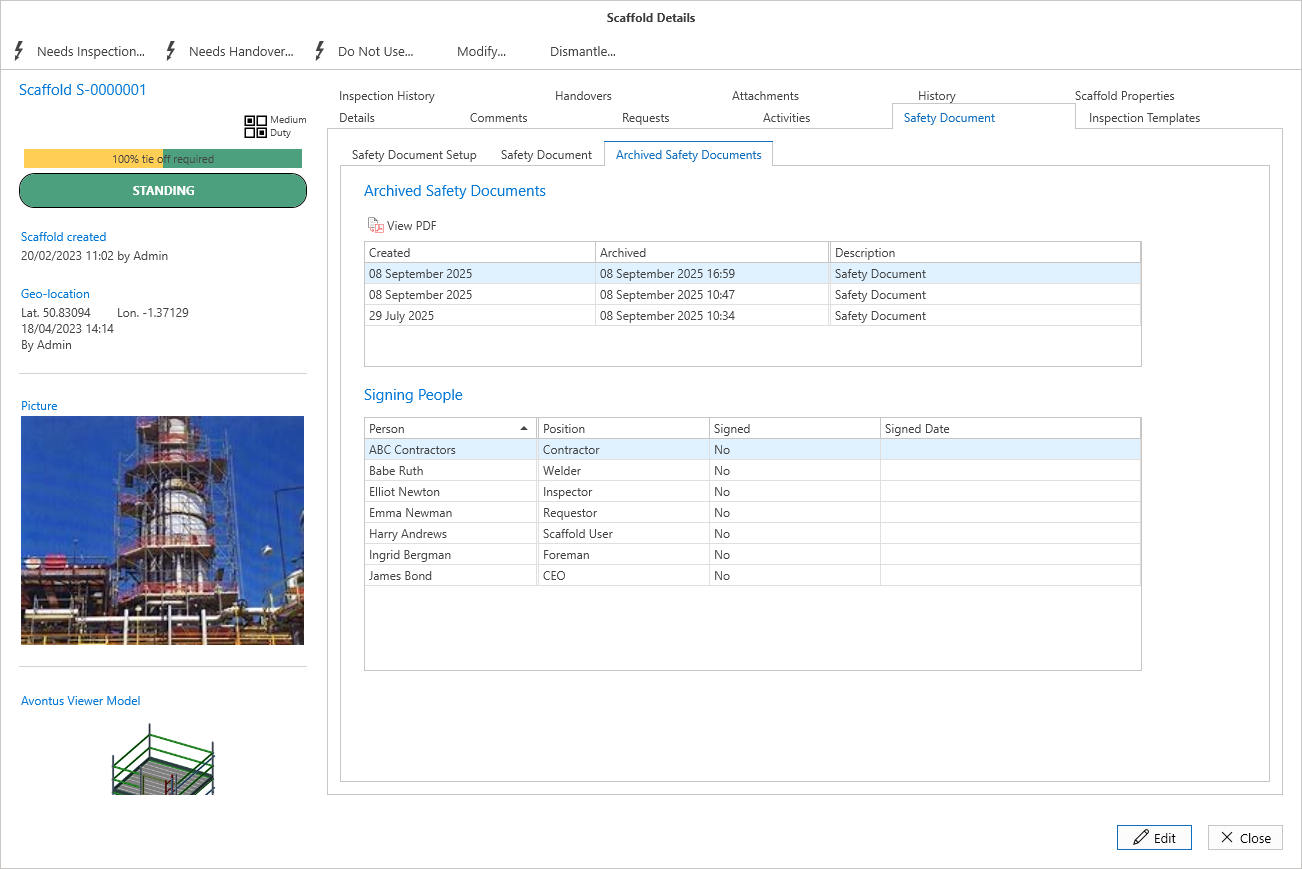
If you want to make changes to a Safety Document, or add new default Signing People, or the Safety Document has been signed for, you can archive it.
Note: All Signing People will be removed when you Archive a document.
To archive a Document
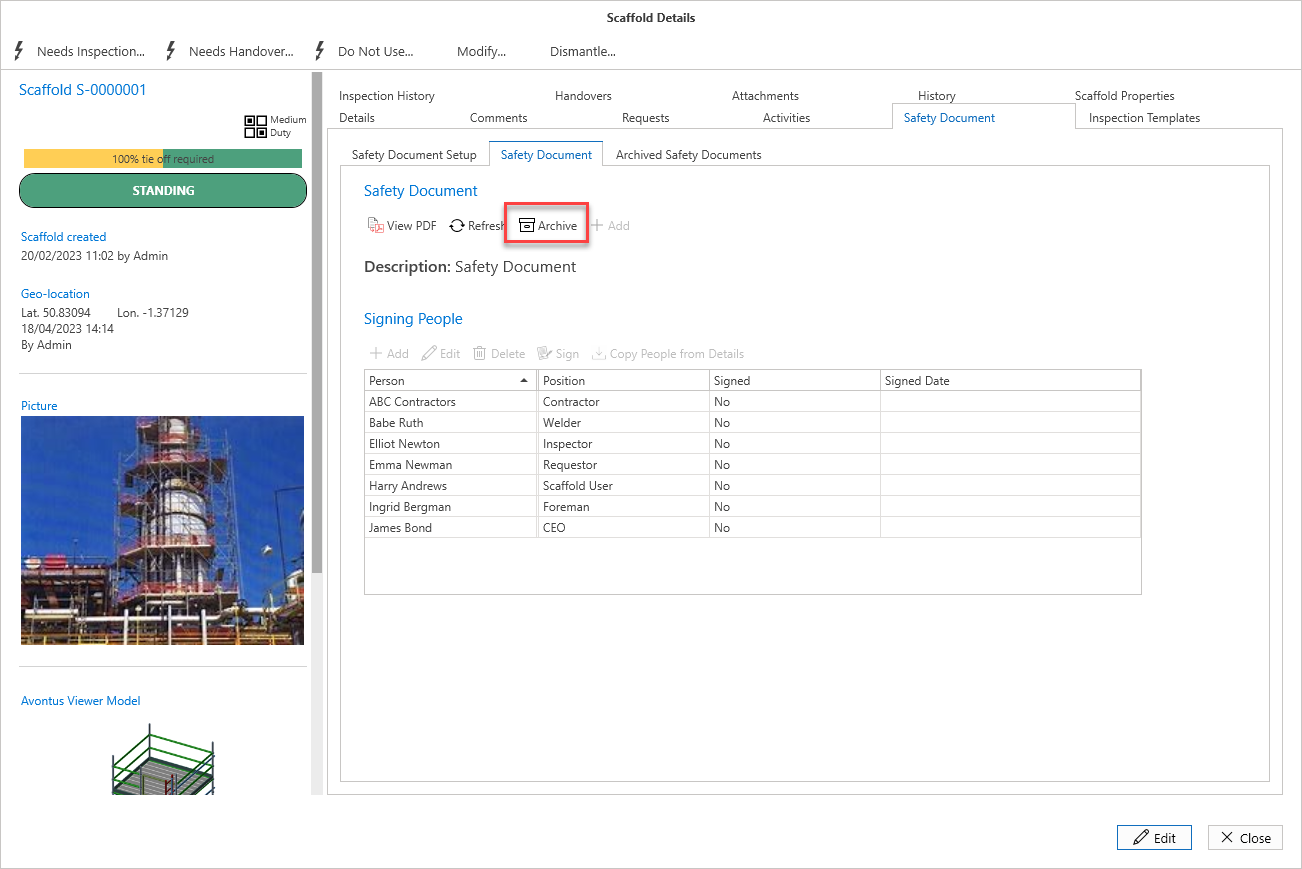
Open the relevant Scaffold’s Details
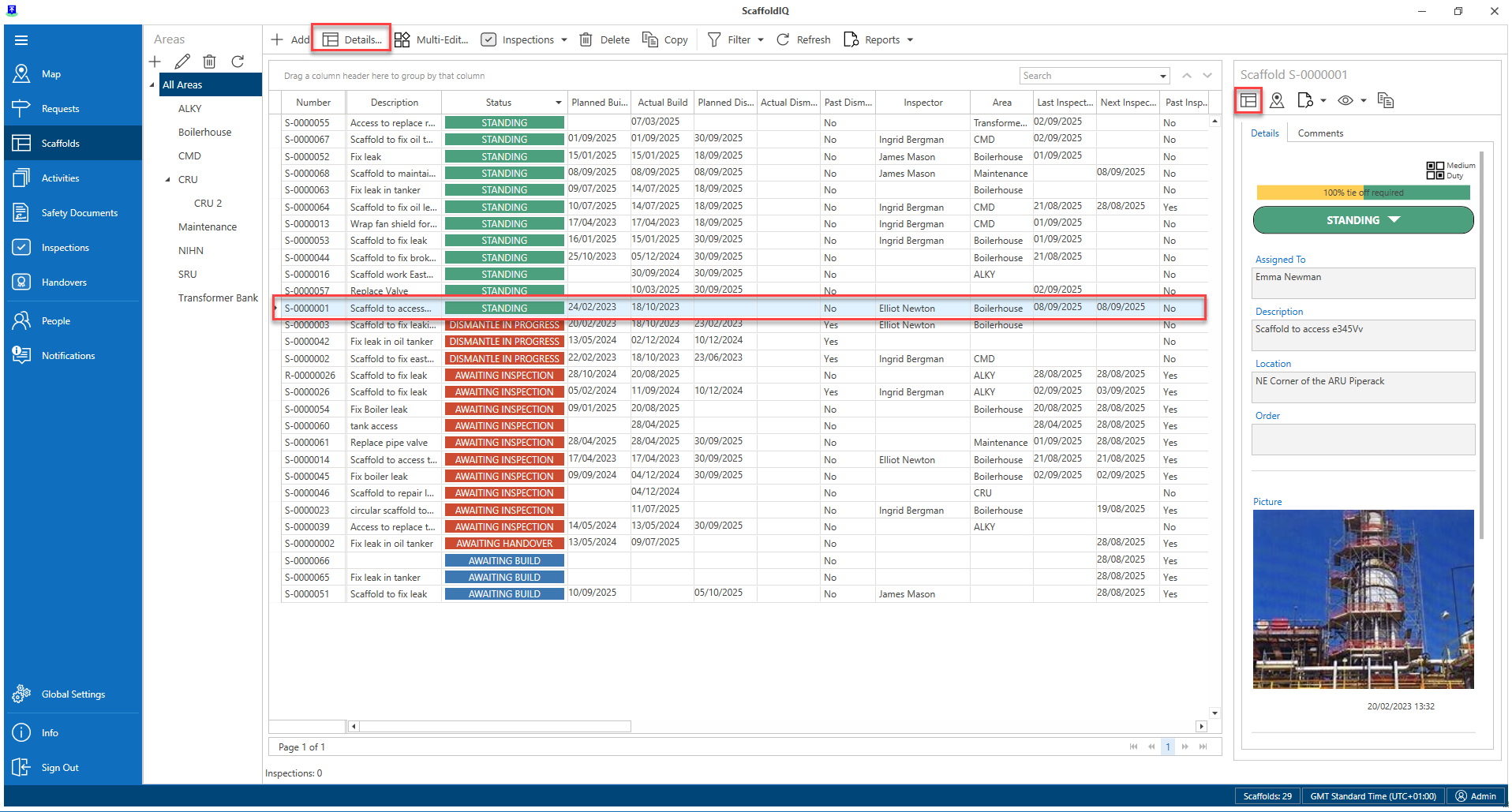
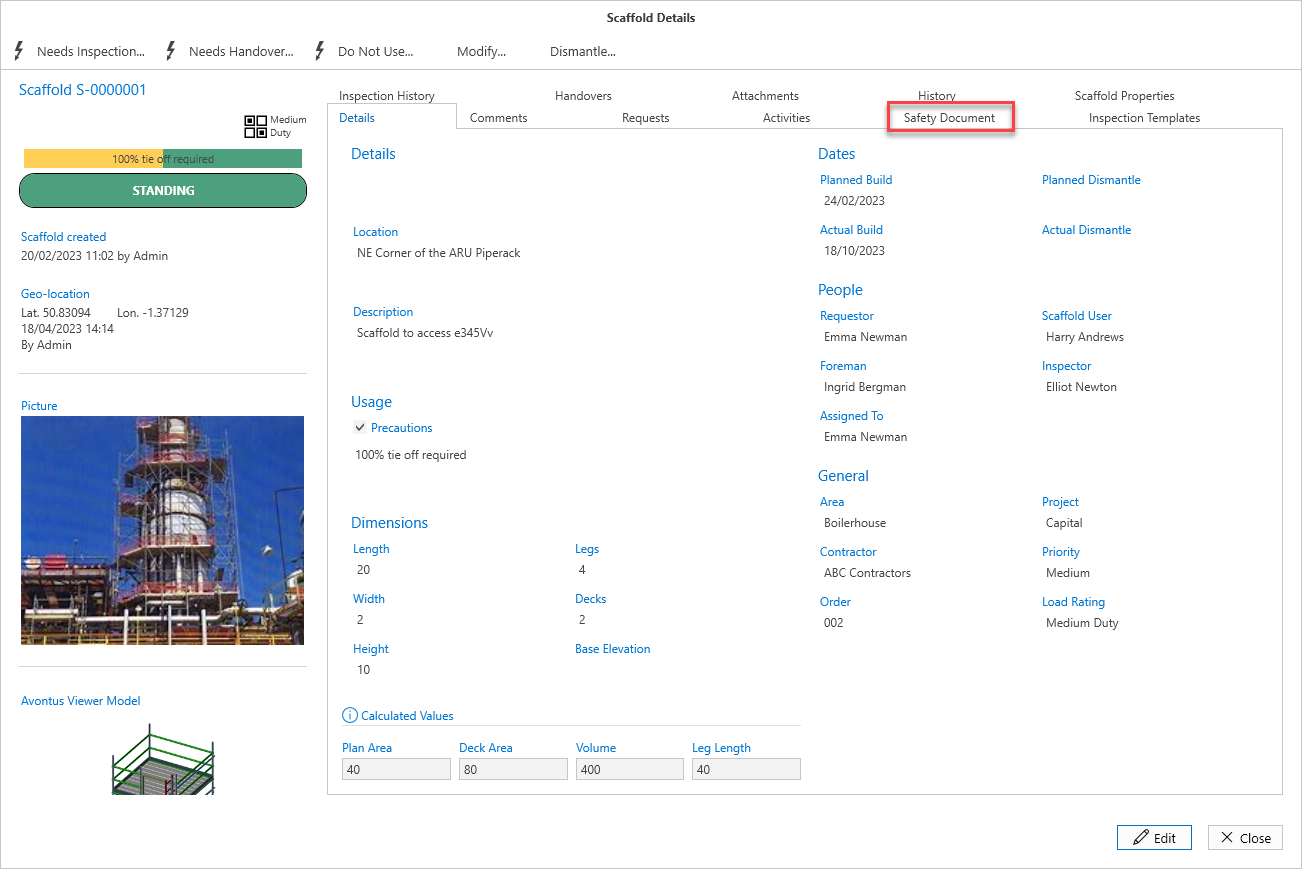
Click the Safety Document tab
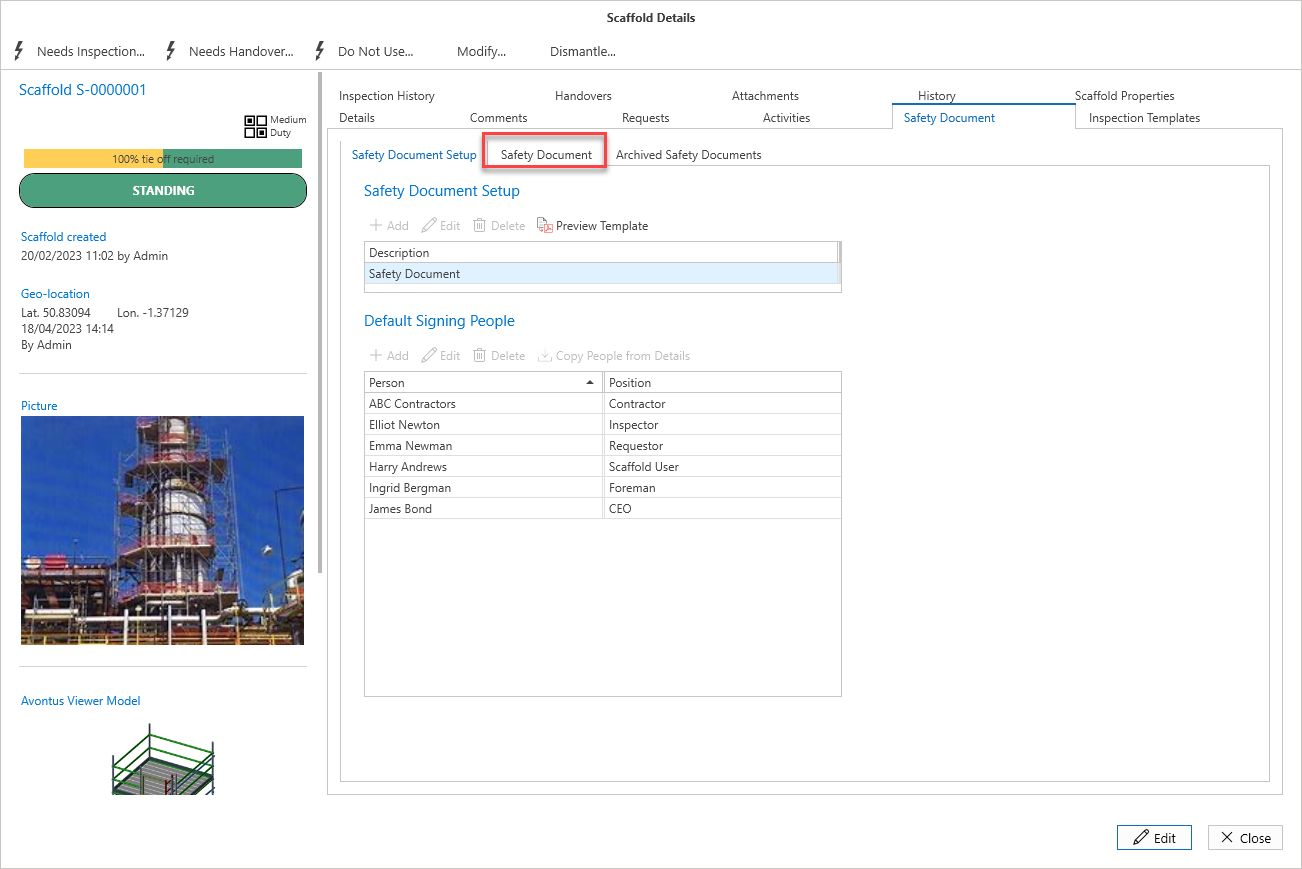
Click the second Safety Document tab
Click Archive
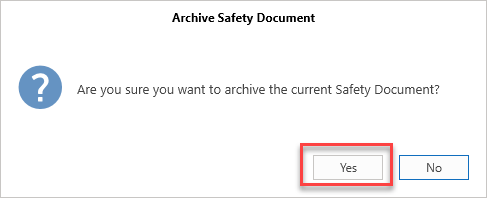
Click Yes
The document will be archived and will appear in the Archived Safety Documents tab