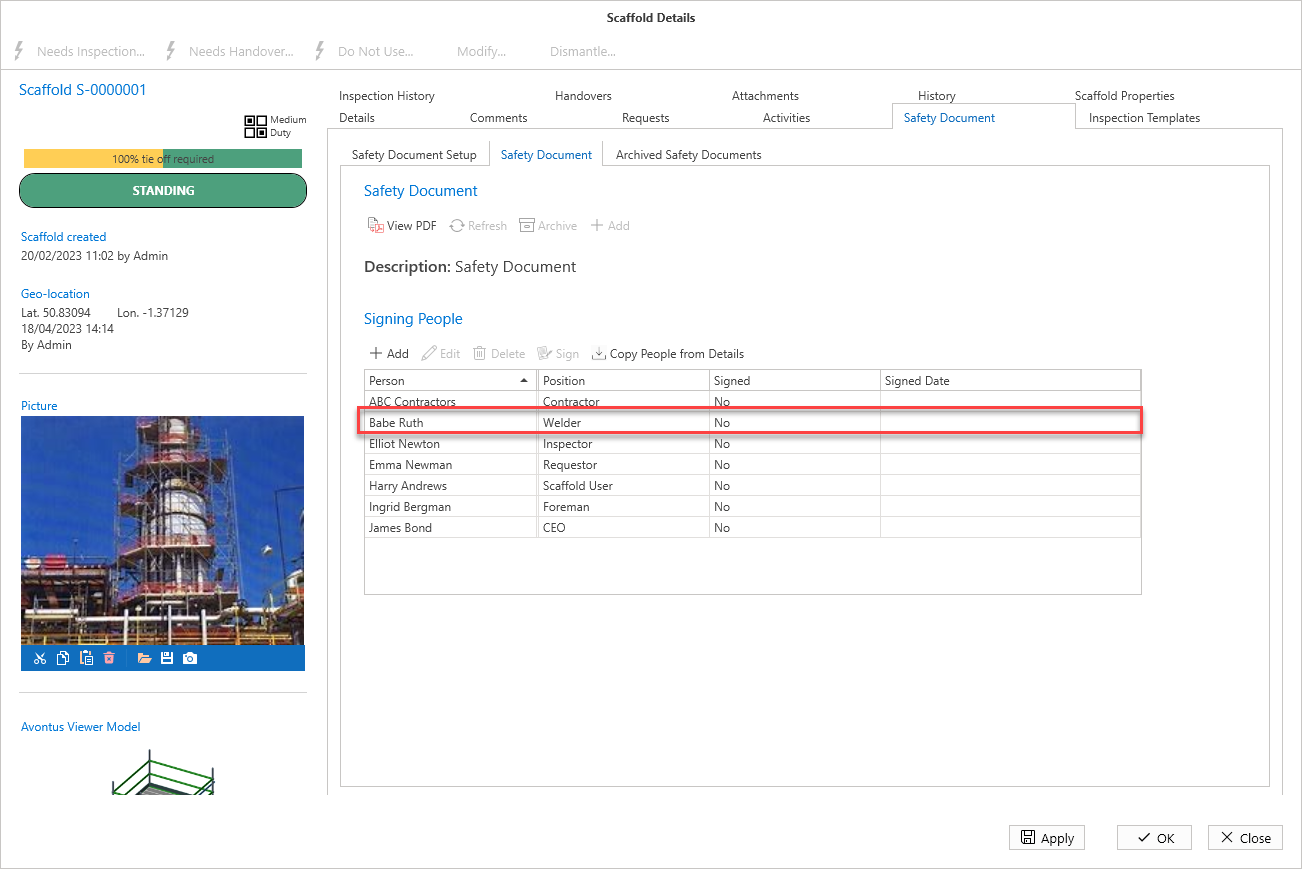
There are two signee types: Default Signing People and Signing People. Default Signing People must be added to the Safety Document template before the Safety Document is added to the Scaffold (or Request). If you wish to add new default users to a Safety Document, you must archive the original Safety Document, then add a new one.
If Signing People are added after the document has been added, these users will be removed when the document is archived. Adding Default Users to the Safety Document template will save time, as you will not need to add users each time a new document is added.
Adding Default Signing People
To do this
Open a Scaffold’s details
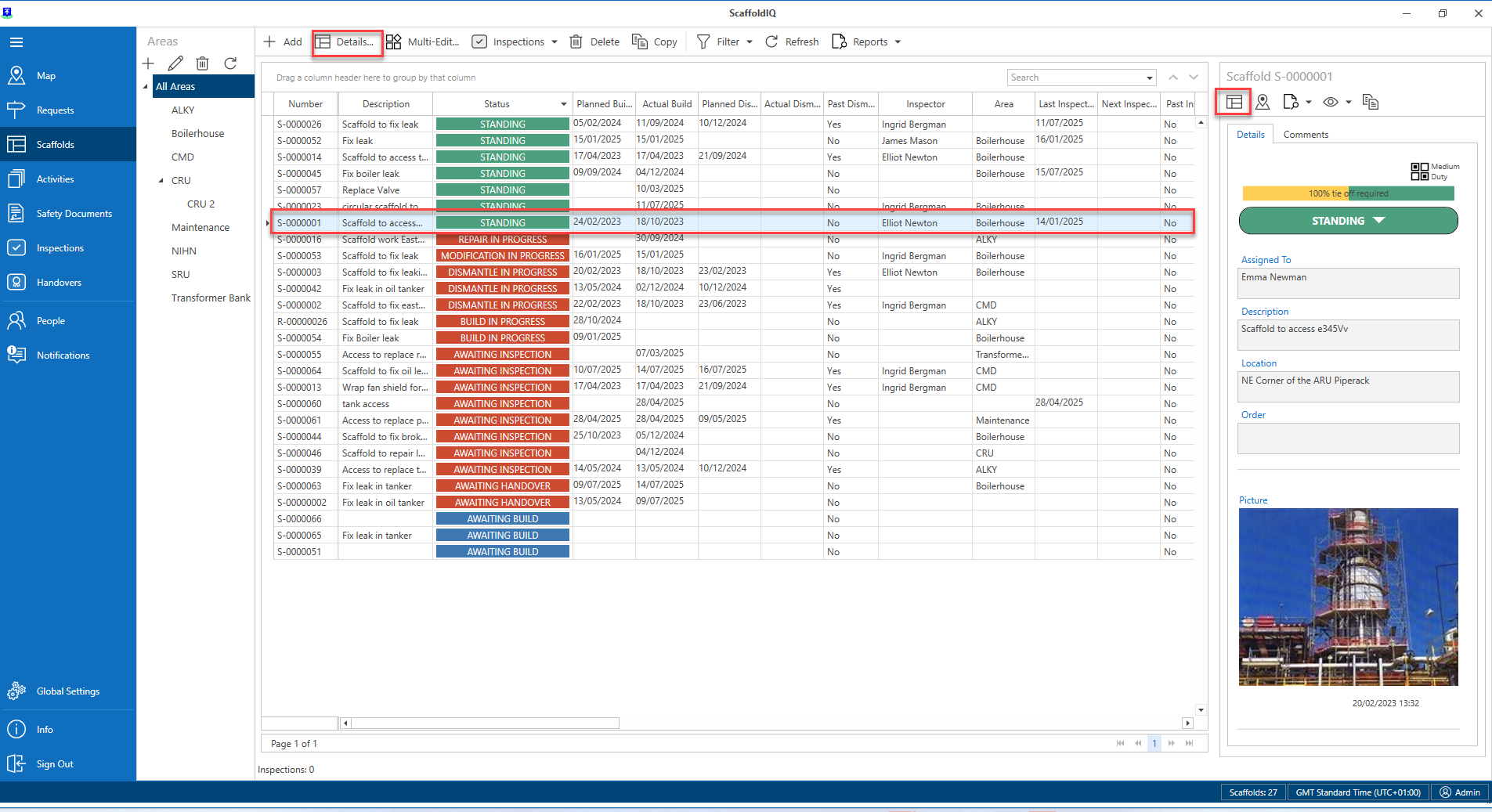
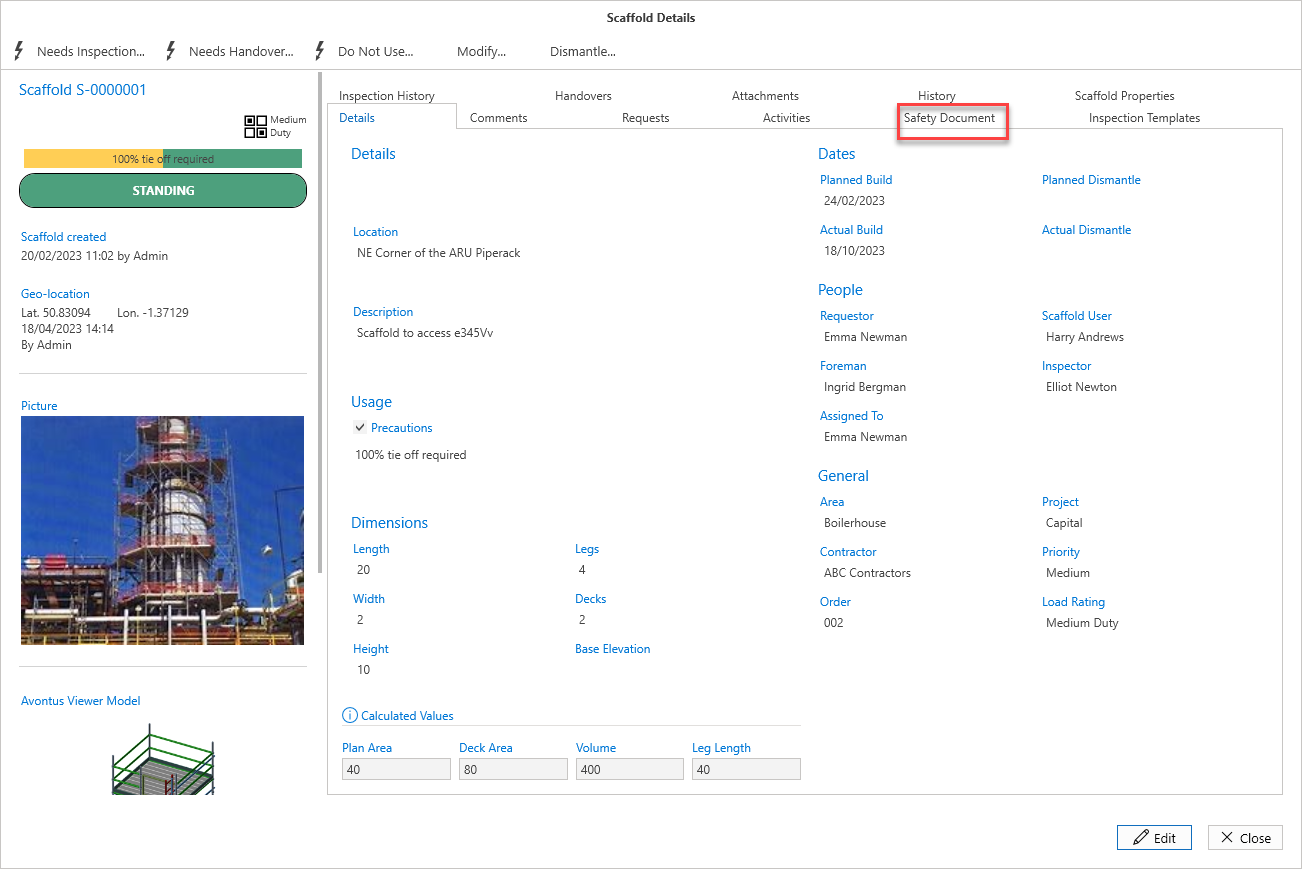
Select the Safety Document tab
Click Edit
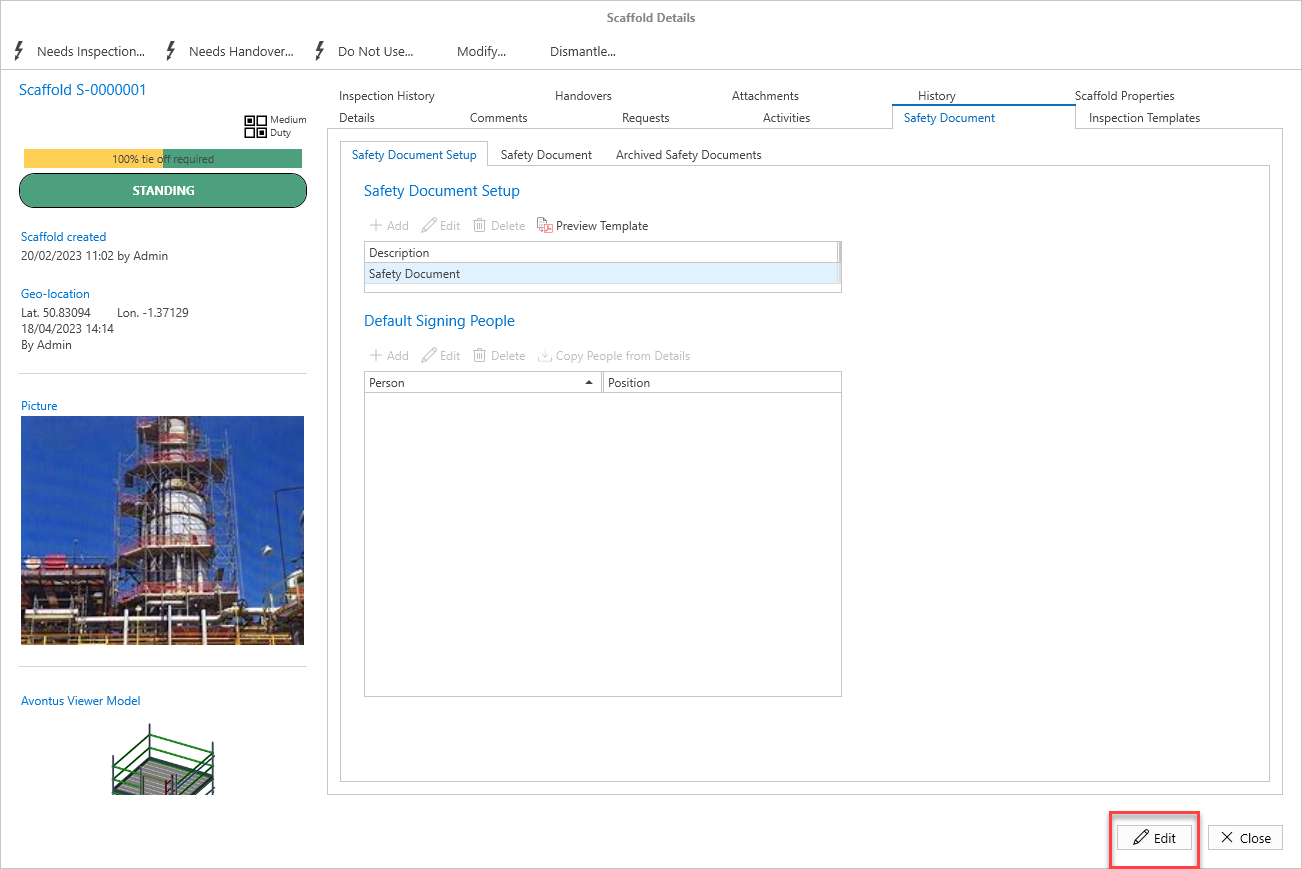
In edit mode, either click Add or Select Copy People from Details.
If you select Copy from Details this will add users specified on the Details screen, such as Scaffold UserIf you select Add, enter the name and role of the signee.
Click OK.
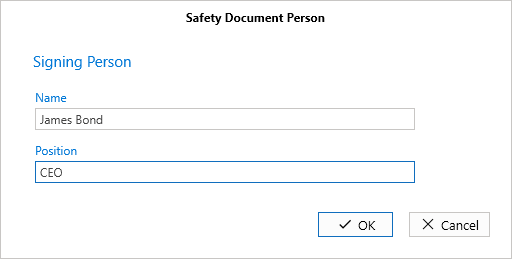
All users except for James Bond were copied from the Details screen.
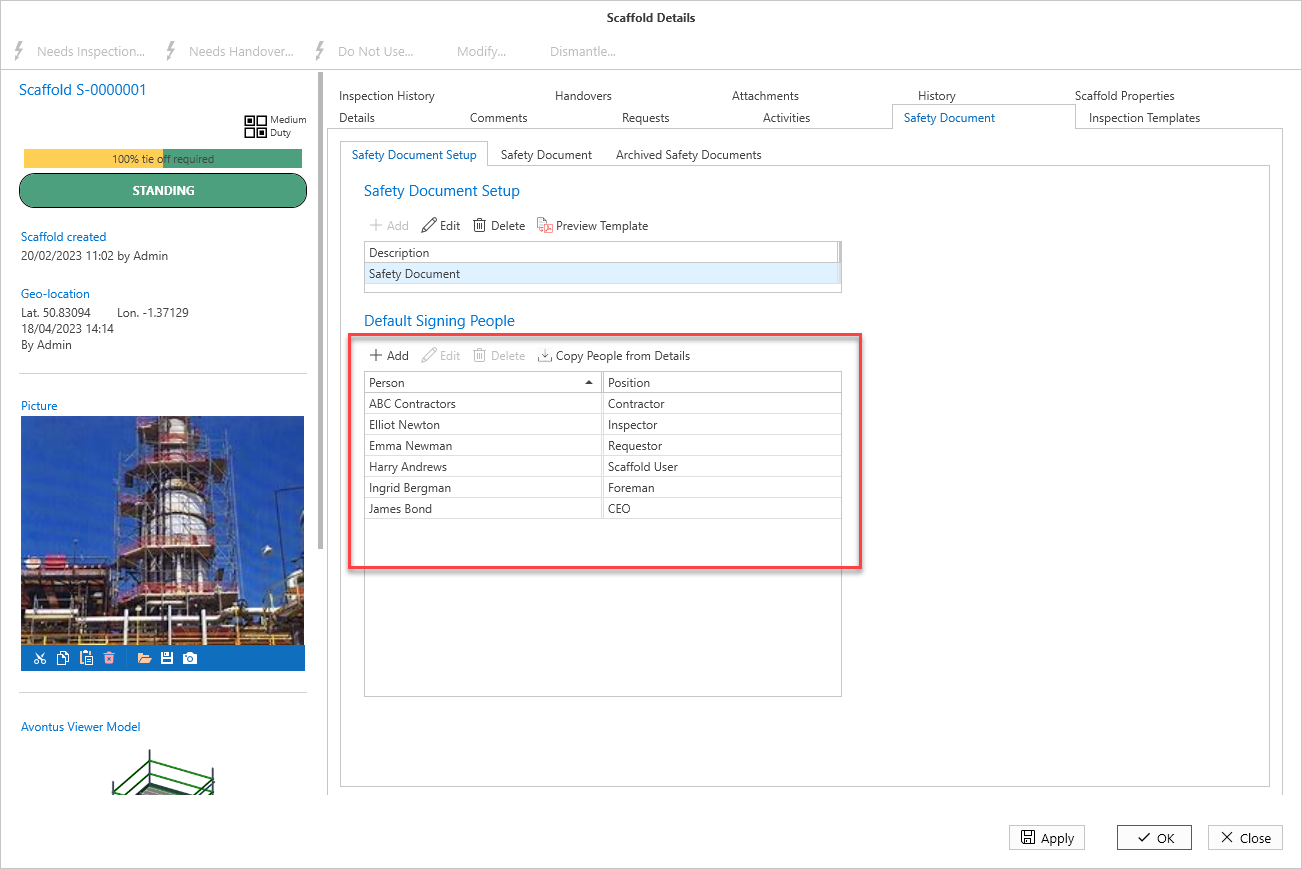
Adding Signing People
Signing People can be added after the document has been added to the Scaffold or Request. This could be for temporary or new staff members who joined after the document was added to the Scaffold (or Request)
Open a Scaffold’s details
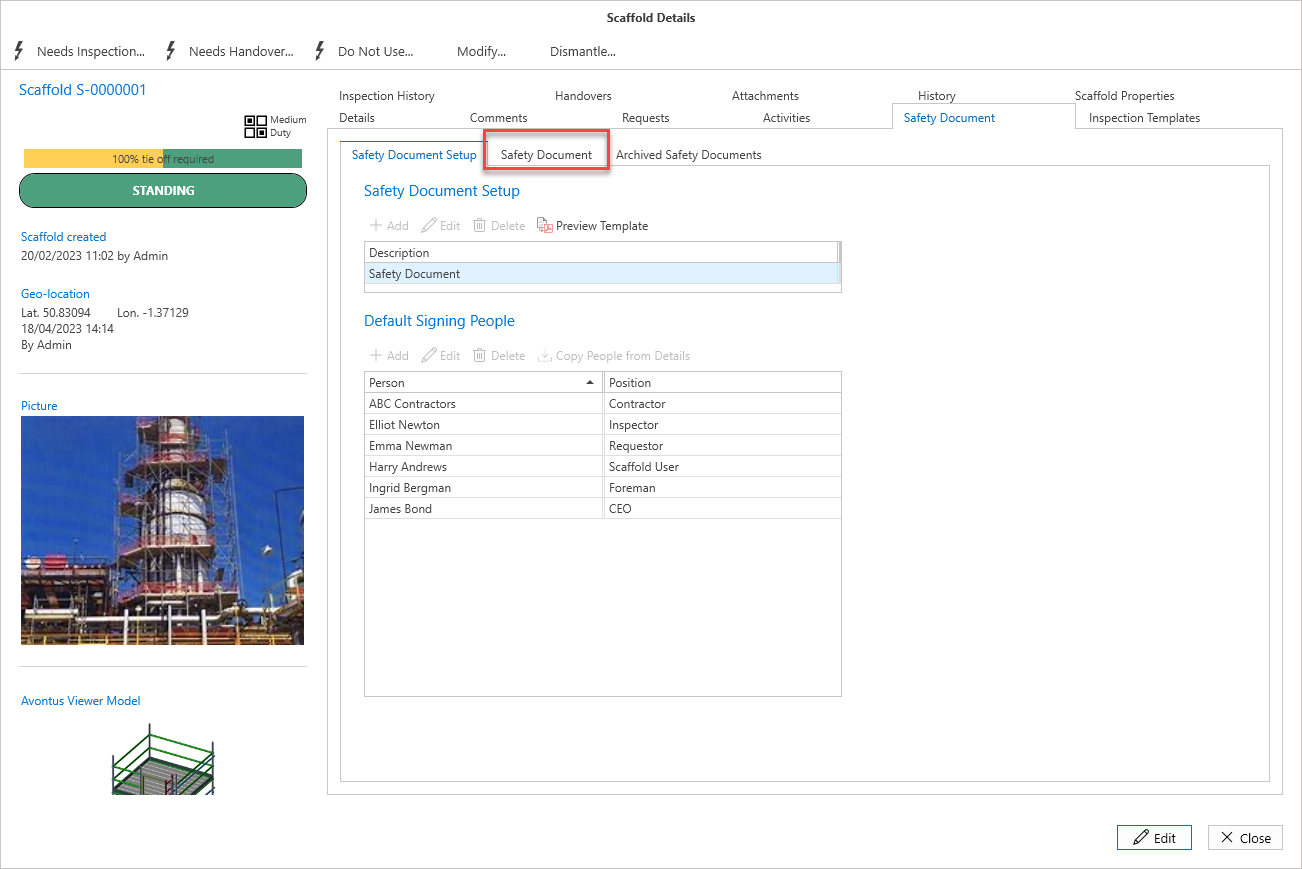
Select the Safety Document tab
Click the Safety Document tab
Click Edit
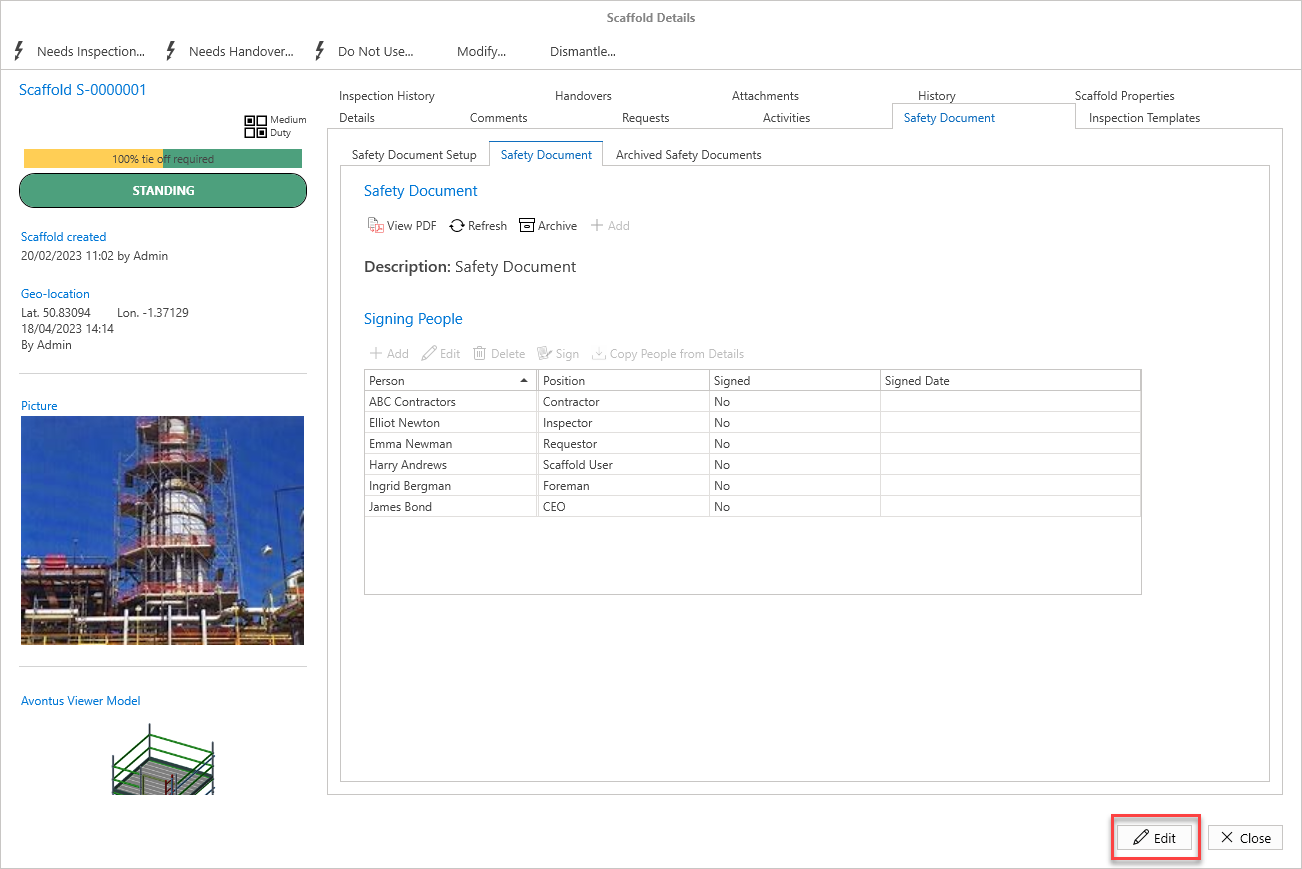
Click Add
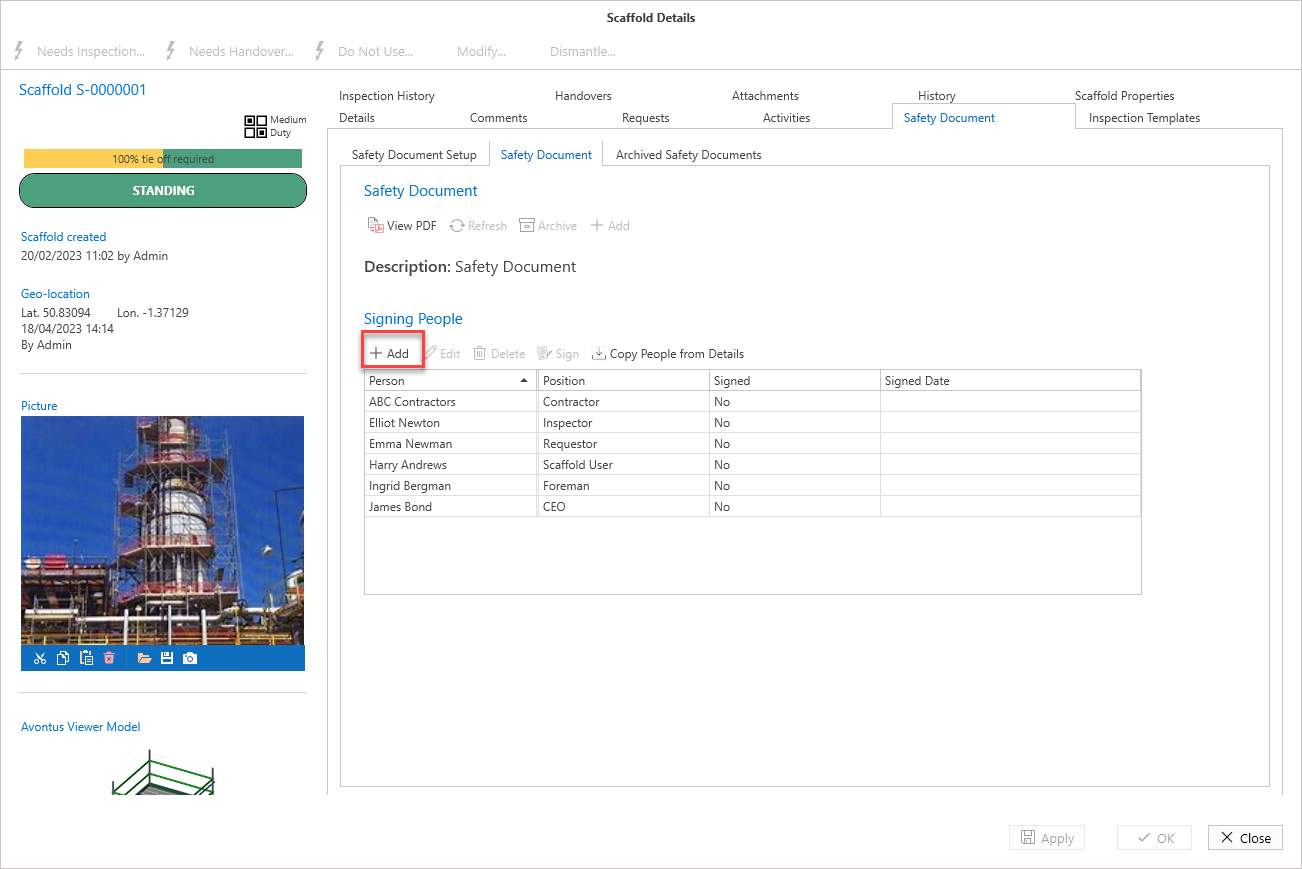
Add the user’s name and position
Click OK
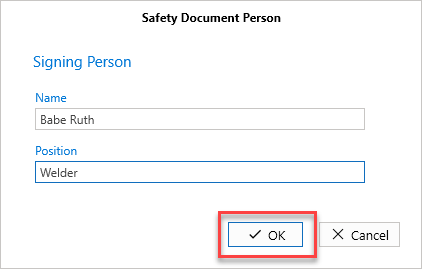
The user will be added.
Note that this user will be removed from the list of Signing People when the document is archived.