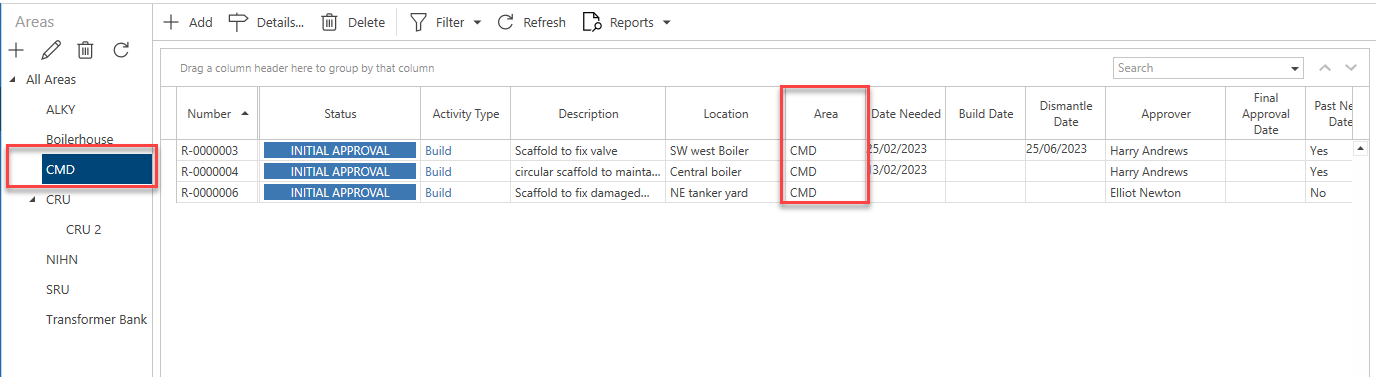
Similar to the Map screen, you can view requests that have been assigned to a specific area by selecting the area name. For instance, the image below shows a table where only requests assigned to the area ALKY are displayed.
To do this, select an Area on the left-hand side and the table will update to only show requests assigned to that area.
For more information, please see Working With Areas.