Any Contractors created in the Contractors screen can be assigned to a Request or Scaffold.
To do this
- From the Map screen, click on a pin of a Request or Scaffold.
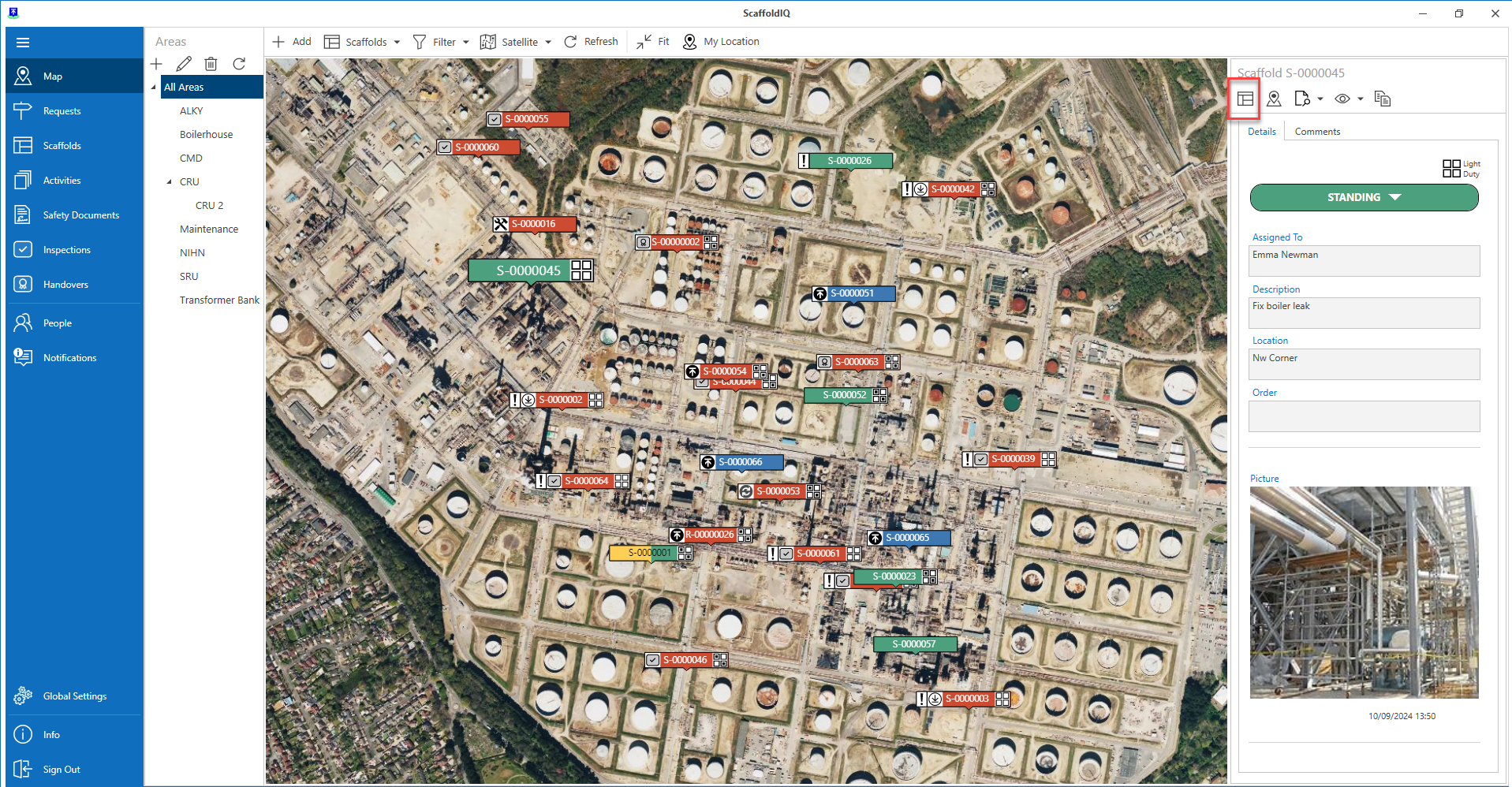
- Click the details icon.
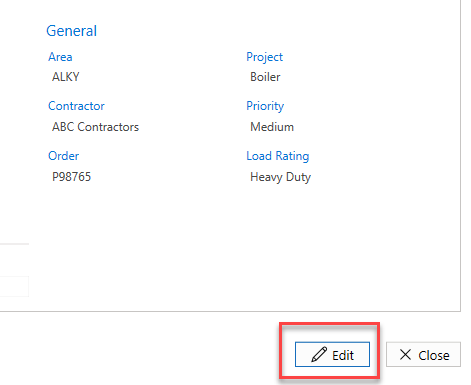
- Click the Edit button.
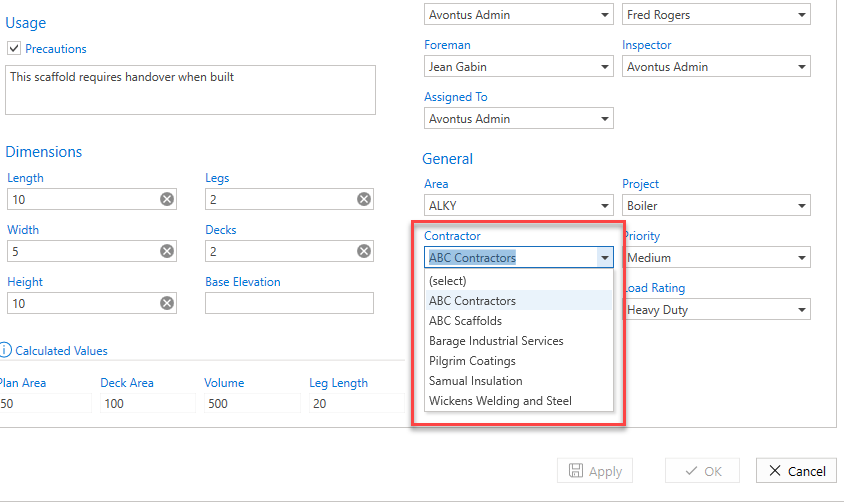
- In the General section, select the Contractor from the drop-down.
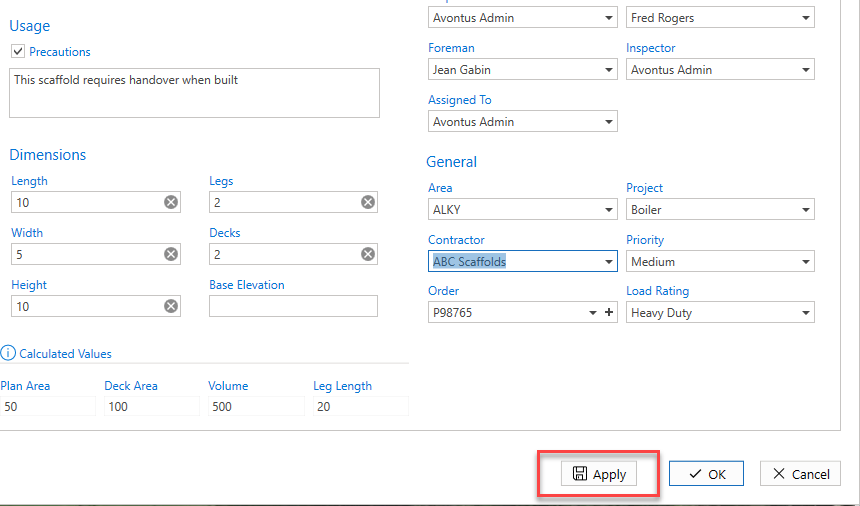
- Click Apply.