It is possible to delete a Contractor when it is no longer required. However, you will have to unassign that Contractor from all Requests and Scaffolds it is assigned to, including dismantled Requests and Scaffolds.
To delete a contractor
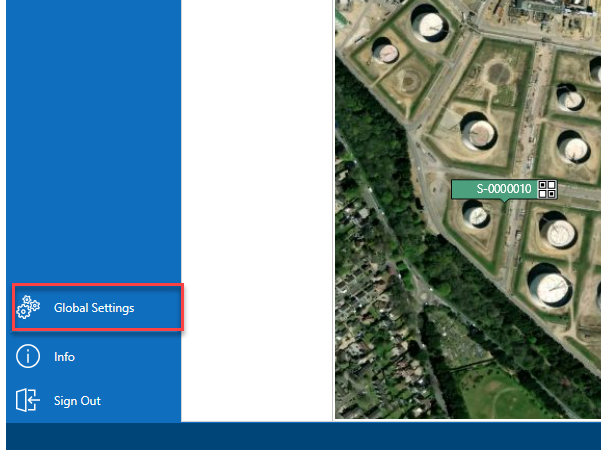
From the Map screen, select Global Settings on the panel to the left.
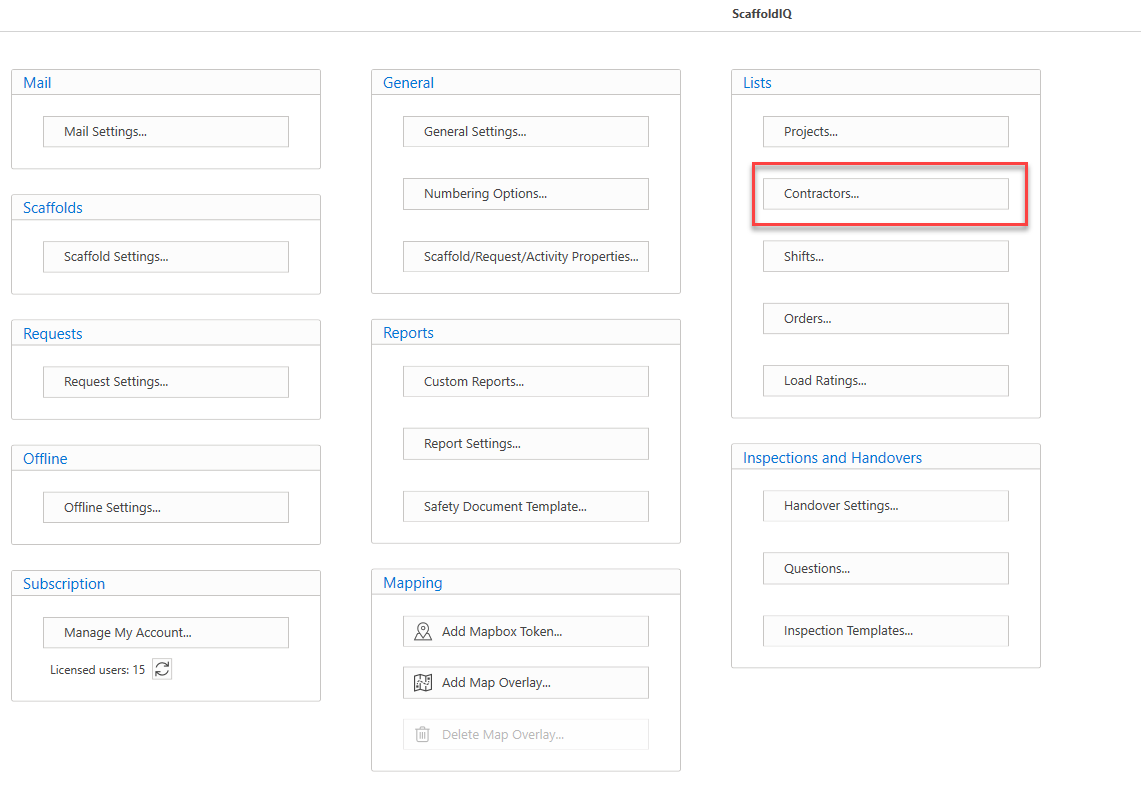
Under Lists, select Contractors
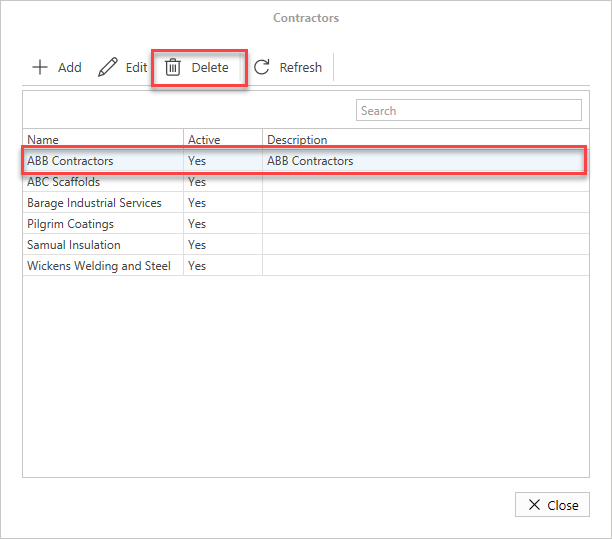
In the Contractors screen, select the contractor to remove and click Delete.
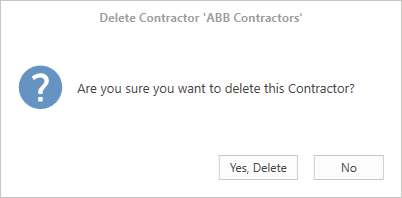
Click Yes, Delete to confirm you wish to delete the contractor.
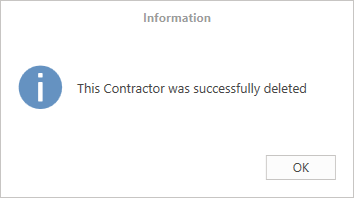
You will get a message stating that the contractor has been successfully deleted.
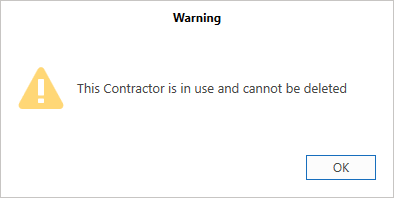
Note: You cannot delete contractors assigned to any requests or scaffolds. If you try to delete a Contractor assigned to a request or scaffold you will see the following warning.