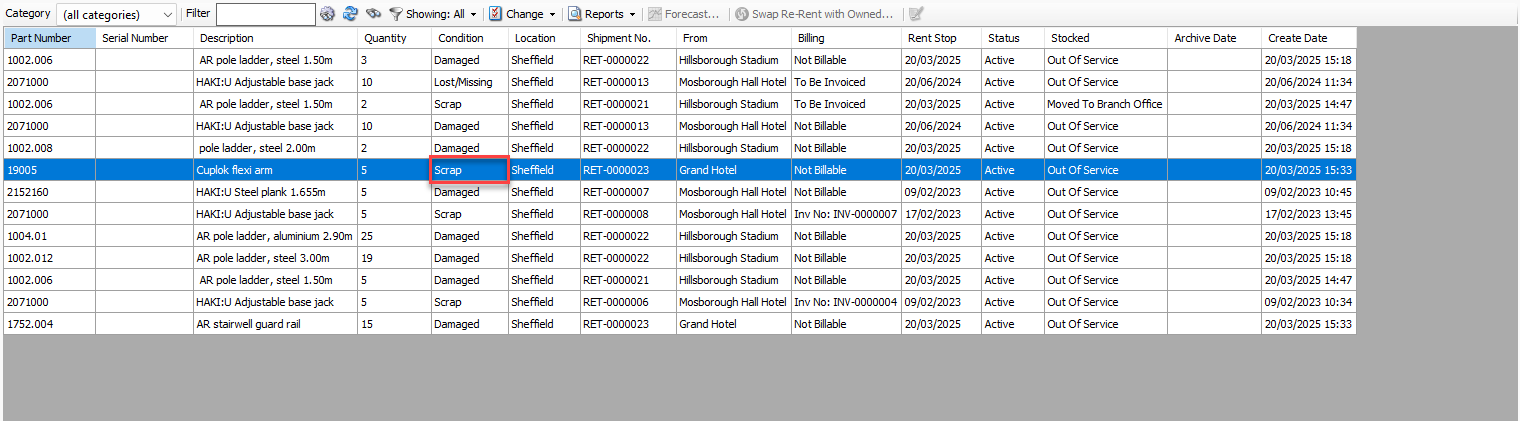
When a Product is added to the Out of Service queue, Quantify assigns it a condition status. You can change this condition up until the Out of Service Product has been invoiced.
To change the Out of Service condition for a Product:
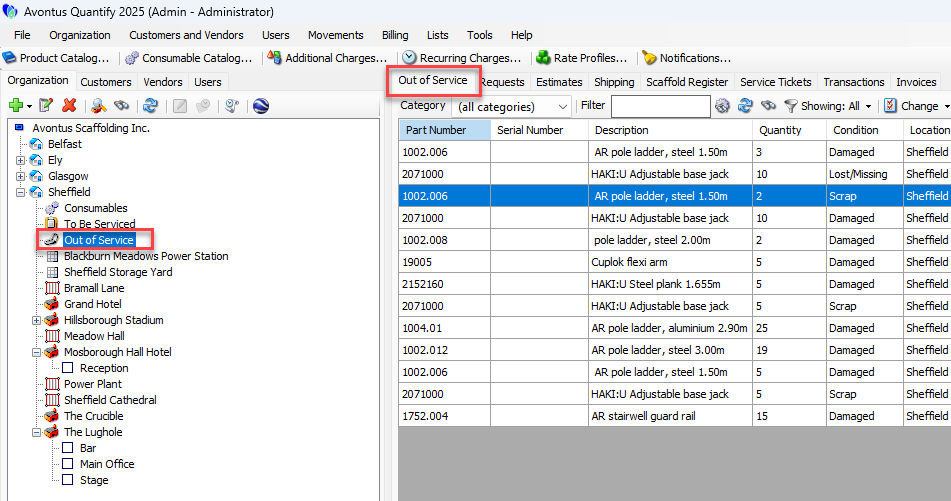
Locate and click the Out of Service node for the appropriate Branch Office, then click the Out of Service tab.
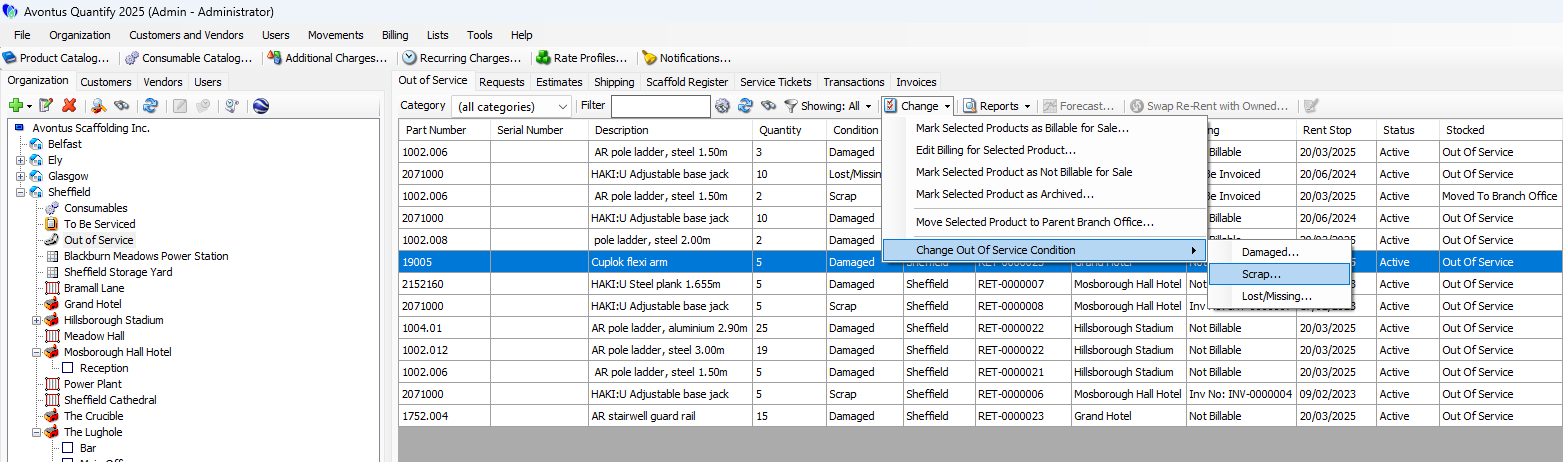
Click the appropriate item, then click the Change dropdown and select the appropriate condition from the Change Out of Service Condition sub-menu.
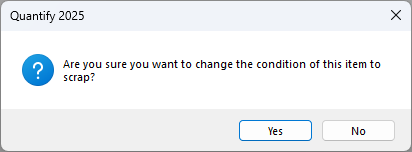
A confirmation message appears.Click Yes.
Quantify changes the status in the Condition column.