You may want to change the location of the Text box and adjust the Leader ramp while keeping it connected the original connection point in the drawing.
To change the Text box location and ramp size:
- Click and drag the left shape handle to move the Text box and connecting arrow up, down, left or right on the page.
Notice that the Leader remains glued to the green connection point.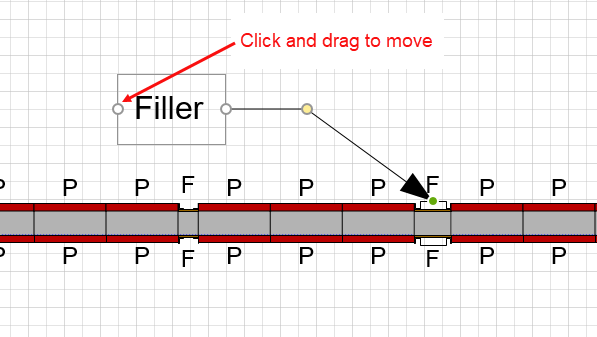
- Click and drag the yellow circle to adjust the length of the Leader ramp.
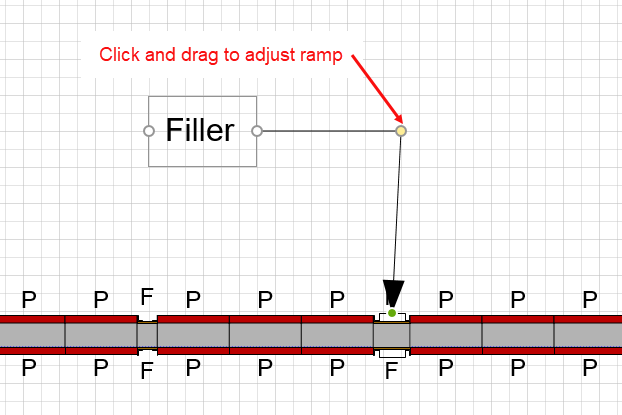 \
\ - Click the Drawing Page to exit editing mode.