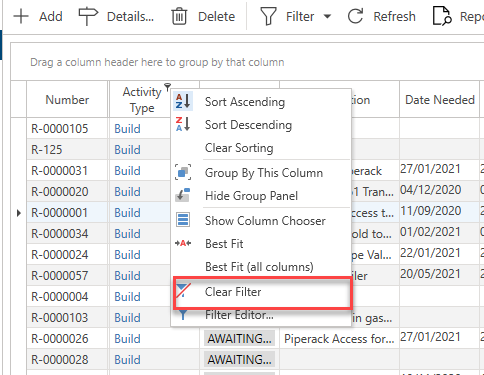
When filtering the table, right-click on the column being filtered then click Clear Filter to remove the filter and display all content.
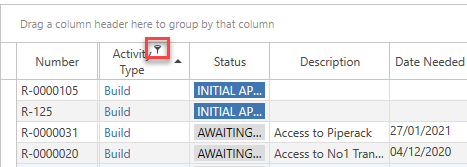
A filtered column is indicated by a small key icon.
You can also clear the filter by clicking the X at the bottom of the screen.
