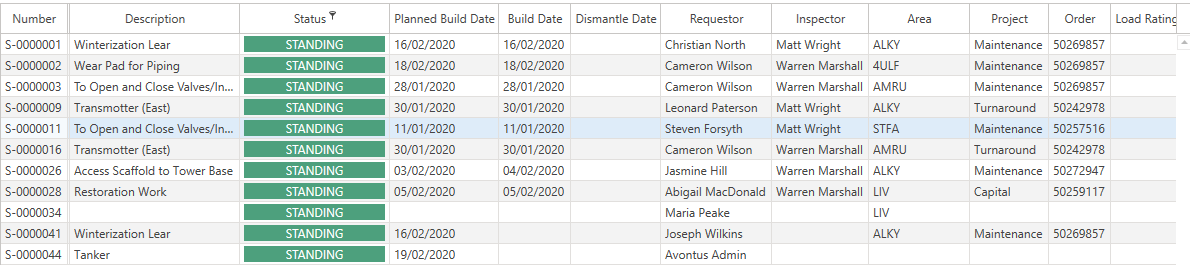
It is also possible to filter a column on the Requests, Scaffolds, Activities, Users and Notifications screens.
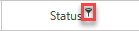
On each column, next to the column heading, is a small key like icon which allows you to filter results on that column.
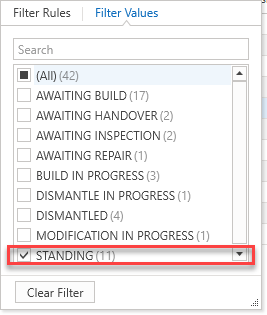
For instance, you can filter results, so the table only displays results where the Status is equal to Standing.
The table will then only display results where the Status is equal to Standing.