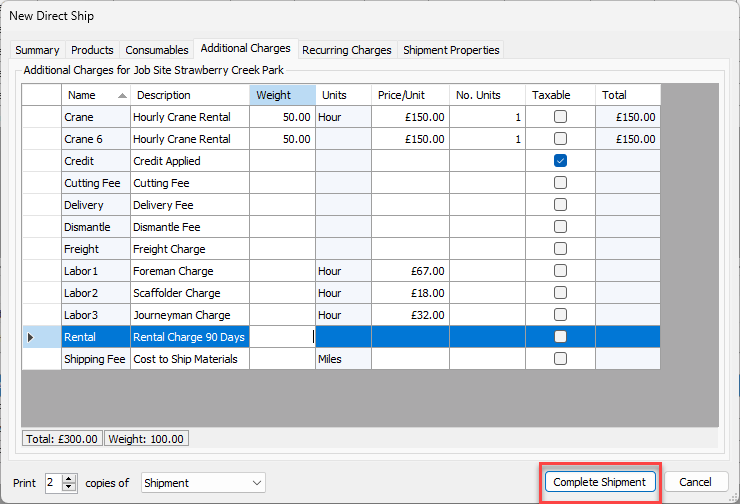
Use the Additional Charges tab to add one-time charges for items, such as freight charges. You can add weight, and the number of units to calculate the total cost of any additional charges.
To configure Additional Charges for the new Shipment:
- Click the Additional Charges tab.
- Locate and double-click the appropriate cell in the Weight column and enter the appropriate weight.
- Locate and double-click the appropriate cell in the Price/Unit column and enter the unit price.
- Locate and double-click the appropriate cell in the No. Units column and enter the number of units the charges apply to.
- Locate and click the appropriate Taxable checkbox.
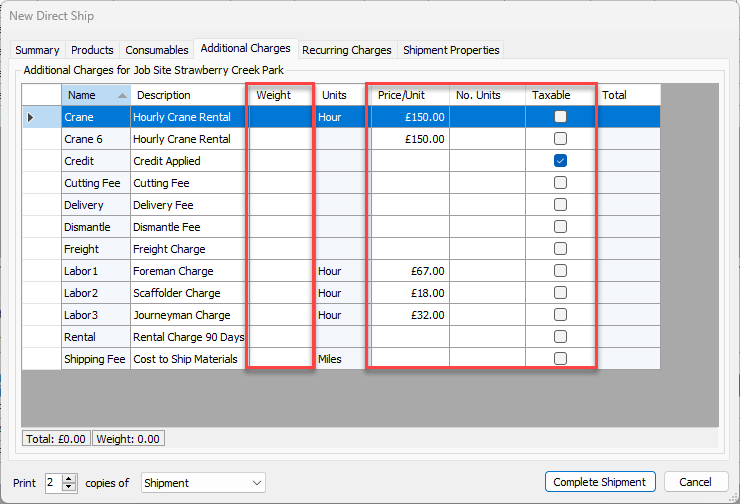
- Repeat the above steps as many times as necessary.
Once you have entered the information, you can view the Total and Weight for this Shipment in the bottom of the dialog.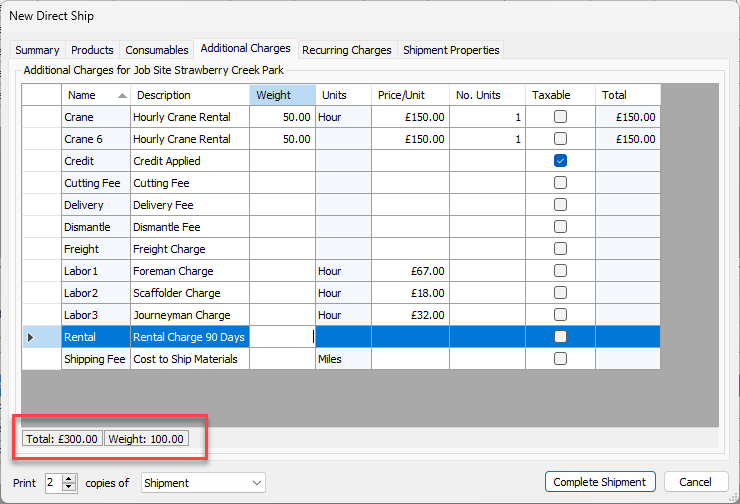
- Click Complete Shipment.