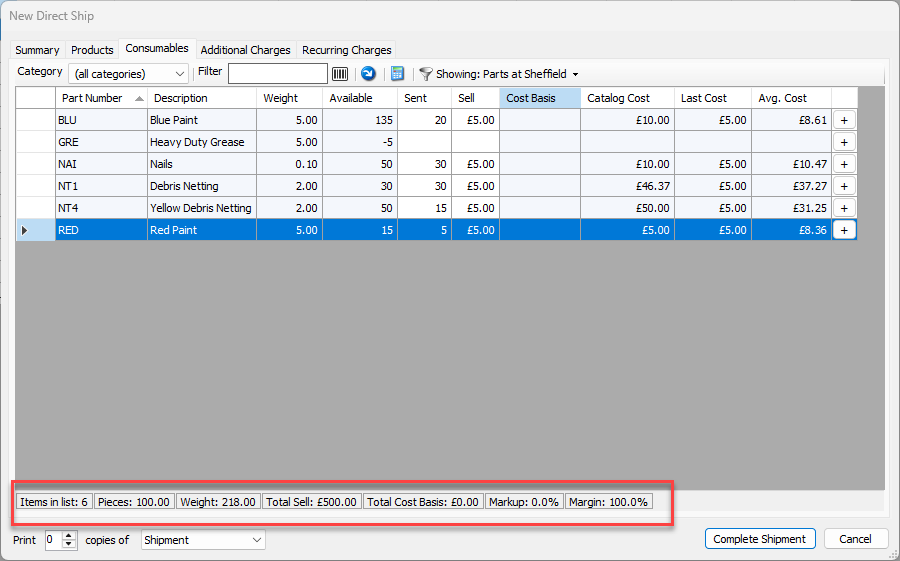
Use the Consumables tab to select the Consumables to be shipped with the delivery. Selecting Consumables for the Shipment is a simple click-and-enter process. You can specify how many will be sent, and how much the sell price will be. The rest of the information will be pulled from the Consumables Catalog.
To configure Consumables for the new Shipment:
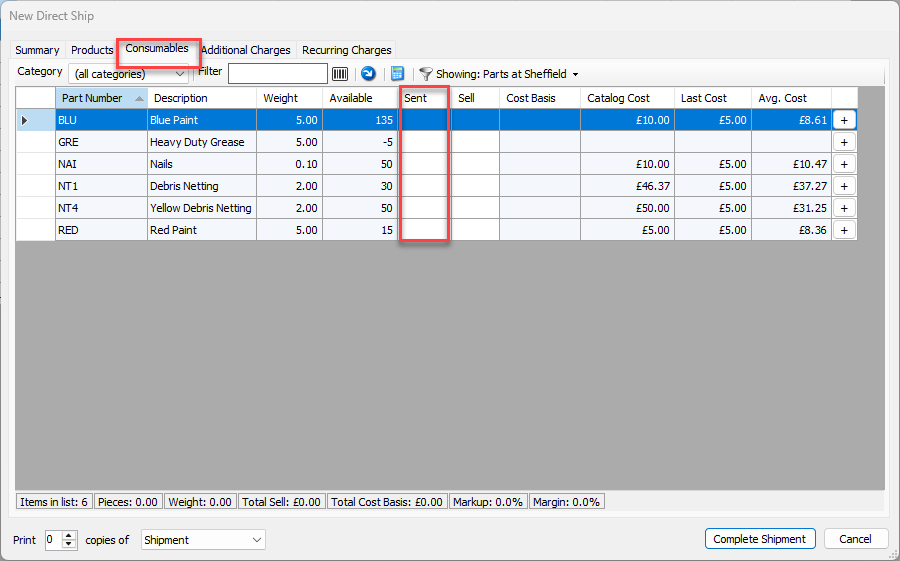
Click the Consumables tab.
Locate and double-click the appropriate cell in the Sent column and enter the number of units to include in the Shipment.
Note: The Available column shows the current stock of each part.
Alternatively, you can click the Plus ( ) button once for each unit you want to ship.
Quantify displays the total sell amount of Consumable items in the status bar at the bottom of the Consumables tab.