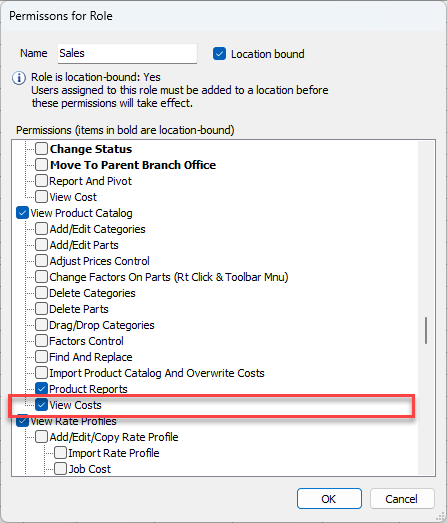
Security permissions are available for the Consumable Catalog and for the Sell and Cost columns on the Consumables tab on the New Direct Ship dialog.
Configuring Consumable Security Settings
To grant permissions for a role that needs the ability to create and maintain the Consumable Catalog, edit the security permissions for the role.
To configure consumable security settings:
Click the Users tab
Click the Security dropdown and select Edit Permissions.
.gif)
The Roles dialog appears.
Click the appropriate role and then click the Edit button.
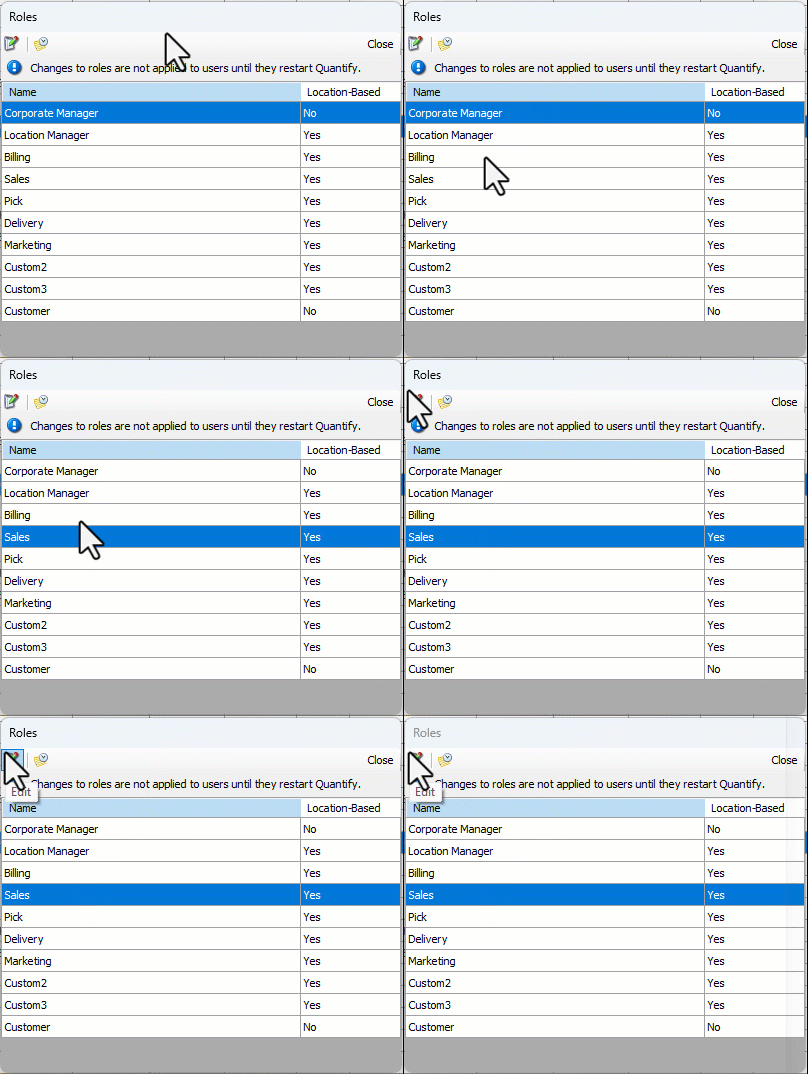
The Permissions for Role dialog appears.
Click the View Consumable Catalog checkbox
This grants all permissions in the View Consumable Catalog section.Note: You can also select individual Consumable Catalog permissions that the role requires.
Click OK.
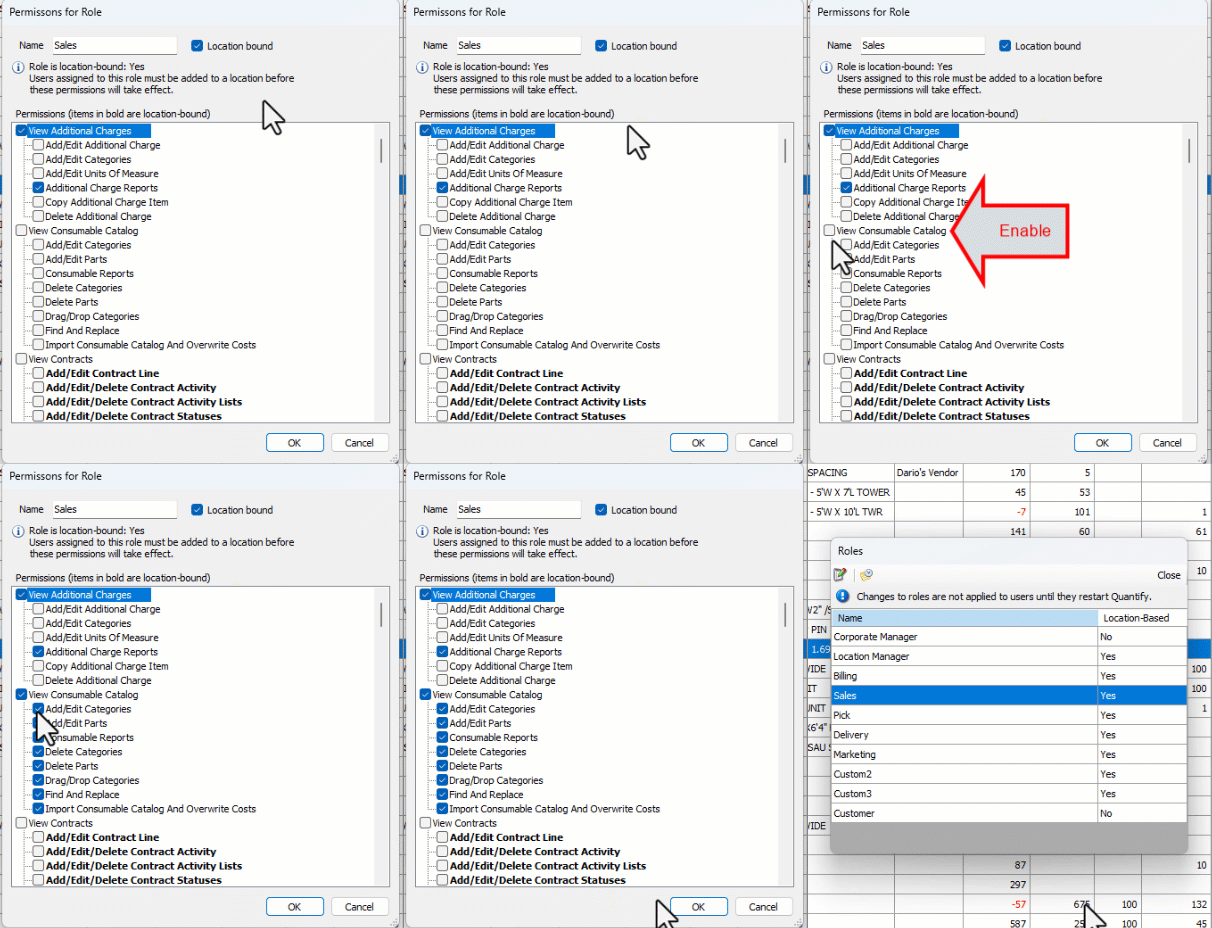
The Roles dialog returns.
Repeat the above steps for each appropriate role.
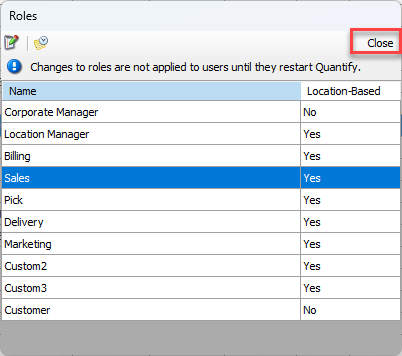
Click Close in the Roles dialog.
Permissions to Hide Costs
Quantify has permissions that enable you to hide the costs in Product Catalog, Rate Profiles and Out of Service dialogs, pivots and reports. These permissions restrict viewing to only specified roles.
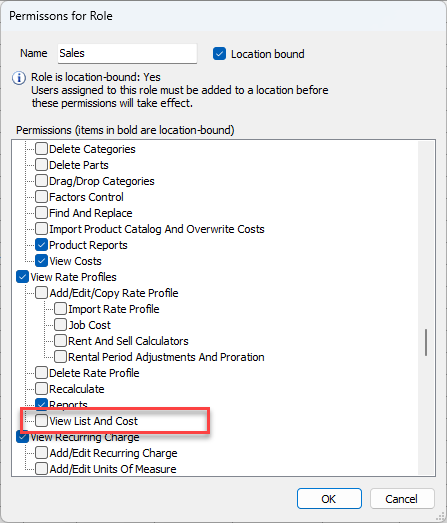
The View List And Cost permission controls the visibility of list and cost in the Rate Profile dialog and report.
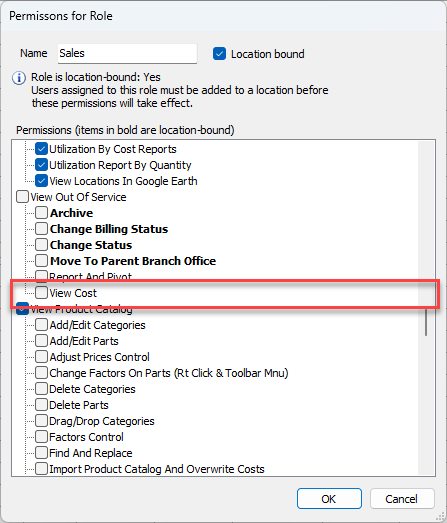
The View Cost permission controls the visibility of cost data in the Out of Service Products pivot.
The View Cost permission controls the visibility of cost data in the Product Catalog, the Product Pricing, and the Product Catalog pivots.