On Global Options, you can add a Domain Name so that any username with an email address on this domain will log in via Azure Active Directory (AAD).
You can create an Entra login on the Microsoft Azure Website, more information on this can be found here - Azure Active Directory.
You can then add emails associated with the specified domain in the username option of the user.
In the Users tab, double-click a user.
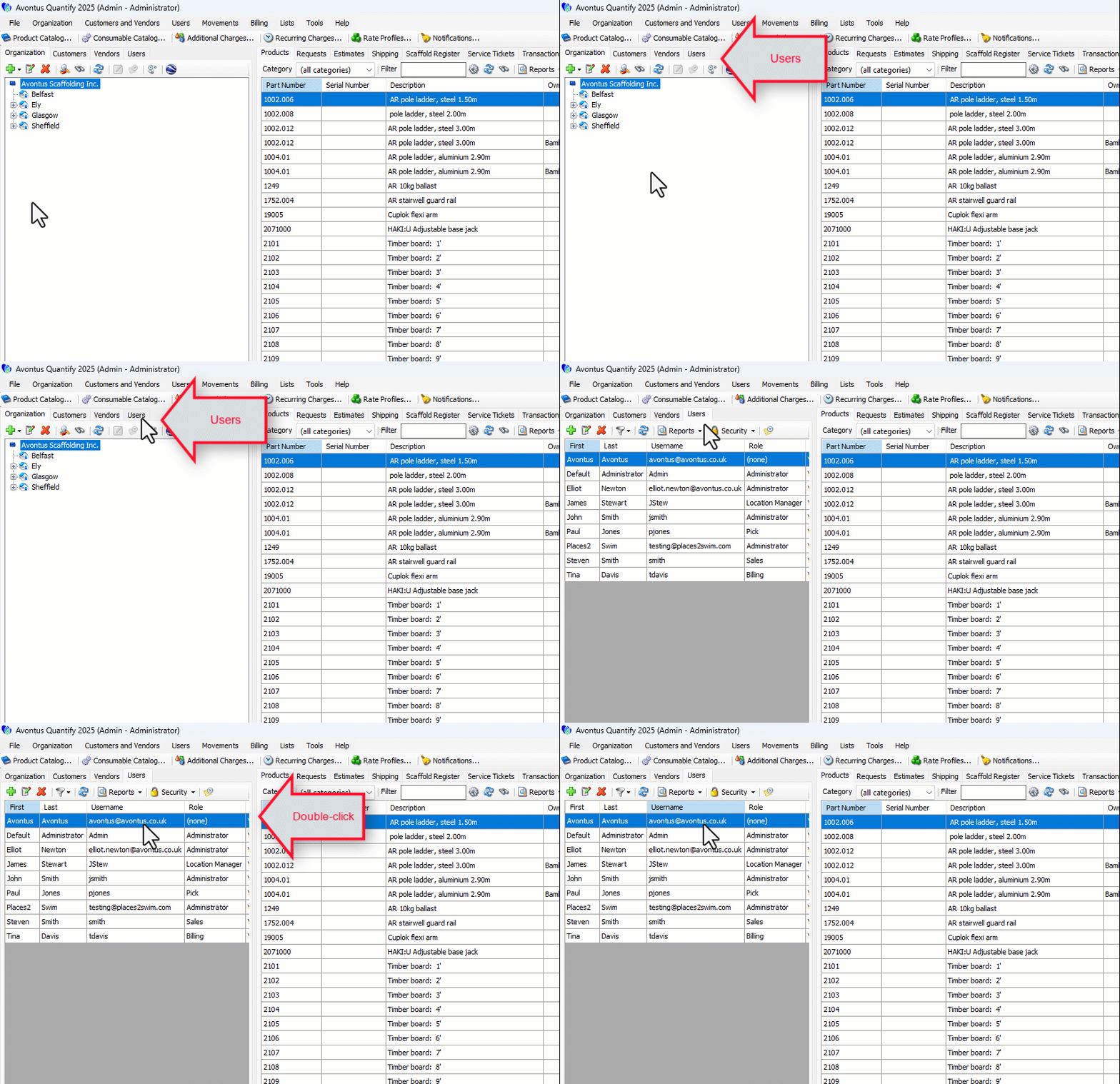
In the image below, you can see the username contains an email address.
.png "image(89).png")
A user can then log in using that email address where they can then log in from the domain.
.png "image(87).png")