For global account types (consumable sales, rent, delivery and return charges, etc.), this column maps to the revenue credit code set in the Accounting Item Type area of the Billing tab in the Global Options dialog. The word Invoice is appended to this value. For example, a revenue credit of Hire will export to this column as: Hire Invoice.
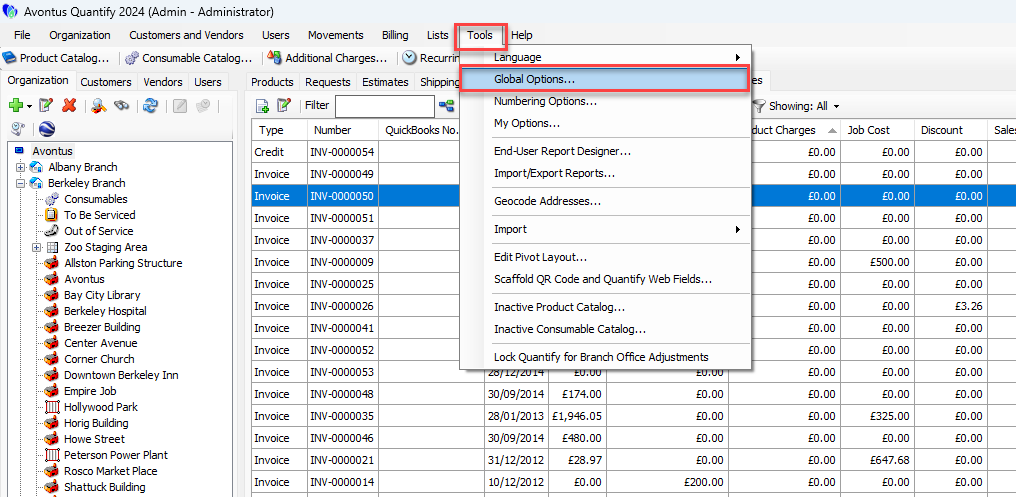
Click the Tools menu and select Global Options.
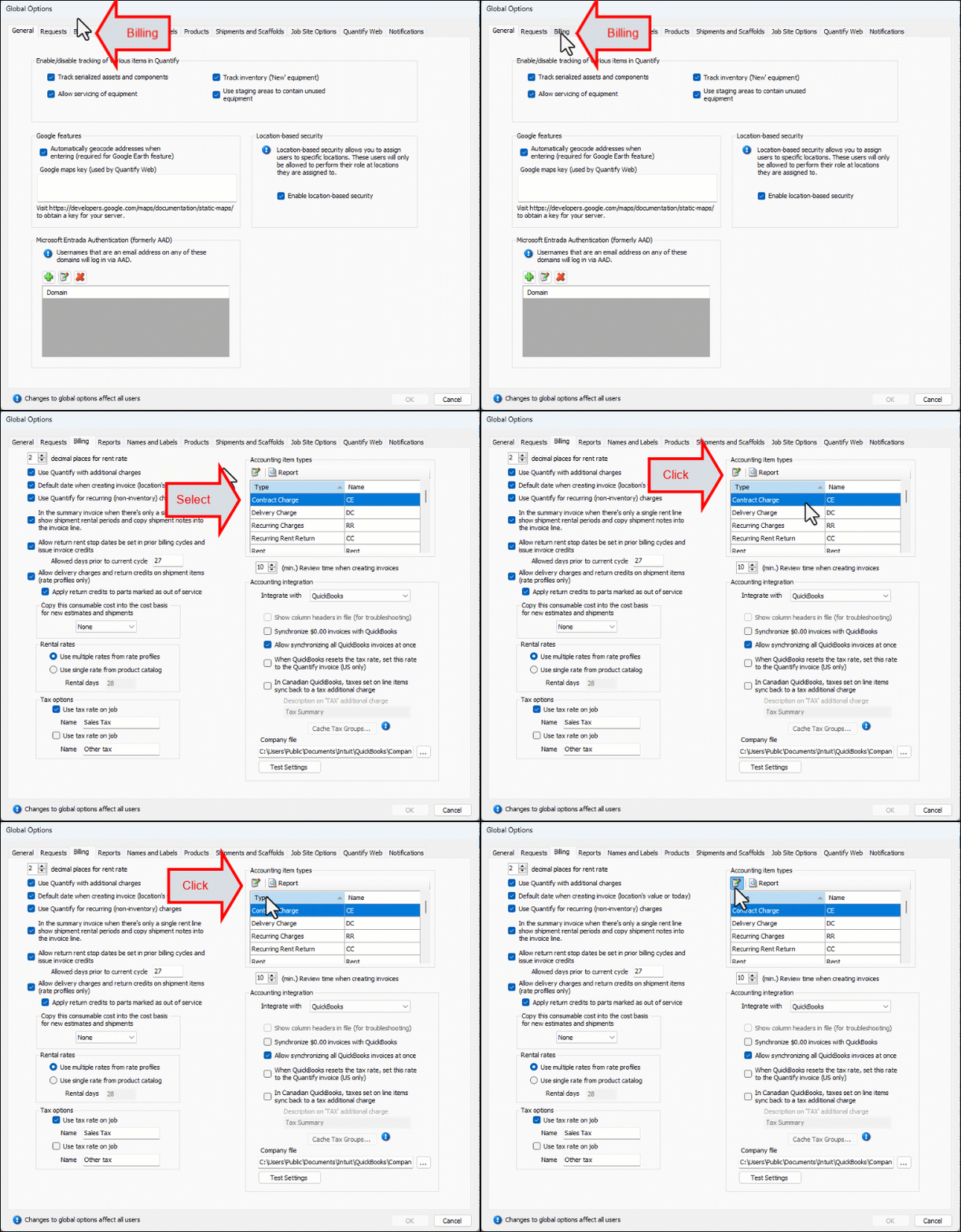
The Global Options dialog appears.Click the Billing tab.
Click the first item in the Accounting item types area and click Edit.
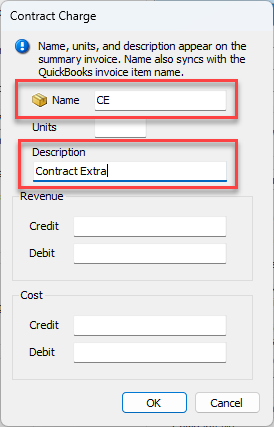
The Contract Charge dialog appears.Click in the Name text field and enter the appropriate name for the item.
Click in the Description text field and enter an appropriate description for the item.
Click OK.
The Global Options dialog returns.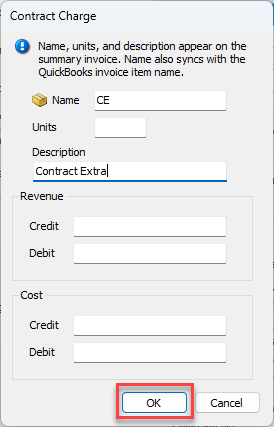
Repeat the above steps for each item you want to change.
When you are done, click OK in the Global Options dialog.