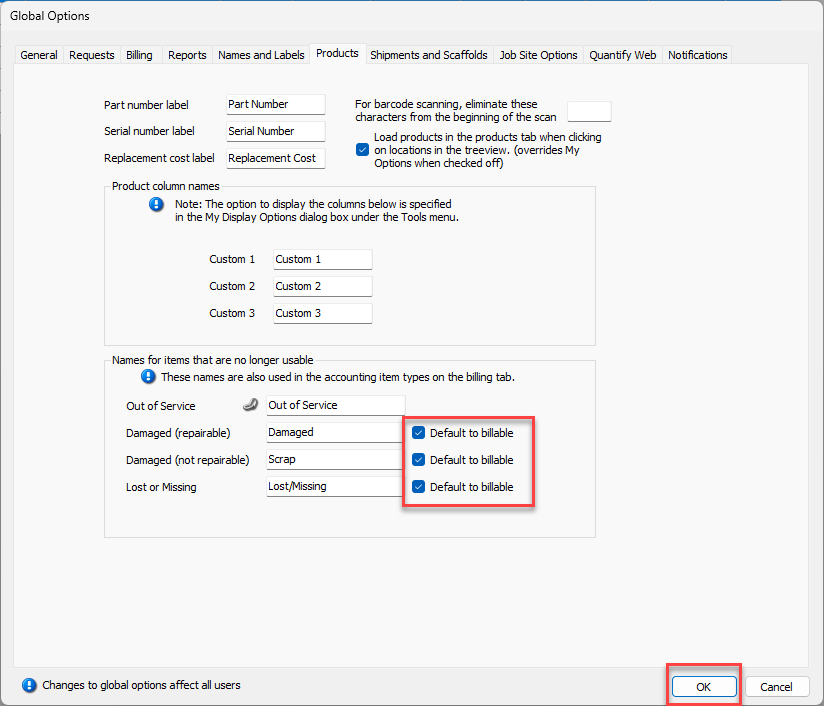
The Out of Service feature enables you to place items that aren't returned, returned damaged or damaged beyond repair Out of Service. Quantify moves Out of Service items to an Out of Service queue until repaired and placed back into service and/or optionally billed back to the job site.
The default names and labels used in the Out of Service feature are set at the global level and can be changed to whatever labels needed for your company. The default billable setting is also set at the global level.
To configure Out of Service names and labels:
Click the Tools menu and select Global Options.
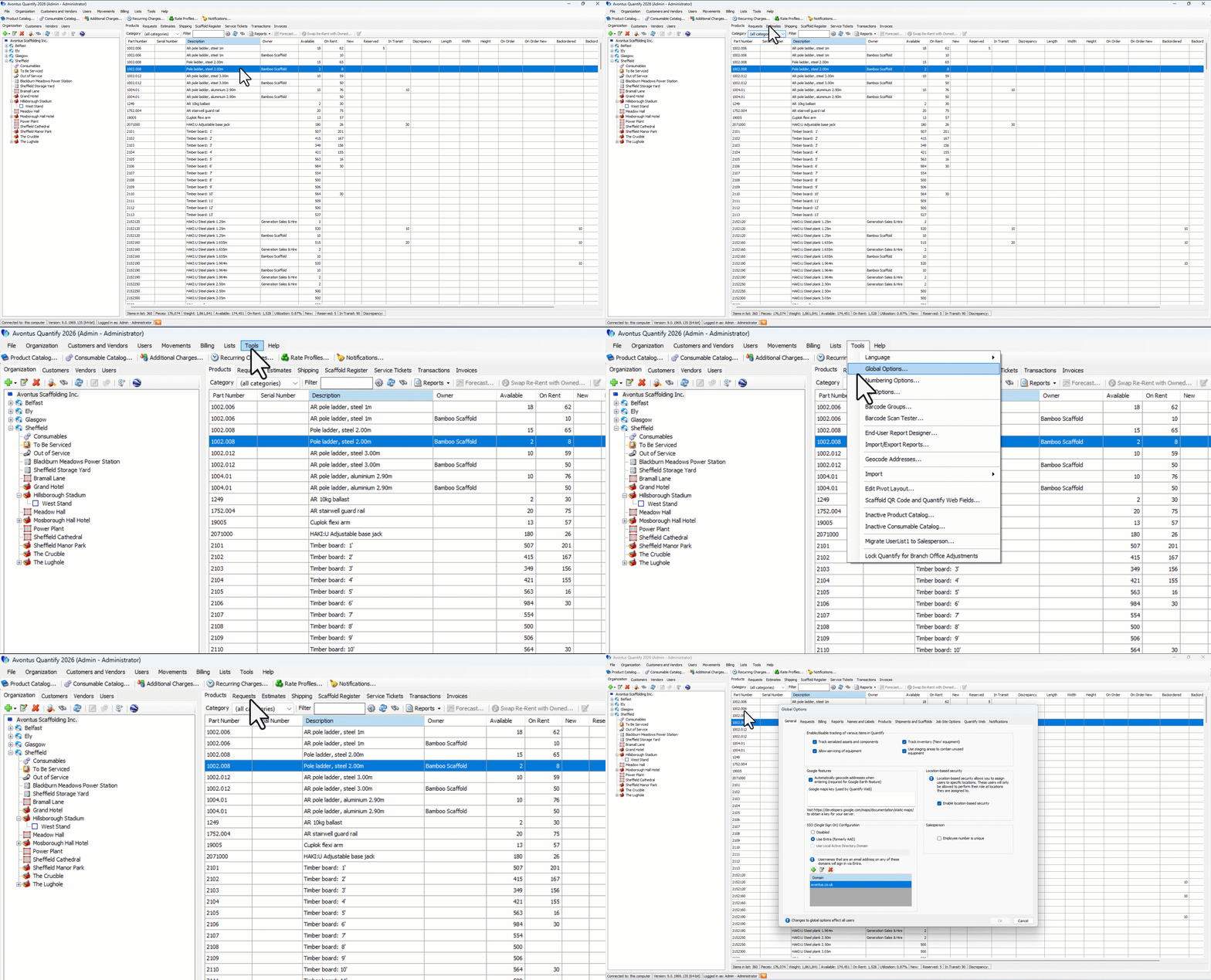
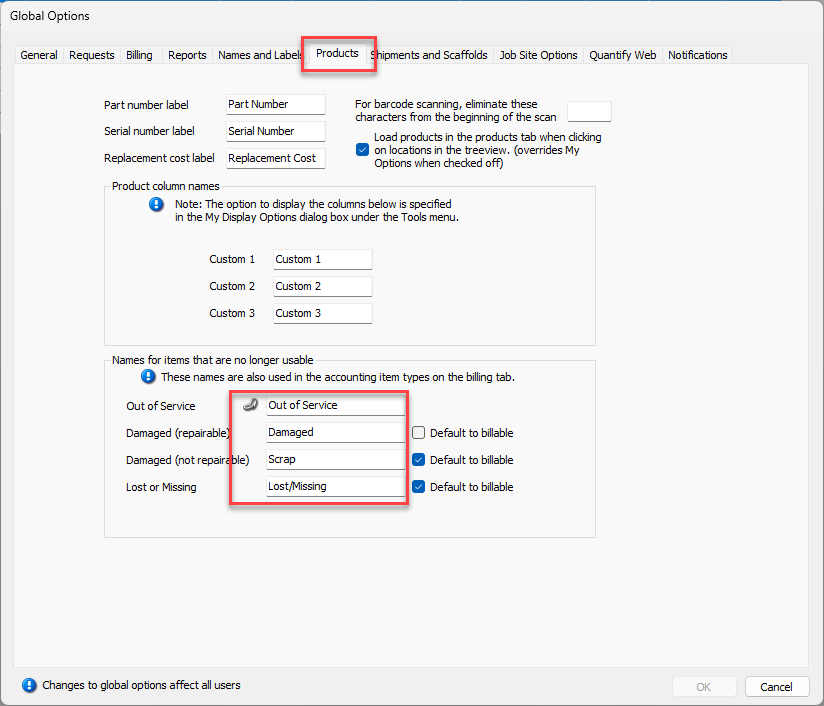
The Global Options dialog appears.Click the Products tab.
As necessary:Click in the Out of Service text field and enter the appropriate label.
Click in the Damaged (repairable) text field and enter the appropriate label.
Click in the Damaged (not repairable) text field and enter the appropriate label.
Click in the Lost or Missing text field and enter the appropriate label.
To configure billable defaults, click the appropriate Default to billable checkbox(es). When checked, those Out of Service items will default to be billable (set To Be Invoiced) when returned from Job Sites.
Click OK.