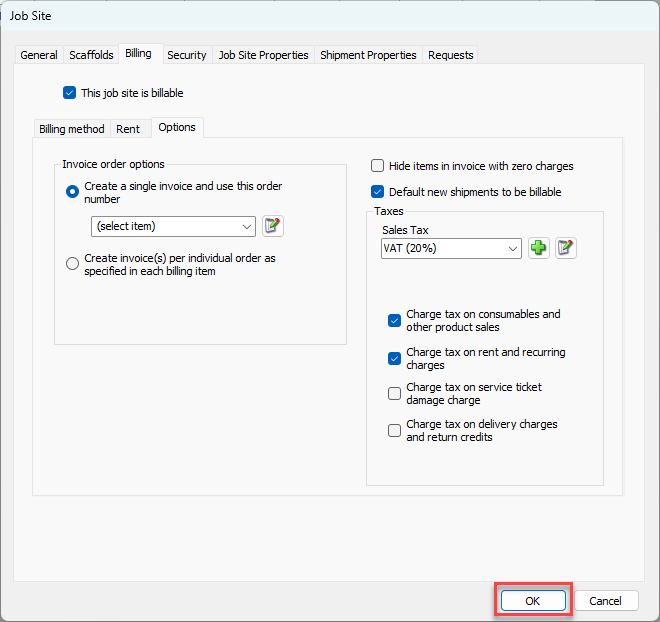
Configuring tax options for a Job Site is a straightforward process of selecting which tax to apply and what to apply it on. These procedures only require a few steps, all done in the Options sub-tab in the Billing tab of the Job Site dialog.
To configure tax options for a Job Site:
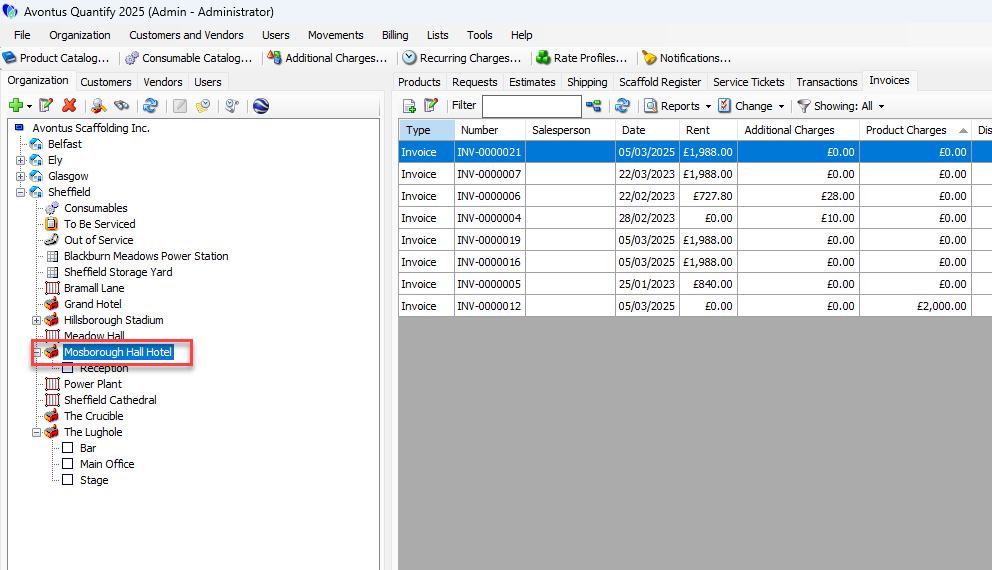
Locate and click the appropriate Job Site, then click the Edit Selected Item button. You can also double-click the Job Site
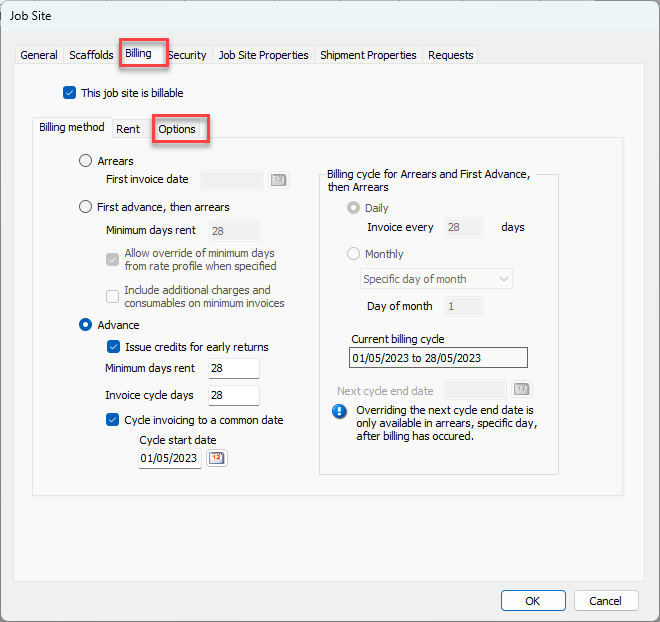
The Job Site dialog appears.Click the Billing tab, then click the Options tab.
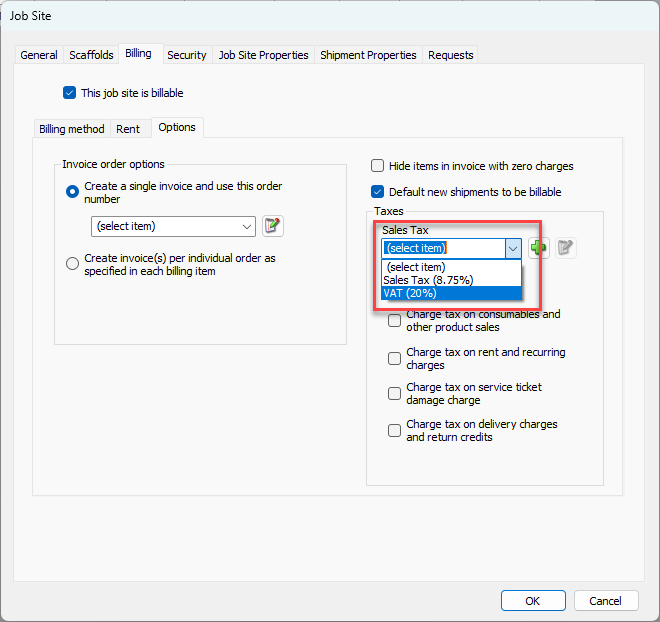
In the Taxes section of the tab:Click the tax dropdown and select the appropriate tax option.
Click the appropriate Charge Tax checkbox(es) to determine which items should be taxed for the selected job site. Quantify can now apply these taxes per the options selected in the check boxes.
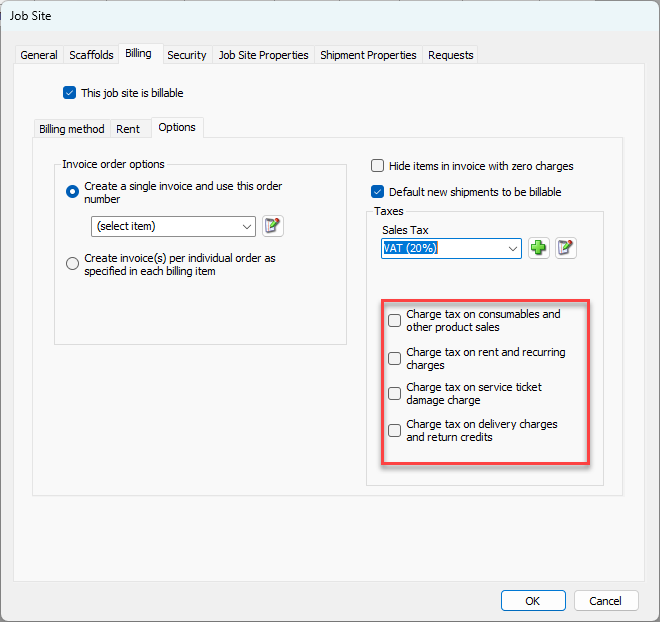
Note: The checkboxes available will vary based on settings in Global Options.
Click OK.