Use the Forecasting tab to include this Estimate in Forecasting reports. Quantify uses the delivery date and any noted distribution to affect Forecasting quantities.
Note: Delivery and return quantities can be affected by distribution entries.
Note: For an explanation of all the fields in this tab, refer to About the Estimate Dialog Forecasting Tab.
Refer to Forecasting for complete Forecasting information.
This article contains the following:
Configuring the New Estimate's Forecasting Tab
To configure the new Estimate's Forecasting tab:
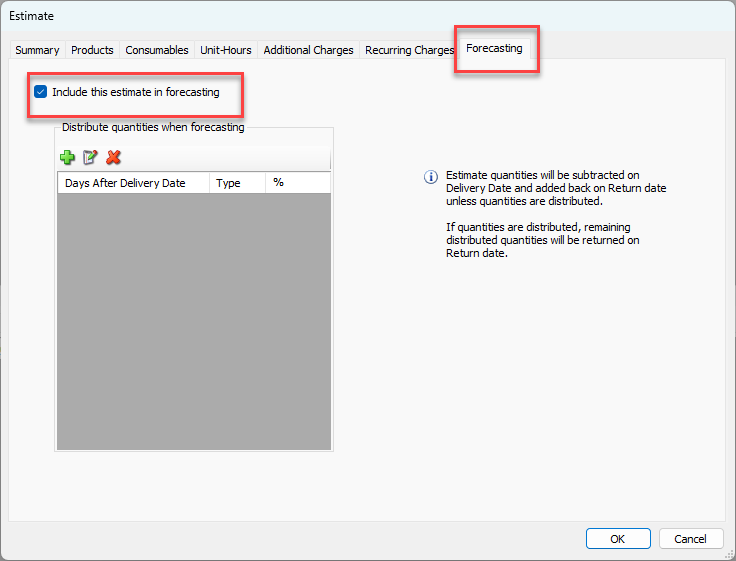
Click the Forecasting tab.
Click the Include this Estimate in Forecasting checkbox (to put a check in it).
Note: You can disable this option at any time.
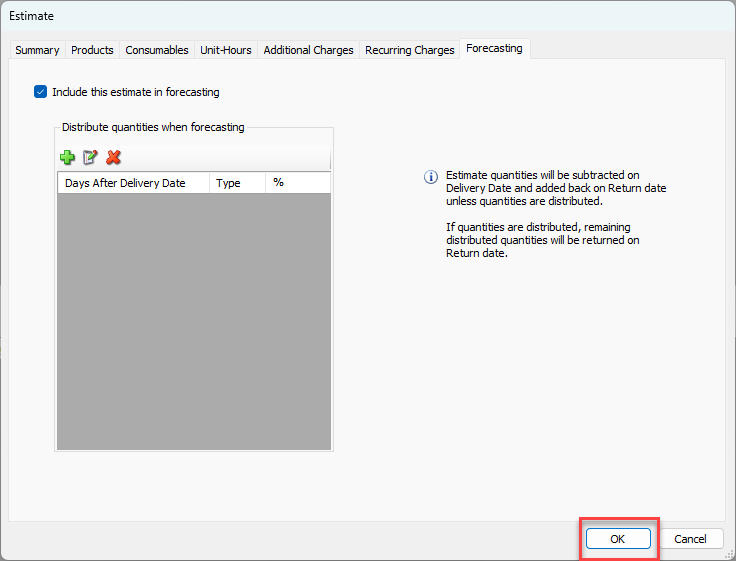
Click OK if you are done.
Adding a Distribution to the New Estimate
Distributing quantities is optional. Add a distribution if quantities will be delivered/returned over a period of time. If no distribution is noted, Quantify reduces all quantities as of the delivery date from the stocking location inventory and increases all quantities as of the return date on Forecasting reports.
Warning: When using distribution for delivery quantities, the total of all delivery percentages must equal 100%. If not, Quantify does not include undistributed quantities in Forecasting reports.
To add a distribution:
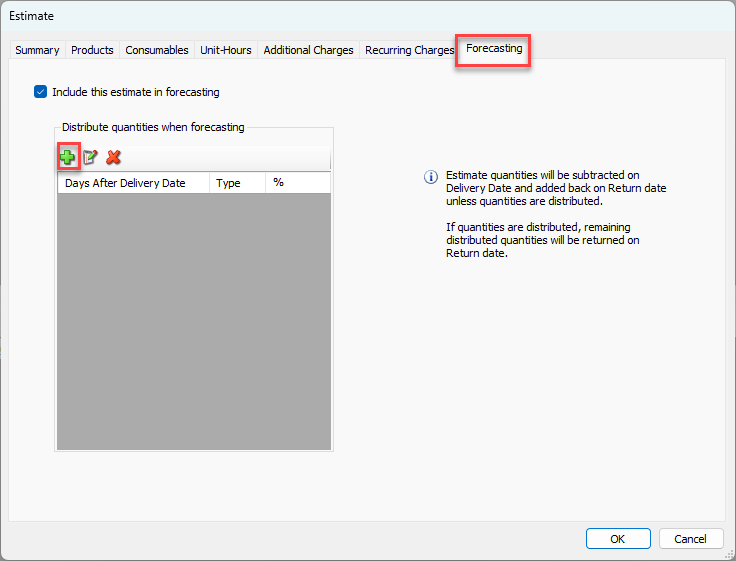
As necessary, click the Forecasting tab, then click the Add button (
 ).
).
The Distribute Forecast dialog appears.Click in the Days after delivery text field and enter the appropriate number of days after the delivery date that the quantities will be delivered/returned.
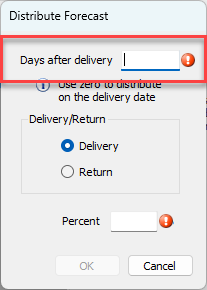
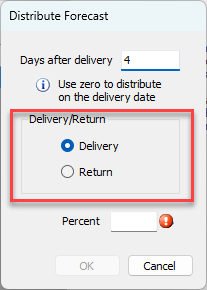
Click the appropriate radio button: Delivery or Return.
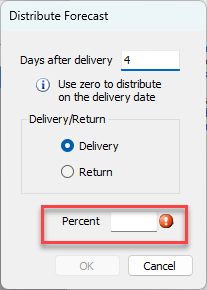
Click in the Percent text field and enter the percent of the total quantities in the Estimate to send/receive.
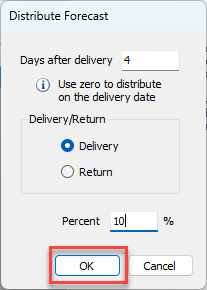
Click OK.
Add additional Distributions as needed.
For the delivered amount, any remaining quantities/percentages not specifically distributed will NOT be delivered. For the returned amount, any remaining quantities/percentages not specifically distributed will be returned on the Estimate's return date.