Whether Handset Designer is already running, you have to create a new drawing in order to start a new project.
To create a new drawing:
Navigate to your Desktop and double-click the shortcut.
Note: If you have already started Handset Designer. press the Control (CTRL) and N keys on your keyboard simultaneously, then click the Handset Designer tab after the new Drawing Page appears. Or, if necessary, start a new drawing from scratch.
Handset Designer launches and displays a new drawing.
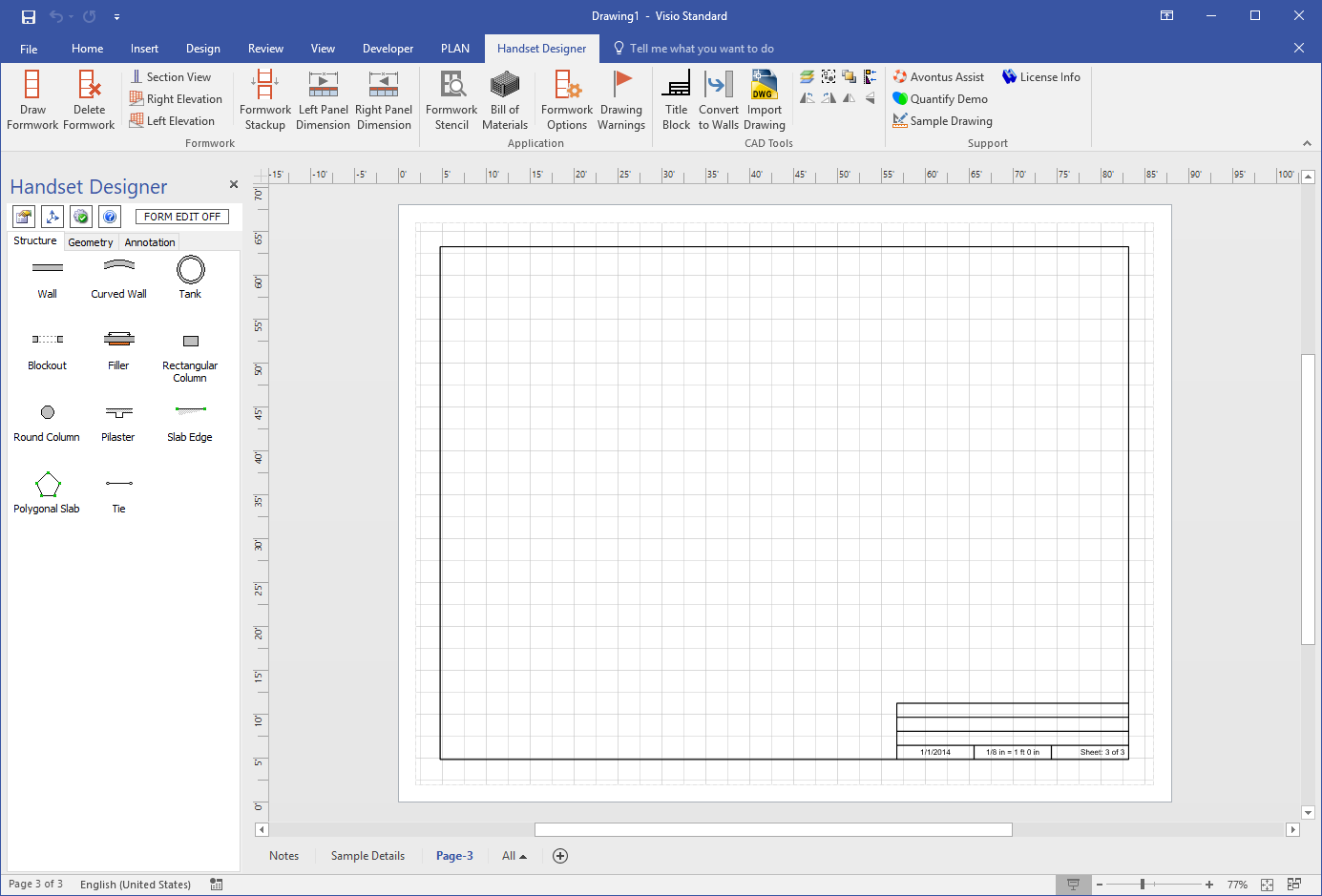
Before you start a drawing, you should configure the settings for it.